

First, the links in my single images disappeared.. and the images get bigger.. The size before (VC) was “full”. It was responsive. Now I must put a number (numeric value) but this is not useful, and I don’t know that will be responsive, given exact value.. http://www.aturquia.com
And another webpage the list of links disappeared totally. I don’t remember how I did before but it was there. After 8, it disappeared.. And I think there was a youtube video.. that’s disappeared too http://www.ersoybalci.com

Hello ersoy B.,
I have inspected your website and I did not saw any Image Box element, sorry! Did I miss it? I guess that you are referring to this TD Composer element, like this -> https://www.screencast.com/t/jqeFueF6tPB Notice that I have checked on my side this element and it seems to work as expected and the image links are working fine. Please provide some useful screenshots with your problem so I can identify them on your website and also, so I will be able to provide a more accurate response.
Thanks for your understanding!
Ok.. one by one.. http://www.aturquia.com right side, below google ads.. there are two “single image” the code before (VC time) and now is like this (I’m only putting here one of them)
[vc_single_image image="1661" img_size="full" add_caption="yes" alignment="center" onclick="custom_link" img_link_target="_blank" css_animation="appear" link="http://www.viaurbis.com"]
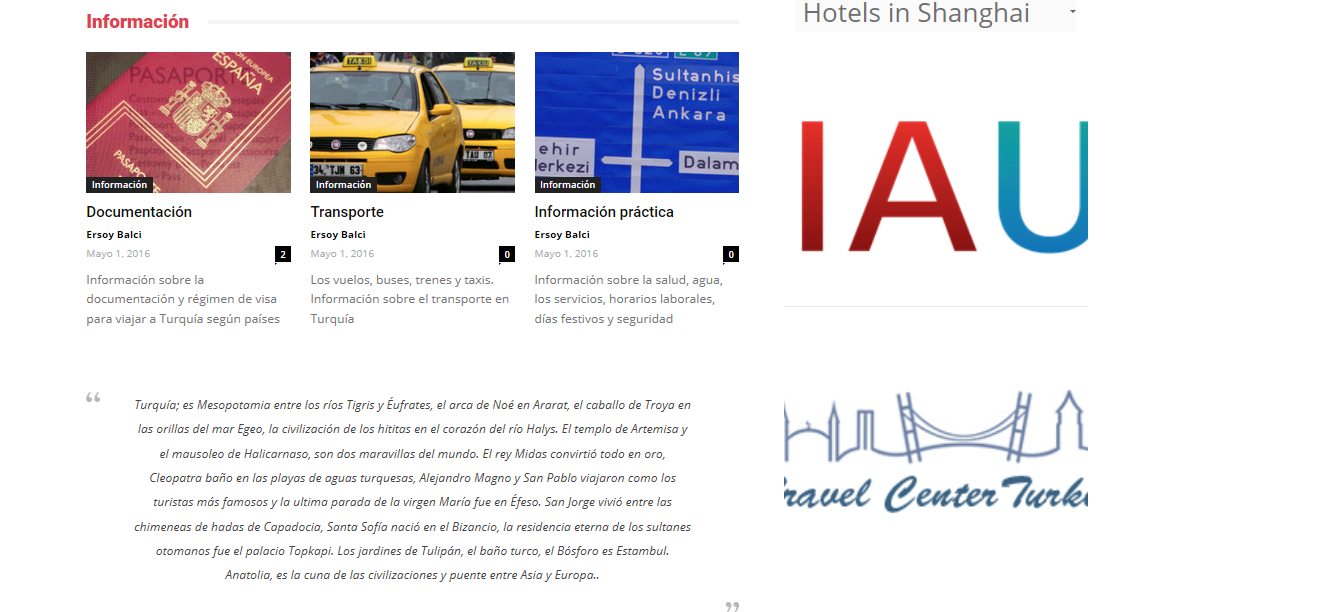
Now only you can see a big image (a part of it) and the link isn’t work
-
This reply was modified 9 years by
Ersoy B..

Hello Ersoy B,
You should try using the 50px for height value to see the full image on your website. Also, if you will inspect for smaller devices, you will see that you change the height using a bit of CSS code with @media querries.
Thanks for your understanding!
