

Hi,
I found that the image size will enlarge to 640px if there’s a caption.
The original size of this picture should be 327×580
https://www.enterpr1se.info/wp-content/uploads/2016/01/Whatsapp-server-dead-327×580.png 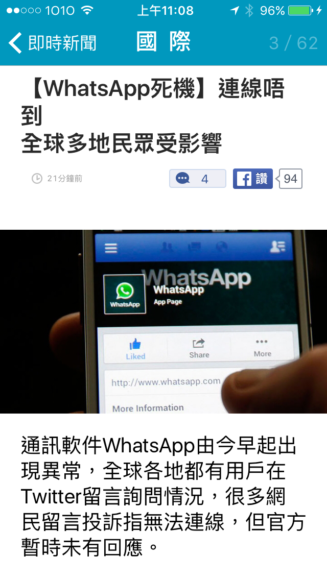
But the size become “full width” in the post
https://www.enterpr1se.info/2016/01/telegram-so-fun-and-safe/
How to solve this problem?
Thanks

I tried all style 1-7 and the problem still there.
I had disabled all JS / CSS minify, clear all custom CSS but no luck
Environment Statuses
Home URL https://www.enterpr1se.info
Site URL https://www.enterpr1se.info
WordPress Version 4.7.5
PHP Version 7.0.19-1+deb.sury.org~xenial+2
WP Memory Limit 512M
Hello enterpr1se,
I have inspected your source page and I saw that you are using a lot of unknown plugins which can interact with the theme core files and cause a lot of unknown issues. You should remove all fo them and use only the requested plugins, clear all the caches and check the results.
Thanks for the message and let us know how it goes!
I tried disable all plugins except “WPBakery Visual Composer”, but the photo still display as full width
Here is my actived plugin list
Plugin Statuses
Theme Name Newsmag Child theme
Theme Version 1.1
Active Plugins
Number of Active Plugins 59
360° Panoramic Viewer 1.1.4
Accelerated Mobile Pages 0.9.50
Ad Blocker Notify Lite 2.2.1
Advanced Ads 1.7.25
Advanced AMP ADS 1.6
Advanced Excerpt 4.2.3
Akismet Anti-Spam 3.3.2
AMP 0.4.2
Animated Gif Resize 1.0
Better Analytics 1.2.3
Connects – Mailchimp Addon 2.0.3.3
ConvertPlug 2.4.0
Crayon Syntax Highlighter 2.8.4
Disqus Conditional Load 10.2.3
EWWW Image Optimizer 3.4.0
Fast Velocity Minify 2.0.8
Google Adsense Adblock Tracker 1.0.0
Jetpack by WordPress.com 4.9
Media Cleaner 4.0.2
Multipage Plugin 1.3.6
NextScripts: SNAP Pro Upgrade Helper 1.3.9
NextScripts: Social Networks Auto-Poster 3.8.2
Nginx Helper 1.9.10
NinjaFirewall (WP Edition) 3.5
OneSignal Push Notifications 1.14.3
Purge Cache for CloudFlare 1.2
Redis Object Cache 1.3.5
Regenerate Thumbnails 2.2.6
Search & Replace 3.1.2
Social Warfare 2.2.3
Social Warfare – Pro 2.2.3
Table of Contents Plus 1601
tagDiv Social Counter 4.1
tagDiv Speed Booster 4.8
TinyMCE Advanced 4.5.6
VaultPress 1.8.9
WPBakery Visual Composer 5.1.1
WP Crontrol 1.5
WP Google Maps 6.4.03
WP Links Page Pro (Personal Version) 3.3
WP Time Capsule 1.9.3
XML Sitemap & Google News feeds 4.7.5
Yoast SEO Premium 4.8
Here is my custom CSS
/* center the ads */

.td-a-rec-id-content_inline {

text-align: center;

}

.td-a-rec {

text-align: center;

}
/* disable more articles in mobile */
@media (max-width: 767px) { .td-more-articles-box{ display:none;} }
.alignnone img, .aligncenter img {
/* width: 100%; */
}
/*force line break in mobile*/
html { -ms-word-break: break-all; word-break: break-word; -webkit-hyphens: auto; -moz-hyphens: auto; hyphens: auto; }
@media(max-width: 768px){ code { white-space: normal !important; } }
I tried disable all plugins except WPBakery Visual Composer, and clear all custom css, but it doesn’t help
Do you need any other information?
Here is the screen capture about the problem, the upper image is with caption, the lower image is without caption, two image with same original size.
https://www.screencast.com/t/lDFOZPholx
P.S. Please ignore the share bar
This is the text in tinymce
[caption id="attachment_19792" align="aligncenter" width="390"]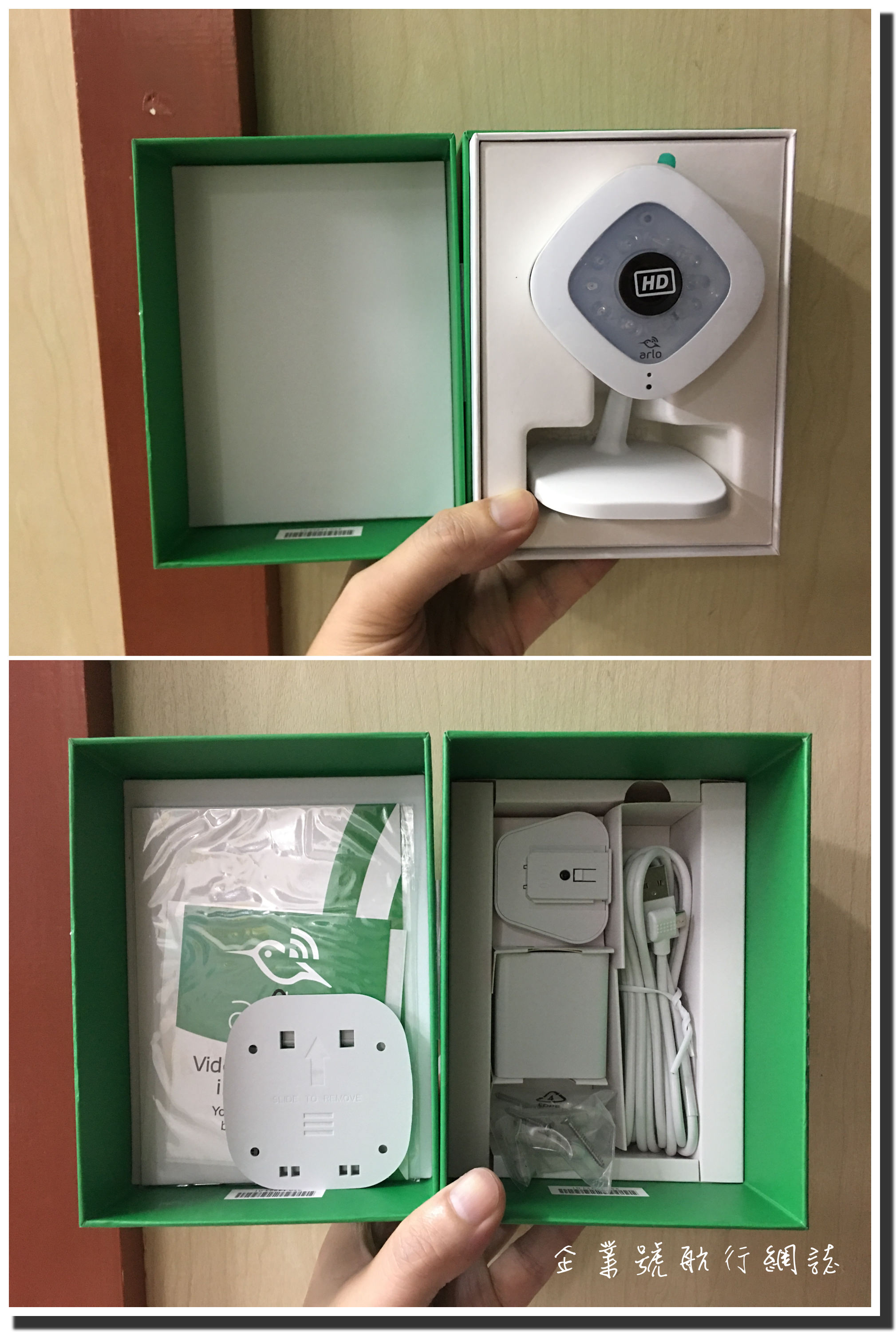 This is caption[/caption]
Hello enterpr1se,
Unfortunately, I cannot recreate your issue. I have tried on my side and I did not saw any problems. Please send us an email at contact@tagdiv.com with your log-in information (wp-admin) and also, provide there the link to the post where this problem appear so I can take a closer look at it and also, so I will be able to provide a more accurate response. Provide there the link to this topic so we can quickly identify you.
Thanks for the message!
