

Hi guys,
I just created a smartlist with images in it and noticed that each of the images is clickable (even though I didn’t chose that option when adding the images to the post). The image either opens up a lightbox or opens to a URL that was linked to from that section of the list.
How do I disable this feature? I don’t want the images to be clickable…
Thank you!

https://forum.tagdiv.com/modal-window/
Global settings:
The modal can be enabled globally from Theme Panel -> Post Settings. The modal will apply to all post images, so you won’t have to go to each post to set them individually. If this feature is disabled, the individual imaged settings are applied.
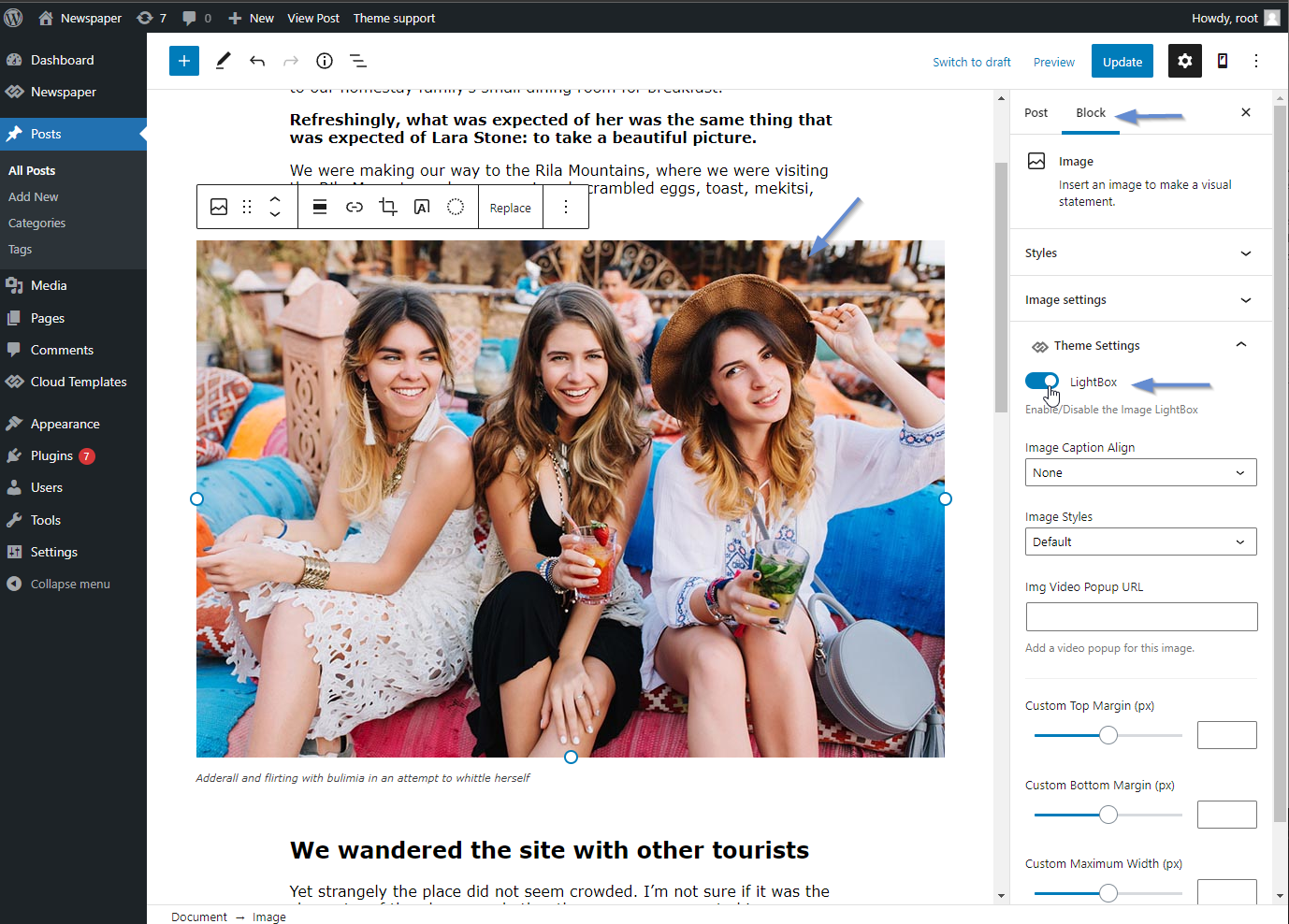

Hi,
Please try to add this custom css in Newspaper>Theme panel> custom code custom css:
https://www.screencast.com/t/MpQZr0ZbD
.td-slide-smart-list-figure img{

      pointer-events: none;

}
Let me know hot it works.
Hi Calin! I need to remove the hyperlink that is automatically applied to the image, not just the ability to click it. There is already an outbound link in the text, I don’t want a second outbound link automatically applied to all of the images.
Is there no way to disable this?
Hi,
Please try this code:
jQuery(document).ready(function ($) {

    $(".td-slide-smart-list-figure a").children('img').unwrap();

});
Newspaper>Theme panel> Custom code>Custom Javascript
https://www.screencast.com/t/2fTYE3uuCw
Thank you.
Hi,
Please go in Appearance>Editor > Include> smart_list and select the smart list you are using go at line 90 and delete it and the line 92 ( https://www.screencast.com/t/noXG23YM
https://www.screencast.com/t/ZTe0wVI08lS )
Hope this will help you.
Thanks.
