Hi!
I use custom shortcode in the posts for direct (dofollow) links:
[dlink href=”url”]anchor[/dlink]
And its works great in the main theme Newspaper and on the AMP pages.
But the tagDiv Mobile Theme converts characters (“) into quotes (”) and for this reason the shortcode does not work.
It is simply displayed on the page as text. Can this be fixed somehow?
Thanks in advance for your reply.

Hi,
Please set this shortcode in text editor -> https://www.screencast.com/t/JfaECGU6lwd -> https://www.screencast.com/t/8otCHxKMdZ
also please make a test and deactivate mobile theme and see if those are working on mobile version of theme.
Thank you!
I also as you revealed incorrect quotes. then I read that this problem occurs more than once and depends on the wptextuarize function. And this replacement happens in the tagdiv mobile theme.
https://www.google.com/search?q=wptexturize+shortcode&rlz=1C1CHZL_enUA710UA710&oq=wptextuarize&aqs=chrome.4.69i57j0l5.4722j0j7&sourceid=chrome&ie=UTF-8
https://codex.wordpress.org/Plugin_API/Filter_Reference/no_texturize_shortcodes
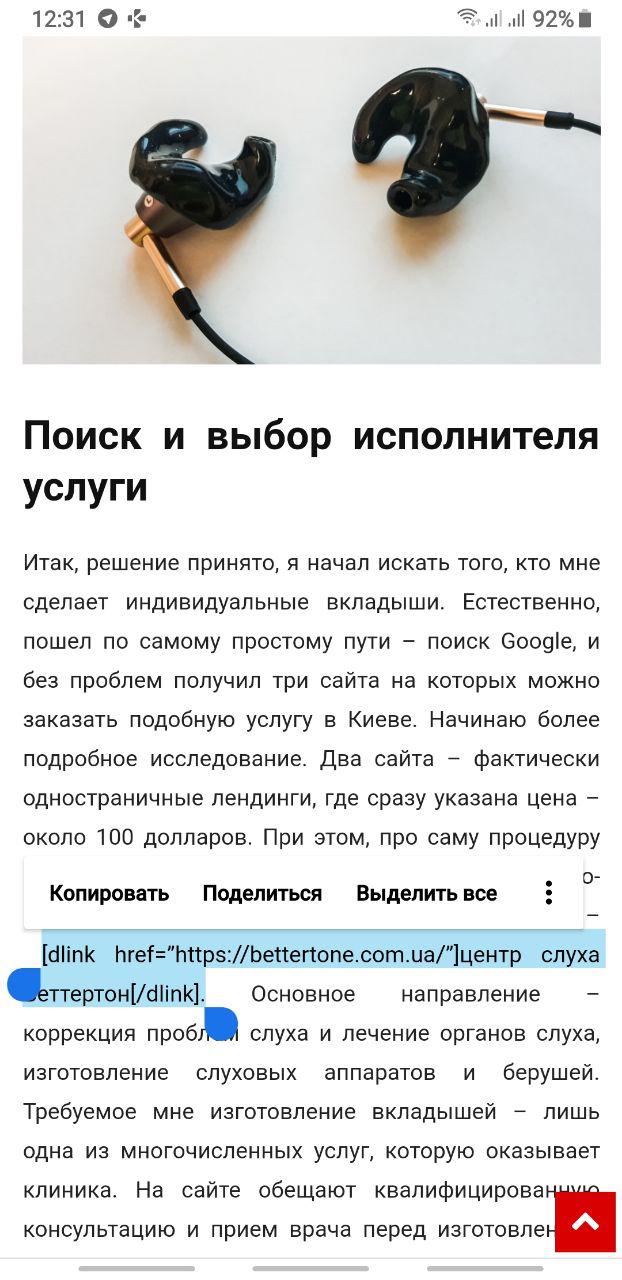
Hi! I tried to insert a shortcode through a text editor, but it did not help. In the mobile theme, it is still displayed in plain text.
https://root-nation.com/wp-content/uploads/2019/02/photo_2019-02-20_12-33-15.jpg
Hi,
Did you try to set the shortcode like this -> https://www.screencast.com/t/bLtEBehTfZq
Also do you say that this is happen only with mobile theme with theme responsive is working, if is so is possible that some code from mobile theme to block the shortcodes on post.
Thank you for your understanding!
Hi!
Yes, I tried to install the shortcode in the way shown in your screenshot – through a text-based code editor.
In the basic Newspaper theme (desktop and mobile responsive view), the shortcode works without problems.
I also want to note that other shortcodes (which do not contain quotes) work normally in tagDiv Mobile Theme.
The only problem is with the shortcode that contains quotes.
Have you tried to insert my shortcode in the tagDiv Mobile Theme for test? Maybe the problem is in the fonts that I use on the site?
Hi,
Please send us an email at contact@tagdiv.com and provide admin login, as well as cPanel or FTP if possible. We will take a look. Include a link to this topic in the email.
Thanks.