Hi there! Time ago i asked how to disable links on the ticker bar (ahoraroma.com)
You told me to put this code
.td_module_trending_now .td-module-title a {
pointer-events:none;
}
Its working fine since then, no link at all. The problem is that now i want to enbable links but after i update the version the code is not there anymore, so i dont know how to do it

Hi,
If you want to disable the click effect over the Trending now element, you can use the code below.
.td_module_trending_now {

pointer-events:none!important;

}
The result -> https://www.screencast.com/t/8N8UCQGv4p
Notice that when you update the theme, all of your additional customizations will be lost. You can try using the Child theme or make a full backup to your database before each theme update.
Thanks.
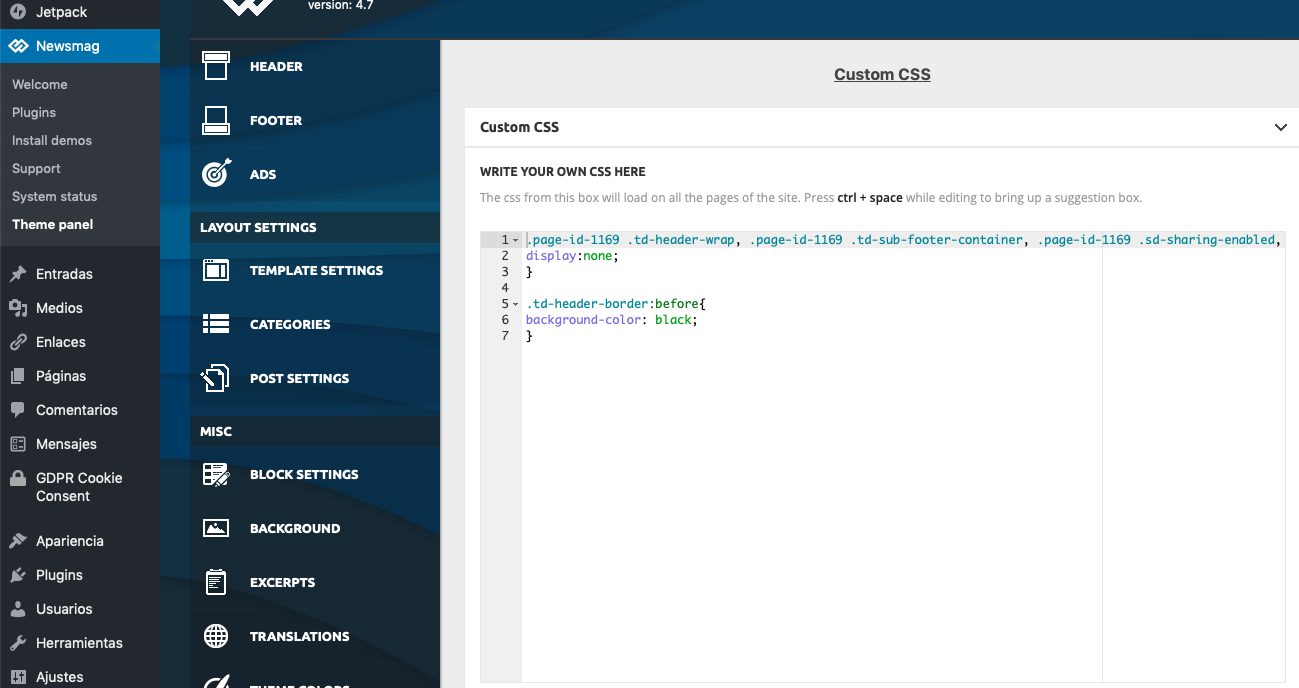
The problem is that the code is not there, see printsrceen
https://ahoraroma.com/wp-content/uploads/2019/04/Captura-de-pantalla-2019-04-02-a-las-12.34.49.png
nor here:
https://ahoraroma.com/wp-content/uploads/2019/04/Captura-de-pantalla-2019-04-02-a-las-12.35.34.png
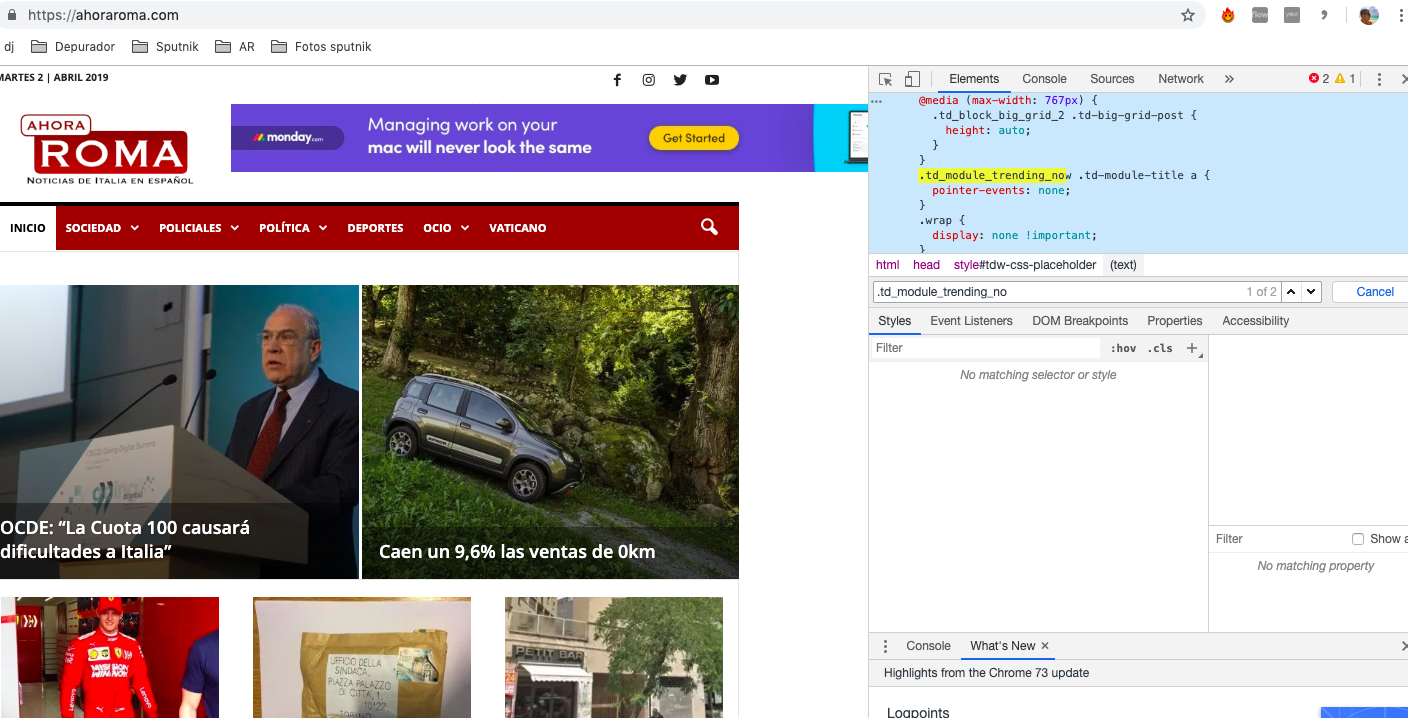
But YES, the code is in the code, its active and online:
https://ahoraroma.com/wp-content/uploads/2019/04/Captura-de-pantalla-2019-04-02-a-las-12.44.39.png
So the only way where i suppose i can find it and delete it, i guess, is here, but i just dont know in which file (right columm) it is:
https://ahoraroma.com/wp-content/uploads/2019/04/Captura-de-pantalla-2019-04-02-a-las-12.41.15.png
Hi,
I suppose that your custom CSS code has been added inside your Live CSS area from here
-> https://www.screencast.com/t/SaPw8B3UGE5 Check this section.
Thank you!
Sorry, but its not there
https://ahoraroma.com/wp-content/uploads/2019/04/Captura-de-pantalla-2019-04-02-a-las-12.35.34.png
Hi,
Please send us an email at contact@tagdiv.com with your log-in information (wp-admin) so we can take a closer look at it and also, give me admin credentials for that. Provide there the link of this topic so we can quickly identify you.
Thank you!