

Hi,
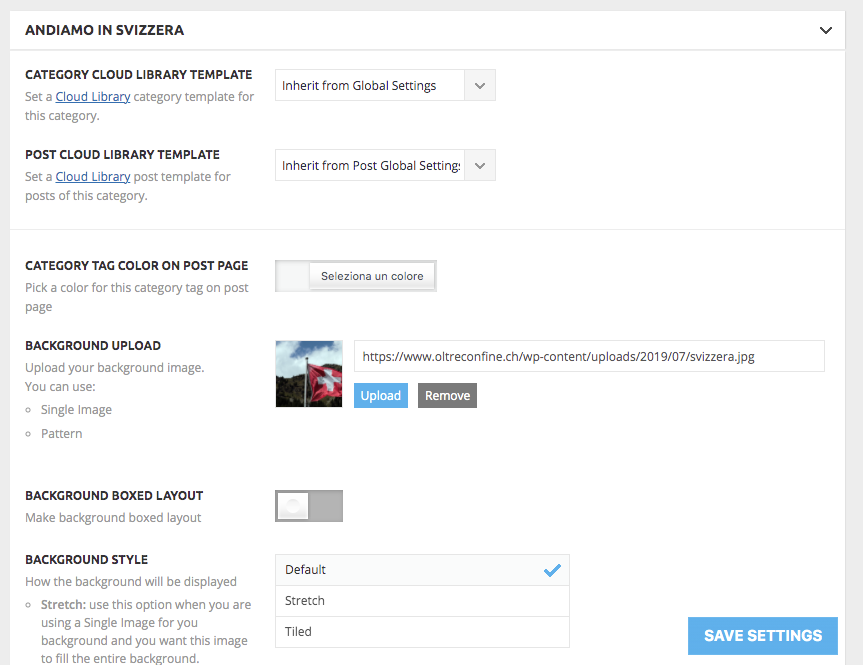
creating or modifying a category, it seems that the background image is loaded correctly but on the relative page it doesn’t appear, returning to the admin area, the relative field returns empty every time.
The published article, in addition to not having the image of the related category, appears to be partially compromised in terms of rendering.
https://www.oltreconfine.ch/test/
Thanks for the support
David
Newspaper system status
Here you can check the system status. Yellow status means that the site will work as expected on the front end but it may cause problems in wp-admin. Memory notice: – the theme is well tested with a limit of 40MB/request but plugins may require more, for example woocommerce requires 256MB.
Theme config
Registration key i 4d389164 – **** – **** – **** – 653cfb14c1c0 Reset key
Theme name i Newspaper
Theme version i 10.3.9.1
Theme database version i 10.3.9.1
HTTP channel test wordpress
Installed demo i Influencer PRO – demo ID: influencer | install type: full
Theme Mobile Newspaper mobile version
php.ini configuration
Server software i Apache
PHP Version i 7.4.15
post_max_size i 150M – You cannot upload images, themes and plugins that have a size bigger than this value. To see how you can change this please check our guide here.
max_execution_time 180
max_input_vars 12000
SUHOSIN installed false
PHP extensions
mbstring available
GD library available
WordPress and plugins
WP Home URL i https://www.oltreconfine.ch
WP Site URL i https://www.oltreconfine.ch
WP version i 5.7
WP multisite enabled i No
WP Language i it_IT
WP Memory Limit 128 MB/request
WP_DEBUG False
Caching plugin WP super cache – for best performance please check the plugin configuration guide here.
-
This topic was modified 5 years by
FINWEBSA.

Hello,
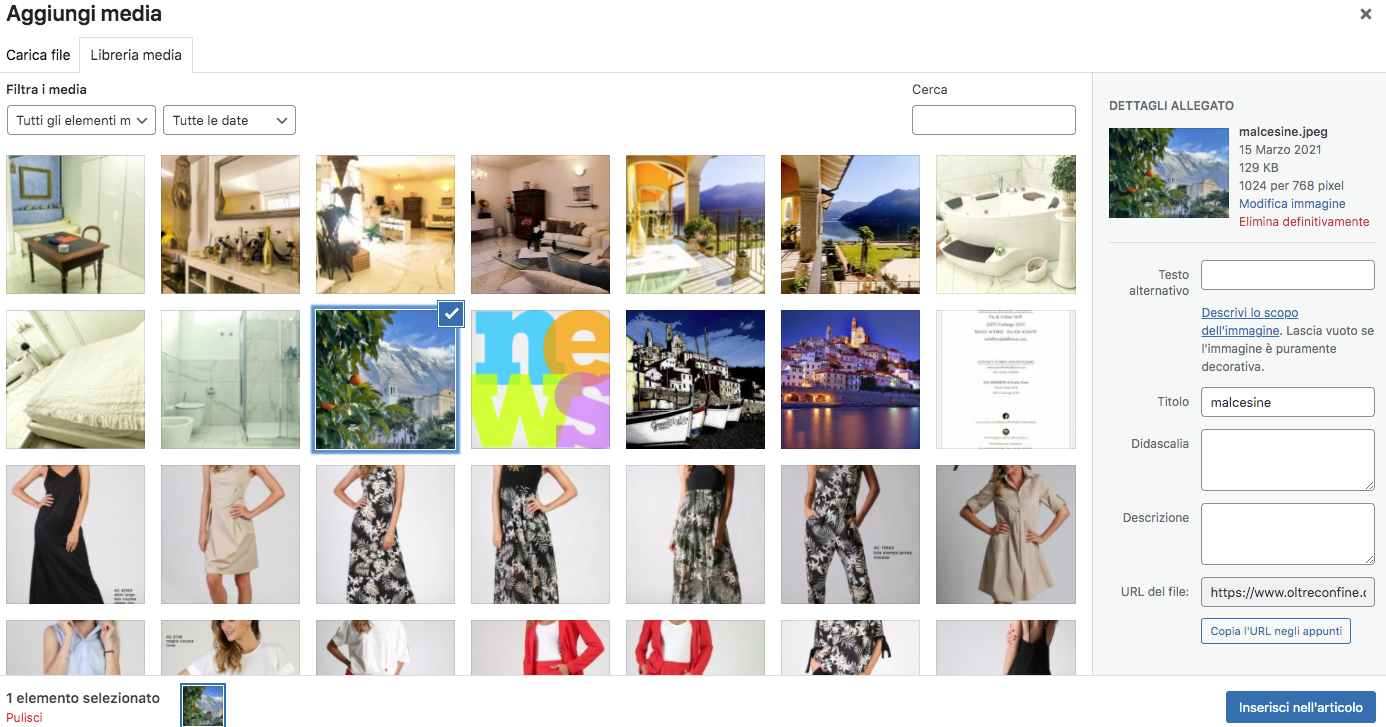
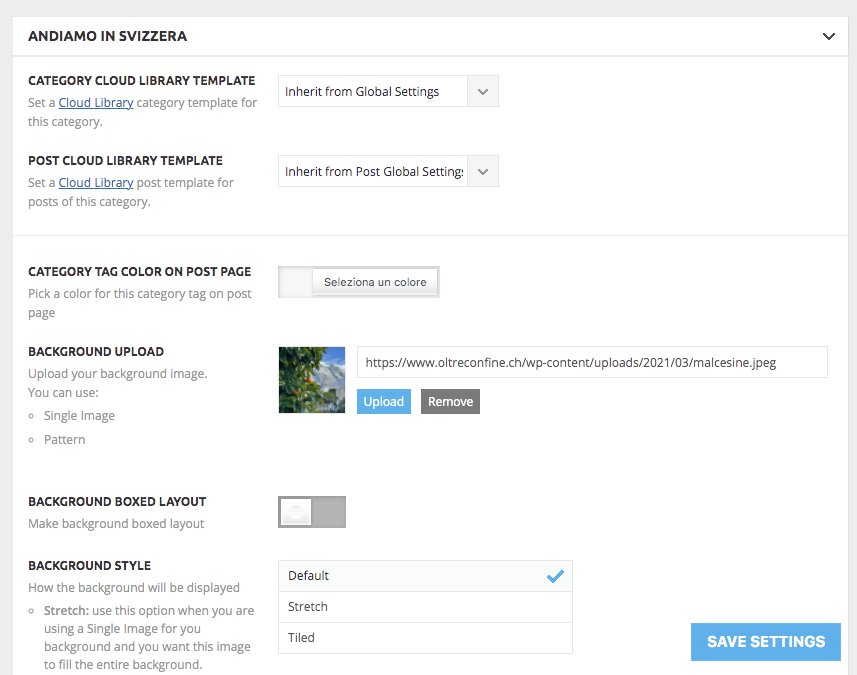
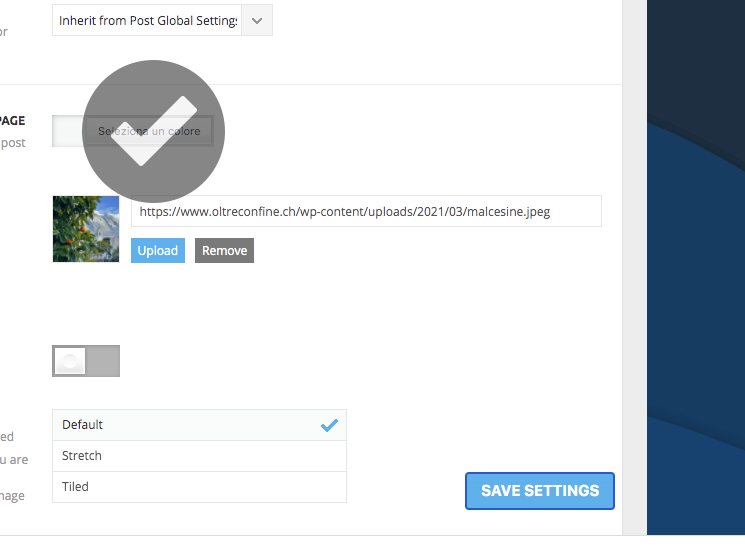
we use the theme panel, trying to change the background image of a category, but it’s the same in inserting a new category, it seems to be saved but it does not appear in the page (or the old image appears) and, returning to the theme panel, we see again the old image (or nothing for a new category).

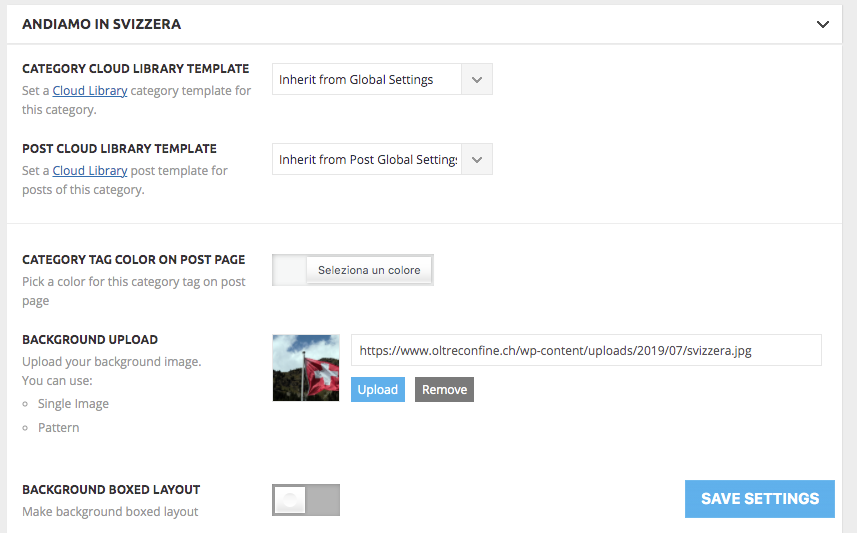
Thanks for the support
David

Hello !
You are using a Pro Demo which means that all your templates are fully editable using tagDiv Composer. You will have to edit the category template ROW in order to set a background image as you can see here: https://www.screencast.com/t/5k3bnKW2sklv
I hope this was helpful !
Thank you !
Hi Vlad,
thx for your reply.
Using the tagdiv composer we can’t find a way to load a background image:
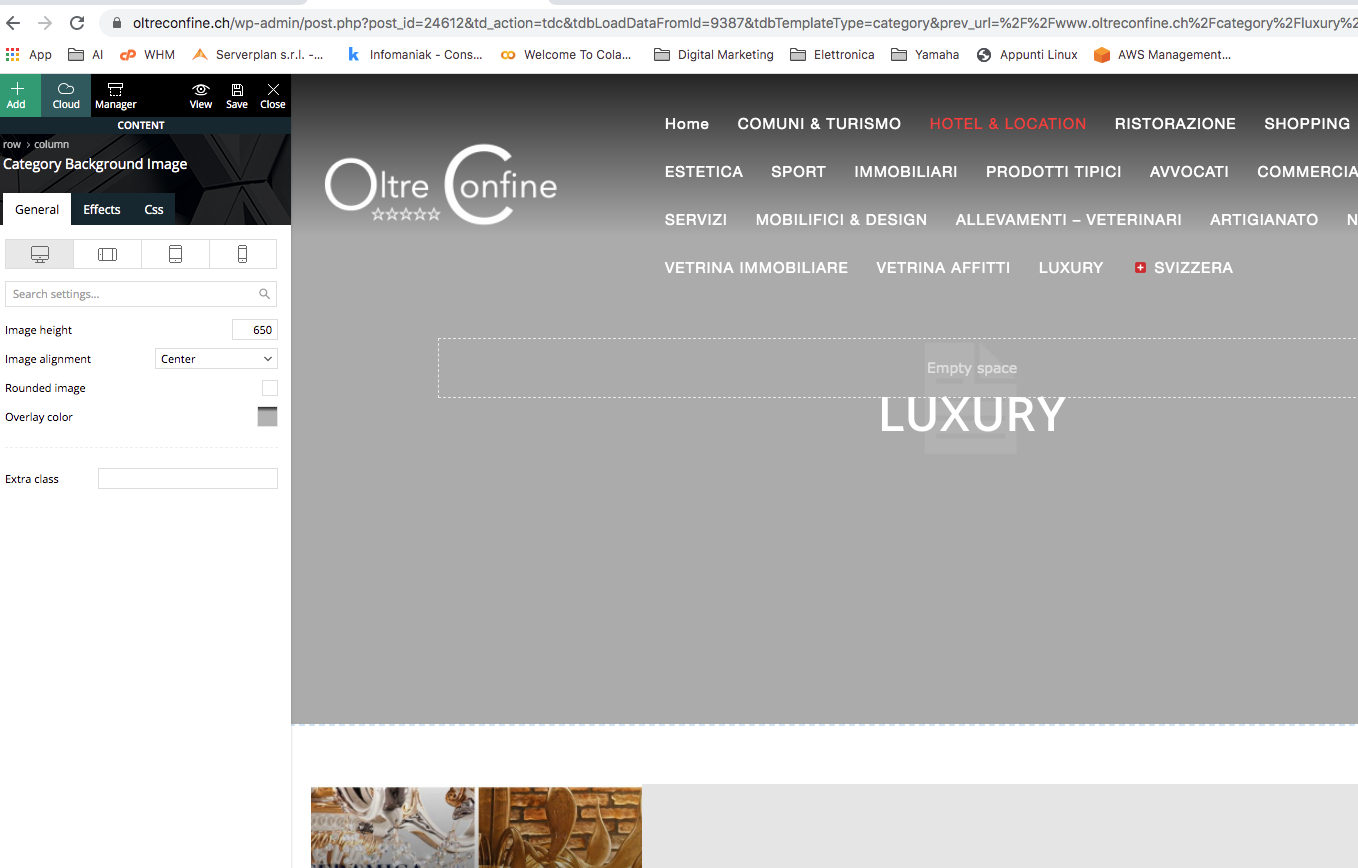
However, the standard system we have always used to associate an image to a category no longer works!
The problem has become absolutely urgent!
Thank you
David
Hello !
We need to take a look and see what can be done there to see if a fix can be done. It looks like only some of your posts have an issue.
Please contact us via email at contact@tagdiv.com and provide the following:
– admin url and credentials
– A link to this topic in order to identify you
Our team will take a look !
Thank you !

Hello, @maik-b,
To change the background image for a category, please go in Theme Panel -> Categories =>
https://www.screencast.com/t/culmrBG2
If this is not what you mean, please provide some screenshots and more details.
Hope this helps you!
Thank you!
