

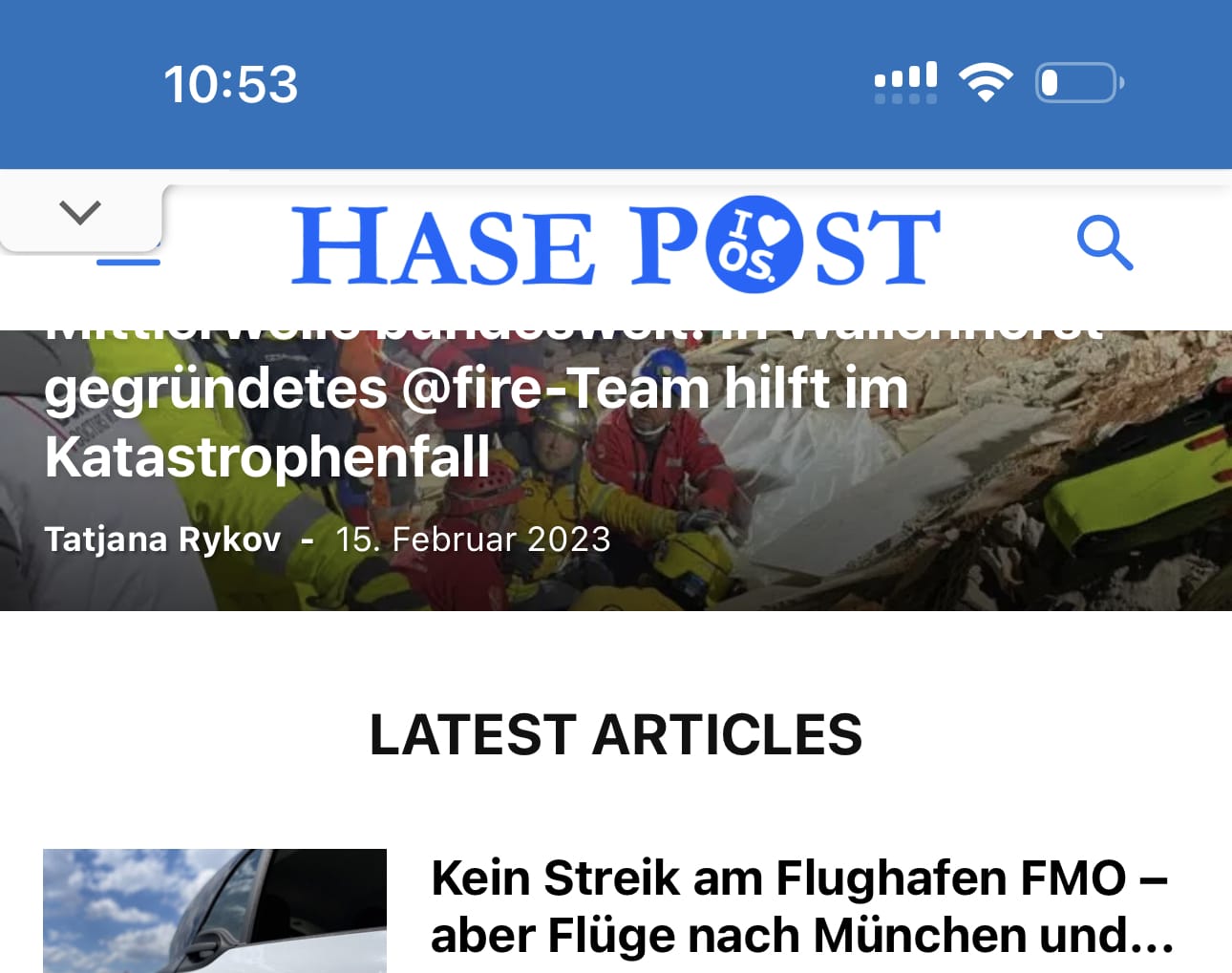
I need to translate / change the wording “LATEST ARTICLE” in the mobile theme as seen on the attached screenshot. But how?

Hello @nachtwache!
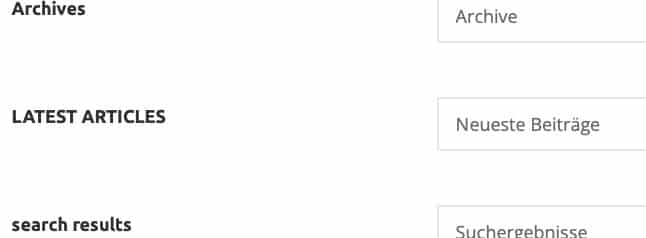
Change it in the Newspaper-> Theme panel-> Translations-> Translations and replace the sentence on the right side as desired: https://prnt.sc/_WJnsjqobCeq
Thank you!
Hello @Bettina,
I already made the translation in the theme panel, but it does not show in the mobile version.
Hello @nachtwache!
It should work. Please make sure the changes were saved and clear your cache.
Thank you!


Hi taketwo10,
I just tested the option and for me seems to work ok – https://i.imgur.com/EiRDhsA.png – https://i.imgur.com/iJLDbe0.png but this will work only on mobile theme. If is a page or a cloud template it is possible to be set using the tagDiv Composer.
Thank you!
Hi Calin, thanks for your quick response. The representations of the footer, for example, are device-dependent. I use Newspaper’s mobile theme, which also works very well. The translations in Newspaper’s theme panel settings also apply to Newspaper’s mobile theme. Everything works perfectly on devices like the iPad because the mobile theme doesn’t yet work here. With a viewport <768 pixels, the mobile display takes effect and the translations in the footer are only partially adopted. I have attached a link you can find a screenshot where the differences become clear.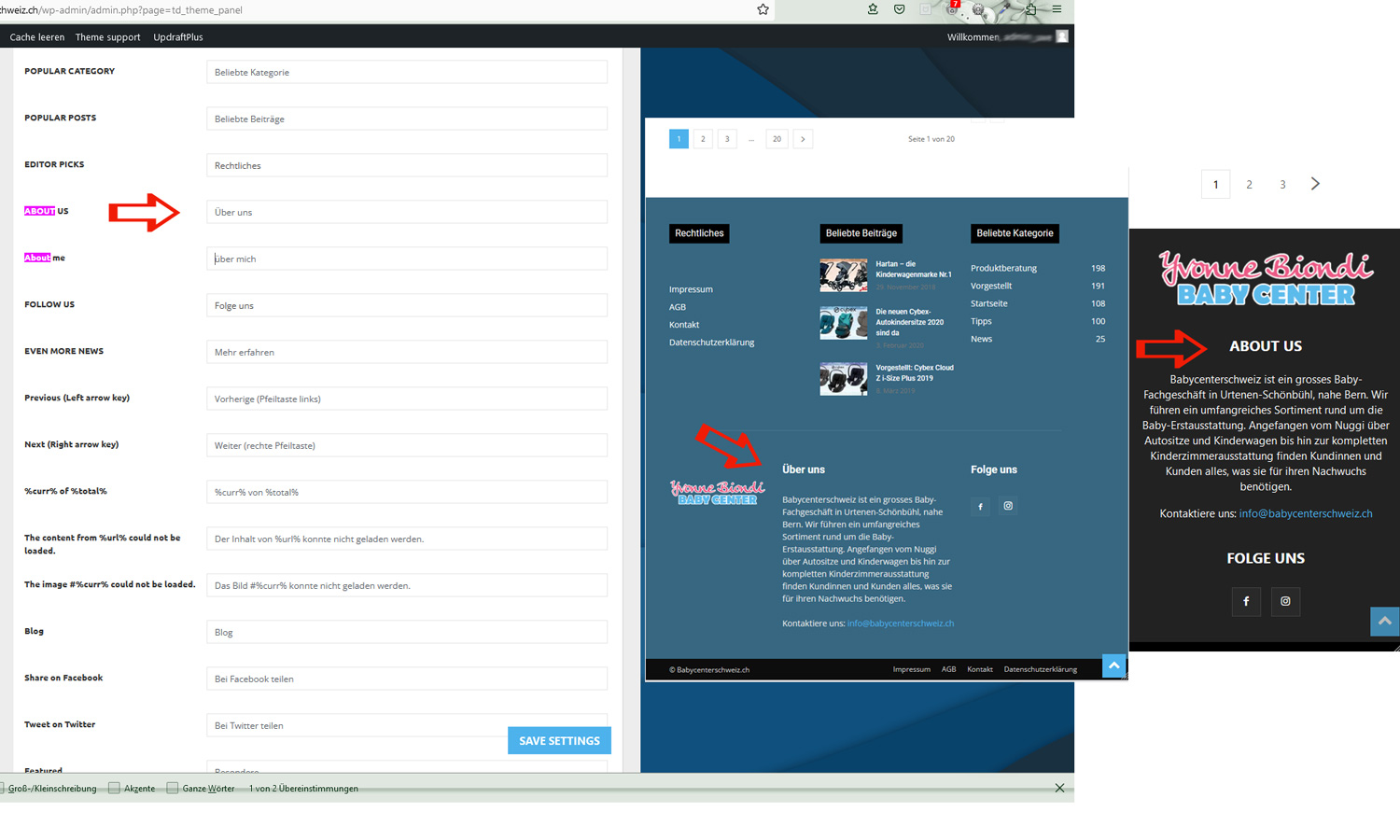 The domain is https://blog.babycenterschweiz.ch Best regards Uwe
-
This reply was modified 3 years by
taketwo10.
Hi taketwo10, indeed for you seems to be some problems, if you want we can further investigate via email (contact@tagdiv.com), where if is possible to provide a temporary wp-admin access to determinate the case of the problem and try to resolve it.
Thank you!
Hi Calin, thank you for the quick answer. I have created admin access for you and sent the data to the address you provided. Unfortunately the email to contact@tagdiv.com cannot be delivered, the email will be returned. Is there an alternative email address? best regards Uwe


