Respected Sir/Mam,
I am a developer at Mallemaala Entertainments, located in Hyderabad. We have a few requirements for our movie review website, 123telugu.com. I am hereby mentioning those requirements.
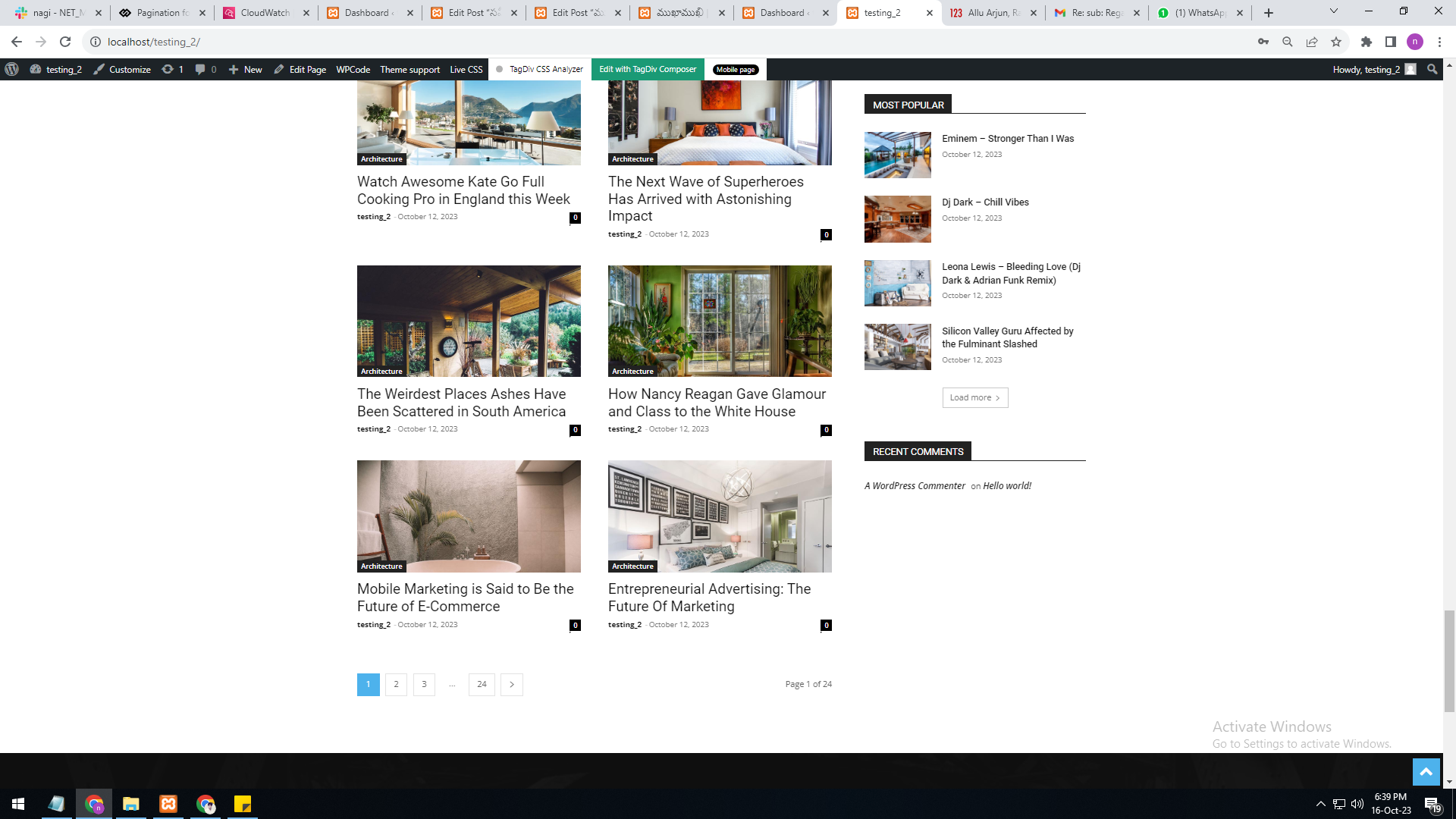
I have implemented the pagination code through code snippets plug-in shortcode. The URL is changing, and the page is also reloading. However, the issue is that the next page is not being displayed (It is not moving to the next page even though the URL is changing).
Example:
localhost/telugu_version/news/page/2/
localhost/telugu_version/news/page/3/

Hi,
Please check with tagDiv Composer if the page where you use the pagination has on rows set the option to be “hide on pagination” – https://i.imgur.com/QwImtVz.jpg – https://i.imgur.com/wwkA1QY.png if the option is enabled, on pagination that row will be hidden.
I hope this will help you!
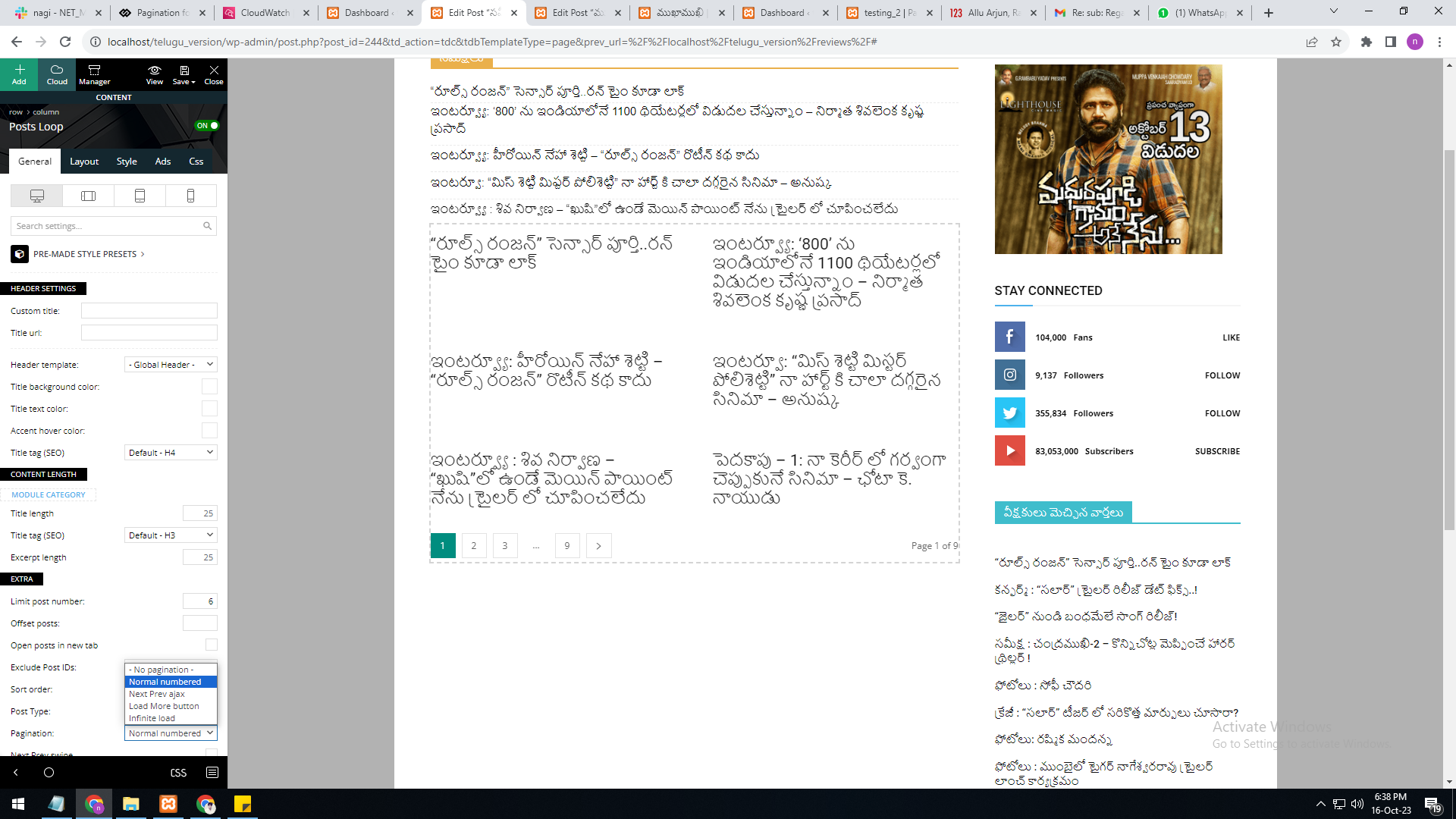
As per your reply, the numbering pagination is available in the loop concept. But we are not able to select the category option in it. The category filter option is not available in the loop concept.
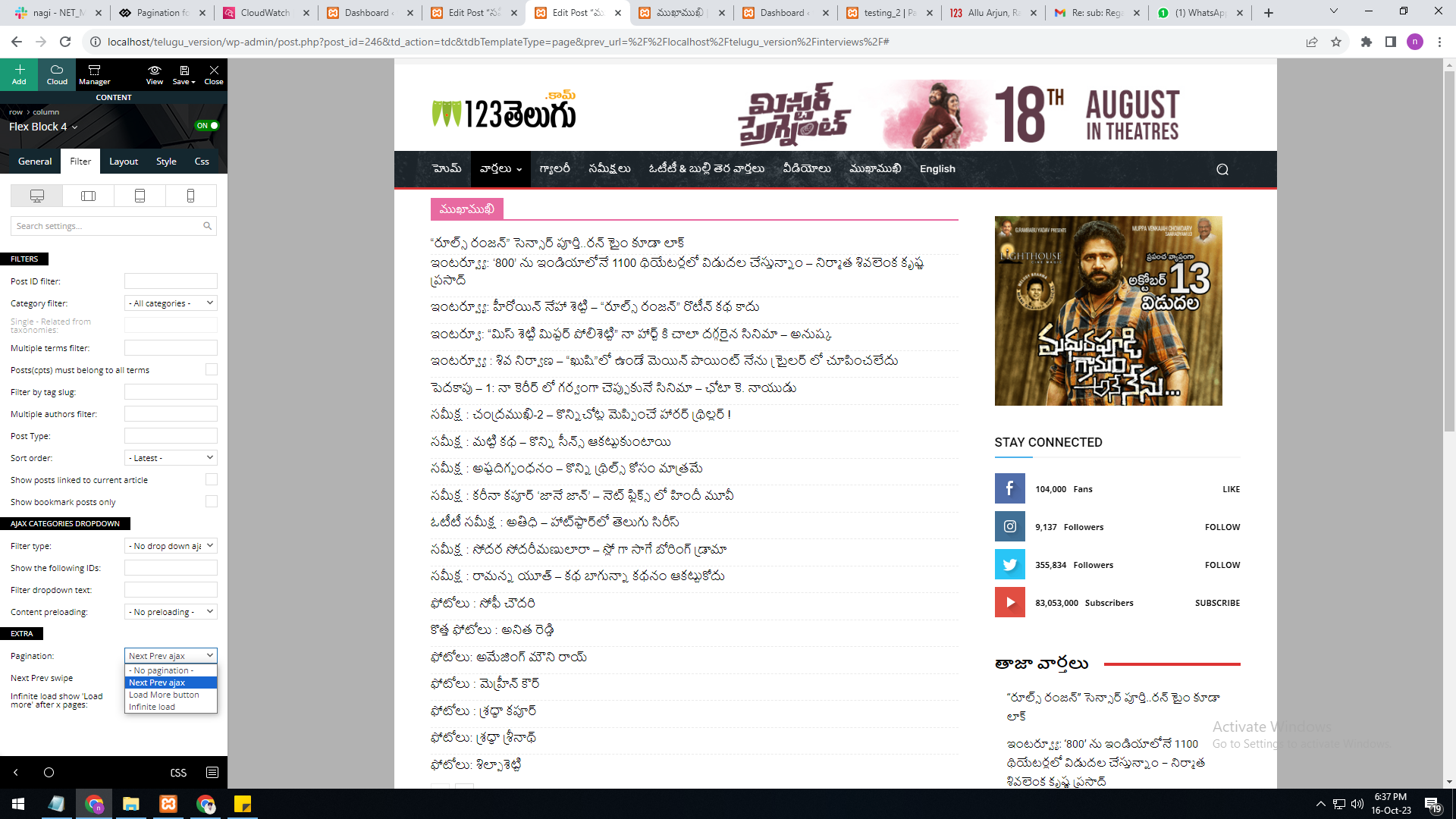
In single page, flex block 4, the category filter option is available, but the pagination currently has the options “next prev,” “more,” and “infinite load.” But we need numbering pagination.
present theme options
——————–
https://gallery.123telugu.com/images/theme_test/Pagination_1.png
I want like this URL links
——————————
https://gallery.123telugu.com/images/theme_test/Pagination_2.png
https://gallery.123telugu.com/images/theme_test/Pagination_3.png
Hi nagi,
The loop elements do not have the filter option because this is using an automatically filter and this is working like this: when it is set in a page or single post template it will display all the posts but when it is set in a cloud category template, tag, archive, search, then this will automatically filter the posts base on the cloud template where it is used.
Thank you!
Hi,
That depends what you mean from newspaper theme backup, if you are referring to the theme panel settings then you can simple use the theme panel option and copy past the theme panel settings – https://forum.tagdiv.com/import-export-theme-settings/
Now if you are referring to cloud templates go in tool > export – https://i.imgur.com/3Wxk885.png then to import you need to go in tool > import then install the WordPress importer and clink on run import – https://i.imgur.com/tyxoVvg.png
Thank you!