

Hello TagDiv support team,
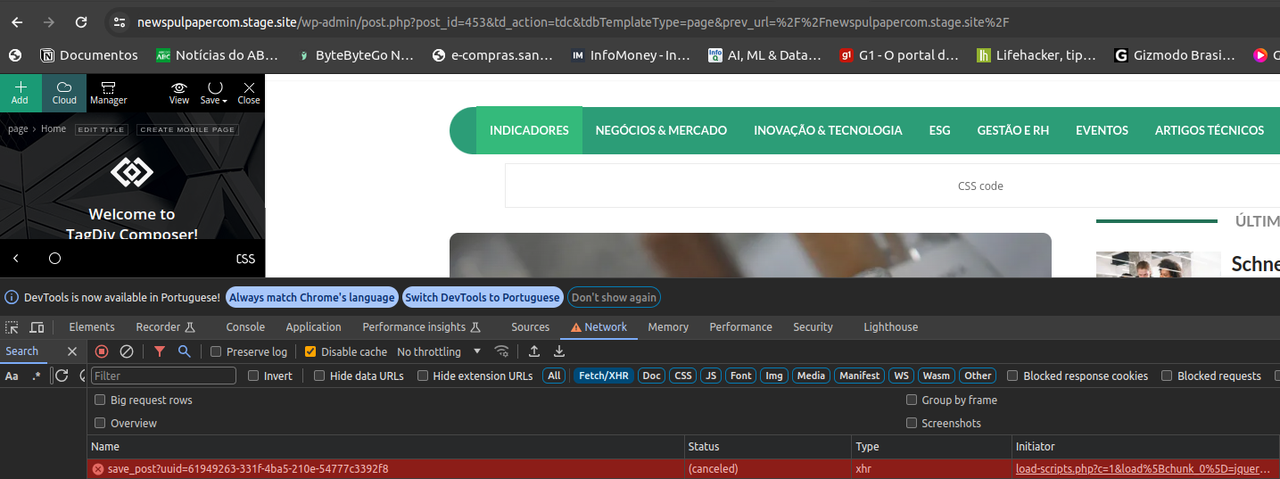
I’ve encountered an issue while editing any page layout on my WordPress site using the Newspaper theme with the “News Hub Pro” plugin. Every time I attempt to save changes on TagDiv Composer, the process fails, and through the browser’s DevTools, I observe a “Canceled” response from the server exactly 10 seconds after the request is made. This behavior is consistent and prevents me from making any further modifications to my site’s layout.
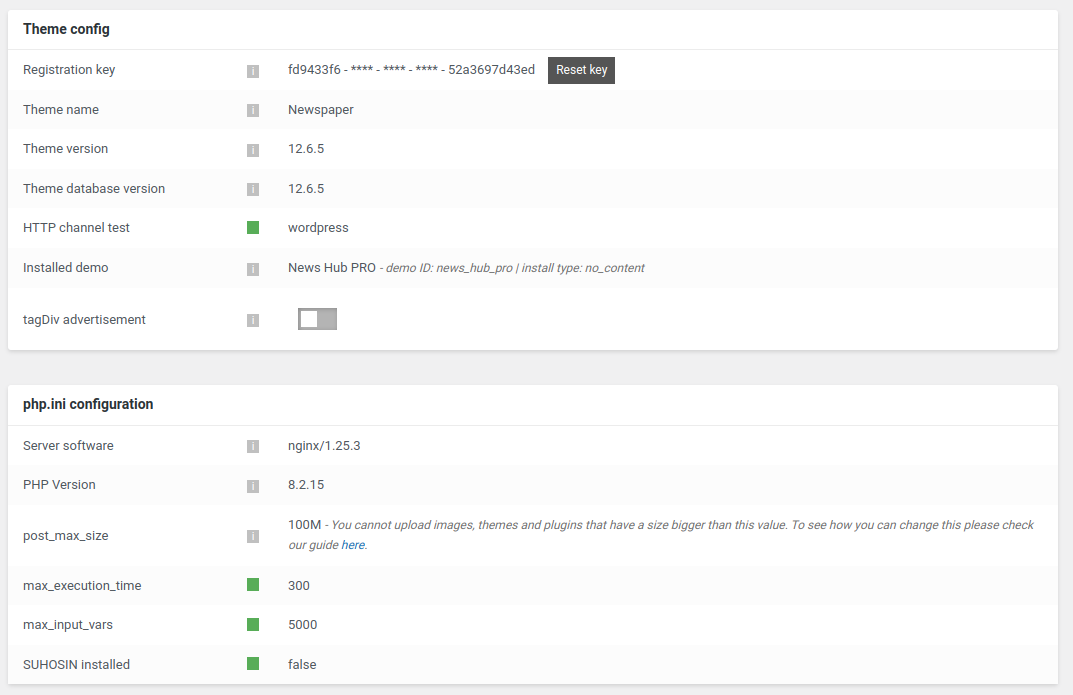
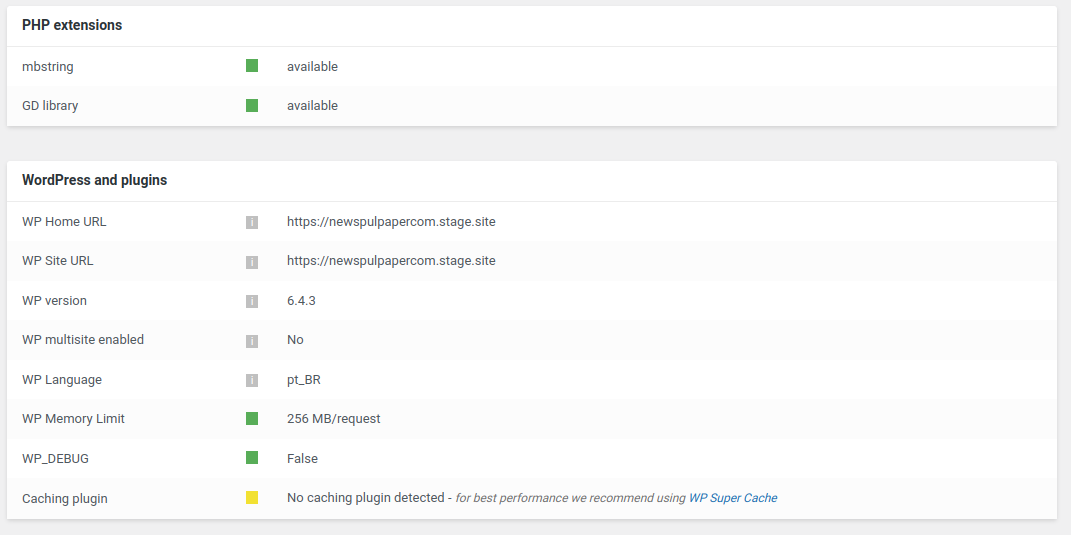
I have followed all the recommended steps outlined in the “Requirements for Newspaper” tutorial on your website, ensuring that my server and WordPress environment meet the necessary specifications. Despite these adjustments, the problem persists.
I am seeking guidance on how to resolve this issue as it’s crucial for me to be able to update and modify the layout of my website. Below is a screenshot from DevTools highlighting the error:
Could anyone provide insights or solutions to overcome this server response issue? Any help or suggestions would be greatly appreciated.
Thank you in advance for your assistance.
-
This topic was modified 2 years by
newspulpaper. Reason: Broken images
-
This topic was modified 2 years by

Hello!
Please execute these steps:
1. disable TagDiv Composer
2. uninstall(delete) TagDiv Composer
3. install TagDiv Composer
4. activate TagDiv Composer
Make a test and deactivate ALL plugins except tagDiv ones, also if you are using a cache plugin, deactivate it, clear all cache and try again.
If the problem is still there, then contact us via email at contact@tagdiv.com and provide the following:
– admin url and credentials
– a link to this topic in order to identify you
We will check the issue and let you know what can be done there.
Thank you!
Hello,
I followed the steps to disable and delete the TagDiv Composer as advised. However, upon attempting to reinstall the TagDiv Composer, I noticed that I am unable to find it as a standalone plugin in the WordPress plugin repository for a direct installation.
I understand now that the TagDiv Composer might be an integral part of a TagDiv Newspaper theme, and therefore, not available separately. Could you please guide me on how to proceed with the reinstallation?
Tks
Hello again,
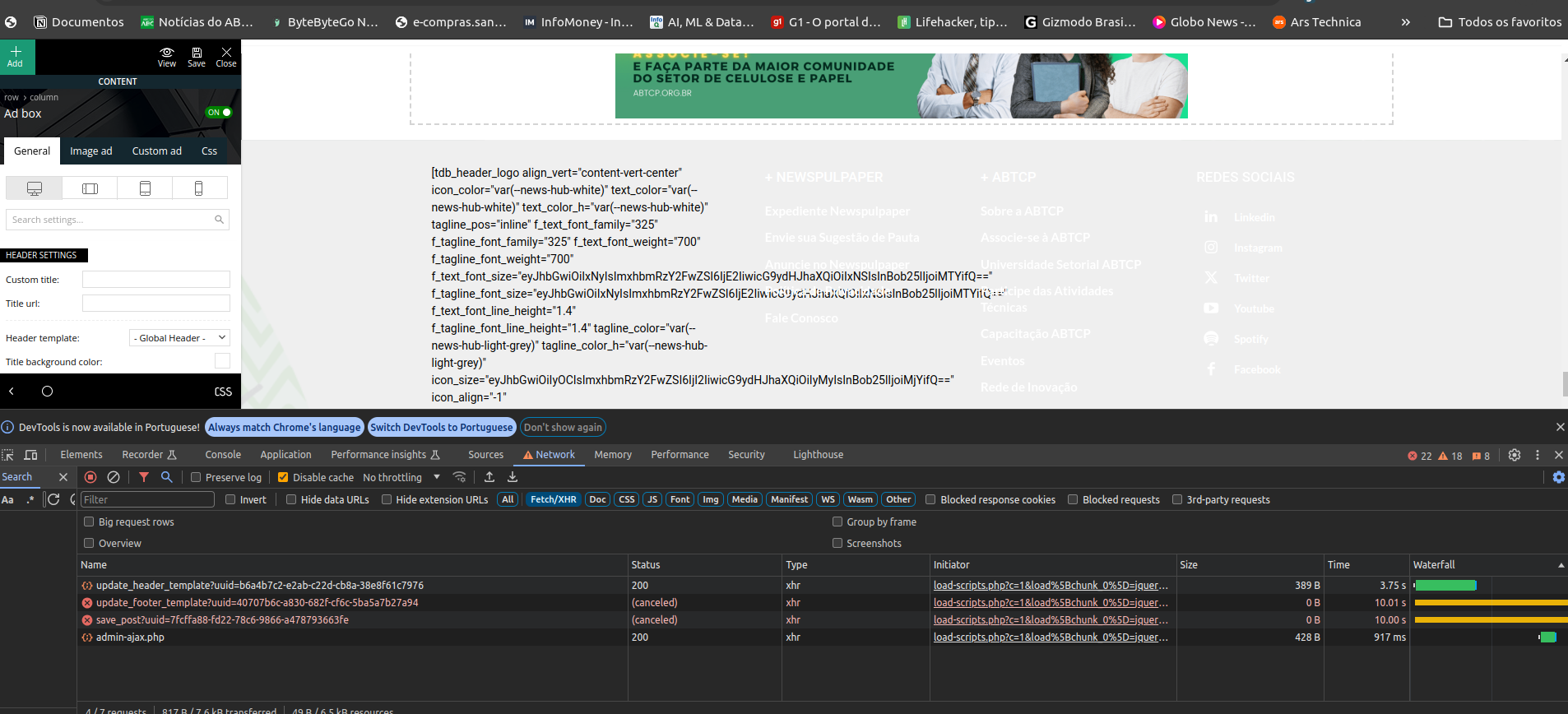
I’ve successfully managed to reinstall the TagDiv Composer plugin via the theme panel. However, after the reinstallation and reactivation, I’ve encountered a couple of issues. Firstly, the headers and footers appear to have been lost, and secondly, the failure to save the layout persists, as indicated by thebellow error screens.
I am now proceeding with the deactivation of the other plugins as initially advised, and will report back as soon as possible. I hope this step might help resolve the issues, but if not, I may need further assistance to address the persisting problems.


-
This reply was modified 2 years by
-
This reply was modified 2 years by
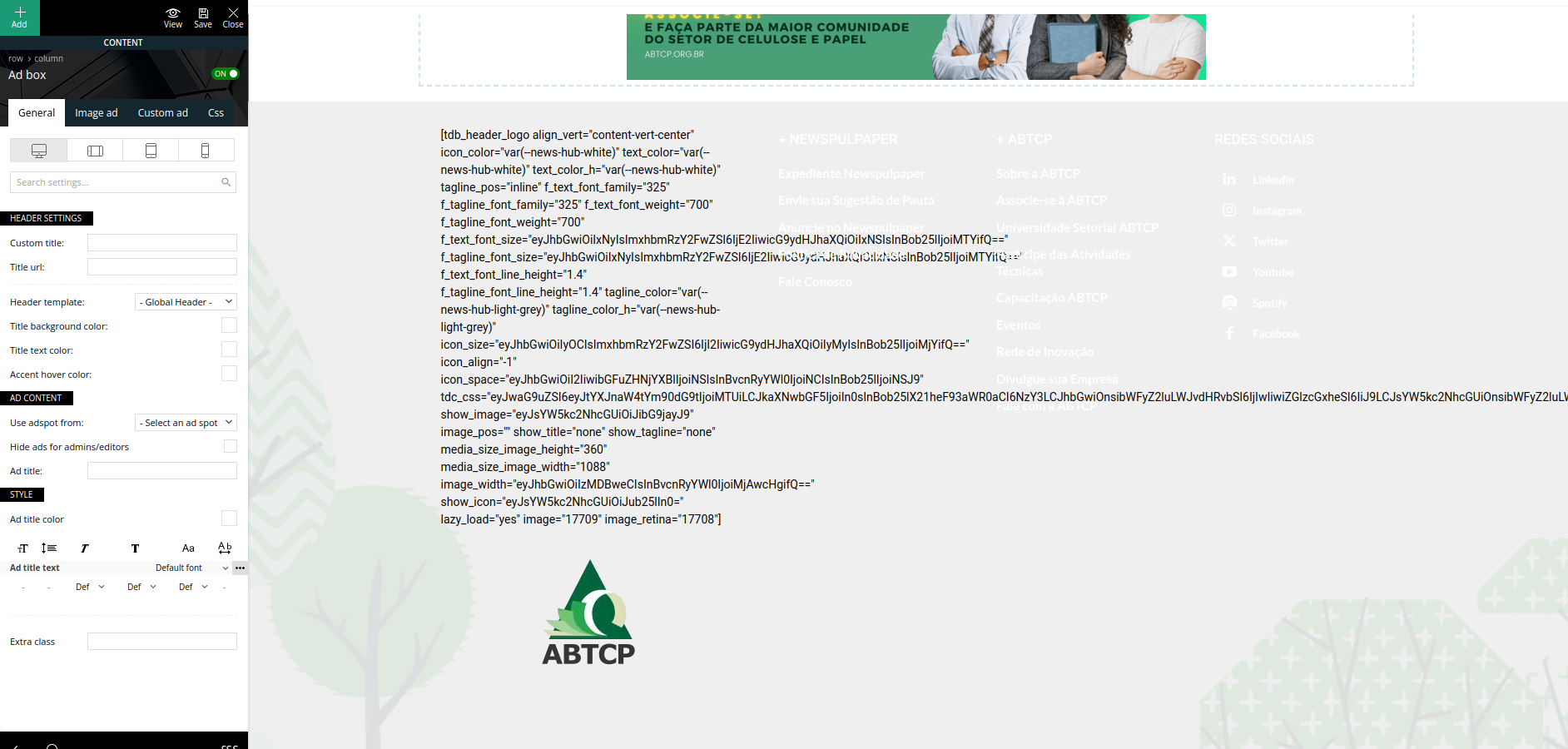
Hello!
A code in your frontend is appearing only when you have a plugin uninstalled when it should be installed, so instead of the code, it will display the element from that plugin. Check in Newspaper -> Plugins. Make sure that the tagdiv plugins are installed and activated.
Thank you!
Hello,
Thank you for the guidance. The TagDiv Composer plugin was indeed reinstalled and active, which is evidenced by the content displaying correctly, though the header and footer were lost. However, this was not a major concern as it occurred within a testing environment, and I have since overwritten the staging environment with what was in production.
Just to formalize, we continue to face issues with the TagDiv Composer, unable to save layout changes on our homepage for some days now, causing a series of problems in our content update routine.
After countless hours with the hosting server support and in contact with some developers of the plugins we use, it seems, though we are not yet certain, that the root of the problem lies in the TagDiv theme. This is because in 100% of the cases when we try to save any change on the homepage, if the request takes more than 10 seconds, it fails without saving the changes.
We thought it might be server limitations, so we conducted various server tests, plugin deactivations, and log reviews. We’ve collected evidence suggesting that the problem may originate from TagDiv, and we will share this with you via email at contact@tagdiv.com, hoping we can resolve this issue as soon as possible.
Kind regards
