

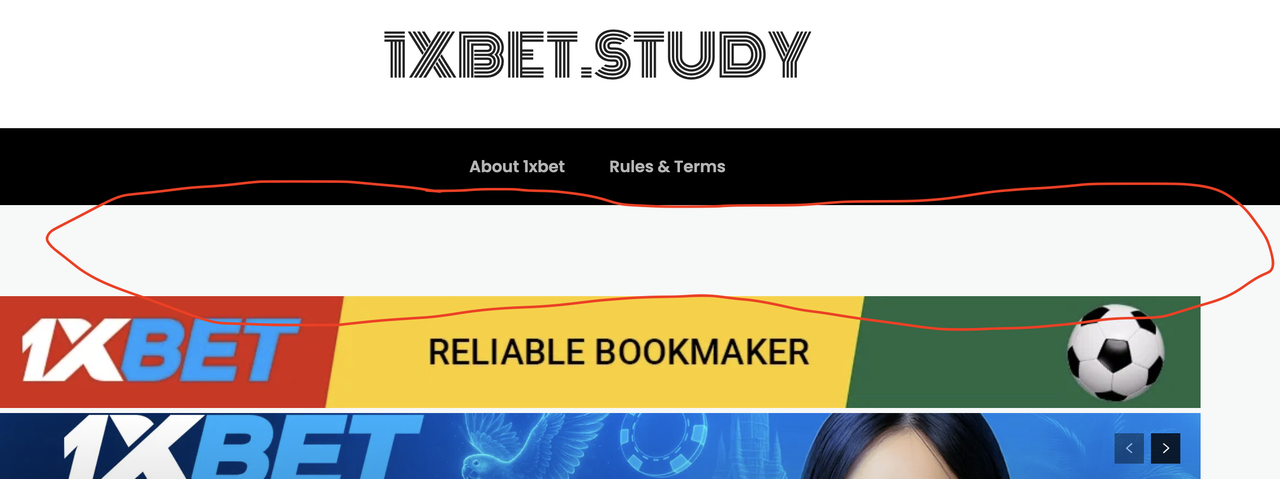
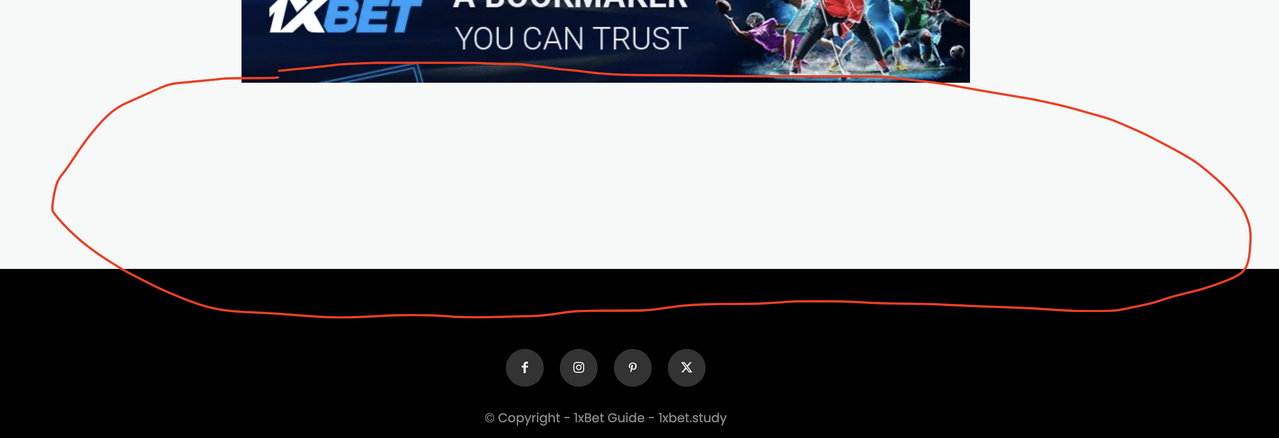
I encountered a problem, please help me solve it! My website is https://1xbet.study/, using the Newspaper theme’s Blog Classic style. I added two ad positions in the header and footer, but there is a large blank area between the header/footer menu bars and the ad positions (as shown in the image), which greatly affects the aesthetics. How can I configure this to make the layout between the menu bars and ad positions more compact, so the overall appearance looks better?
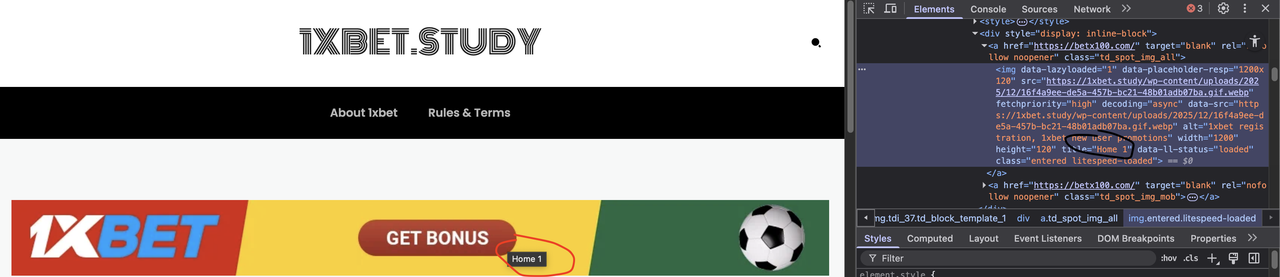
Another question: I have two ad images on my website, one in the header and one in the footer. I checked the HTML code with a browser and found that the titles are set incorrectly, but I don’t know where to set the titles. The title of the top image is “home 1”, and the title of the bottom image is “home 2”. Where can I change them?

Hello,
You need to use tagDiv Composer, edit the homepage and select row from the header, that one has in the css tab set a margin bottom 90px https://i.imgur.com/LJpGX5E.png https://i.imgur.com/6LvPo7B.png in case that is not on that row check teh one below.
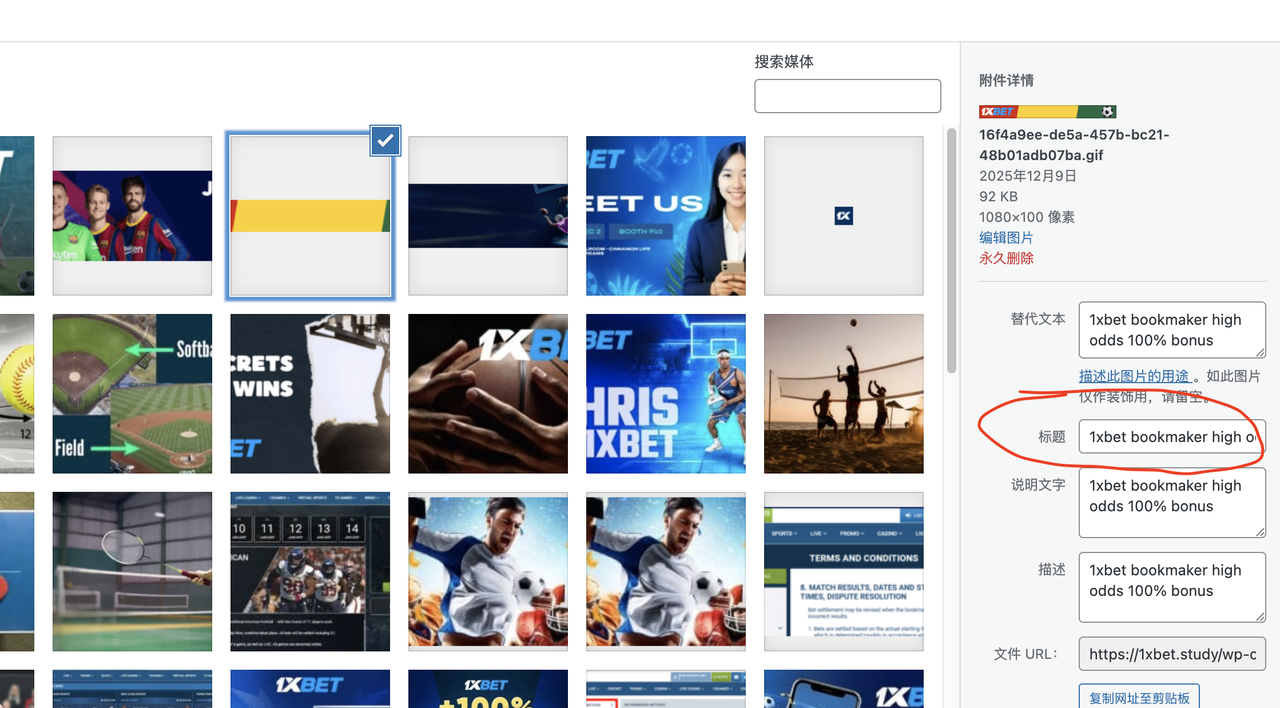
The title on the banners is teh one set in media for image – https://i.imgur.com/LRPgdCq.png
Thank you!
I followed your instructions, but it still doesn’t work; the blank space is still very large and can’t be reduced. I want to point out that the theme template in your example is different from mine. I suggest you look at the blog’s classic template; the header and footer CSS in that template are definitely different from the example you gave me. Could you please help me import the blog’s classic template and see where the settings are located? Thank you. Also, the title of the ad image is still “home 1.” I’ve already set it in the “Title in Image Media Settings” as you instructed, but the HTML displayed on the front end hasn’t changed. Please check it again, thank you!
Hi,
Ok, on demo you have, click on the row and the click on header menu – https://i.imgur.com/QUIE5qj.png and the Zone will be selected there select the css tab and remove or adjust the bottom css https://i.imgur.com/DwZQqxn.png
For title on banners, could you please let me know how those have been set in ad box element? a screenshot and how will help.
Thank you!
Hello, thank you for your assistance. The issue of the “blank spaces” in the two ad slots has been resolved. One last issue is the display of the ad image title, which is related to SEO, so I think it’s necessary to address it. As shown in the image, I entered the title in the media section as you suggested, but the front-end still displays “home 1,” even though I’ve cleared all the cache.
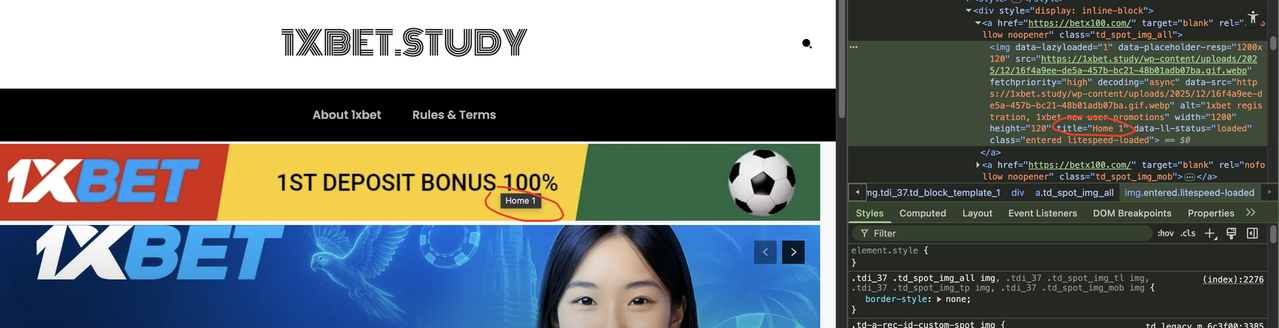
Hi zgdk2273,
Related to the ad image title, please check if this is set in the ad as in this image – https://i.imgur.com/Z2cFVkO.png. If it is, then you have another plugin that is interfering and is adding the custom title; it is possible that it is an option from the LiteSpeed plugin.
Thank you!



