


Hello,
Unfortunately there is no option to add more social sharing option to our social icons. You will have to alter the theme files to add another button or remove twitter or pinterest. you can use this topic as a reference to see how it can be done: https://forum.tagdiv.com/add-a-new-linkedin-button/ – https://forum.tagdiv.com/topic/i-would-like-to-edit-the-social-media-share-buttons/
Thank you!

Привет, Diniska!
Для русскоязычного сайта я рекомендую заменить полностью кнопки шаринга с дефолтных на кнопки счётчиков от Яндекса:

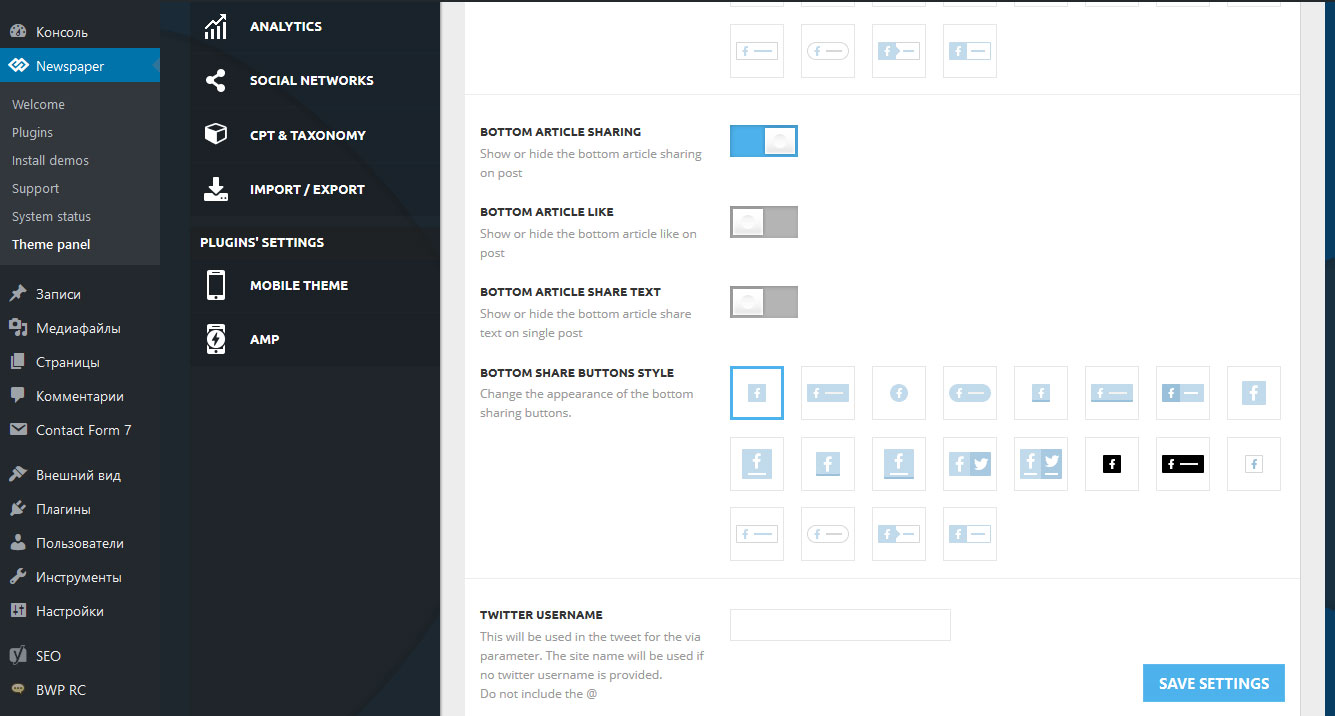
На моём примере: я отключил показ кнопок в верху статьи через настройки темы, оставил включённые их только внизу:

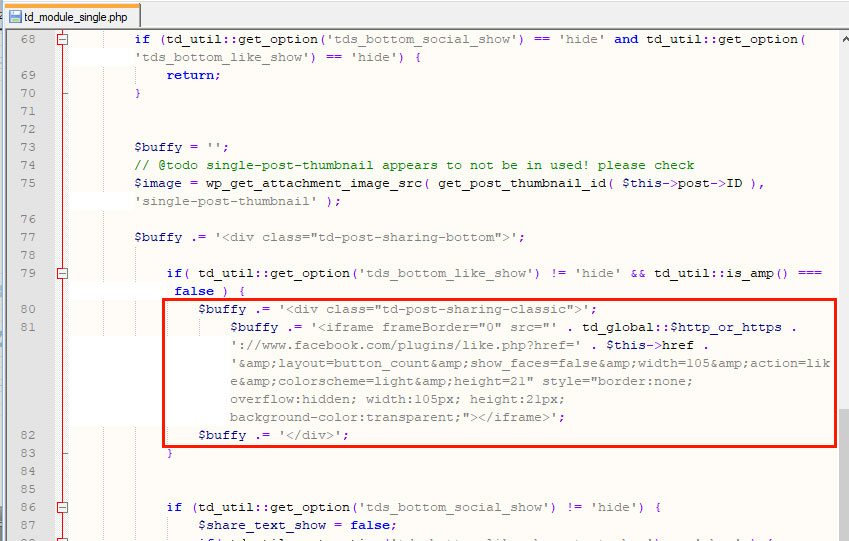
В файле td_module_single.php нужно удалить эти строки:

Вставить эти:

Изменённый файл td_module_single.php сохранить в дочерней теме с сохранённым путём.
Результат:

Если я что-то сделал неправильно, надеюсь, разработчики меня поправят.
===========
English:
For Russian-speaking website I would recommend to completely replace the buttons with the default sharing buttons counters from Yandex:
In my example: I have disabled showing the buttons at the top of the article via theme settings, left them only at the bottom:
In the file td_module_single.php you need to remove these lines:
Insert these:
Modified file td_module_single.php save in the child theme with saved by.
The result:
If I did something wrong, I hope the developers will correct me.


Hi,
There have been modifications made to the post sharing sections in the previous update. The socials are now defined in this file
– https://www.screencast.com/t/e88zJRrA
Each social implemented in the theme is defined there. You could make modification there if needed.
The whole bottom sharing section is defined here
– https://www.screencast.com/t/31SxfYKFgKw4
Thanks
I will try to help you, but I don’t quite understand what you are trying to do. I see you have removed the bottom sharing code and inserted a PHP code in the bottom sharing section on posts. The text contained in the code is now displayed accordingly from what I can see.
Any code you insert there will be displayed instead of the bottom sharing socials. Please correct me if I misunderstand.
Hi Simion!
This code I put as a test (example):
<?php echo 'Hello World!'; ?>

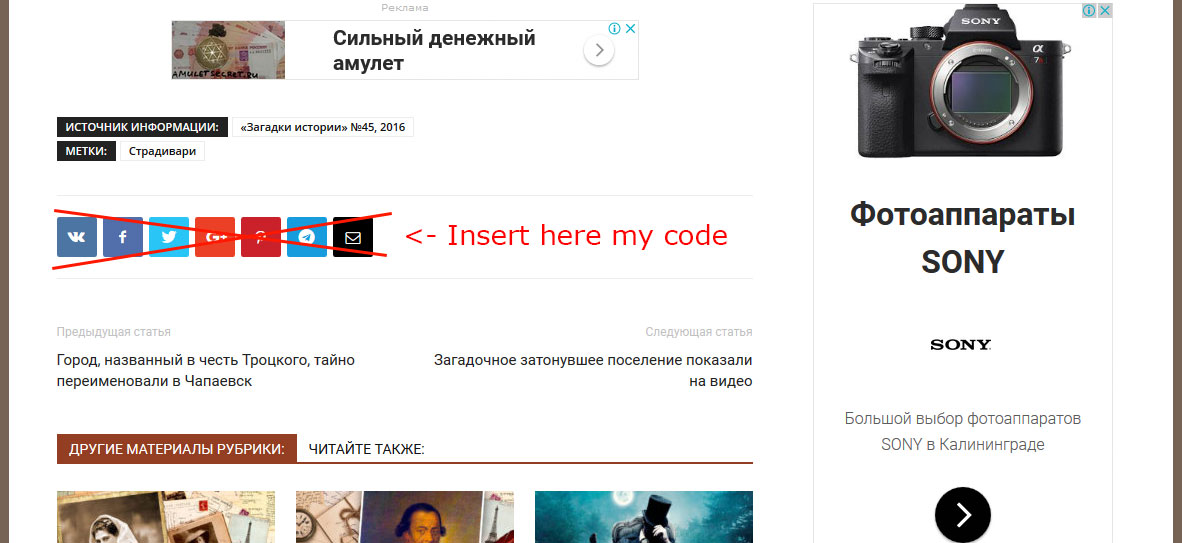
In the second screenshot, I just pointed out where the text (“Hello World!”) should be displayed.
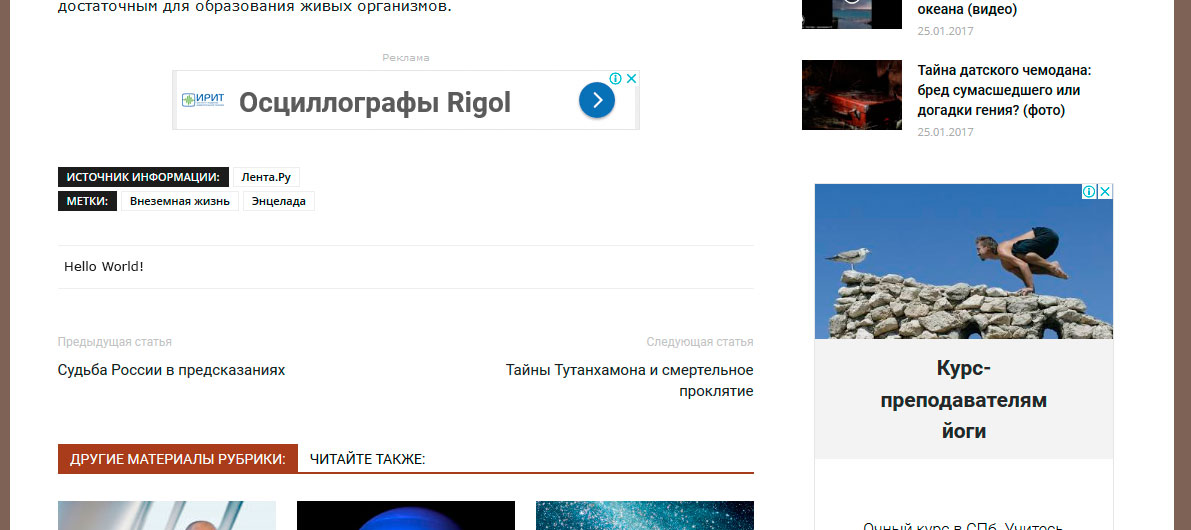
But it doesn’t work, please CHECK it.
The text contained in the code is NOT displayed.
Instead of “Hello world!” I plan to insert my own output code of social media sharing buttons.
I see know, I have not tested myself sorry. You could try something like this and make tests
– https://www.screencast.com/t/7TTpF7LCtb
– https://www.screencast.com/t/IFoG1FRMCyW

Hi,
@Valerio You could copy the mentioned file in the child theme (create similar directory path to the file) and make the modification there
– https://forum.tagdiv.com/the-child-theme-support-tutorial/
Thanks
