Hello
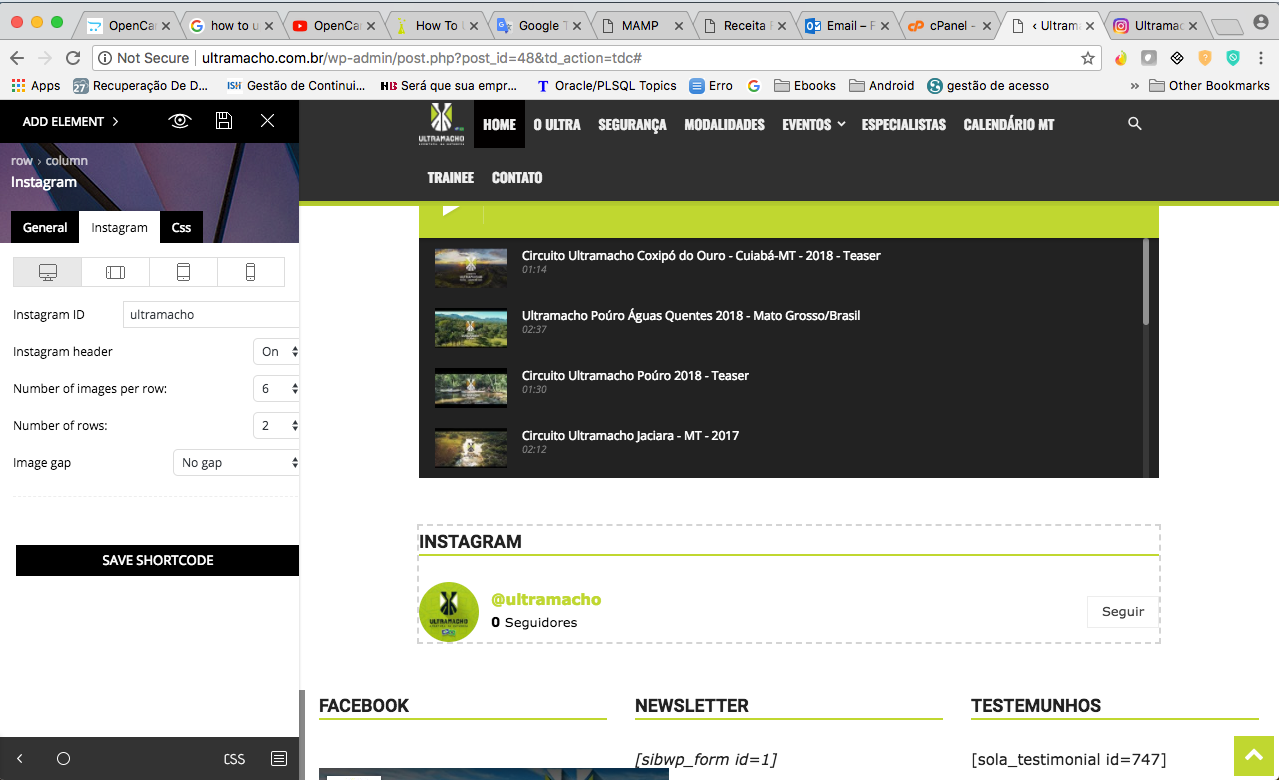
I need help with Instagram, I followed the tutorial, informing the user of Instagram, but the counters are not updating, as they can verify in the images.
Version used in theme is 8.7.2
My site http://ultramacho.com.br/
My https://www.instagram.com/ultramacho/
My channel https://www.youtube.com/channel/UCkzRcHgzf1iXDrBJ_fyxssQ
Thank you.

Hi,
There were some changes made by Instagram on their side, we provided solutions both for the social counter and the Instagram widget/element
– https://forum.tagdiv.com/topic/social-counter-and-instagram-problem/
Try and follow the topic and Instagram will work as before.
The YouTube count seems to be accurate from what I can see
– https://www.screencast.com/t/liSbXCeIlo
Thanks
Hi
I made the modifications as in the tutorial, but did not connect with the instagram
http://ultramacho.com.br/wp-content/uploads/2018/03/Screen-Shot-2018-03-30-at-9.53.53-PM.png
Hi,
Once the modification is made, either for the Instagram widget or the social counter plugin, everything will work as before
– https://www.screencast.com/t/sl3een9xzF
Be sure to clear all caching and CDN if used. Also try removing the element from the page and placing it again. Let us know.
Hello
I followed the step by step tutorial, but I did not succeed, You could send me the updated files.
Thank you.

Hello fabiossantos,
Please notice that we do not have yet any updated files. This fix will come with the new theme’s update which will be in the future.
Until then, for the social counter, please make these modifications:
https://www.screencast.com/t/rEBOoudPy
replace with
For the Instagram widget, you will have to replace this file:
https://www.screencast.com/t/da9nIfQr9DT
with:
It’s not very complicated. You can do this via FTP way or simply do this from Editor in WordPress like this -> https://www.screencast.com/t/seCfrKbb
Thank you!