Anyone know how to fix Tagdiv when it completely fails to load your webpage for editing?
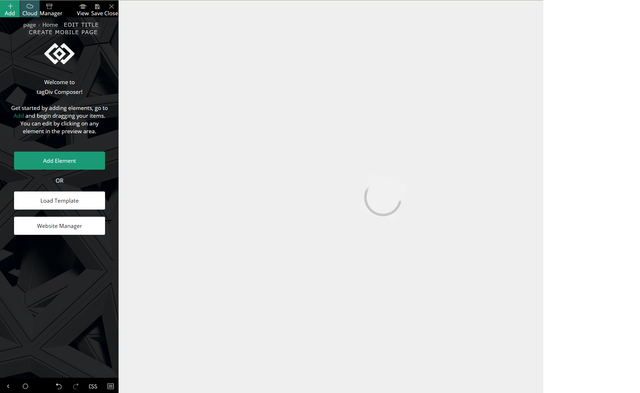
I load it and it just gives me the spinning circle, no actual loading.
I would love to be able to edit my pages.
Thank you!
-
This topic was modified 5 years by
pepperandplatinum.

Hi,
Please check if you use the last version WordPress 5.6 with a last theme version Newspaper 10.3.9.1 and check to see if the problem persists.
If you need to make an update, before please make a full backup to all files and the database, in case something goes wrong. => https://forum.tagdiv.com/how-to-update-the-theme-2/
Also, try to deactivate ALL plugins except tagDiv ones, too if you are using child theme or cache plugin, deactivate them, clear all cache and try again.
Let me know the results!
Thank you!
Thank you Anamaria – It however did not work.
Everything is updated.
I deactivated all the plugins except TagDiv, purged cache.. nothing.
It just won’t let me edit the site when I select Edit with Tagdiv.
When I hover my mouse over the page that is loading, it knows the website is there.. but I cannot see it.
What it is doing currently:

Here are the errors I am getting in Console:
 <br />tracemyip duplicate remover<br />
Hello,
If you tried all these steps and still the problem is not solved, please make a full backup to all files and the database and contact us via email at contact@tagdiv.com and provide the following:
– admin url and credentials
– cPanel url and credentials
– a link to this topic in order to identify you
Our team will take a look!
Thank you!
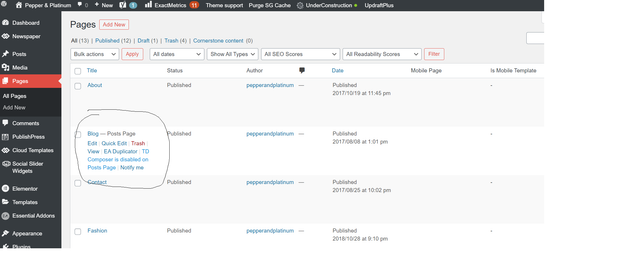
I am resetting the theme entirely at this point, but cannot figure out why TD composer is not enabled on posts page.
How do I enable this so that I can edit my site?