Hi, I have a problem with WordPress image cropping.
When I crop a photo with the WordPress tool, the thumbnails created with WordPress are cropped (small, medium and full). And the thumbnails that are created with your theme are not cropped.
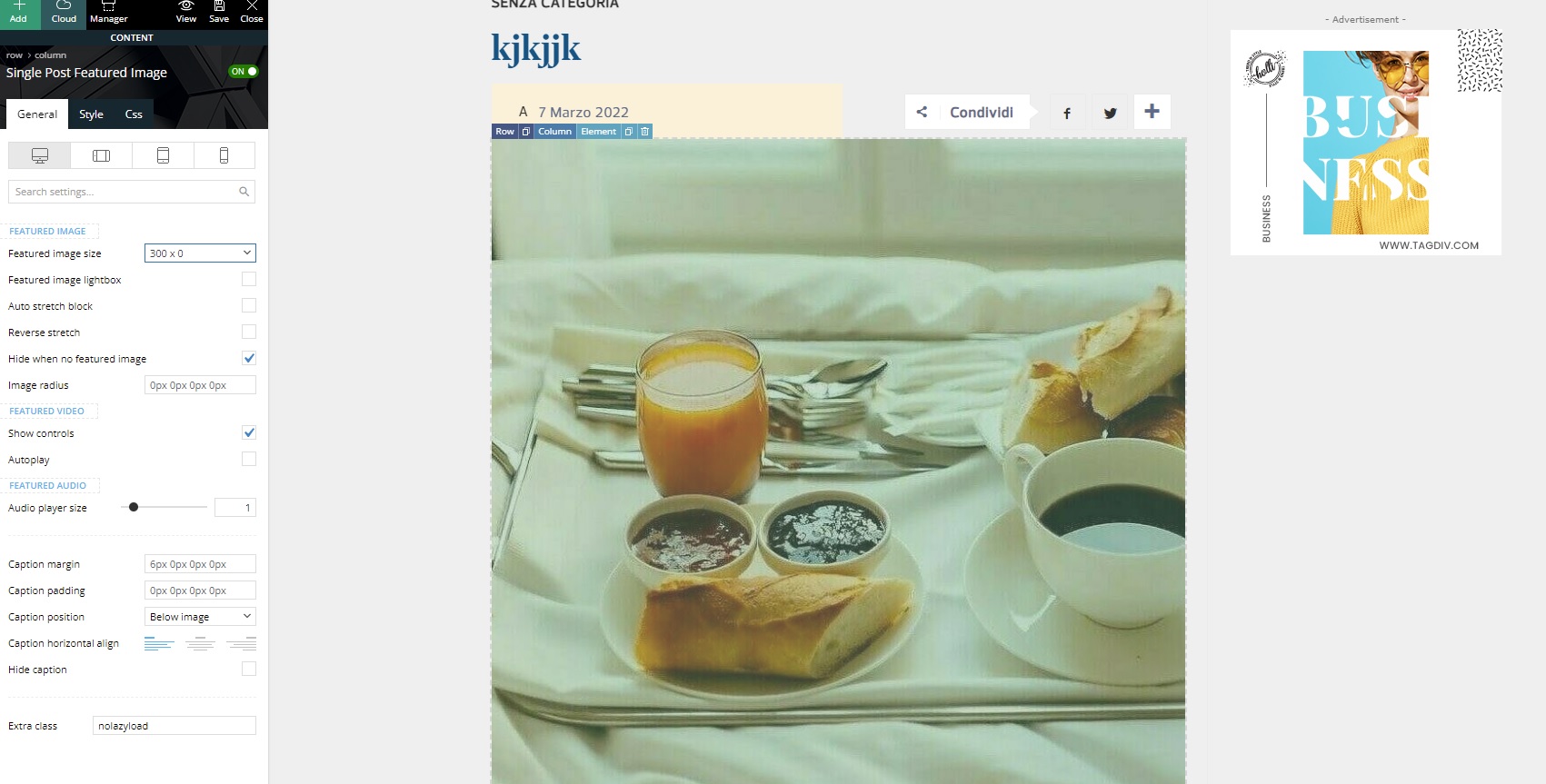
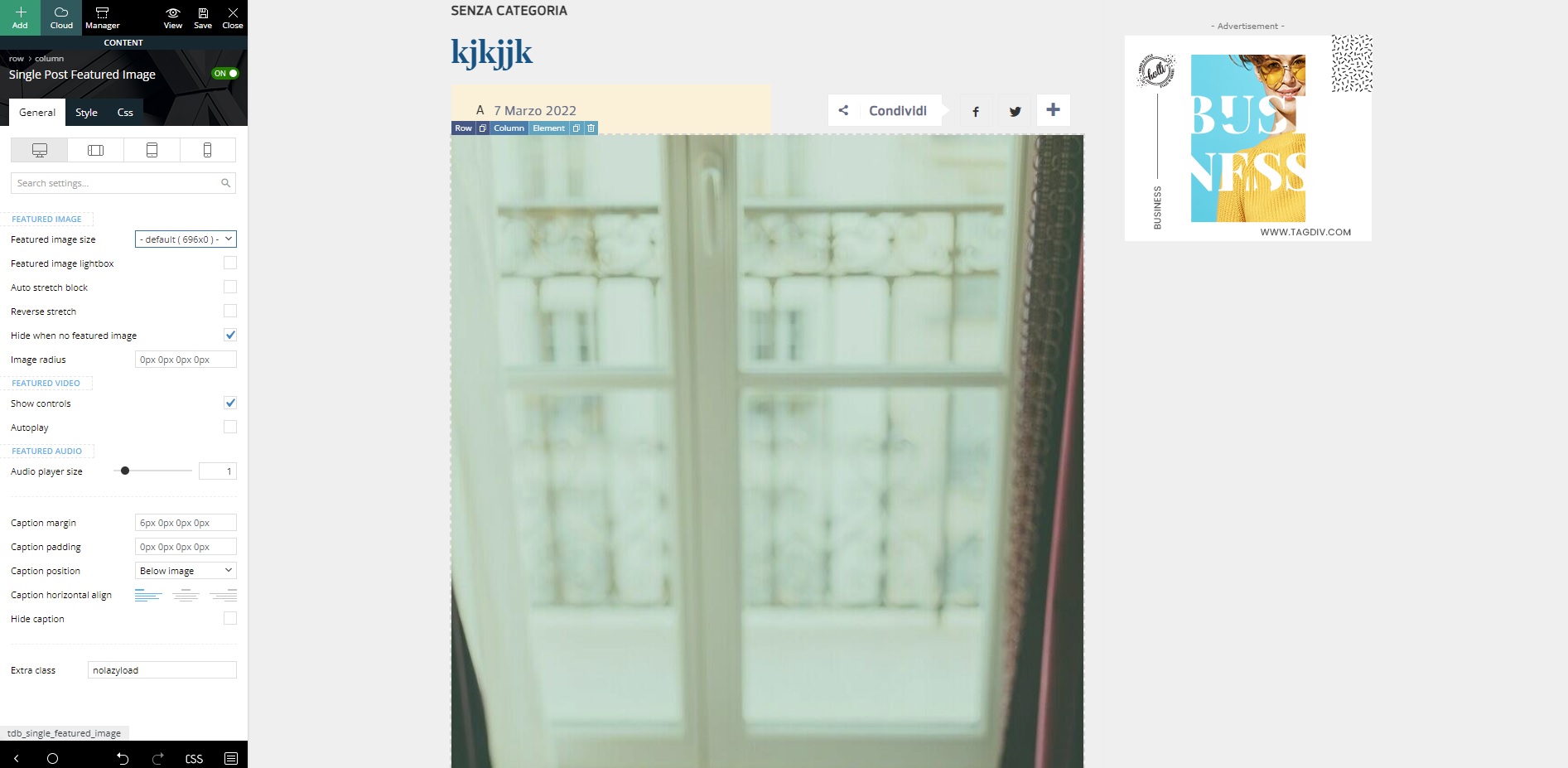
This is an example if I try to change the featured image of my post layout. I’m changing to one created by WordPress (300×0) and one created by your theme (696×0).
https://i.ibb.co/Yc9CjcG/300x.jpg
https://i.ibb.co/jb1t6Ks/696x.jpg
I await support.
Thank you
-
This topic was modified 4 years by
marcorroma.

Hi,
Indeed the theme thumbs should display the images without cutting cropping, but for some images formats can appear some exceptions.
We usually recommend to use the theme thumbs -> https://i.imgur.com/FzWd6Jx.png -> https://forum.tagdiv.com/thumbnails-fix-strange-looking-images-on-blocks/
Thank you!
Hi, to solve the problem I decided to change the featured image crop, and set the default one (large or medium) of WordPress.
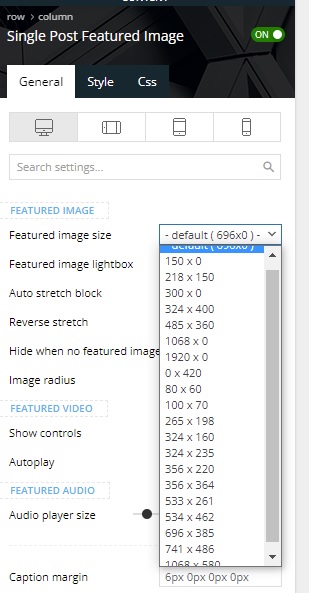
In my post layout I would like to set a WordPress crop, but I can only view the crops created by Newspapers theme.
Screenshot:
https://i.ibb.co/CKtfdPM/sing-fea.jpg
I await support.
Thank you
Hi, I have already selected the 696x0px image. The problem is that if I cut an image with the WordPress tool (cutter) the highlighted image 696x0px is not cropped. So I would like to set a default WordPress featured image.
I await a solution for this problem.
Thank you
Hello,
Maybe a solution will be to replace the Single Post Featured Image with Single Post Bg Featured Image in this way you’ll have more control over the image. Unfortunately for the moment there is no solution for this elements to can use the images cropped by WordPress.
Thank you for your understanding!