

How Can I Add Sticky Social Share Button On Mobile View And Show Updated Date in Mobile Theme?
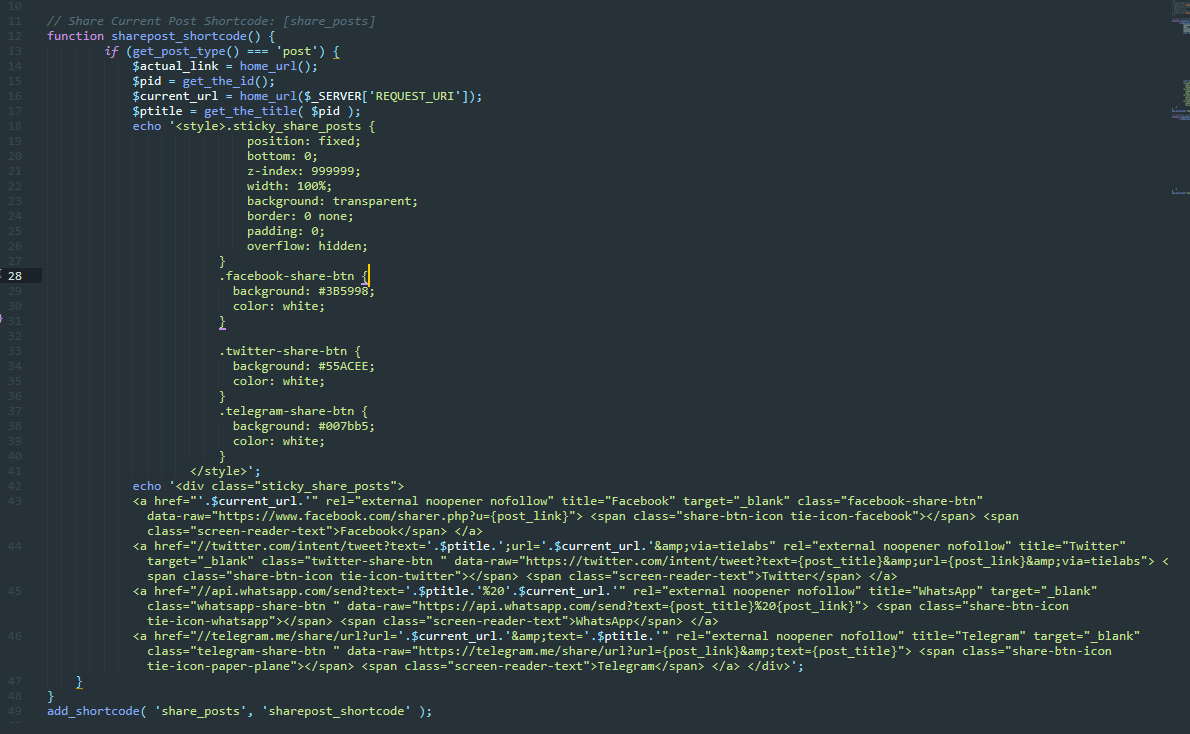
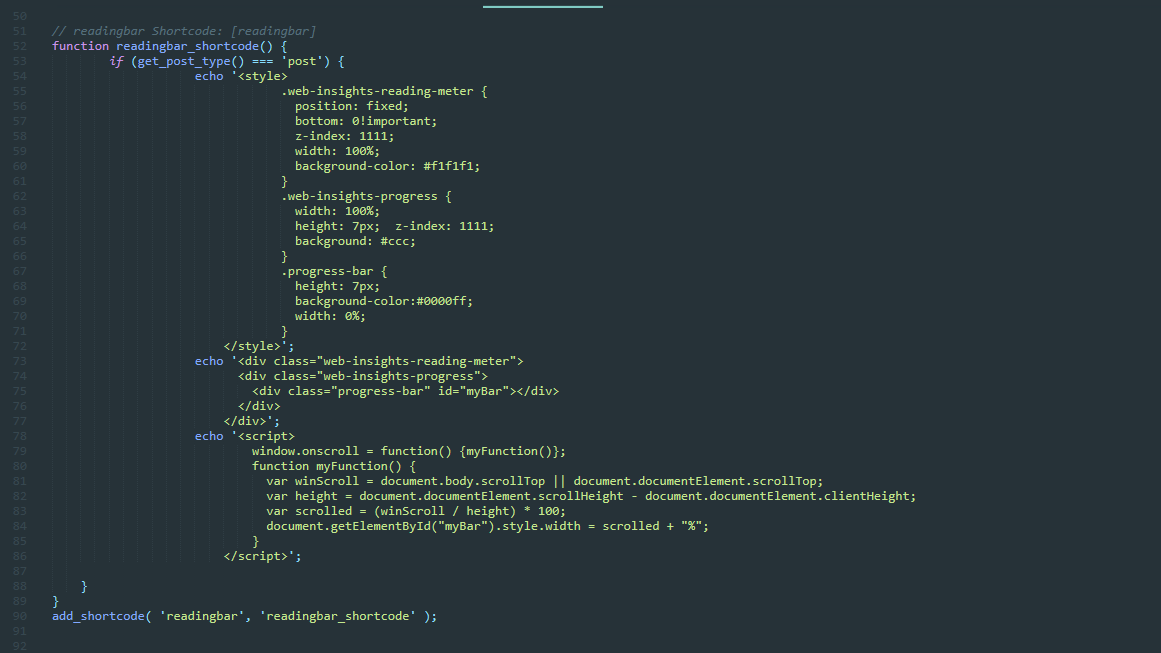
If I Use Shortcode
[tdb_single_post_share like_share_style=”style4″ like_share_text=”yes” el_class=”ajshare” content_align_horizontal=”content-horiz-center”]
[tdb_single_modified_date]
[tdb_single_reading_progress bar_pos=”top” bar_fill=”#8224e3″]
in Mobile Theme. it did not support it.

Hi,
Indeed, the mobile theme was made to remove the shortcodes, so the mobile version become faster.
If I’m right the code for this was implemented in this file -> wp-content/plugins/td-mobile-plugin/td-mobile-plugin.php
Also, you can display the modified date using this option -> https://i.imgur.com/6qotPb8.png
Thank you!
There is No Option Post Setting Under Mobile Theme

Current Version RC12 & V11.5.1
-
This reply was modified 4 years by
discovermh.


