

Hello,
after the update, the theme wasn’t activated anymore and all plugins were disabled. I reactivated the theme and installed all the plugins but ALL the theme settings (in the theme panel as well as all the settings from the blocks of the sites i built with tagdiv composer) are gone. How can i fix that?
All the best,
Daniel

Hi,
The settings in the theme panel may be lost (there have been isolated cases), in these cases, after the theme plugins that were previously used are activated, you will have to use a backup for the theme panel -> https://forum.tagdiv.com/import-export-theme-settings/
Also, please provide more details about your issue with the blocks.
Thank you!

Thank you for the update.
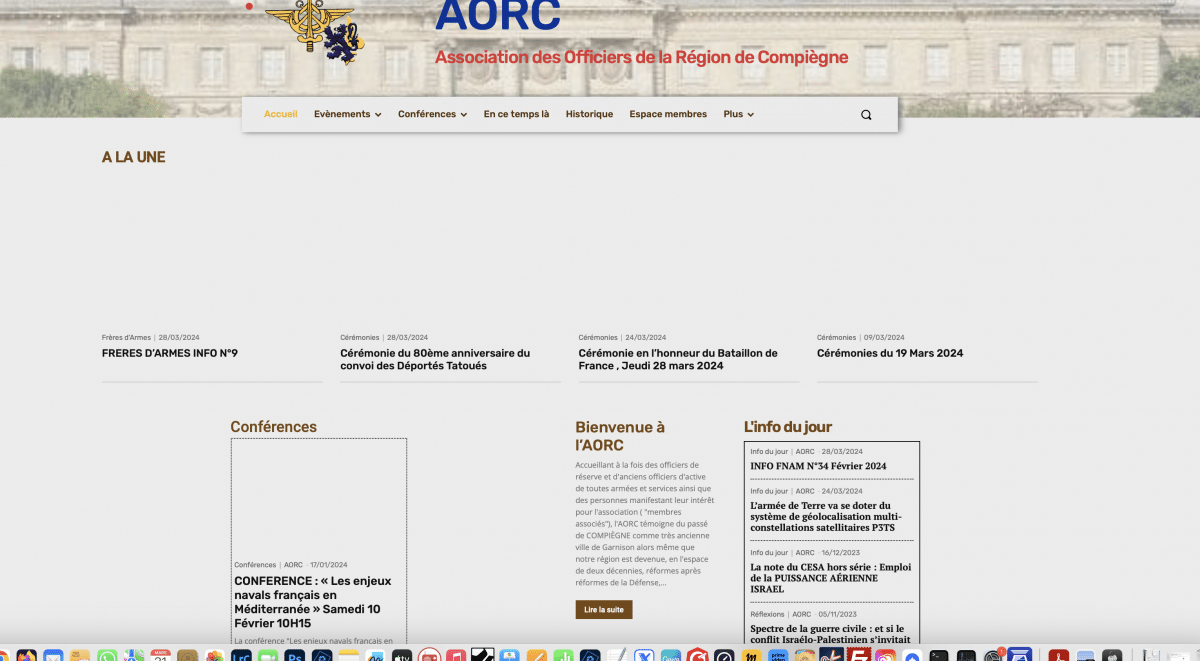
A problem has occurred. After the update was completed, the system became faster. However, an icon appeared in the top left corner. Afterwards, I was unable to see the pictures on the administrator page on the dashboard side.
Interestingly, while I can see the images in the tagdiv editor, when I save and want to see them, the images do not appear. But an ordinary participant can access all the images.
I removed the icon with a script. I will send you the screenshots.. I hope we can find a solution..
The script I wrote is like this.
body div .td-icon-menu-up{
display:none;
I am sending you two screenshots. Unfortunately, I cannot see the images in the dashboard area after the update. But they are visible in the TAGDIV COMPOSER area.

Hello,
I would like to take a look. Can you please contact us via email at contact@tagdiv.com and provide the wp-admin access? Include the link to the topic in the email.
Thank you!
Update: The issue was resolved by excluding these ‘td-site-min’ classes in the Jetpack Boost plugin -> https://imgur.com/tixilTK

