Hi,
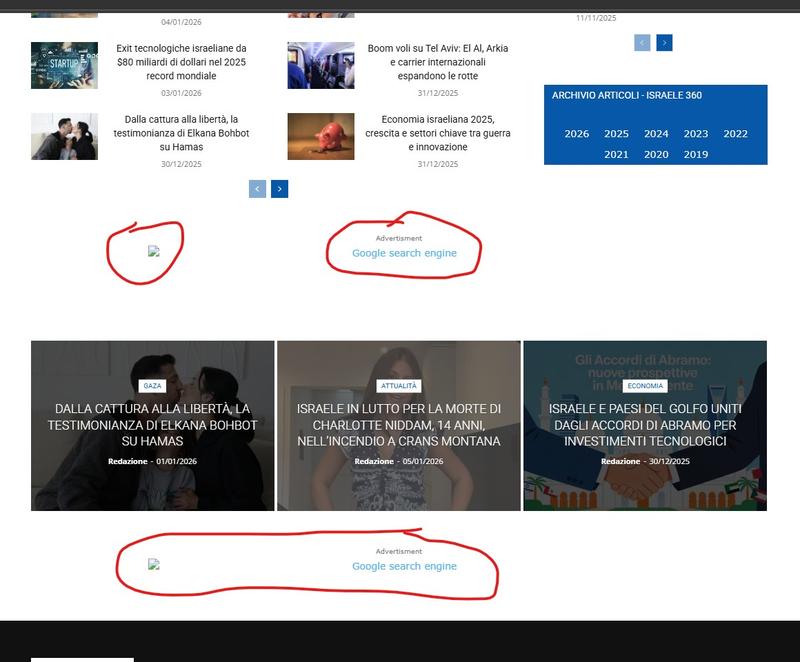
on my site https://www.israele360.com/, at the bottom, on top of the footer, there is a grid with 3 articles, on top of that grid and below, there are links related to “google search engine” that i’d like to delete, but i don’t have any raw with it.
How can i proceed ?
thx

Hi,
I believe you are referring to those – https://i.imgur.com/qIwx9Zz.png those are banners set with tagDiv Composer on ad box elements, select the viewport for phone and click on remove txt from holdin the image/banner, or select the Ad box element and with right-click you can delete it => https://www.screencast.com/t/2GfCVx9BCAw7 or with drag & drop place it into the deleting red zone from the bottom right of the page.
The ad box has 3 sections for ads: using theme panel ads -> https://i.imgur.com/KFa9ibl.png, using images/banners -> https://i.imgur.com/MfAPTaE.png and custom code -> https://i.imgur.com/2rh8SuD.png
Thank you!
Hi,
Do you have any ad blockers enabled on your computer because those https://i.imgur.com/RD0nEZF.png are ad box elements on your homepage, and the images from the ad box have been deleted from wordpress media.
Thank you!
Please provide some screenshots from tagDiv Composer, it should be something like this – https://i.imgur.com/uqbhTKH.png https://i.imgur.com/HKEPdek.png or just select the block and delete it (use the right click on it and select the delete option from the right menu). You can add the ad box element later, where you want on your website.
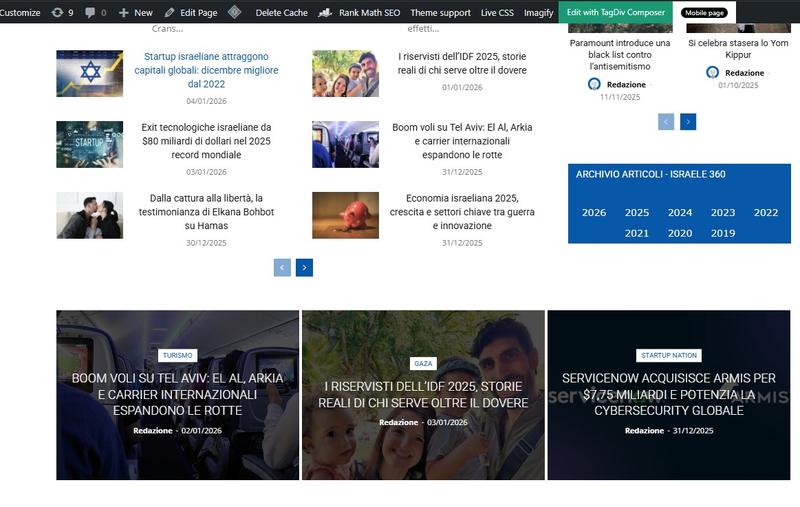
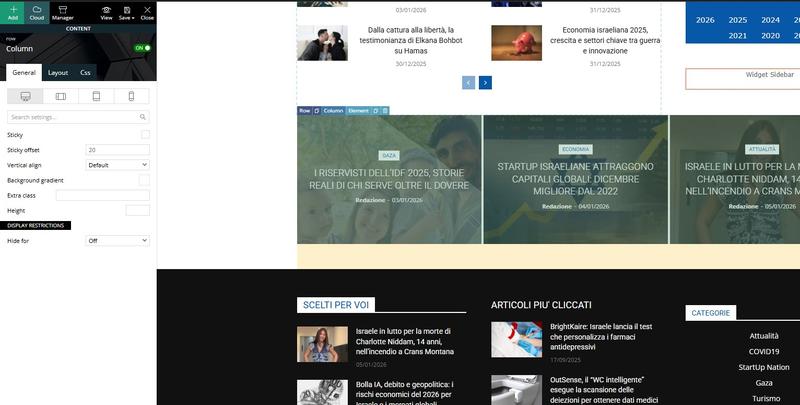
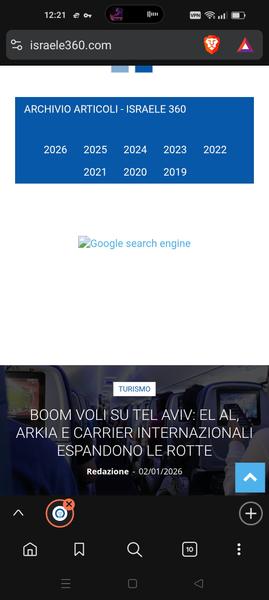
Hi, i don’t have anymore the ad module, i’ve already deleted but the problem is that i still see the google search ad out of the composer. See https://i.postimg.cc/YSsJtyR6/tag1.jpg and https://i.postimg.cc/FHnPSkL6/tag2.jpg there is no ad module visible, still you see the ad https://i.postimg.cc/8kMhGKmp/tag3.jpg and also visible on mobile https://i.postimg.cc/gjgcdbSY/tag4.jpg
Hi,
This situation is related to an ad blocker. Please try using a different browser and make sure that no ad-blocking extensions are enabled. Normally, the frontend and the Composer view should look the same.
Also, after making all changes, please ensure that the cache is cleared.
If you’d like, I can remove the ad banners for you. To proceed, please contact us via email at contact@tagdiv.com and provide temporary wp-admin access.