I’m having a problem with the mobile version because none of the pages are showing up, even though they’re linked in the menu and set to display on mobile. They look like this:https://drive.google.com/file/d/1kAzDawH1nEsH7YneNGLvRSel-FO8v4ga/view?usp=drive_link

Hi,
The provided link is not working, our email do not have access to it (contact@tagdiv.com)
Usually, this situation appears when you are using the tagDiv Mobile theme plugin. Now if you want to have the responsive version for your mobile users, then please disable the tagDiv Mobile theme plugin.
He desactivado el modo movil en los ajustes del tema, y sigo teniendo el mismo problema. Siguen sin verse los enlaces del menu de inicio. Se ven pero cuando intentas entrar en alguno de ellos, no se ve la página a la que queremos ver.
Necesito resolver esto urgentemente porque estoy perdiendo tráfico y lectores, y no puedo permitirme estas licencias.
¿Qué hago para resolver esto rápidamente?
Gracias
Hi,
No, the settings in the theme settings are not enough. Please disable the plugin tagDiv mobile theme. If you check our mobile theme guide, you’ll see that this situation appears when you are using the tagDiv Mobile theme plugin, then, pages will render only content set with the mobile editor.
Please disable the plugin and clear the cache.
Gracias.
Lo conseguí pero siguen apareciendo dos problemas.
En el home junto al logotipo, aparece la imagen con el nombre del tema (Coronavirus medicina pro). ¿Cómo lo elimino. Ahi solo se tendría que ver el logotipo de la web.
Y, por otro lado, ¿Por qué en el menu de inicio no se ven correctamente las páginas? Necesito solucionar esto lo más pronto posible.
Gracias.
Hi,
For the logo prolem use tagDiv Composer edit the homepage and scroll down and when the sticky is displayed, click on the logo and look for logo text tagline – https://prnt.sc/auUIF4PfYWlH do the same for the mobile logo – https://prnt.sc/pSP6HPUu8vDW
Second situation I think you are referring to the mega menu – https://prnt.sc/yp6EBFt1c_JJ. This can be set in wordpress menu were you can set a category as mega menu – https://forum.tagdiv.com/mega-menu/
Thank you for your email.
In the Newspaper menu (within the WordPress admin panel), under Theme Panel → Header → Mobile Header, the theme logo does not appear; however, it does show up in the mobile version.
Regarding the mobile menu issue, we are not referring to a mega menu. It is something simpler. I mean the home menu, where the pages are not visible in the mobile version.
Hi,
The mobile logo should be checked using the tagDiv Composer as mentioned above, the theme panel settings will apply only in case that no logo is set using tagDiv Composer, but the header you have in use has the logo set using the tagDiv Composer.
The menu problem is related to the amp plugin, if you’ll disable the mobile redirect to amp or remove teh amp plugin, the problem will be resolved – https://prnt.sc/NibvVYdgSGi3
Thank you!
Con respecto a la opción de eliminar el logotipo del tema en la versión movil, he llegado hasta aqui: https://opinandosinanestesia.es/wp-content/uploads/2026/02/2f382000-9bef-42aa-9b0a-f3e474fe598e.jpg. He navegado en diferentes pantallas pero no logro localizar la ruta exacta. ¿Cuál es?
He modificado, según indicas, el AMP para corregir el problema del menú en la version movil, lo hice, refresqué, y parece que ahora funciona…
Hi,
When you make the edits, please edit the homepage using tagDiv Composer and follow my screenshots – https://prnt.sc/auUIF4PfYWlH do the same for the mobile logo – https://prnt.sc/pSP6HPUu8vDW
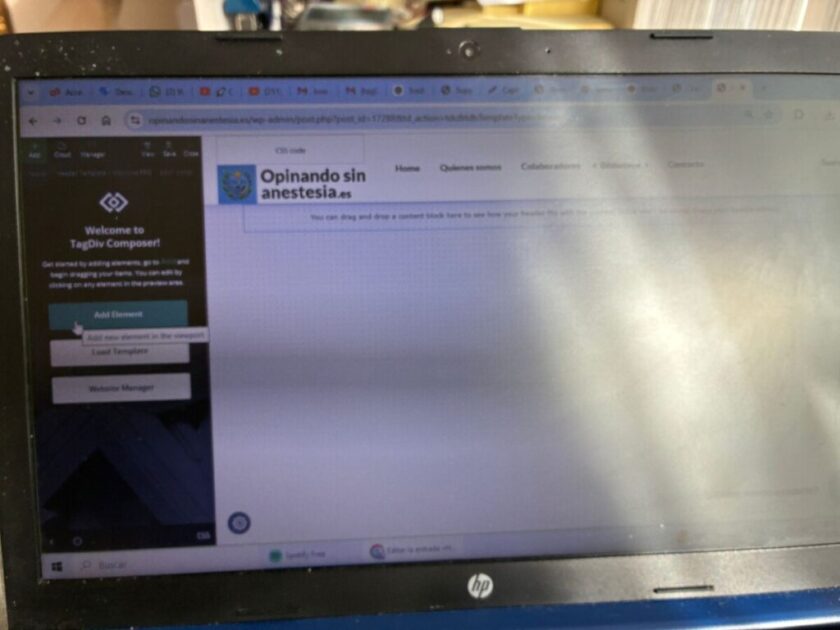
He intentado seguir tus consejos, pero no soy capaz de localizar header logo. Llego a esta pantalla (https://opinandosinanestesia.es/wp-content/uploads/2026/02/e0fff827-325a-4de8-ae6d-5e9033770763.jpg) y no soy capaz de localizar la ventana que me dices… incluso he eliminado el logotipo de la web y lo volví a cargar (también en la versión movil), y nada. El problema persiste… ¡Qué lio!
Please click on mobile preview – https://prnt.sc/66LPVRU9TuhZ then just select the logo element and check the settings for it.
How to Add a Logo in Newspaper
He seguido tus consejos y sigo sin poder resolver el tema que necesito resolver…
I already sent you the login instructions this morning; when you have a moment, please let me know how to resolve this situation. Thank you.