

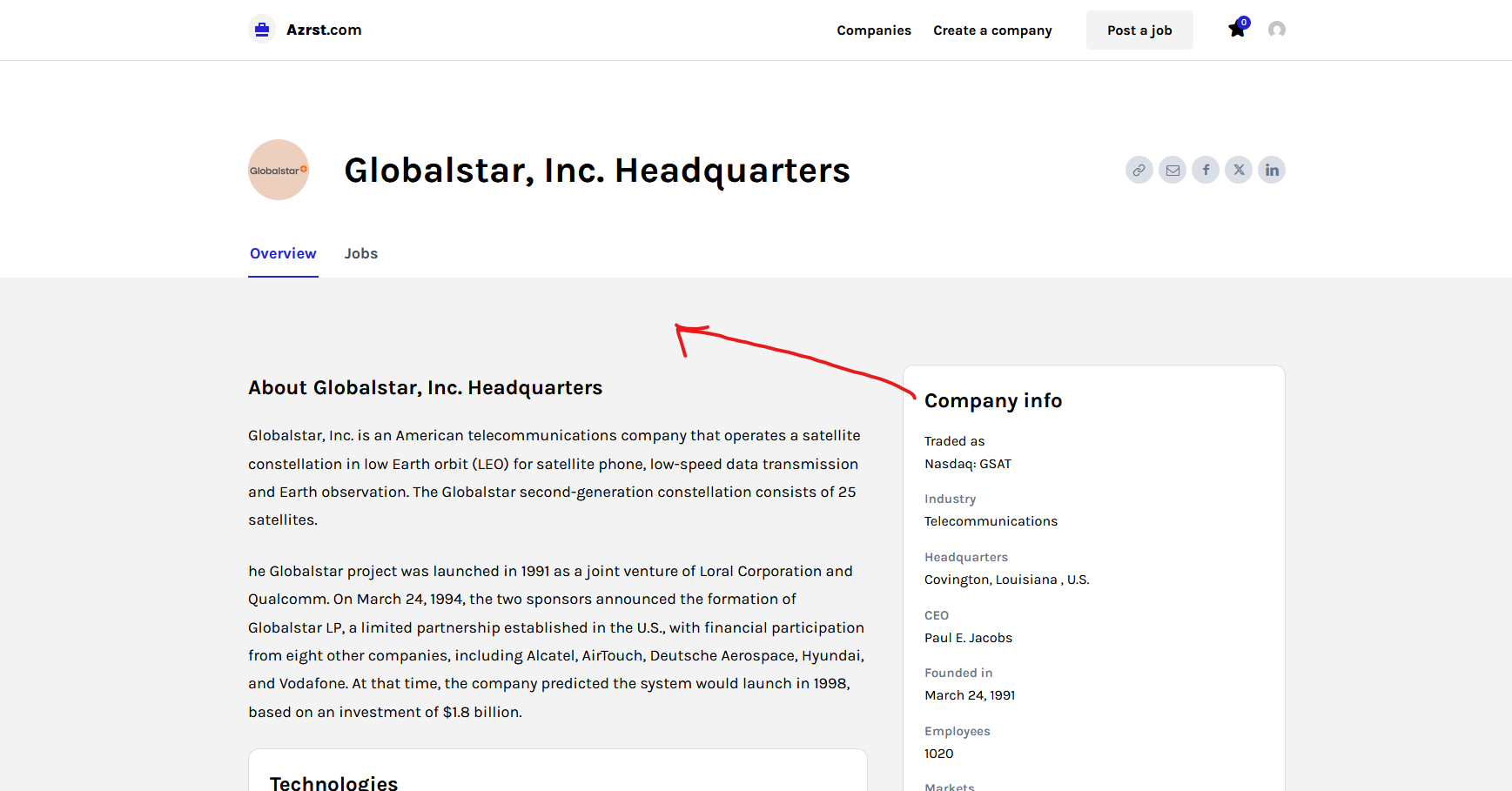

Hi,
1. Yes, this can be done using tagDiv Composer, you can add, move the elements, edit them or remove https://i.imgur.com/qbkS767.png https://i.imgur.com/nmov9wm.png
2. The ad can be set on any demo, for this, it can be use the ad box element.
Thank you!
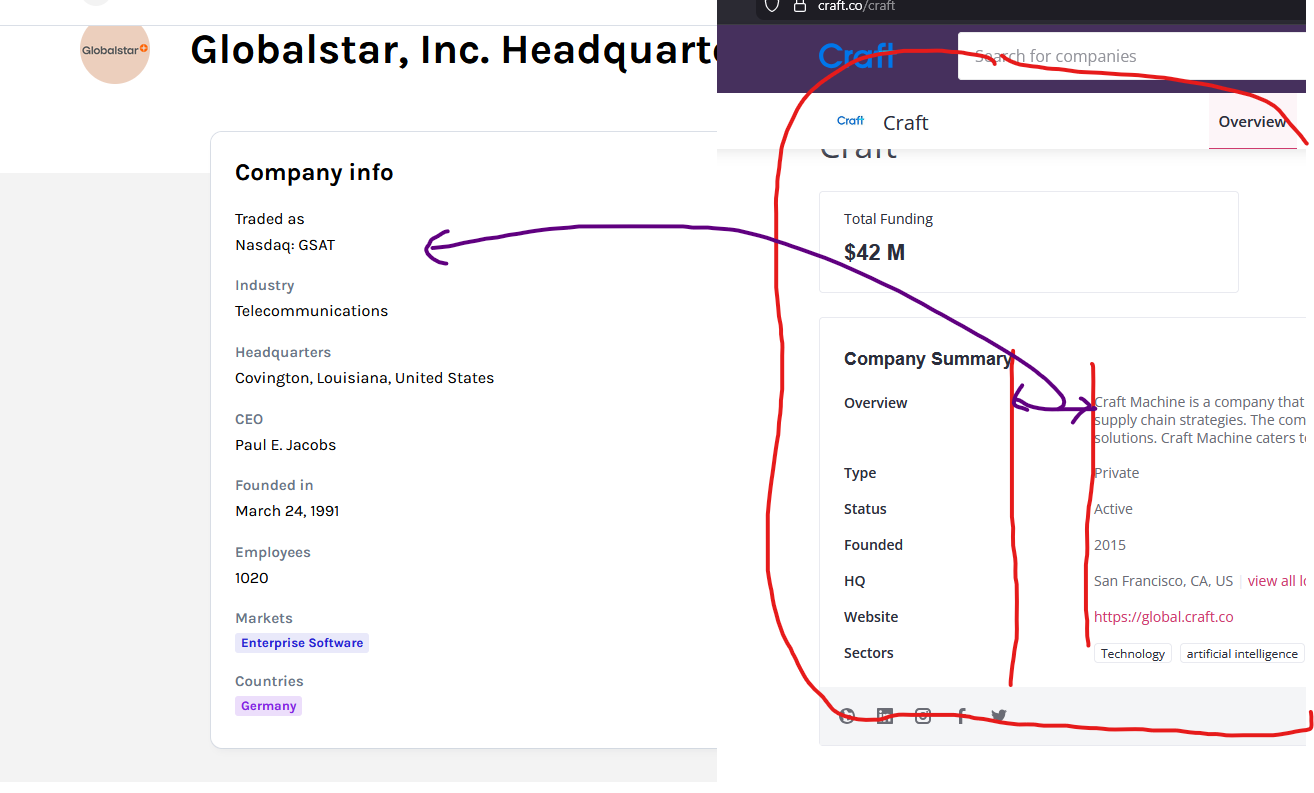
Hi,
If you want to have this type of alignment/design https://i.imgur.com/ey0xqSN.png then you need to use a separate element for the title and the custm filed for the result, otherwize it will be qite hard to align the elements like this https://i.imgur.com/ey0xqSN.png
Thank you!
Hi,
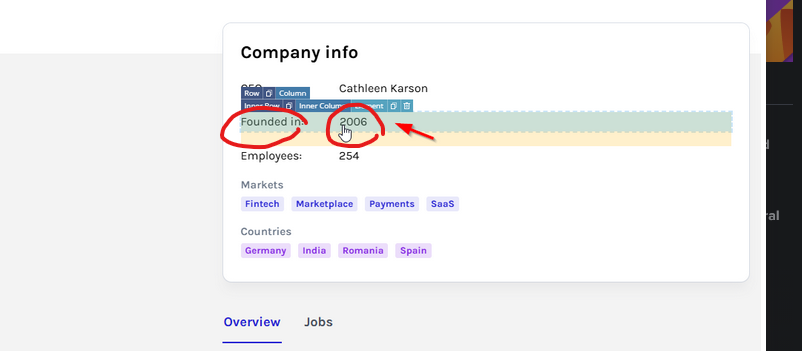
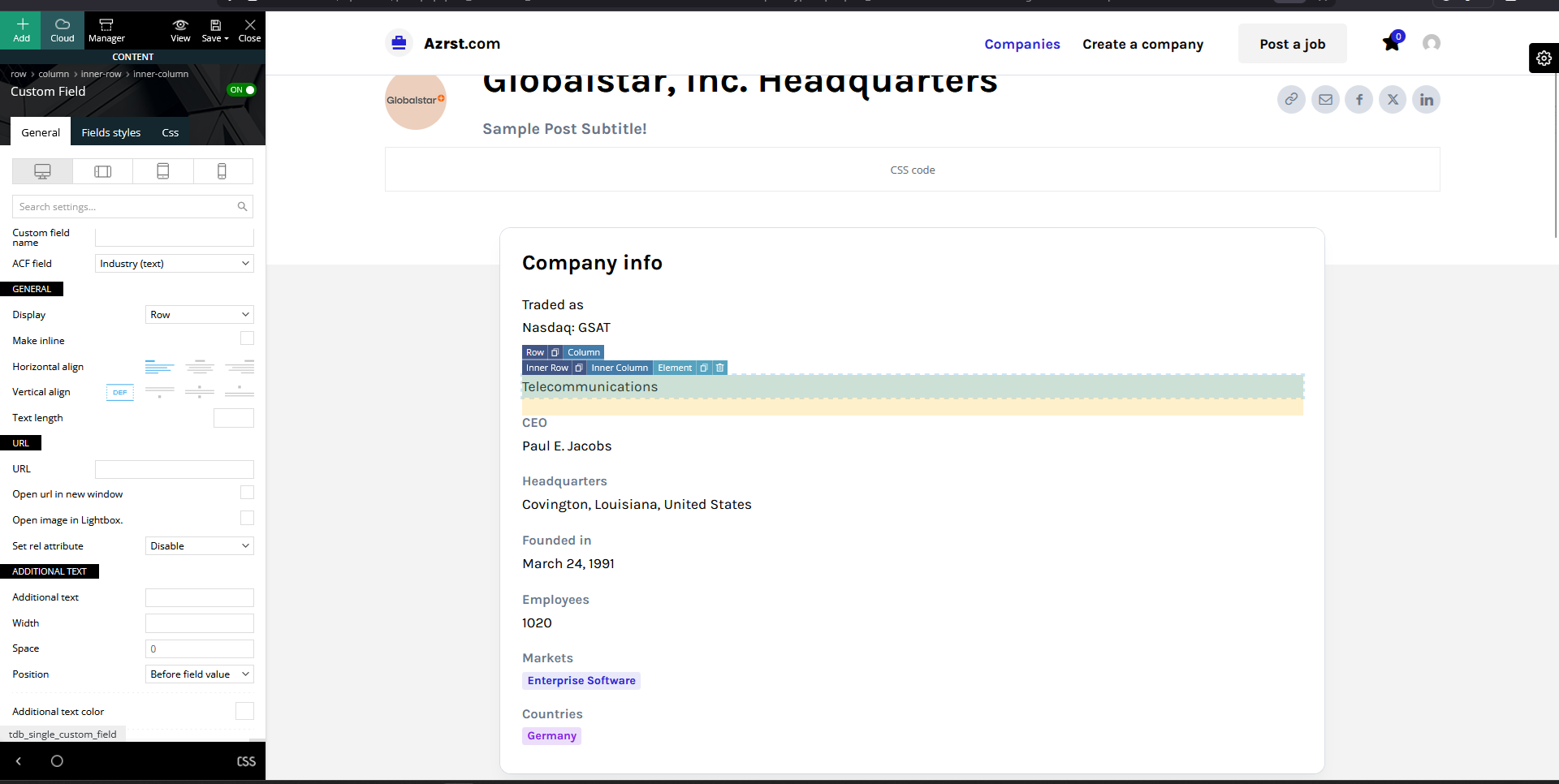
If you already have set the text as additional text on custom fields, then just adjust the space https://i.imgur.com/YrphgY5.png – https://i.imgur.com/5C9Avcn.png (the space will be need to be adjusted per each custom field so it will be in the line
Hi,
You need to set the edits like this- nhttps://i.imgur.com/YrphgY5.png – https://i.imgur.com/5C9Avcn.png select the custom fields in display mode, set it on columns( yours is on row), then in additional text set the text you want for that filed after that, set the space as in my screenhost, currently your settings are not like mine- https://i.imgur.com/pBBIP1a.png
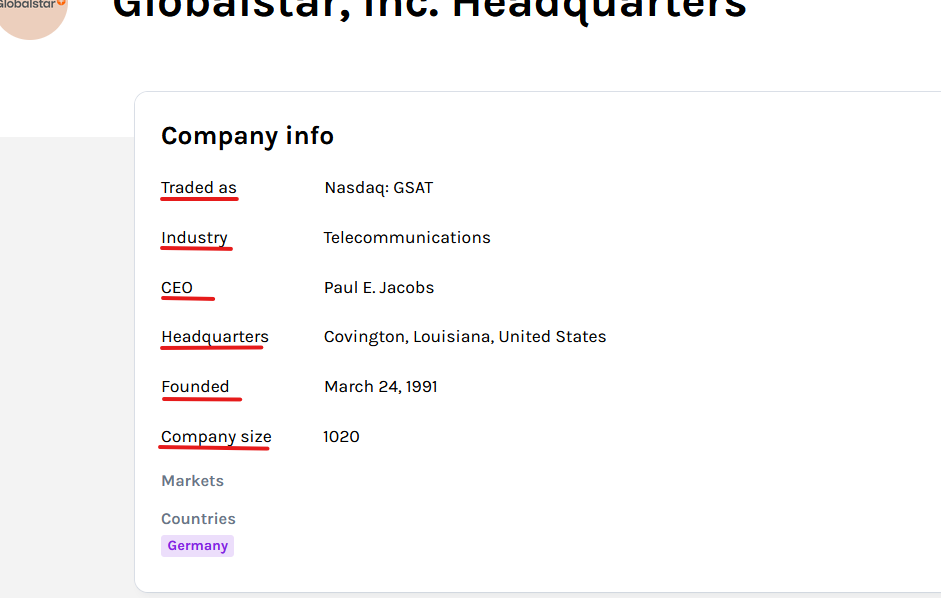
Hi,
1. Yes, this can be done using the options for additional text – https://i.imgur.com/FAwmXzg.png
2. Yes, this can be done by using the options from icon section https://i.imgur.com/kpIYuVu.png
Thank you!
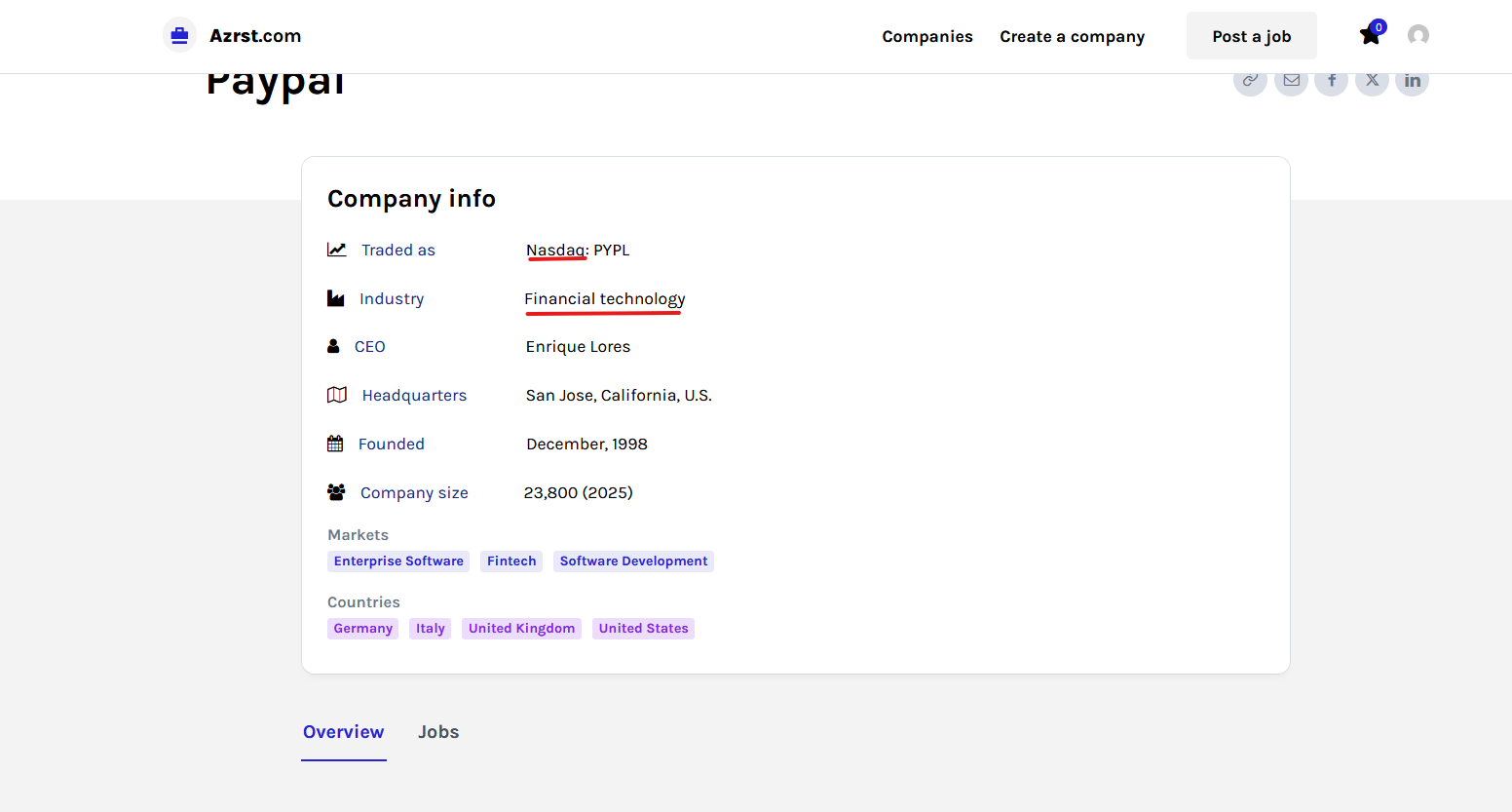
Hi,
Yes, this can be done. What you need to do is to add some extra custom fields in acf, for example, https://prnt.sc/WUdafD98di1v. Edit the template and select teh custom fields. There, paste in url field the field name like this {cf_} in this case, it will be {cf_url_for_founded_in} https://i.imgur.com/DsbJs5d.png
I hope this will help you!



