- TutorialsFrom WPBakery to tagDiv Composer
- TutorialsWhat is Ajax preloading?
 nagi
nagiRespected Sir/Mam,
I am a developer at Mallemaala Entertainments, located in Hyderabad. We have a few requirements for our movie review website, 123telugu.com. I am hereby mentioning our requirements.
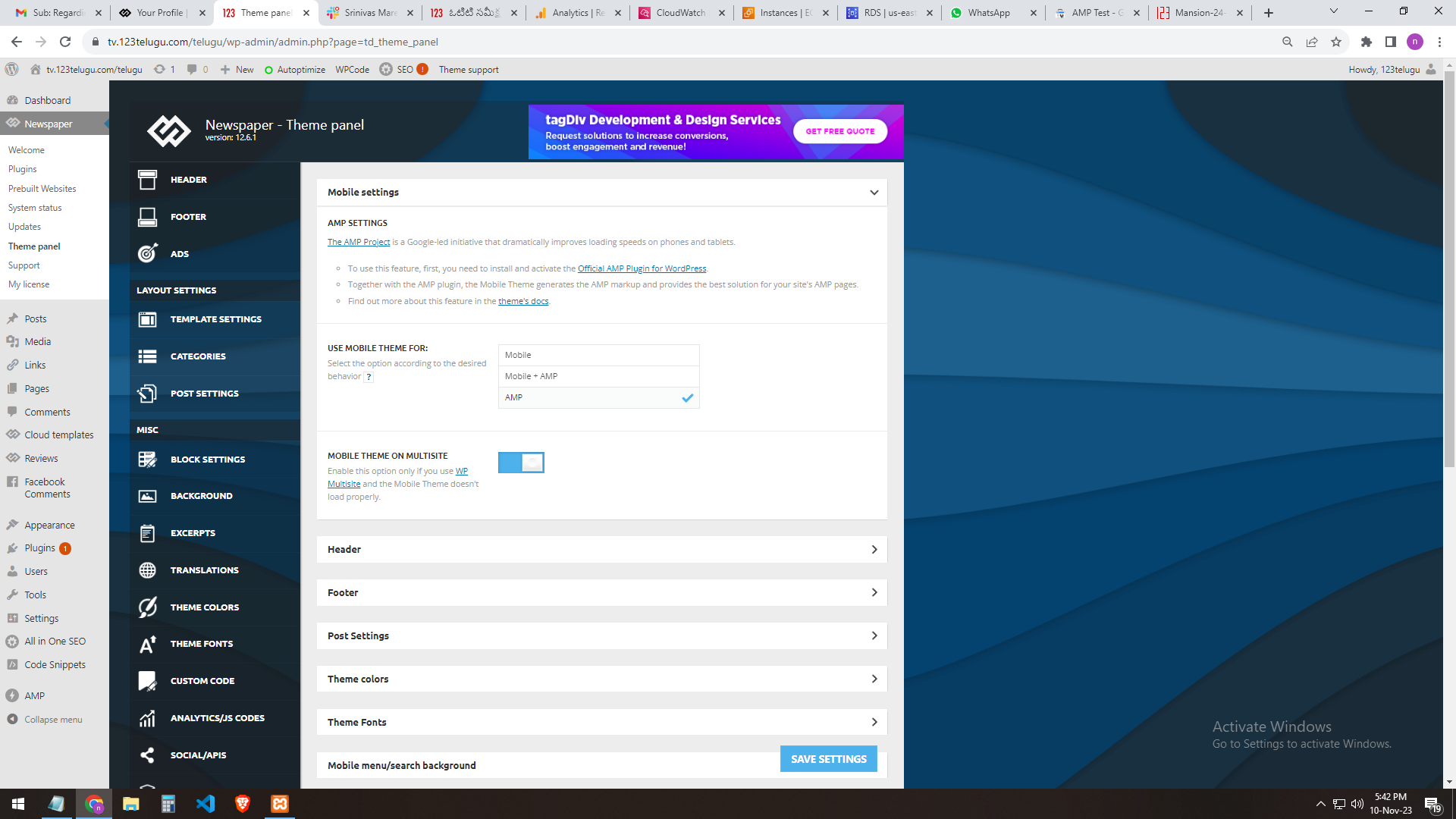
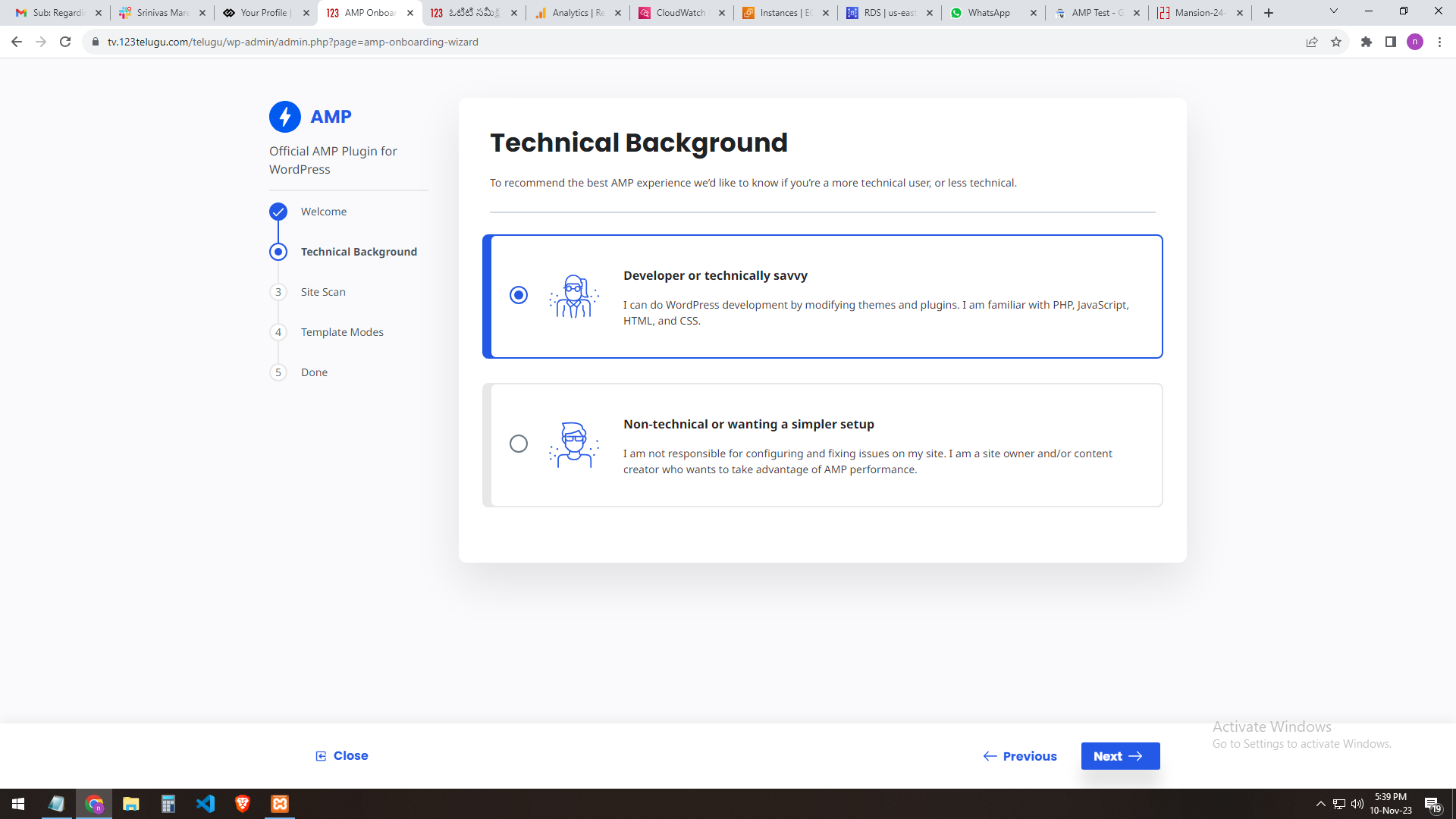
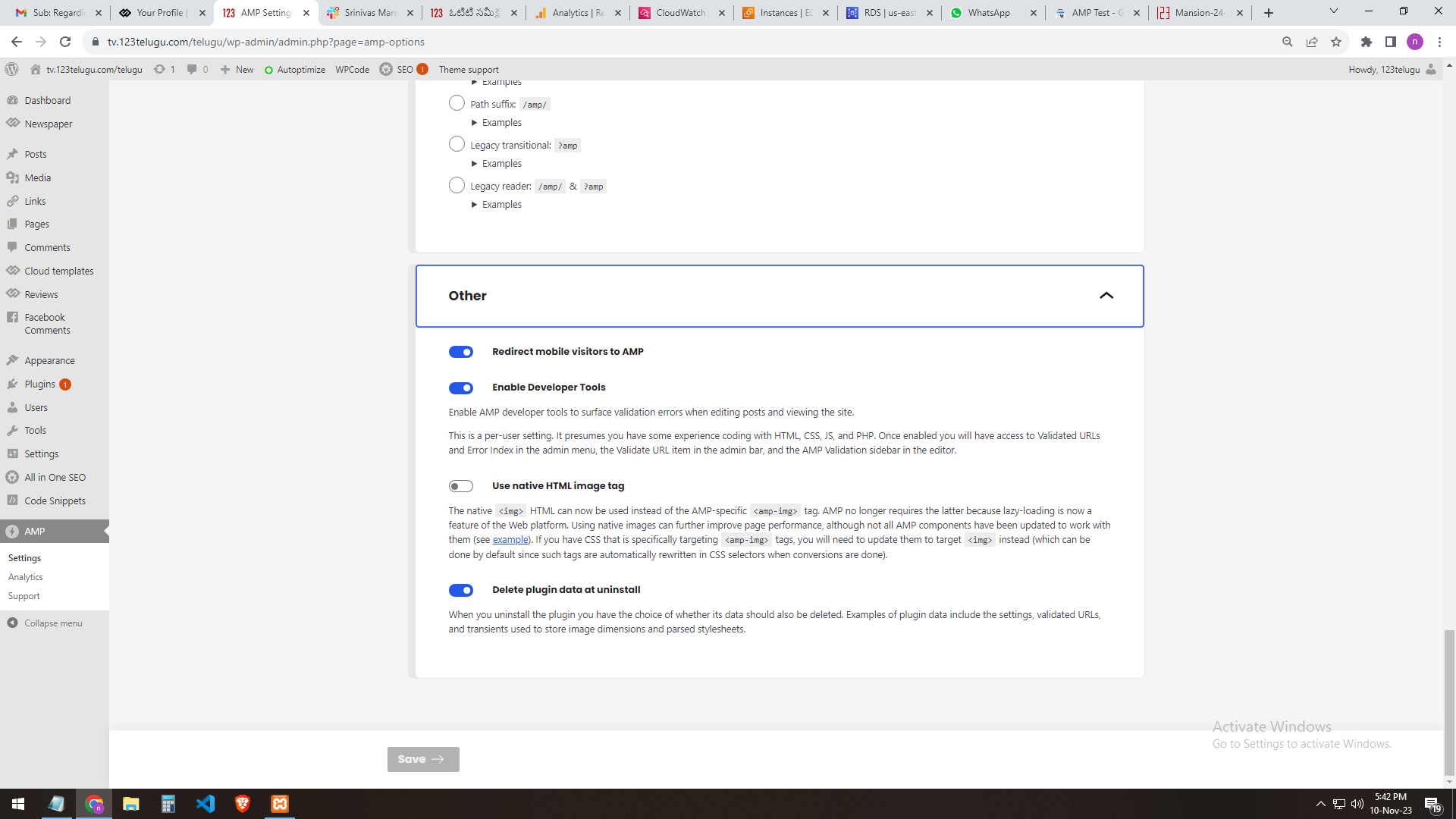
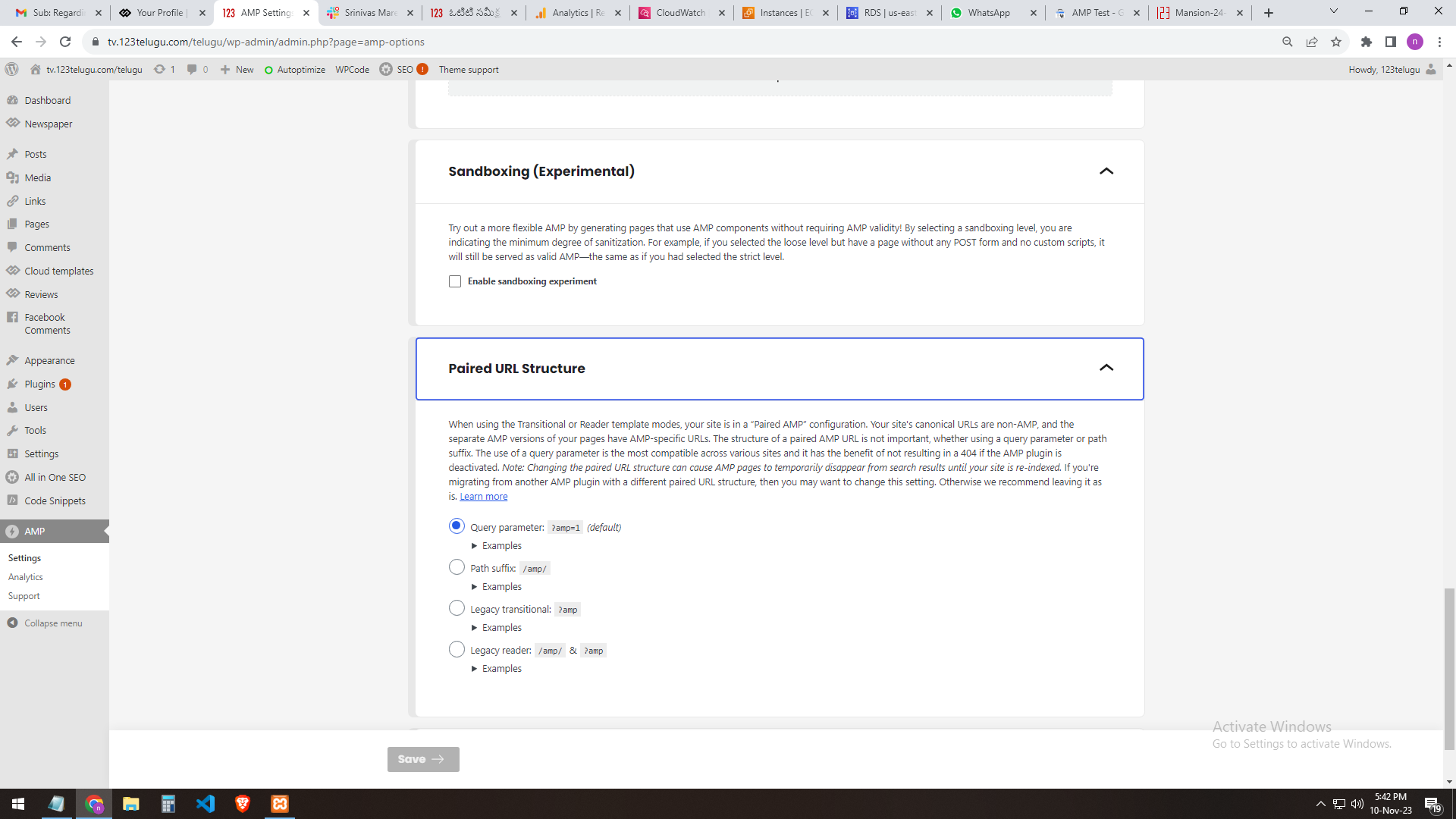
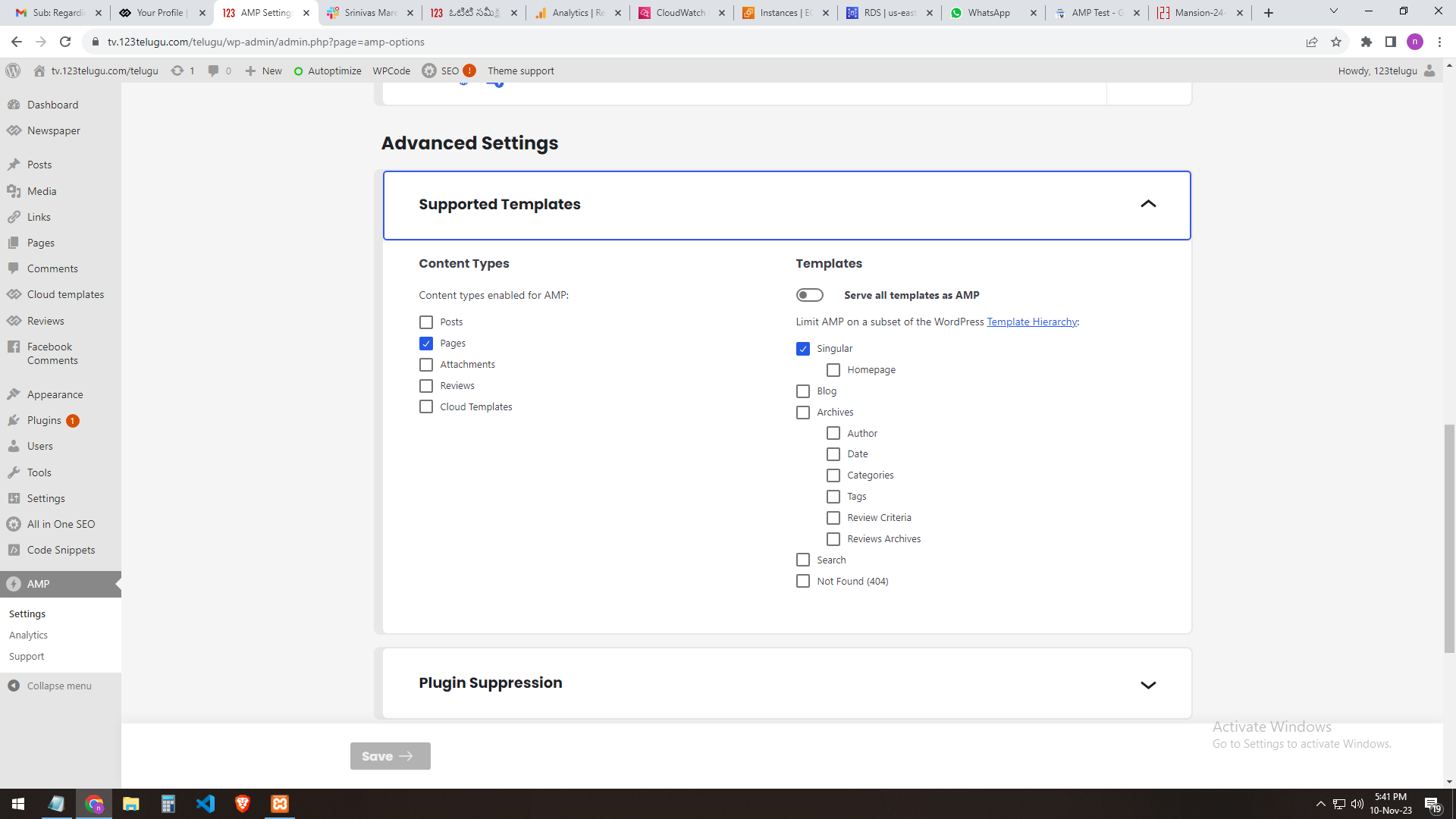
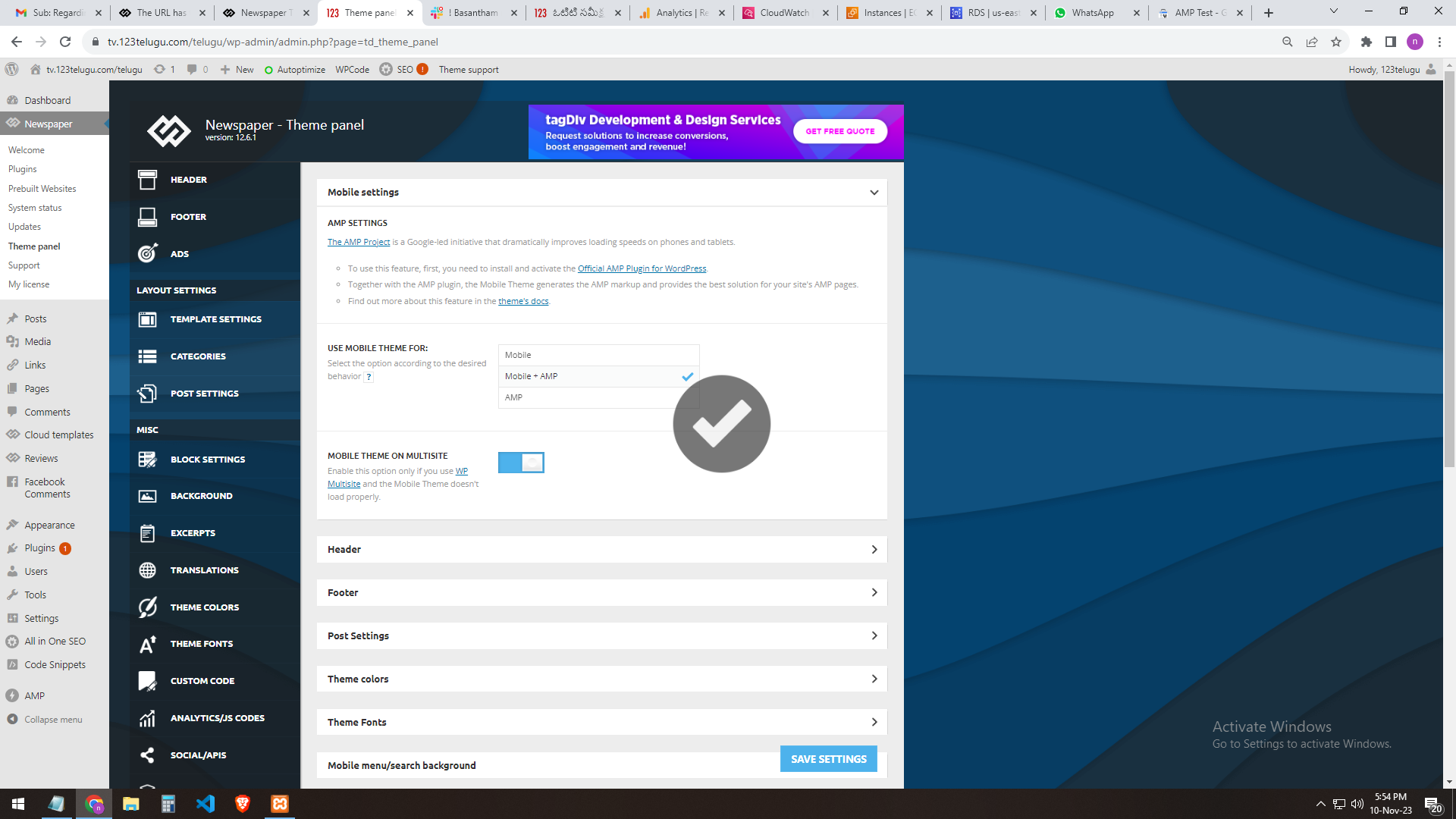
We need AMP validation. We are sending you the AMP changes (screenshots) that we did through the URL. In the mobile settings of the Newspaper theme panel, we are getting the mobile page only when we add AMP.
The plug-ins installed in the theme are the Tagdiv mobile theme and the official AMP for WP.
We installed these two plugins.
We need the best settings for AMP. Please send them step by step clearly.
In our 123telugu.com website, we have an AMP. We wanted to create an AMP with your theme.
my settings ONLY AMP
———
https://gallery.123telugu.com/images/theme_test/image2.png
https://gallery.123telugu.com/images/theme_test/image1.png
https://gallery.123telugu.com/images/theme_test/image3.png
https://gallery.123telugu.com/images/theme_test/image4.png
https://gallery.123telugu.com/images/theme_test/image5.png
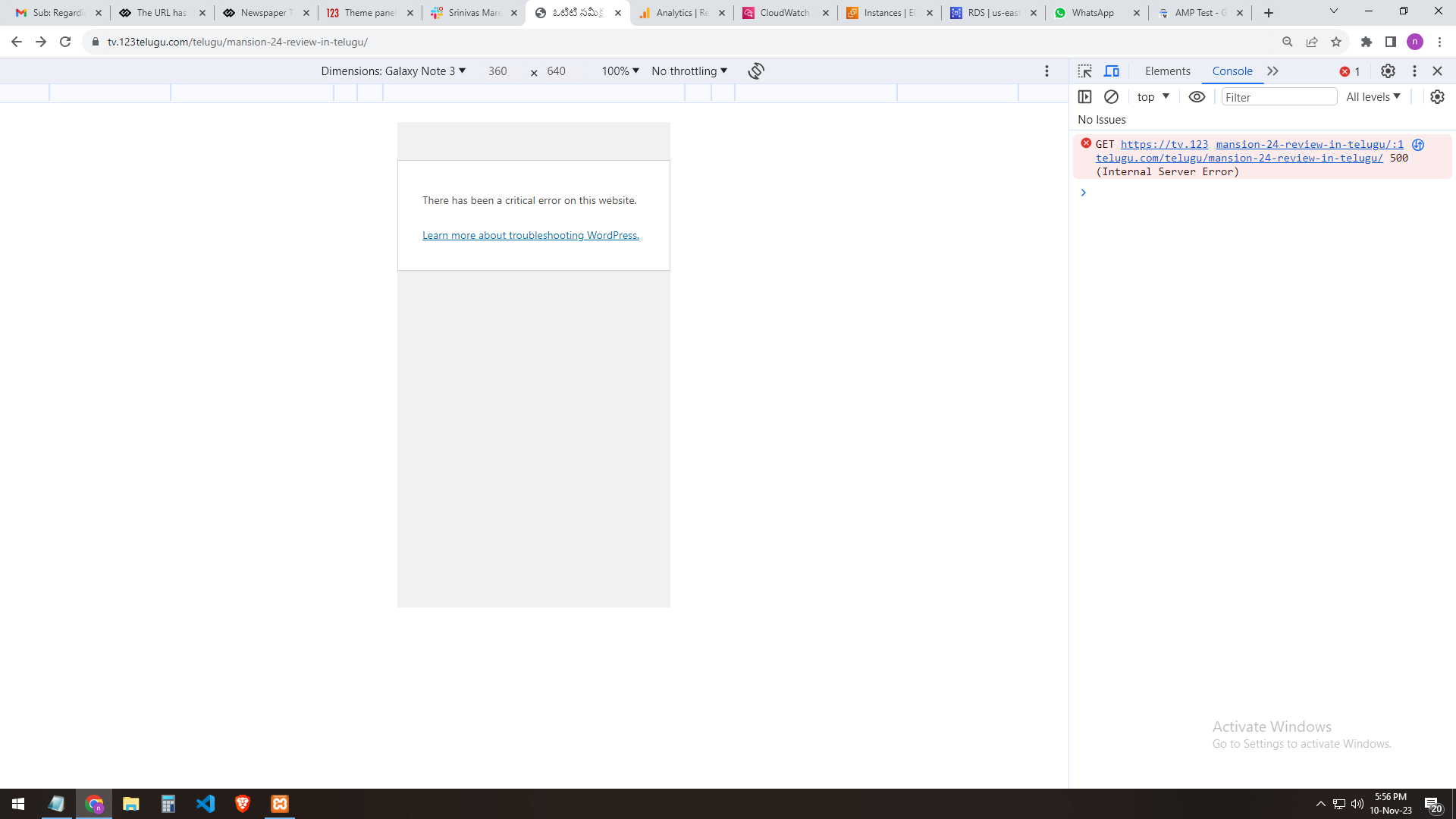
my 2nd settings AMP+ MOBILE AFTER error
—————
https://gallery.123telugu.com/images/theme_test/image9.png
https://gallery.123telugu.com/images/theme_test/image10.png
Thanking you,
Regards,
Narendra.
 aleister
 There is no delete button for TagDiv mobile theme 🙂
 Anamaria
 Hello,
So, if the settings are not saved, please check the console https://i.imgur.com/0ex2unk.png and check the suggestion from here https://forum.tagdiv.com/topic/newspaper-theme-panel-settings-are-not-being-saved/
Please set the mobile theme +amp and check afterif works the modal imag workse.
Thank you!
 Calin
Calin Hi maxcrandale, the curl error was caused by WordPress, that problem has been fixed in WordPress c6.4.1
Hi halloway, please make sure that you disable and delete the tagDiv Composer and tagDiv mobile theme and after that reinstall them from Newsmag > plugins, this should resolve the problem.
Thank you!
Calin Hi maxcrandale, there were some problems with WordPress 6.4 please update to 6.4.1 and also, please disable and delete tagDiv Composer (and mobile theme plugin if you are using), after that please reinstall that plugin from Newsmag > plugins.
Thank you!
 fcolabbe
Notice: La función amp_has_paired_endpoint ha sido llamada de forma incorrecta. Se llamó a la función mientras que AMP estaba desactivado mediante el filtro amp_is_enabled. The service ID “paired_routing” is not recognized and cannot be retrieved. Por favor, ve depuración en WordPress para más información. (Este mensaje fue añadido en la versión 2.1.1). in /home/cronistadiario/public_html/wp-includes/functions.php on line 6031
 Maurizio
I activated Mobile Plugin from Newspaper Theme Panel and posting new articles from mobile dashboard raises a critical error on WordPress frontend. Disabling the Mobile Plugin from Newspaper Theme Panel doesn’t raise any error. Any idea? Thankyou.
2023/11/09 14:25:04 [error] 202539#202539: *361864 FastCGI sent in stderr: “PHP message: PHP Warning: require_once(/home/XXXXX/wr/wp-content/themes/Newspaper/legacy/common/wp_booster/td_css_res_compiler.php): Failed to open stream: No such file or directory in /home/XXXXX/wr/wp-includes/template.php on line 790; PHP message: PHP Fatal error: Uncaught Error: Failed opening required ‘/home/XXXXX/wr/wp-content/themes/Newspaper/legacy/common/wp_booster/td_css_res_compiler.php’ (include_path=’.:/usr/share/php’) in /home/XXXXX/wr/wp-includes/template.php:790
Stack trace:
#0 /home/XXXXX/wr/wp-content/plugins/td-composer/legacy/common/wp_booster/td_autoload_classes.php(42): load_template()
#1 [internal function]: td_autoload_classes->loading_classes()
#2 /home/XXXXX/wr/wp-content/plugins/td-composer/legacy/common/wp_booster/td_global.php(780): class_exists()
#3 /home/XXXXX/wr/wp-content/plugins/td-composer/legacy/common/wp_booster/td_wp_booster_functions.php(1184): td_global::reset_theme_settings()
#4 /home/XXXXX/wr/wp-includes/class-wp-hook.php(324): hook_wp_head()
#5 /home/XXXXX/wr/wp-includes/class-wp-hook.php(348): WP_Hook->apply_filters()
#6 /home/XXXXX/wr/wp-includes/plugin.php(517): WP_Hook->do_action()
#7 /home/XXXXX/wr” while reading response header from upstream, client: 91.227.109.3, server: ontuscia.it, request: “GET / HTTP/2.0”, upstream: “fastcgi://unix:/run/php/site-fpm.sock:”, host: “www.ontuscia.it”, referrer: “https://www.ontuscia.it/wp-admin/post-new.php”
 halloway
 I get a critical error as well on mobile. Any fix for this except for deleting and re-installing the mobile theme?
 besthomegear
 couldnt afford to have mobile theme corrupted, so i deactivated the mobile theme plugin, for now…welcome Any Suggestions!
thanks
 manjunatha
 Hi Anamaria,
I’ve updated the Newspaper theme to version 12.6.1, and both mobile and AMP pages are now working properly.:)
I have tested it on mobile devices, and they are all loading quickly and displaying correctly.
Thank you for your time.
Manjunatha
besthomegear returned to WP dashboard, then returned to Mobile theme in Newspaper, tried AMP (only) box, save, and same thing – cursor spinning, wont update mobile theme.
Went to AMP Test validator, AMP is not on my site??
besthomegear Anamaria
I realized my Mobile theme setting “Use For” wasnt marked Mobile + AMP so i checked that boxed, saved settings, now the page is “spinning” going on 10 minutes, should i abandon my WP admin to cancel and start over?
Kevin
besthomegear Anamaria
disregard the screenshot showing Google search console indexing (mistake). Here is a screenshot of the mobile view (corrupted)
Incidentally, the previous screenshot shows my mobile theme option – which indicates Moble Header with Mobile menu and search enabled. is it possible these should be disabled?
besthomegear Anamaria,
please assist this morning if you will.
Yes, I updated to WP ver. 6.4.1 today. My site on mobile (IOS) worked perfectly with just the AMP plugin (google AMP + Newspaper AMP) as recommended in your tutorial.
I installed Newspaper 12.6.2 today. The desktop is fine. Mobile isn’t.
I then deactivated the Mobile Theme Plugin and deleted it.
then I reinstalled the Mobile theme, cleared cache, and as shown by these screenshots something is still wrong in the mobile view for my site besthomegear.com.
If you will please view the site on a mobile device, and offer any suggestions. Header, footer, and scrolling features are corrupted on mobile.
thanks!
Kevin
Anamaria Hi,
Please deactivate, delete, and reinstall the tagDiv mobile theme from Newspaper plugins and clear all cache.
Also, I recommend to use PHP version 8.0 or 8.1
Thank you!
 chrystelle
 Hello
reinstall mobile theme and td-composer: no change. Email sent, I will get back to you after response
 Carmelo Nicolosi
 I have fixed:
– Disabled Mobile theme plugin
– Deleted Mobile theme plugin
– Cleared cache
– Installed Mobile theme plugin
– Activated Mobile theme plugin
Now works…tnx a lot
Carmelo NicolosiHi, from wordpress update my site ONLY in the mobile version show this error message, can you help me please?
Tnx a lot
p.s.
site url is: falcri-is.com
Warning: require_once(/home/falcri-is/public_html/wp-content/themes/Newsmag/legacy/common/wp_booster/td_css_res_compiler.php): failed to open stream: No such file or directory in /home/falcri-is/public_html/wp-includes/template.php on line 790
Fatal error: require_once(): Failed opening required ‘/home/falcri-is/public_html/wp-content/themes/Newsmag/legacy/common/wp_booster/td_css_res_compiler.php’ (include_path=’.:/usr/share/php’) in /home/falcri-is/public_html/wp-includes/template.php on line 790
 mariospavlou
 Hi Bettina,
i am not using Mobile theme. Below screenshots that will help you to understand the issue.
Cloud templates -> CPT/Taxonomies https://ibb.co/r37D0YJ
Custom Taxonomies – Templates (Jobs-Archive Mobile Template Design) -> https://ibb.co/zRNVpny
Taxonomy shown in front-end -> https://ibb.co/DbcLrBJ
Plugins list -> https://ibb.co/X3MBhdH
So basically it seems that the mobile template is not been applied in the taxonomy. The “desktop” template has been applied correctly. As well all templates under Custom Post Type – Templates are shown correctly both Desktop and Mobile.
 Bettina
 Hello @chrystelle!
Please deactivate, delete, and reinstall the tagDiv mobile theme from Newspaper plugins and clear all cache.
If the problem is still there, then please contact us via email at contact@tagdiv.com and provide the following:
– admin url and credentials
– a link to this topic in order to identify you
We will take a look and try to help you asap.
Thank you!
Bettina Hello @mariospavlou !
If you use the Mobile Theme plugin, then the cloud templates won’t work on that layout.
Please provide more information(screenshots/video) about what exactly is the issue there and what exactly you need to achieve.
A solution for sending a screenshot/video is this:
Download, capture, and send: https://www.techsmith.com/jing-tool.html
After making the screenshot, you will have a link; paste it here.
Thank you!
 Addshine24x7
This error is coming while installing tagDiv Mobile Theme. Please help.
: require_once(): Failed opening required ‘/public_html/wp-content/themes/Newspaper/legacy/common/wp_booster/td_css_res_compiler.php’ (include_path=’.:/opt/alt/php74/usr/share/pear’) in
 Arsal
Arsal Hi Anamaria i am facing the same mob theme plugin issues on our site https://studentspoint.org and tried the above mentioned resolution for a fix but the site is still showing same critical website error on mobile devices please help to fix it as soon as possible
thanks
 gerard7803
HI,
I have installed the Town Talk theme. Mobile is not showing the main section. Please, can you let me know which is the issue?
Let me know where I can send you credentials so you can go to the admin dashboard to check.
Thanks.
manjunatha Yes, Mobile theme plugin is activated.
Using – Mobile + AMP.
Hope this info helps.
Thanks