
- ApiPractical example – How to add a new Block and Module
- ApiAPI – Smart Lists – Introduction
- ApiAPI – Category top section style – Introduction
- ApiAPI – Category top section template – Introduction
- Apitd_api_module::update
- Apitd_api_module::add
- ApiAPI – Modules – Introduction
- ApiUsing the Theme API in plugins
 Calin
Calin Hi,
Unfortunately for the moment this can be achieve only with custom css, please provide me a link where I can find you ads, in this way I will be able to provide a custom css for mobile.
Thank you!
 nextbride
There are two versions of Adsense Ads these are Normal Ads and AMP Ads.
On the mobile theme there are spots to insert Normal Ads and AMP Auto Ads. But no place to Insert AMP Ads. Please help where to insert these ads.
 Vlad S
 Hello !
The designs do not match because you are using the mobile theme. The Mobile theme was specially designed for optimization on mobile devices. Unfortunately on mobile theme you cannot do much changes of design. If you want to have the same design as on desktop mode you can achieve that by simply disabling the mobile theme.
You will have to recreate your pages into the Mobile editor.
Also you can disable mobile theme on certain pages or posts by following this setting: 
Please take a look here: https://forum.tagdiv.com/the-mobile-theme/
Thank you !
Vlad S Hello !
Please follow our tutorial regarding mobile theme: https://forum.tagdiv.com/the-mobile-theme/
Also please provide a link to your website in order to inspect.
Thank you !
 Mattsteve20
 Hi Calin,
Thanks for your quick reply.
However, the ad you pointed at is a header ad, not an anchor ad. Moreover, the link you pointed out from the source code has the “referrer” tag.
An anchor ad sticks to the top or bottom of the page and scrolls along with you down or up the page. By default, once you turn that feature on it appears on all mobile pages of your site where auto ads is enabled.
I’d really love to get the anchor ads on AMP, if possible. Because 85% percent of our website visitors use mobile devices and come from Google. Therefore, such a simple tweak will amount to more income.
Thanks in anticipation of a response.
Best regards.
Calin Hi,
Please check if you are not using a cloud templates, if you are using, then you need to edit it with tagDiv Composer and check the mobile section -> http://prntscr.com/pwpvpk
If there is still a problem, please provide me a link where I can inspect this problem.
Thank you!
 aidbrom
 But it doesn’t display the links that I have added to the top menu on mobile.
Examples below:
https://imgur.com/a/bOqt21h
Please advise.
 Duvelix
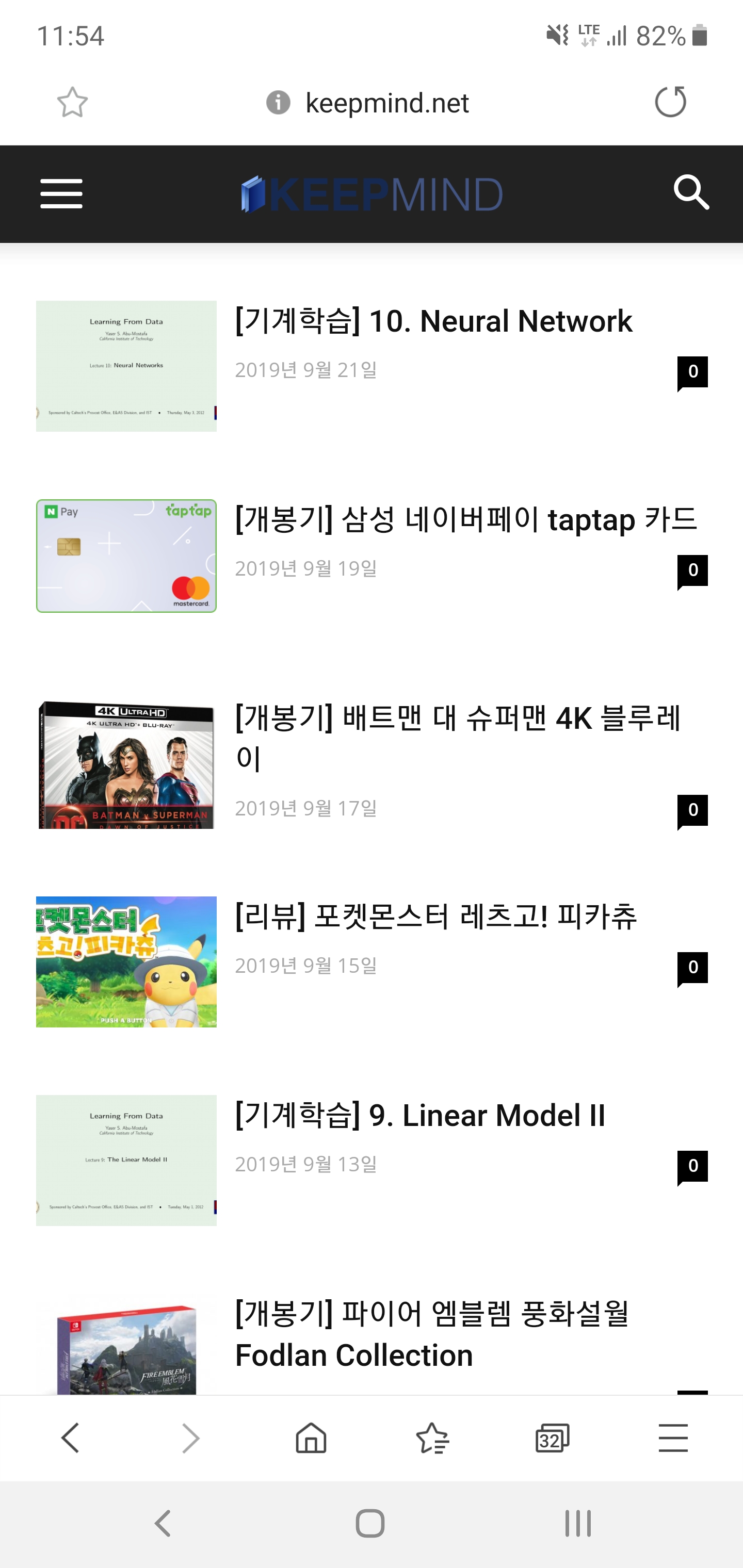
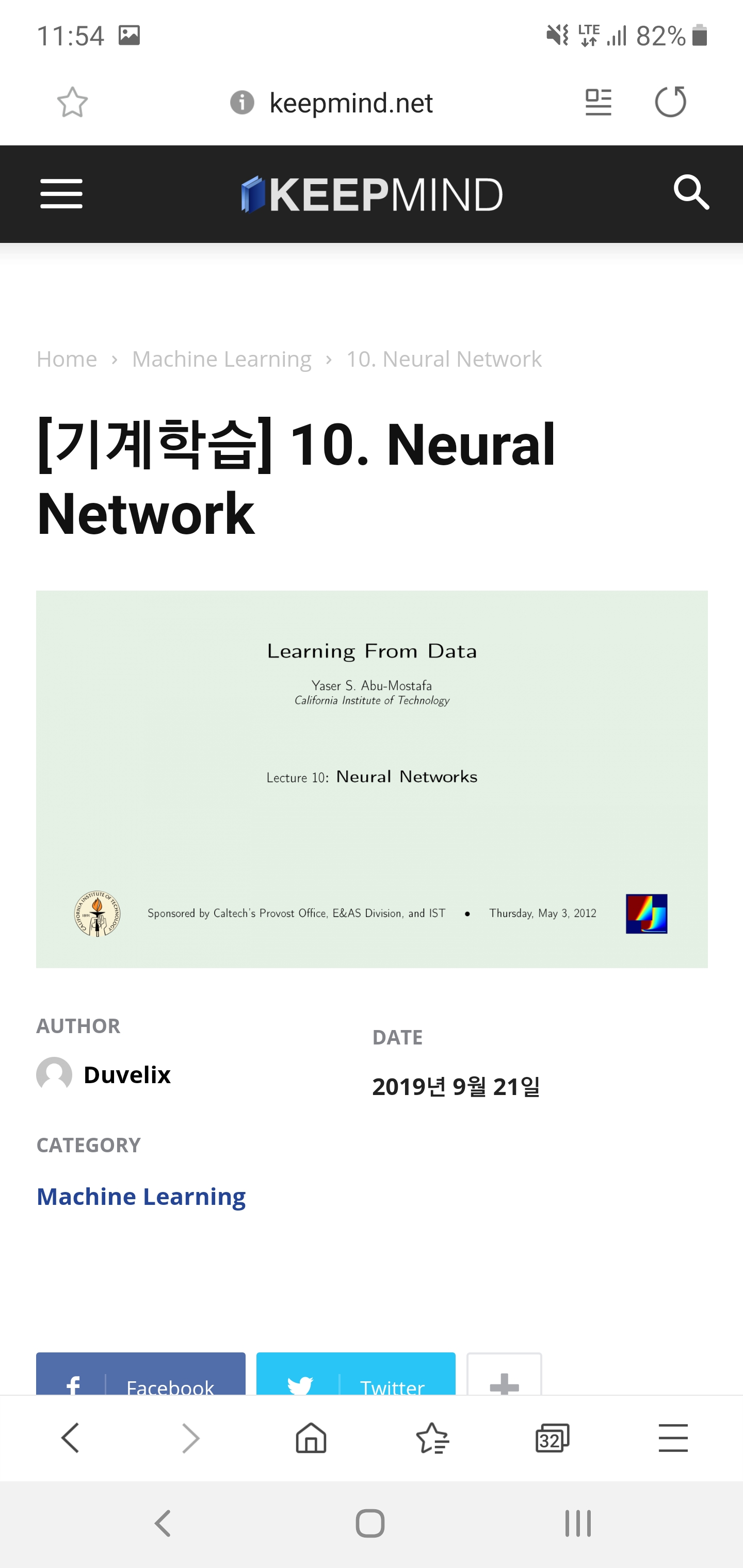
Hello, I have a problem with my blog’s logo, so I post in the forum.
I’m currently using a Journal skin in a Newspaper theme.
As you can see in the screenshot above, the background color is different on PC and mobile screens. So I have created both a regular and a dark version of my blog’s logo so that it looks good on both screens.
But there was one problem. When I click on the post on the mobile screen, the dark version of the logo appears properly. However, the general version of the logo is printed on the main page.
I want to print a dark version of the logo on the main page of the mobile screen. Can you tell me how to do it?
I’m not good at English so I hope my inquiry has been received properly.
 Sibi Paul
Hello Dear TagDiv,
Currently, I’m working in One of My Clients Site https://www.universalnews.org/
in Desktop it’s Good
When Visiting From a Mobile Phone https://www.universalnews.org/?amp URL is Also Good.
But,
When We Enter Just https://www.universalnews.org/
Then, The MENU 3 Lines is Going Behind the LOGO.
Kindly Check it yourself, and Provide me a solution for this.
2 – I added the Analytics Script in the AMP section, also Added AMP Ads Code in AMP Ads Section ( both in Mobile Theme separately )
but Ads and Analytics Not Working.
Kindly Help me with This.
Thanks.
 biryolgazetesi
After i installed mobile theme plugin the site only shows the latest article with a basic theme. I want responsive version of the main website on the mobile theme. How can i do it?
 nada789
Hello sir
I get 3 options in the mobile theme settings
Mobile
AMP + MOBILE
AMP
What should I choose?
I have selected the first and second but the pages do not all appear responsively with the phone type of iPhone but it appears naturally and responsively in the computer and Android phone
 tgamble
 is there any extended support? i have been struggling with mobile issues for days. reading documentation and following all the guides. i have several tickets with no resolution… i am willing to provide my admin credentials.
i have the cache plugin, and use it constantly
the theme is updated
wordpress is updated
unnecessary plugins are deactivated
i used the specific mobile content editor for mobile content (its broken)
i tried to use a tagdiv styled page for the homepage by deactivating mobile for that page. WONT WORK…
please.. please. i am concerned my client will need it very soon.
 ahmetekinler
I use inline advertising in single template in cloud template. (10.1)
I can’t center the ad in the mobile version. If I center it this time it is centered in the desktop version.
I want to use the left version in the desktop version and the middle version in the mobile version.
 alex1957
HI, on my site I installed both AMP (1.4.0) and tagDiv mobile theme plugin (1.3), but I see a yellowfins warming that tell me: The tagDiv Mobile Theme now works best with the AMP plugin to provide a complete solution for your content on mobiles. You can find out more here.
On the left menu I can’t see the voice AMP.
if I disable tadDiv Mobile Theme so I can the AMP and always the same message above.
Wordpress is 5.3 (last release), but was the same with 5.2
Bye
Alex
tgamble i have been using WP Super Cache plugin this whole time with no luck on this particular issue. and i am unclear on the deactivation direction. if i deactivate AMP and the mobile theme i do then get the homepage. but i want all of my other pages to be using the mobile theme, i also want the mobile theme navigation as the naturally responsive one from the theme is not a good UX.
so, i want the mobile theme one but just want to use the responsive page i designed for the homepage.
Calin Hi,
This can be achieve only if you are using a cloud header or the mobile theme plugin -> https://forum.tagdiv.com/the-mobile-theme/ and you set the email as a menu.
Using mobile theme -> http://prntscr.com/pwg21q
using cloud header with responsive version ->http://prntscr.com/pwg2bc
Thank you!
Vlad S Hello !
That means that is the CSS limit, you will have to upload a smaller logo for the Mobile header in the Theme Panel – Header – Logo for Mobile.
Thank you !
Mattsteve20 Thanks for the quick reply. I’ve set those ads for several weeks now and observed the changes since then. However, the mobile theme still doesn’t show anchor ads. Here’s a link to an AMP post I’d like to see anchor ads appear on:
 money@followyou
After updating my theme my mobile menu is not working. http://prnt.sc/pwdu2l. When I press on that three lines it’s taking me to yourdomain.com/# page. Not understanding what the problem is. I also selected the main menu in the tag div composer.
Vlad S Hello !
On mobile devices the top bar is being displayed in the menu.
Thank you !
Calin Hi,
The PRO demos are build with cloud elements and template, the settings from theme panel will not apply on it.
If you are using mobile theme plugin than you need to change the color from this section -> http://prntscr.com/pwdi5i if you are using the responsive version, then you edit to edit the cloud header with tagDiv Composer -> http://prntscr.com/pwdjyr
Thank you!
Calin Hi,
Please make sure that you set these ads in mobile theme too -> http://prntscr.com/pwd9rz -> https://forum.tagdiv.com/the-mobile-theme/
If there is still a problem, please provide me a link to your website where I can check these ads.
Thank you!
Vlad S Hello !
The designs do not match because you are using the mobile theme. The Mobile theme was specially designed for optimization on mobile devices. Unfortunately on mobile theme you cannot do much changes of design. If you want to have the same design as on desktop mode you can achieve that by simply disabling the mobile theme.
You will have to recreate your pages into the Mobile editor.
Also you can disable mobile theme on certain pages or posts by following this setting:
Please take a look here: https://forum.tagdiv.com/the-mobile-theme/
Thank you !
Calin Hi,
1. Is look that you mange to set the top menu to the left on mobile -> http://prntscr.com/pwavjr
2. For me this is look that is work correctly, you just need to click on the arrow -> https://www.screencast.com/t/8i2PRPHiXy because you have set a link on “PROPERTY DEVELOPMENT” so by clicking on the “PROPERTY DEVELOPMENT” you’ll be redirect to that link -> http://prntscr.com/pwaxyq
3. Only the normal menu can be highlight, the mega menu can not be highlight, also this can be done only on desktop.
4. Unfortunately this is the was that page menu is working, the page menu can not be set in a sub-menu sorry!
I think that you are referring to the blocks, these can display post and pages http://prntscr.com/pwcufi -> https://forum.tagdiv.com/block-settings-guide/ if you want to link something, you can set some images or buttons or call to action elements and set the links -> http://prntscr.com/pwcv61 -> http://prntscr.com/pwcvh1
Thank you!
 gorgonfilm
Hello, first thank you for this theme we really like it.
I have some problems about crypto widget,
1- I can see icons correct at widget page but when i implant it to the site icons are not same line with text
2- There is a blank line in mobile version https://pasteboard.co/IGunlAe.jpg
3- I dont know why but crypto widget only visible at homepage, i didnt find a way to edit inner page template.
https://pasteboard.co/IGunDGT.png
It would be great if you can provide support for this problem.
We are using style 3- multipurpose header. I checked cloud headers but this one was easy edit and more effective to use for us.
Thank you


