


Hi,
I see that the problem has been resolved!
-> https://i.imgur.com/LE071wC.png
Thank you!
Hi,
According to our guide for mobile theme plugin, when this plugin it is used you need to create the mobile pages using only the mobile editor -> https://tagdiv.com/mobile-theme-get-mobile-ready-with-newsmag-theme/
Also, if you want, you can disable the mobile theme version from pages, for this you need to use the Gutenberg editor -> https://i.imgur.com/CRqkKC4.png or if you do not want to use the mobile theme plugin, then you can simple disable that plugin.
Thank you!
لماذا الشرح معقد أريد طريقة بسيطة يسهل فهمها لا أستطيع فهم الموضوع بشكل أفضل.
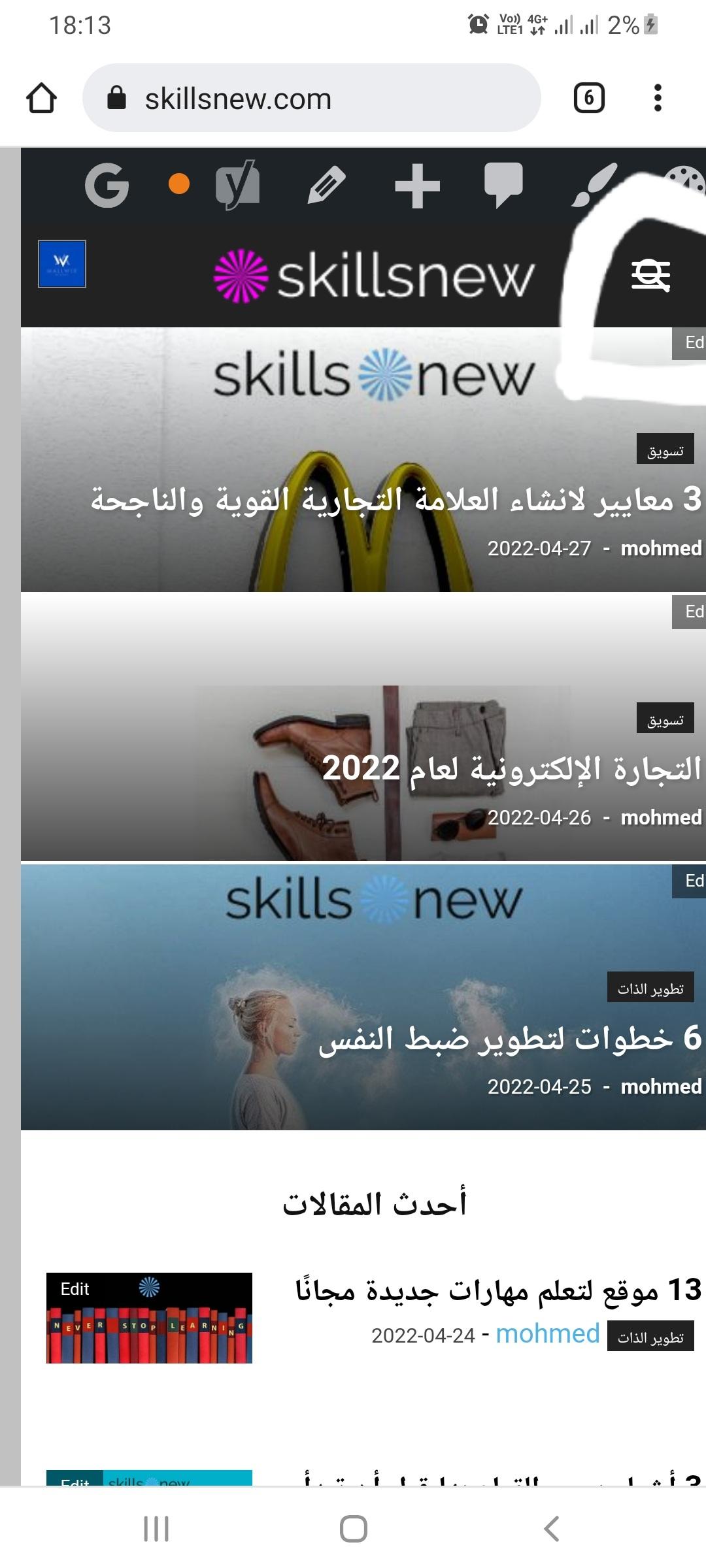
عند فحص سمة الهاتف المحمول ، لا يظهر الموقع بشكل جيد.
الكل في الموضوع اريد ان اظهر الموقع من خلال الهاتف وجميع الصفحات الفرعية تعمل مع موضوع الهاتف استخدام افضل الرجاء المساعدة بخطوات بسيطة لم افهم اي شيء من الفيديو او المحتوى آسف ان الموضوع صعب علي علي الرجاء المساعدة هذه الصورة بعض مسح موضوع المحمول
Hi mansour,
It is simple, you can use the responsive version, so it is no longer need the mobile theme plugin (you can disable it) and what you see on desktop will see on mobile for pages and posts.
Now if you want to use the mobile theme plugin to have better performances on mobile, you’ll need to understand that this is a dedicate plugin for mobiles, therefore to make the mobile pages faster you need to create new mobile pages using only the mobile editor like in our documentation (Each page at the bottom has a mobile editor -> https://i.imgur.com/i63OwTh.png). Now there it is an alternative, the mobile theme plugin has an option to disable it from a page or post so the responsive version can be displayed -> https://i.imgur.com/pI0GuK5.png
I hope this will help you, because I do not know how to say it more clear then this.



