

I just installed the Newspaper theme 12.6.8 and started customizing it. I used the Mintyside PRO demo as a base.
I just want to share the issues I encountered just in case someone else faces them; specially if anyone finds that images do not load on the frontend, or some things don’t seem to work in TagDiv Composer.
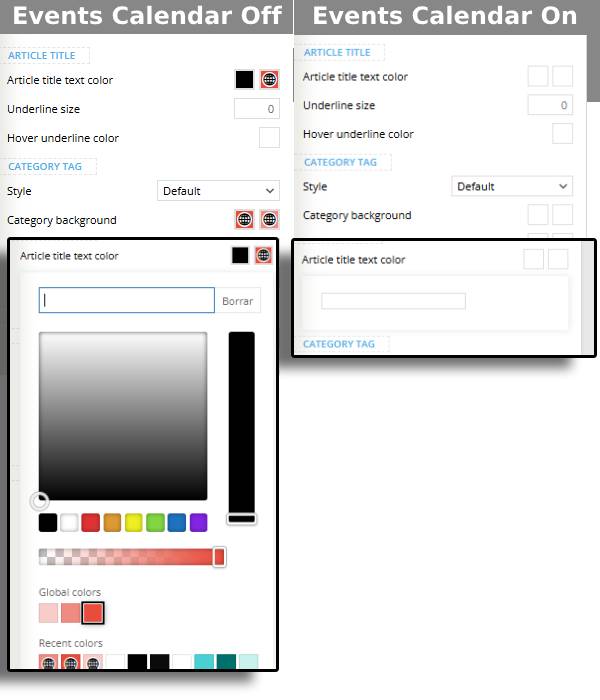
The Events Calendar Plugin interferes, at least, with the color picker in the TagDiv Composer. Since, so far, I haven’t seen any problem on the frontend, I just disable the Events Calendar Plugin before using the TagDiv Composer; so,
in my case, it is not a problem, just an inconvenience.
The AMP Plugin interferes, with the TagDiv Composer and the frontend javascript; the search form does not open, neither the hamburguer menu and it prevents the lazy loading from loading any image. Since this plugin it is not really valuable nowadays (contrary to popular belief neither AMP pages nor the official plugin are deprecated; it’s just that it looks like AMP pages will not be of any importance from now on), I just deleted it.

Hello,
Can you please provide more details about the issue with the plugin and the color picker?
AMP is deprecated as of January 2023-> https://developer.bigcommerce.com/docs/storefront/wordpress/platform-integration/enabling-amp so we don’t longer recommend it.
Thank you!
Hello,
I just did a test, and for me, it works: https://i.imgur.com/7R7Du0k.jpeg. Maybe you have other plugins that interfere.
Thank you!
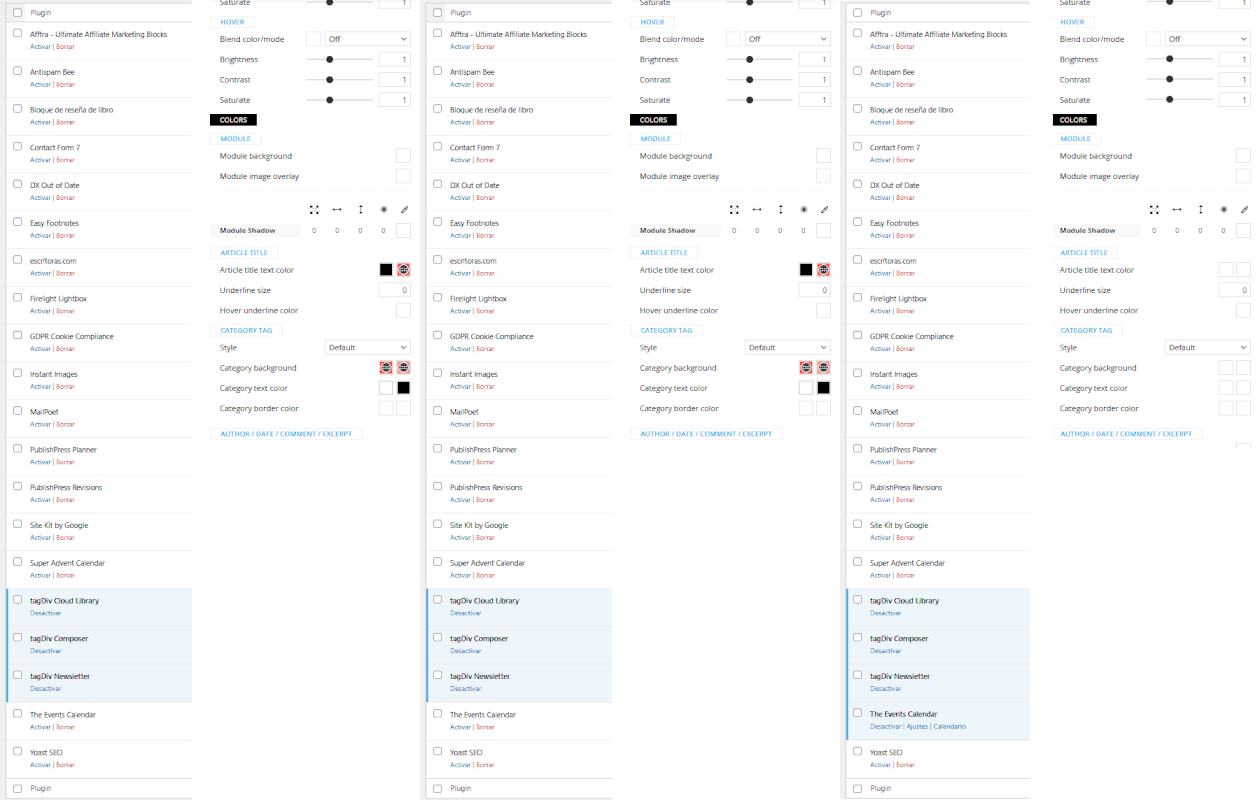
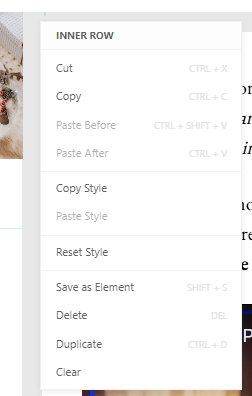
The issues happen on both Chrome and Firefox (both up to date).
I emailed a capture of my Events Calendar plugin settings to contact@tagdiv.com.
Thanks :O)


They are checking my site; I will update when I know more.
BTW: have you been able to customize the Events Calendar pages?
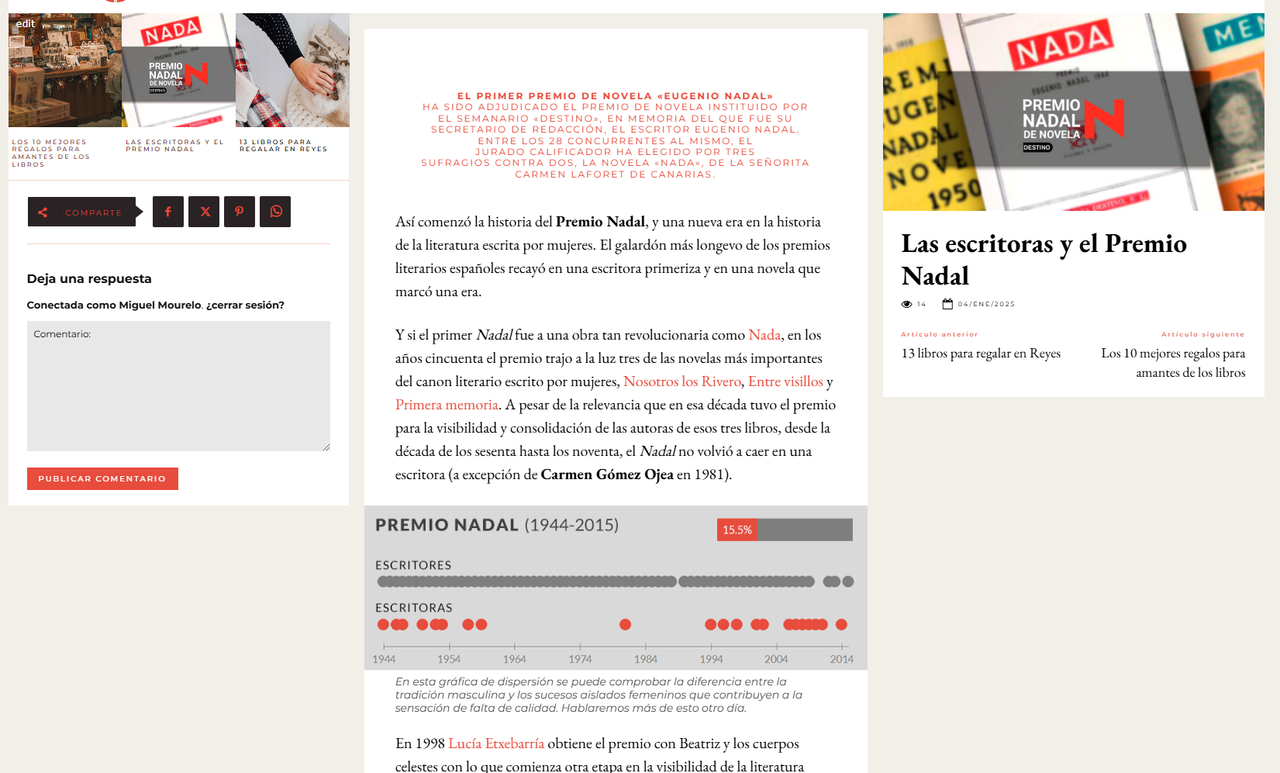
This a normal post in my theme; this is the style I would like for my events:
And this is how an event looks by default:
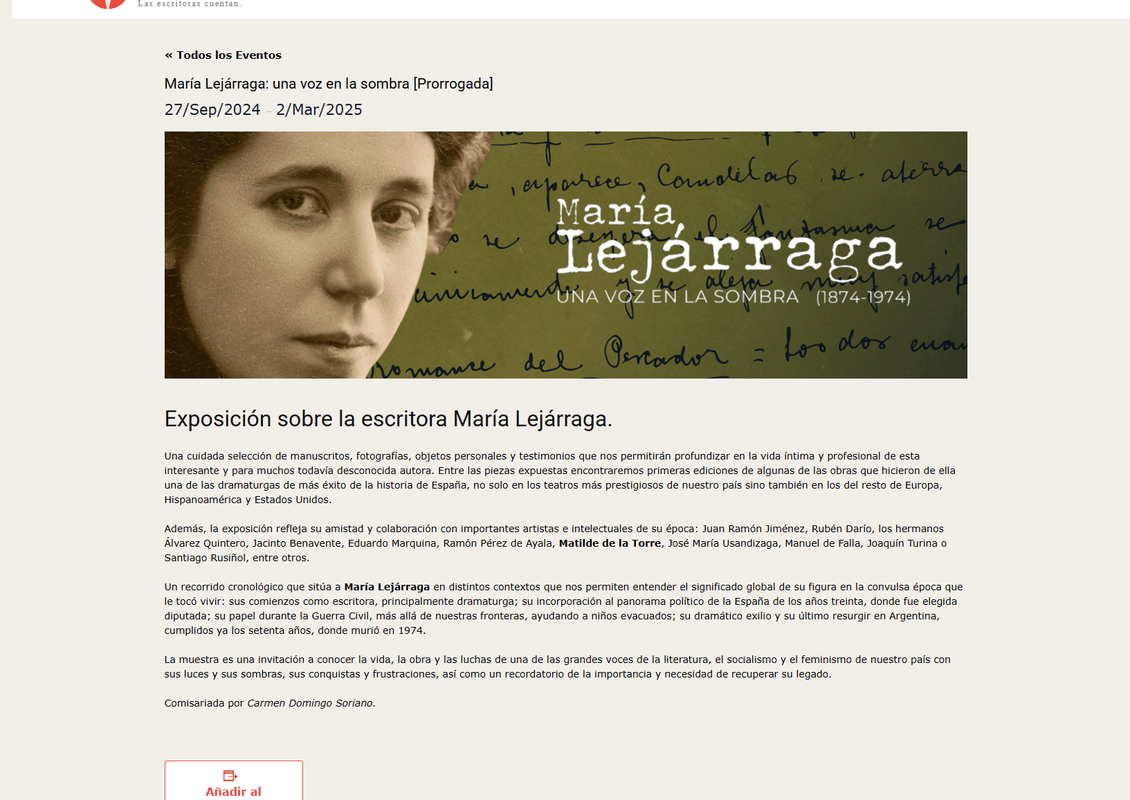
If I try to edit it in the Composer, I can’t access the content:
So I can’t proceed as if it were a WordPress Page; I have no clue as to how to adapt the Events Calendar pages (Events list, Single event, Calendar etc.) to my Mintyside PRO design.
I am testing the EventON plugin. This one causes no issues with Composer as far as I’ve seen up to now (this is not a at all the reason I’m testing it, as I said before I am not that bothered by the Events Calendar plugin interference with Composer).
But I get to the same problem: how to customize the design of single events.
With these plugins you normally use:
- A calendar view, for which I create a Page and edit it with Composer to make it look like the rest of the site, adding a shortcode.
- A widget in a sidebar (for example), for which, again, I use an element with a shortcode.
- A single view for each event. This is the one I do not know how to adapt to my site design.
I create an event and it works alright, but the content is outside the “content” part of a template, between header and footer, so Composer does not recognize it and I can’t edit it.
As I understand it, there is no way I can turn this into a template to be able to edit a global template for all the events using Composer, right?.
So, is there any way I could accomplish this by editing the template files? and if so, which one would I have to edit? I am willing to use Newspaper as a child theme.
Thanks :O)

Hello,
This option causes the issue with the Composer ->
https://prnt.sc/22mOQmoeV60N
Also, for the template, this plugin has its own template, but it depends what settings you want to do, whether you want to change the design or just some colors. Maybe some settings can be made with custom CSS code.
Thank you!

