Posted in: Newspaper

Post count: 72
Sep 1, 2021 at 12:01 am
Dear,
I use date-template-22-gossip-pro, when I call the date, nothing isn’t display.
As you can see in this picture https://iev.wju.mybluehost.me/wp-content/uploads/2021/08/archive-date.png
can you please help me?

Post count: 21065
Post count: 72
Post count: 21065
Post count: 72
Sep 3, 2021 at 2:31 am
Hello Bettina
I want in my Menu a menu called “Archives”
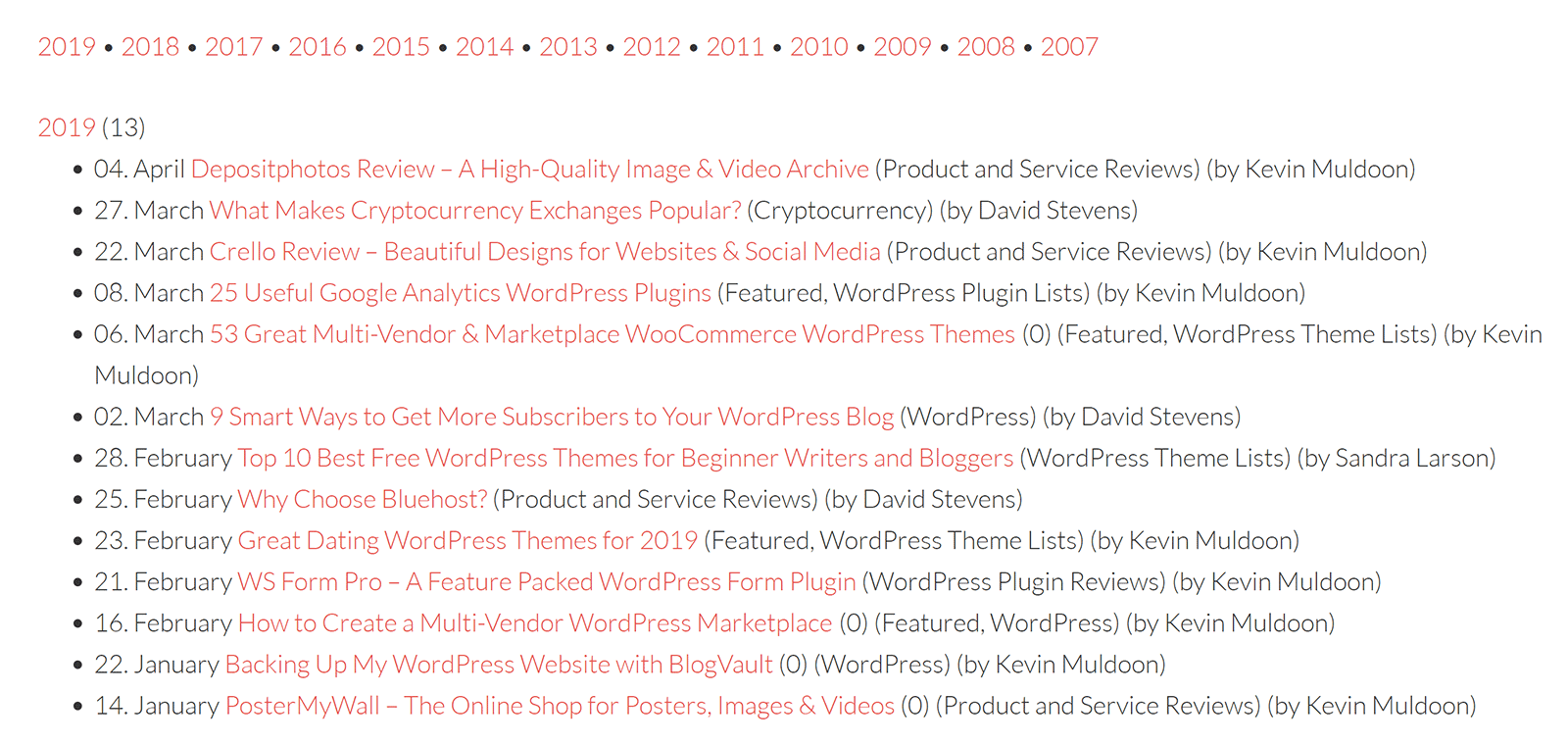
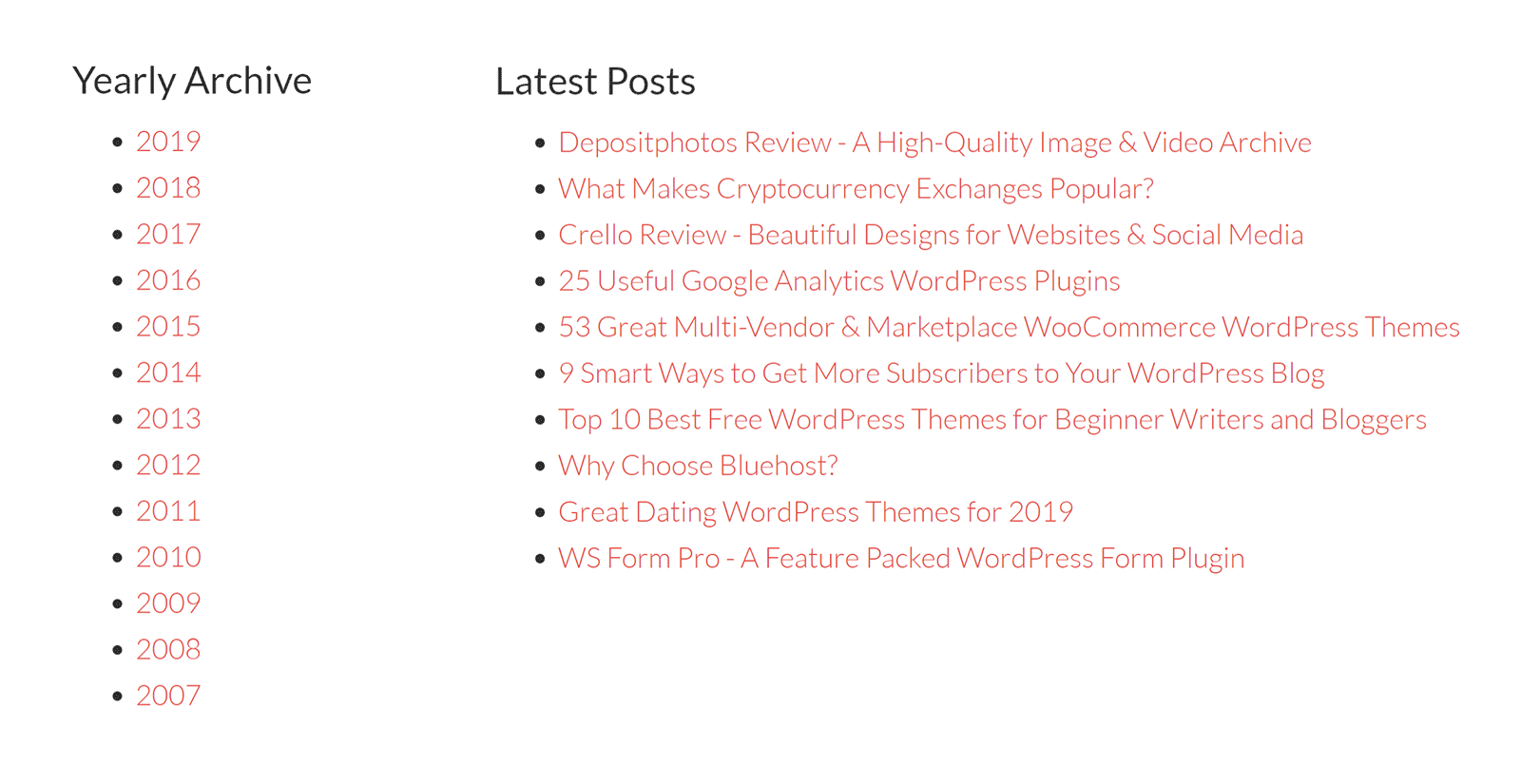
I want, when the user go to this link, He can see the Archive listed by year, month…
like these one
https://winningwp.com/wp-content/uploads/2019/05/simple-yearly-archive-example.png
https://winningwp.com/wp-content/uploads/2019/05/archive-page-example.png

Post count: 27744
Sep 3, 2021 at 1:14 pm
Hi msakande, you can do that by adding a simple menu with a link to the archive page -> https://i.imgur.com/KSCHVWm.png -> https://i.imgur.com/XXcJ0DB.png -> https://i.imgur.com/ft0pwK1.png
I hope this will help you!
Viewing 6 posts - 1 through 6 (of 6 total)
The forum ‘Newspaper’ is closed to new topics and replies.