


Hello,
Please edit with tagdiv Composer, select the search and check if what you to displayed is set to show https://i.imgur.com/v6KGyaY.png
If your settings are not saved, please check this topic -> https://forum.tagdiv.com/topic/tagdiv-composer-does-not-save-only-content-of-homepage/ and try the suggestions. Also, please check the cache, and clear/purge all cache.
Thank you!
Hello Anamaria,
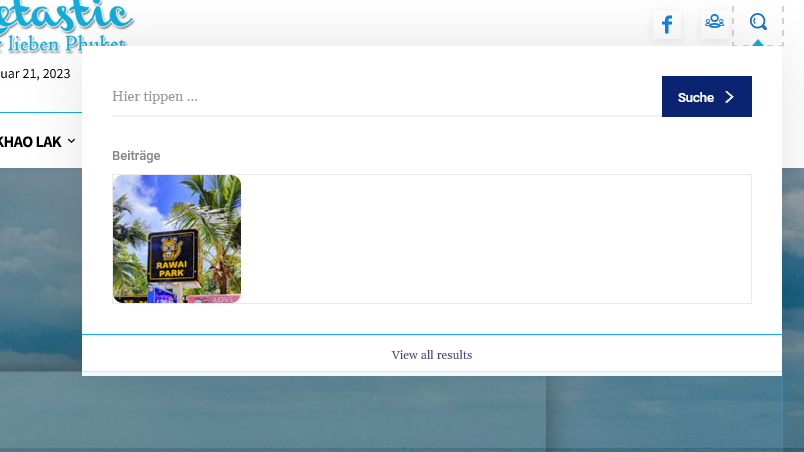
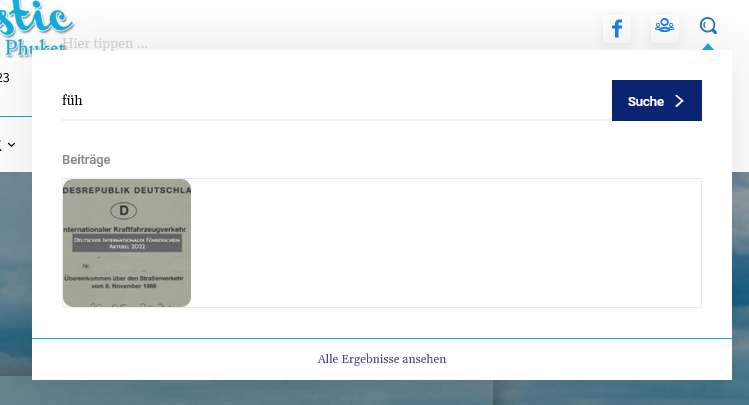
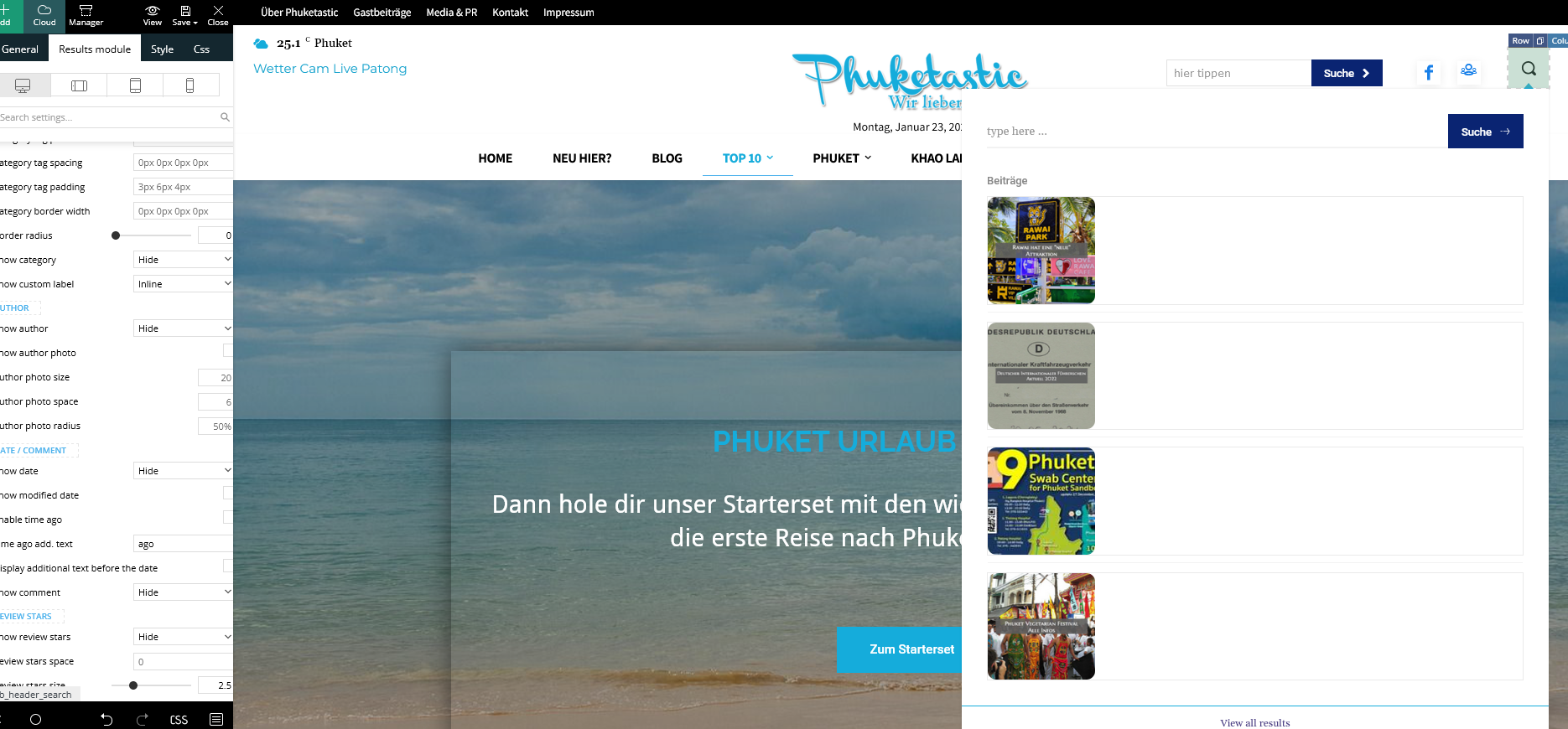
unfortunately that was also unsuccessful. Nothing is still displayed. When I search the site and look at all the results, everything is there, including all the meta information.
I had already deleted the style and from the beginning nothing is displayed. Have the header search already completely deleted and started again from the beginning. Nothing goes. Cache is cleared and the problem is not only with Firefox but also with Chrome.
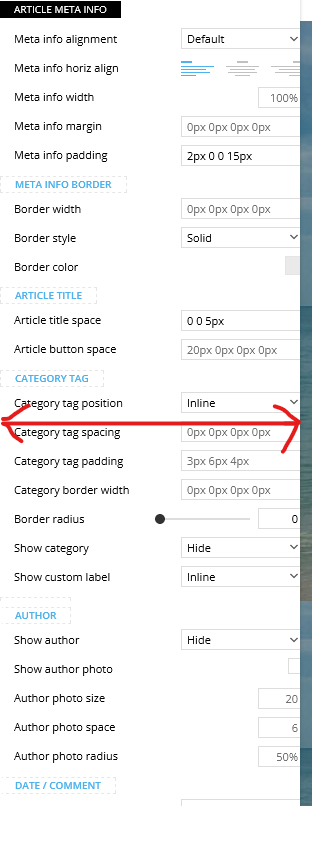
Then another question, is it possible to customize the composer (left menu). As you can see, I don’t see everything (see red arrow) and there is no scroll bar.
Best Regards
Hi,
You need to scroll inside this tab -> https://i.imgur.com/58o0iOv.png. If you have a mouse with the scroll, you can use it to scroll in tagDiv Composer. Also, this depends on whta resolution you have.
Please provide the link to your website.
Thank you!
Hi,
website is https://phuketastic.com
By the way, the mobile search works very well and the article meta is also displayed there.
Yes, I have a mouse with a scroll wheel, but it doesn’t work. I can scroll from top to bottom within the composer with the wheel but not from left to right. My resolution is 1920×1080 everywhere.
The width of the bar also has nothing to do with the resolution, even with the highest resolution the Composer menu is not wide enough. Can’t this be adjusted with CSS?
Thank You
-
This reply was modified 3 years by
sebpre0805.
Hello,
No, I use Firefox and Chrome. both look the same. I just deactivated all plugins except for all of TagDiv. Looks exactly the same, nothing has changed.
The live search is of course switched on. Do you want to take a look at the site? Then I would send you a temporary admin account.
updated:
I got this solved with the live search. There was a custom css from the old theme version, which I apparently overlooked. I apologize for my mistake.
But what is still not solved is the issue with the Composer menu on the left, which could not be fixed despite deactivating the plugins. I really have no more ideas. The right edge stays cropped no matter what I do.
Another question about a CSS solution?
-
This reply was modified 3 years by
Hi,
Please make a full backup to all files and contact us via email at contact@tagdiv.com and provide the following:
–wp-admin URL and credentials
-FTP/cPanel URL and credentials
– a link to this topic in order to identify you
Also, during the investigation know that we will disable the other non tagDiv plugins.
Thank you!
Hello,
after a downgrade to 11.5 and upadate again to 12.2 the problem is solved.
Thank you for your help


