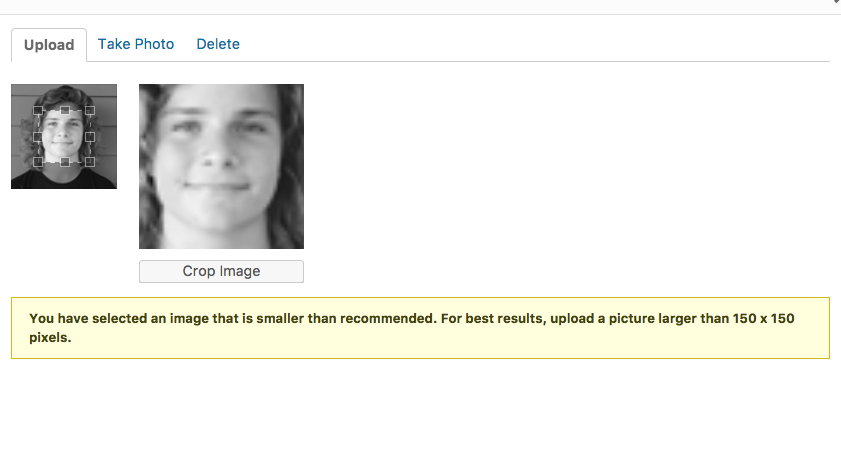
I have two questions regarding the author pages.
1. What is the best image size to upload for author photo, so it isn’t blurry (see example below)
https://coronadotimes.com/news/author/coreecornelius/
2. Also, how do you hide the comment count? We don’t use wordpress comments on our stories, so they are all “0”. We would like that to be hidden on author pages.
Thanks!

Hi,
I have inspected your website and I saw that you are using an inappropriate image size for your author box and that’s why your image is blurry. Change it to another large image. Please check here -> https://www.screencast.com/t/LXj2e85Yxa
Thanks.
Thanks for the response. But how do I modify the image size? Are you saying to only upload a 96x96b image or is there a way to make the already uploaded images work? Example, here is a 300×200 author image:
https://coronadotimes.com/wp-content/uploads/2016/01/team_coree-300×200.jpg
Should I resize it to 96×96 to make it work? Or is there another way?

Try this image (96х96px): http://s01.geekpic.net/di-SWV5Q3.jpeg