

Awesome theme, love to play with, but have one issue which I can’t get rid of even after several days.
1. I delete some element in tagdiv composer by clicking on the cross button
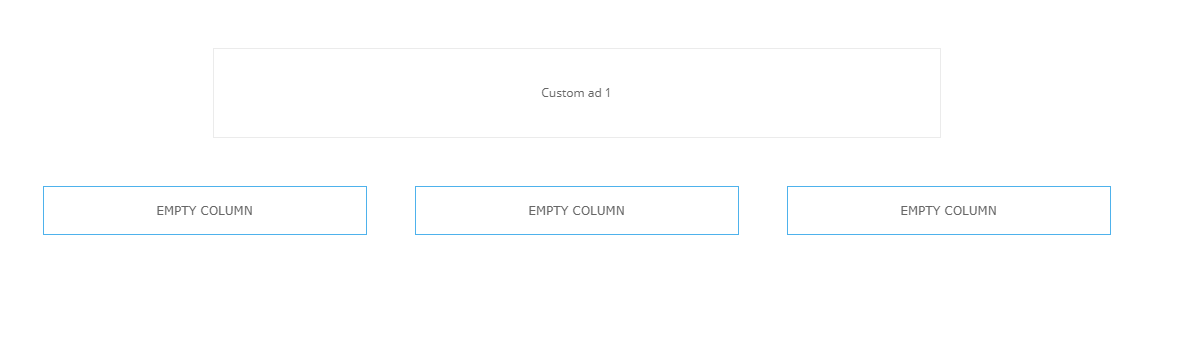
2. The element is deleted, but EMPTY COLUMN rectangle stays there.
3. The EMPTY COLUMN rectangle can’t be deleted. I’ve tried all possible methods.
No X cross on the EMPTY COLUMN.
The EMPTY COLUMN can’t be drag and droped anywhere on the side, also red delete button which usually appear is NOT appearing.
4. Only possible way how to actually HIDE the EMPTY COLUMN is trought css. However this is not the solution as HTML code is still there.
Please help me. Thank you

UPDATE 20min after
Recently did several other deletions of elemets and end up with having these EMPTY COLUMNS already 5…

Interesting is that some of the elements can be deleted without leaving EMPTY COLUMN after them, and some not
-
This topic was modified 7 years by
nakrajsveta. Reason: editing images to be displayed properly
-
This topic was modified 7 years by
I’ve readed and tried all what is here
https://forum.tagdiv.com/topic/how-to-delete-a-td-composer-empty-column/
https://forum.tagdiv.com/topic/how-to-remove-empty-column/
Nothing help.
Ok, founded a way finally. Please delete this post. Thank you

click on the dark blue Row title in the upper left edge of the element and drag and drop it to the red delete rectangle in the right corner of the page. Took some time to figure it thought..

Hi @epiclampros,
The Empty Column is a part of row, so in order to delete it you’ll need to delete the row, for this you can right click on the row and click on delete, or drag the row in the delete box.
-> https://www.screencast.com/t/H1rPotrjOy0
Thank you!
