


The field type is number with no special settings, whenever trying to display it and the value is 0 it will not show up, for now i used a code based soloution as workaround. but there is an issue, as i am using template to display my taxonomy page, the term ID will always show the template ID and not the actual taxonomy ID, is there a way or helpful function that your theme use to reterive the single post or single taxonomy archive page ID post_id or term_ID?
Hi,
Can you please provide a few screenshots with the settings in acf and the page were the element should be display so I can recreate the situation and show it to a developer?
If you try to use the get_post->ID or get_the_ID() will return the cloud template id (if is used a cloud template).
You can try:
$url = 'https://example.com/your-post-slug/';

$post_id = url_to_postid( $url );

echo 'Post ID is: ' . $post_id;
or
td_global::get_instance()->td_post_id;
Thank you!
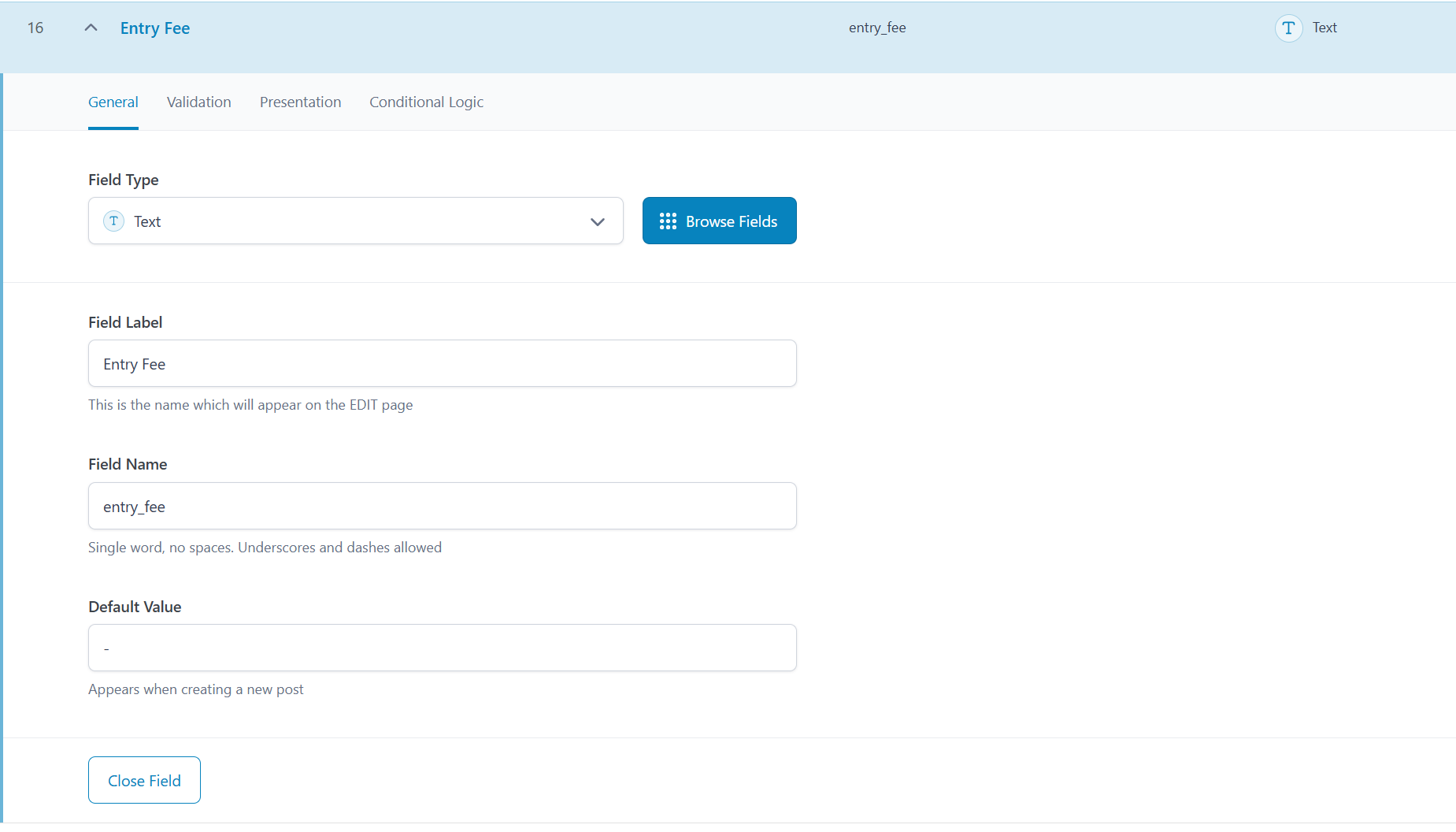

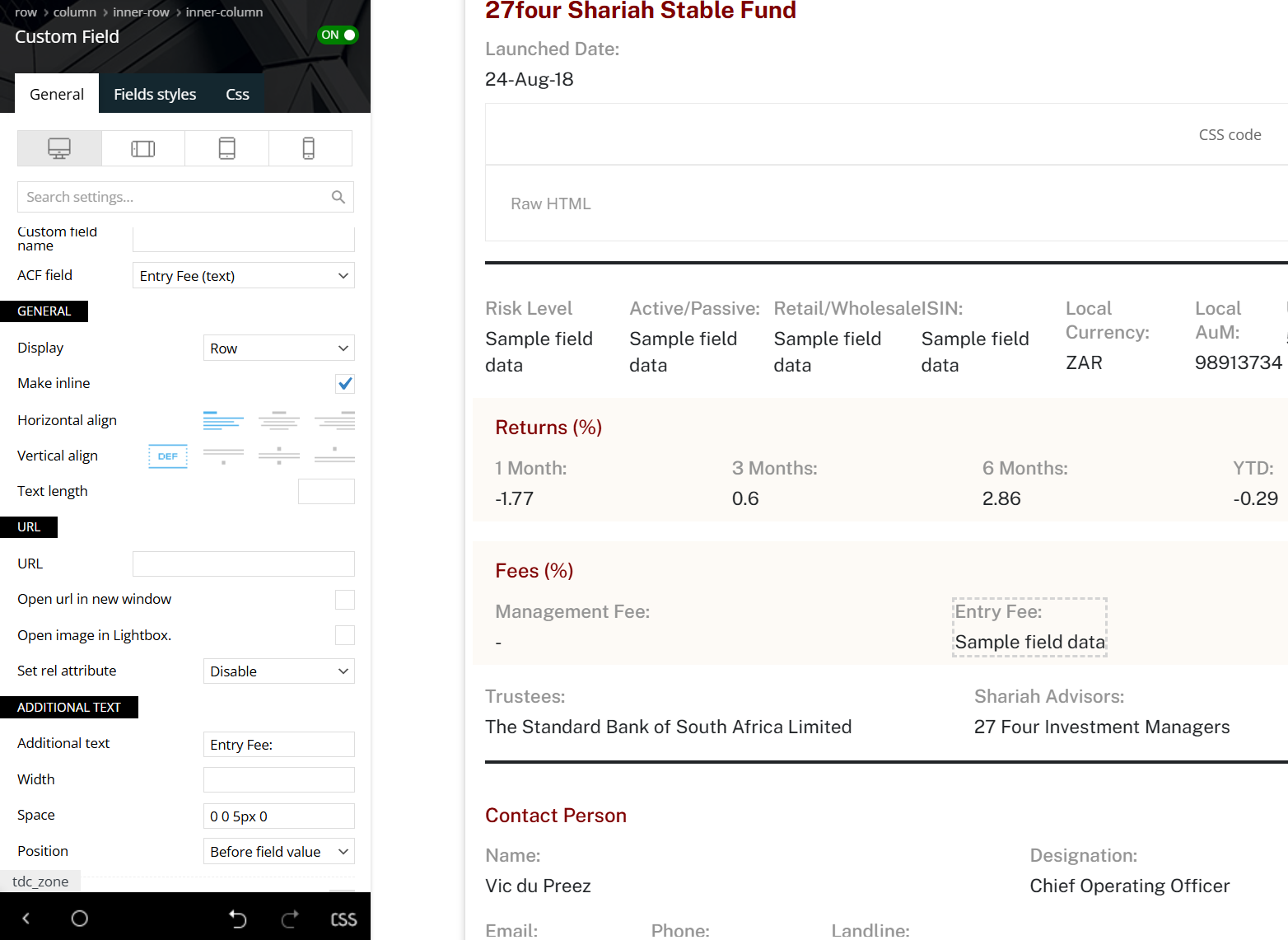
Hi,
It appears this is a known situation in acf plugin – https://i.imgur.com/nmRm4EJ.png
Solutions, if you use that field for numbers, replace the text field with a numeric field.
Another solution is to set 0 to 0.0. It works as long as there is another character around the 0
Thank you!
changing it to Numberic type didnt work as well, it still not showing.
As you can see on the same thread from ACF team, they mentioned the issue with the logic code before displaying, if its using simple if else or empty it wont show the 0.
-
This reply was modified 1 year by
kindghost.
Okay, i am trying to use shortcode to handle the displaying of those ACF fields, but inside the module builder it doesnt seems to work as i cant get the ID of that specific post displayed using the module.
tried those:
$url = ‘https://example.com/your-post-slug/’;
$post_id = url_to_postid( $url );
echo ‘Post ID is: ‘ . $post_id;
or
td_global::get_instance()->td_post_id;
and
global $tdb_state_single;
$post_id = $tdb_state_single->post_id->__invoke();
but none works.
thanks,

