Hello,
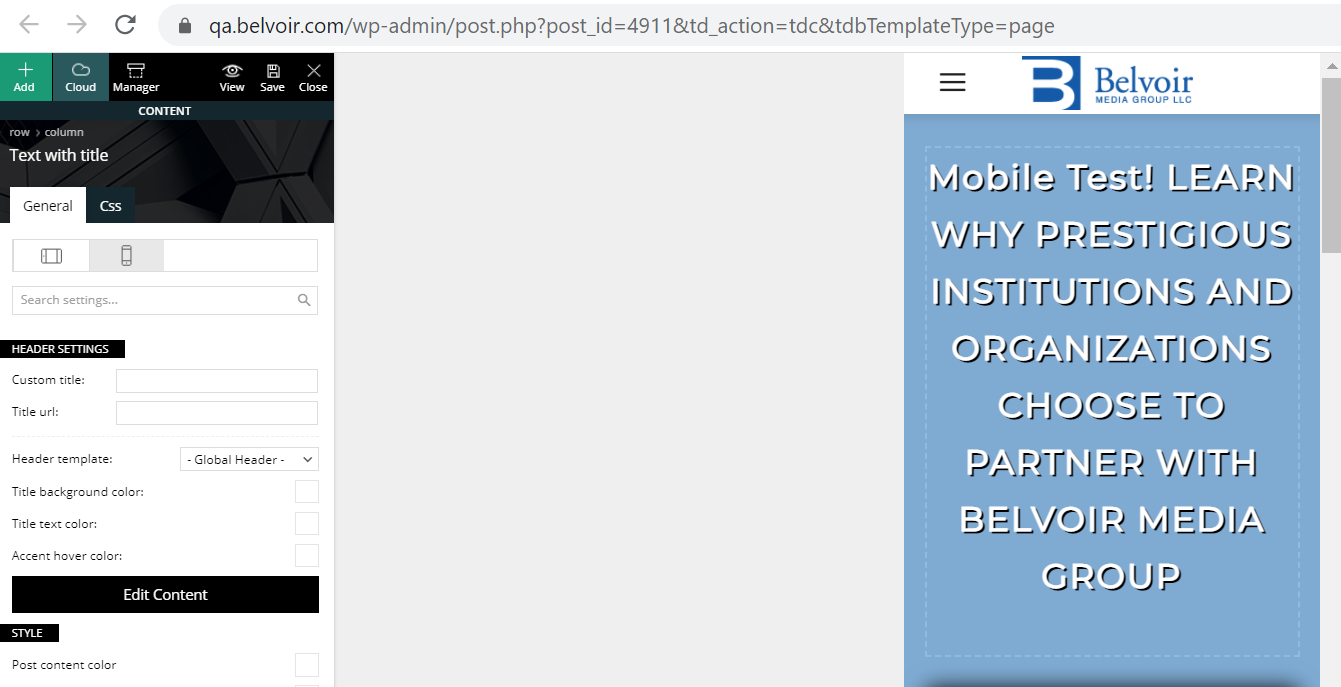
When editing a mobile page in TagDiv the page loads and the mobile portrait view is highlighted by default but when making changes it is really making changes to the desktop view. You need to actually click on the already highlighted portrait view to make changes to your mobile page. The desktop view that initially loads goes away when you click either landscape or portrait view and you cant get back to it.
This is confusing and frustrating. The desktop view is gone when editing a mobile page (as expected) but that is what initially gets loaded even though the landscape view is already highlighted.
Here is the view when the page loads initially in mobile edit.
https://qa.belvoir.com/wp-content/uploads/2021/02/tagdiv-mobile-initial-view.png
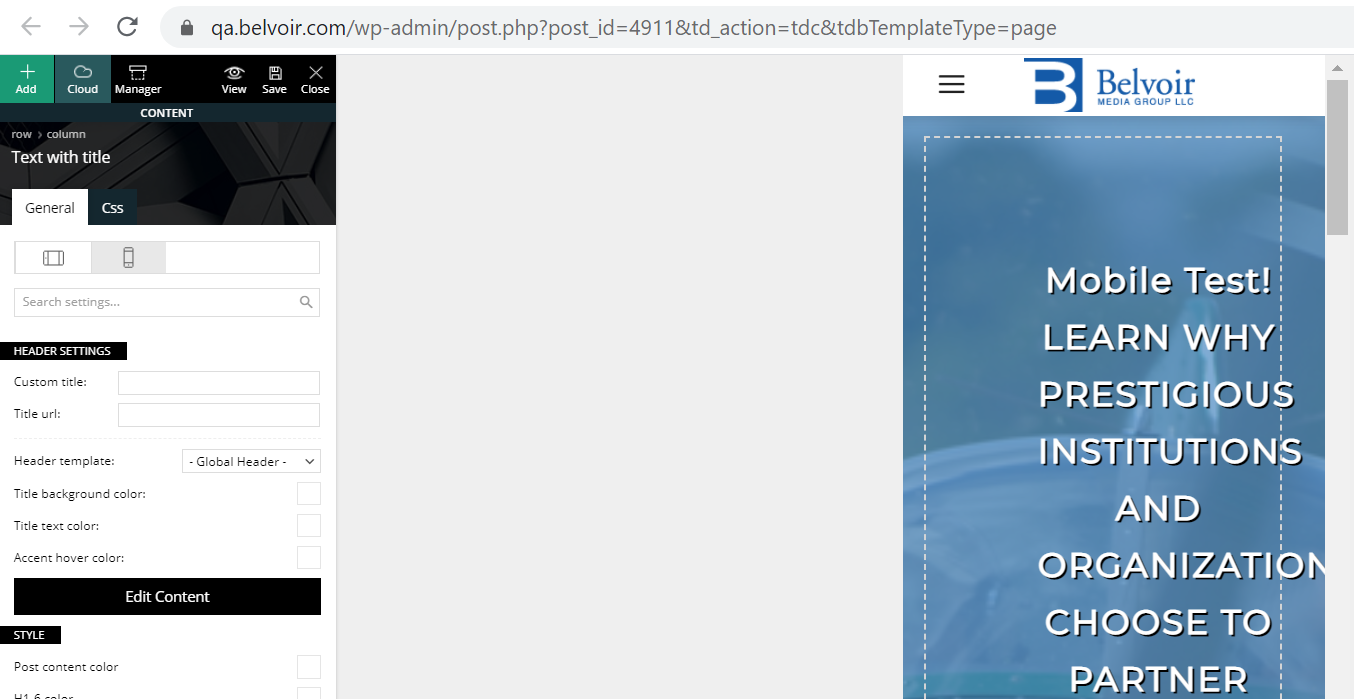
This is the actual portrait view of the page (after clicking portrait view) that should be loaded initially as it is already highlighted when the page loads.
https://qa.belvoir.com/wp-content/uploads/2021/02/tagdiv-mobile-potrait-view.png
Is there a fix for this so that the desktop page is not loaded on mobile pages?
Thanks-
Stan

Hello!
Normally, it should be working well and show up all viewports when you edit a desktop page, but when you edit a mobile page, then only the mobile viewport is appear.
Please make sure you have selected a mobile page here: https://www.screencast.com/t/gZyQuDV3kUVf
Let me know about your results!
Thank you!
Hello,
Yes that is correct we are editing a mobile page and only the mobile viewpoints appear in TagDiv. The issue we are having is that in TagDiv the desktop view is what is initially loaded first.
So the problem is when editing a mobile page the desktop view is shown initially until you actually click one of the mobile view tabs. Then you see the mobile view you actually want to change. The desktop view tab is not shown at all, only the two mobile views.
The mobile page was created from a desktop page using the copy with content feature. The mobile page seems to behave as expected except for loading the desktop view in TagDiv initially when editing the mobile page.
Thanks-
Stan
Yes here’s a Loom video. Sorry about the audio. The QA site URL is qa.belvoir.com and the password is “welcome”. It would help to view the site on your phone during the video.
Video:
https://www.loom.com/share/efa986720074456c81158d22f0fe5a8c
Thanks-
Stan
Hello!
That’s weird! On our end it’s working just fine.
The issue can be from a plugin conflict or unused files, that’s why, please deactivate ALL plugins except tagDiv ones, also if you are using child theme or cache plugin, deactivate them, clear all cache and try again.
Please let me know about your results!
Thank you!