

Hello,
now after update I get this error on this specific subpage when I open it with tagDiv composer. On other pages everything is ok.
Looks like there is something with attribute that does not exist. (button icon …) Have no idea where could this be.
Image: 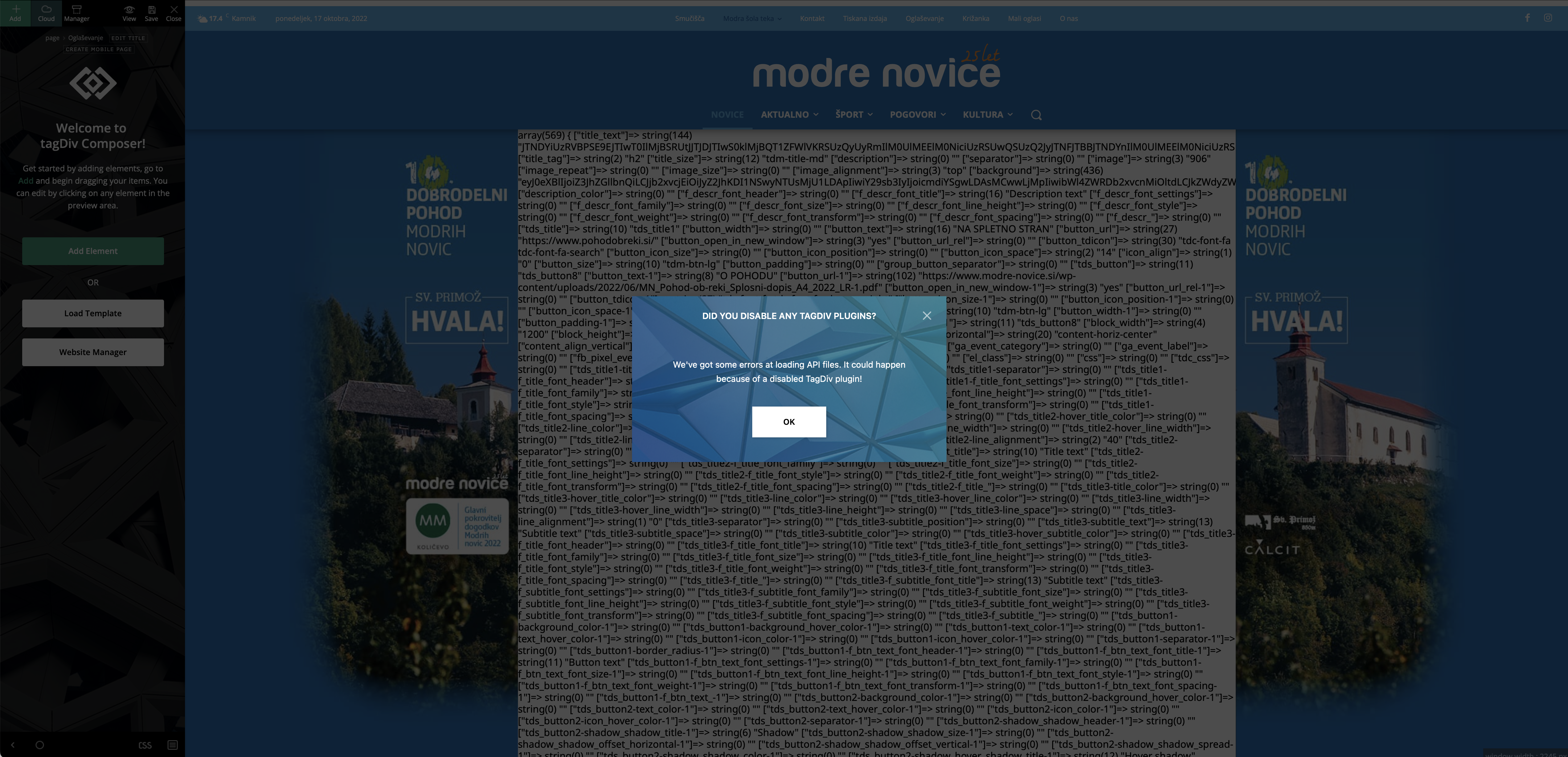
Image 2: 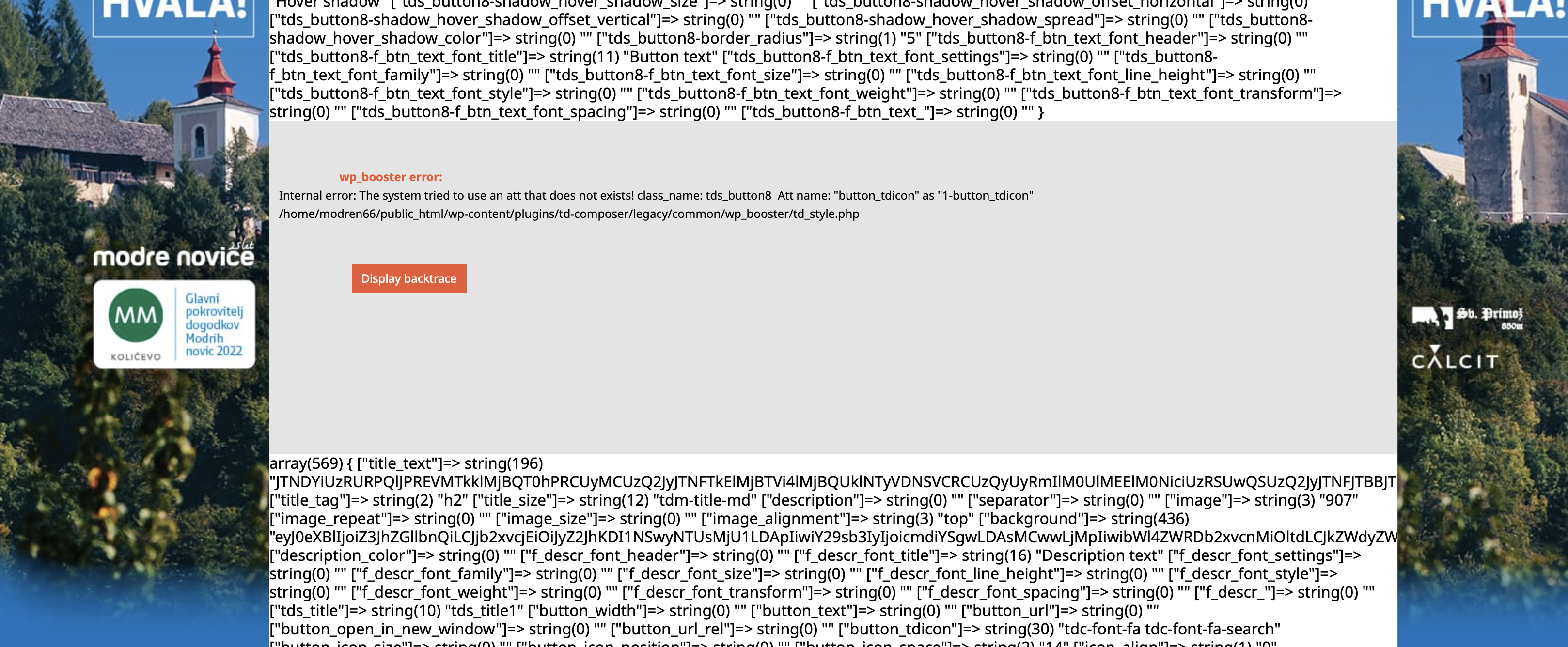
Help would be very much appreciated.
Thank you,
Peter

Hi Peter_86,
If the problem is only with one page, there here is what you need to try:
– be sure that you have all the theme plugins that you have before the update (composer, cloud, standard pack … ).
– it is possible to be something that corrupted that page, what you can do is to try to use a page revision -> s https://www.wpbeginner.com/beginners-guide/complete-guide-to-wordpress-post-revisions/
I hope this will help you!
Hello,
I have all the plugins installed and activated after update. The link you gave me is for post revision not for page – is the same procedure for page too?
Error that I get is on page, not on post.
On front end this page looks ok. This error is shown only in tagDiv composer.
Since there the error is specified in the popup, could one of your developers take a look what could be done to fix it? I am not a programmer/developer so I would be happy to get some programming help from one of your developers 🙂
Cheers,
Peter
This is the error:
Internal error: The system tried to use an att that does not exists! class_name: tds_button8 Att name: “button_tdicon” as “1-button_tdicon”
/home/xxxxxxxx/public_html/wp-content/plugins/td-composer/legacy/common/wp_booster/td_style.php
I have 3 buttons with name: tds_button8 I have removed icons from buttons but it was the same. Now I have inserted them back.


Hey! this is Eduardo,
i found out the Plugin of composer is the one which is affecting the total site, im very beginner but thanks to all i managed to get back the wordpress site with this mistake, what should i do now! i have my blog crashed. dunno what to do!
Hello Eduardo!
Please provide more information about what exactly you need to achieve or what is the issue there, screenshots or a video and your website link.
A solution for sending a screenshot/video is this:
Download, capture, send: https://www.techsmith.com/jing-tool.html
After making the screenshot, you will have a link, paste it here.
Thank you!
