Hi
My website https://www.rupeepress.com
When a share a link from my website on WhatsApp, the featured image thumbnail does not appear.
Can you please help?

Hi,
I can’t find your WhatsApp shear on your website ( https://www.screencast.com/t/McP9te0XHmVh )
Can you give some more details and screenshots, or a link to the website where I can see the problem, that would be very helpful.
Thank you for your understanding.
Hi Calin,
Thanks for your reply.
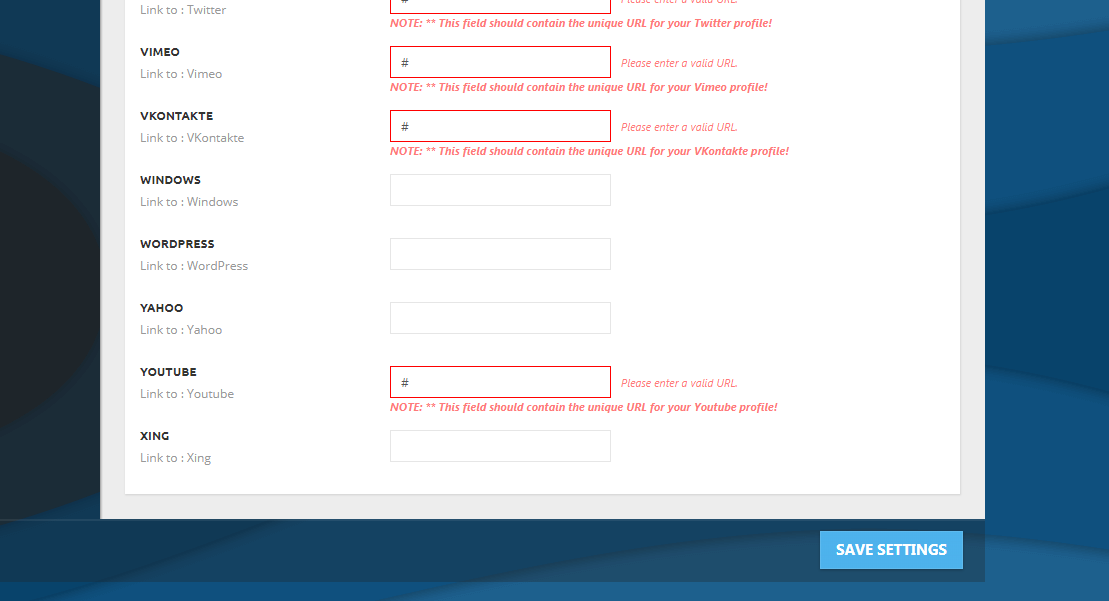
Firstly, I do not see a whatsapp share button in my social network settings.
Screenshot: https://i.gyazo.com/9b0c7df9332c97a72f7c1756d1b8677e.png
My current problem:
When I try to send a link of my a post from my website to a friend on whatsapp, the thumbnail for it does not appear.
Screenshot: https://gyazo.com/2aada516c9bd70a4babddad83988bb63
Please let me know if any other information is needed.
Thank you 🙂
Hi,
1. There is no social network settings whatsapp, but you can use a plugin if you like ( https://www.screencast.com/t/SP3cwJpNP ).
2. I’ve try to access your website and this was showing up ( https://www.screencast.com/t/Iz6Jvq3K )
Let me know if you manage the problem.
Thanks.
Hi Calin,
Thanks for your reply. There seems to be a problem with my hosting.
The technical support is working on it.
I will update you once it’s done.
Thank you for your time. Please don’t close this topic yet 🙂
Hi Calin,
Please check now.
FYI, the WhatsApp share icons is back. I disabled other social sharing plugins and enabled only the default plugin from the theme.
But still, when I try to share a link from the website on WhatsApp, the featured image thumbnail does not appear
Please help to resolve this issue.
Thanks
Hi,
Please read this topics about Whatsapp images:
-> https://forum.tagdiv.com/topic/no-prominent-whatsapp-images/
Thank you for your understanding.