Can someone explain the settings under “Theme Fonts” to me?
>> https://nimb.ws/aPdYQH
No matter what I set. The settings have no effect on ANYTHING.
I want to unify the font family, font sizes and font colors on my pages and in my posts. Unfortunately, this does not work at all. Surely it can’t be that I have to manually set the font and color for each element (inline text & column title) on the pages? >> https://nimb.ws/mEZkzQ
>> https://nimb.ws/iG8D2Y
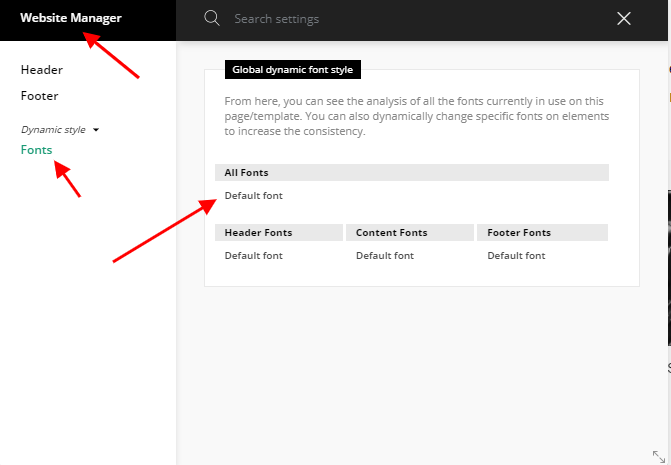
I have also tried it via the website manager >> https://nimb.ws/itb03g
It just does not work.
I don’t want to set everything for each element individually. When I change the font size, font type or font color I don’t want to adjust 1000 places. I thought there was a central place for that. Hope you can help me.

Hello !
If you are using multiple elements of tagDiv Composer on your website you will have to edit each using the style tab as you can see here: https://www.screencast.com/t/QtRtydlw3
I hope this was helpful !
Thank you !

Hi, thank you.
Than what is the point of that >> https://nimbus-screenshots.s3.amazonaws.com/s/5e51763bef45662632b84af8a4cafe2c.png
Can you explain pls?

Hello,
This is a video about how to style the website fonts => https://www.youtube.com/watch?v=jQvA64uTLkI I hope this helps you to understand better the settings.
Also, the fonts from Theme Panel > Theme Fonts > Page, for example, “Page Title” is applied on this option from page attributes => https://www.screencast.com/t/BZCDjbqF3pv.
Thank you!