

Hello everyone,
I bought this theme thinking it would be simple but I really have trouble configuring very simple things. I’m trying to set my menu to take up the whole width of the page and apply a different color to it than the header. Nothing complex in itself, but I can’t do it.
What’s more, I’ve looked in the documentation but can’t find anything. How do I change the language? Is there a way? It’s all in English. I’m talking about the language of my site, not the settings.
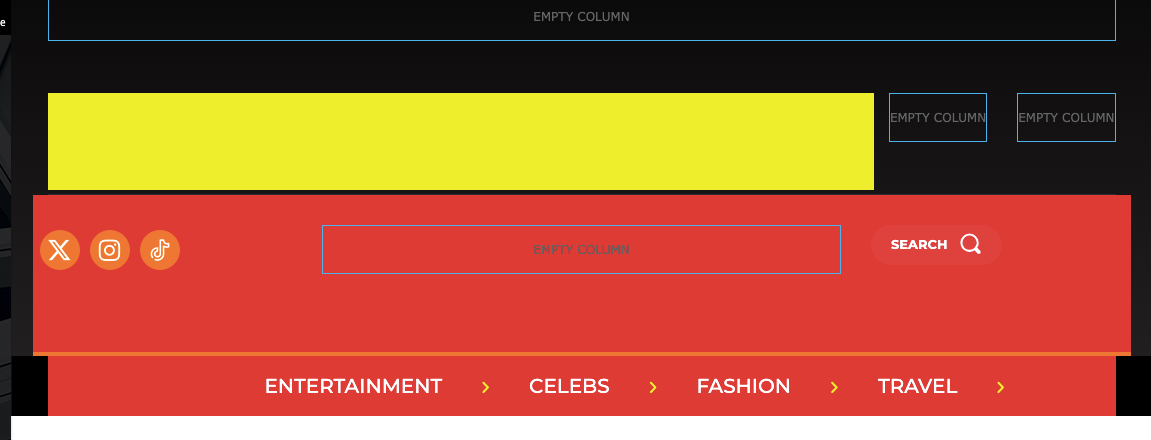
In the photo you can see that I’m trying to change the color, but the one on the sides remains unchanged, in black. I can’t figure out how to do it.
Thank you.

Hello,
You need to stretch the row -> https://imgur.com/QXIt4Gy -> https://tagdiv.com/flexibility-rows-columns-newspaper-theme/
-> https://tagdiv.com/how-to-add-delete-and-duplicate-row-newspaper-theme/
Also, you can change the language from here https://i.imgur.com/DcQ5n5b.png If you upload the translation from Theme Panel -> Translation -> Translation and some words didn’t get the translation, then its possible to change if you edit with tagDiv Composer => https://www.screencast.com/t/dlfnb0fnX5, for example for the search template, please edit it and select the elements -> https://i.imgur.com/emO3j5e.png
Thank you!
Thank you very much for your reply. I’ve managed to put my menu across the whole width and in French, although many elements are not translated.
However, I’ve noticed that the header I have on the home page is not the same as the one when I consult the articles. Do you know how to put the same header throughout the site, please?
Regarding the appearance of the header/menu, is it possible to use a gradient that runs through both the header and the menu? Not two separate gradients, the same for both.
Thank you very much!
Hello,
You need to do the translation also, from Theme Panel -> Translation -> Translation and some words didn’t get the translation, then its possible to change if you edit with tagDiv Composer => https://www.screencast.com/t/dlfnb0fnX5,
Also, please make sure that you have the same header set global -> https://i.imgur.com/CUd93kJ.png
Depends on how you have set the elements. Please provide some screenshots when you edit with the composer.
Thank you!
I made the change from “theme panel”, but some basic elements like “published on” or “by” don’t seem to be translated (see screen). Do you know why? How do I go about it? I don’t think I can go back over every article I publish.

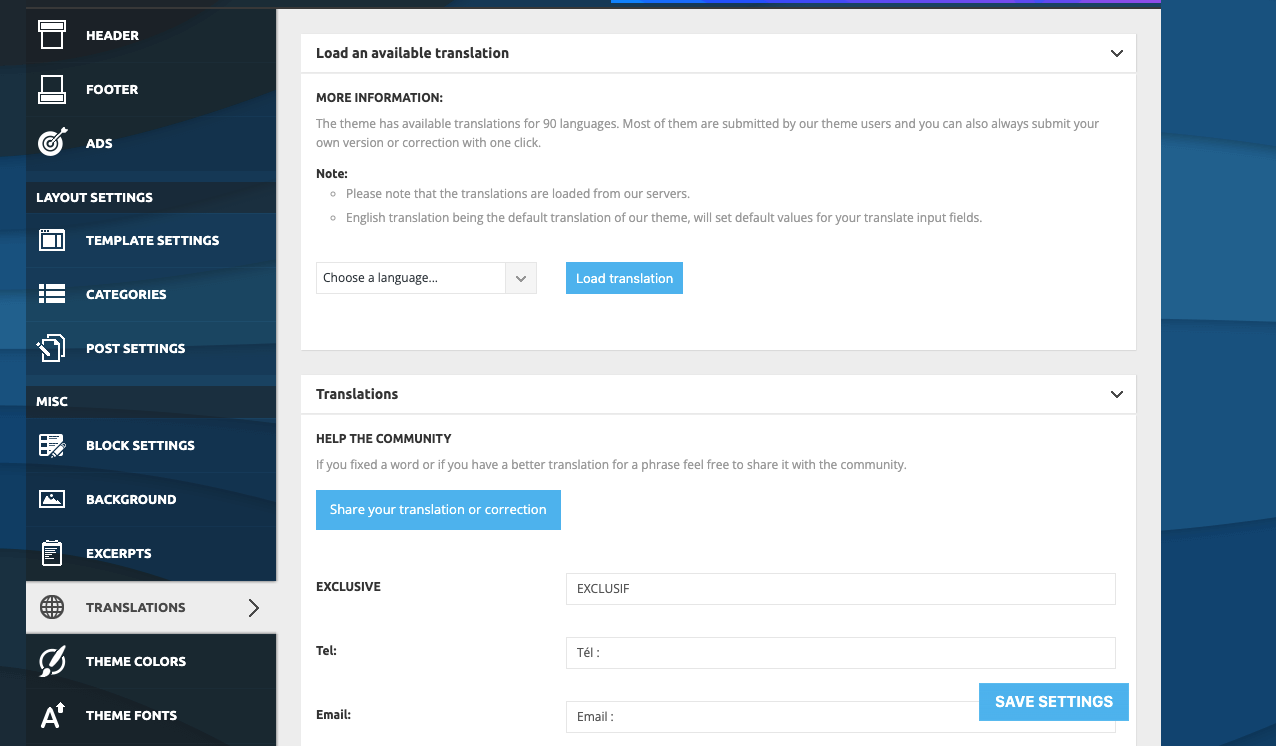
As for the gradient that runs through both the header and the menu, do you know how to do it please? I only see separate color configurations. I’d like to do a gradient across the entire header.
Thank you for your help.

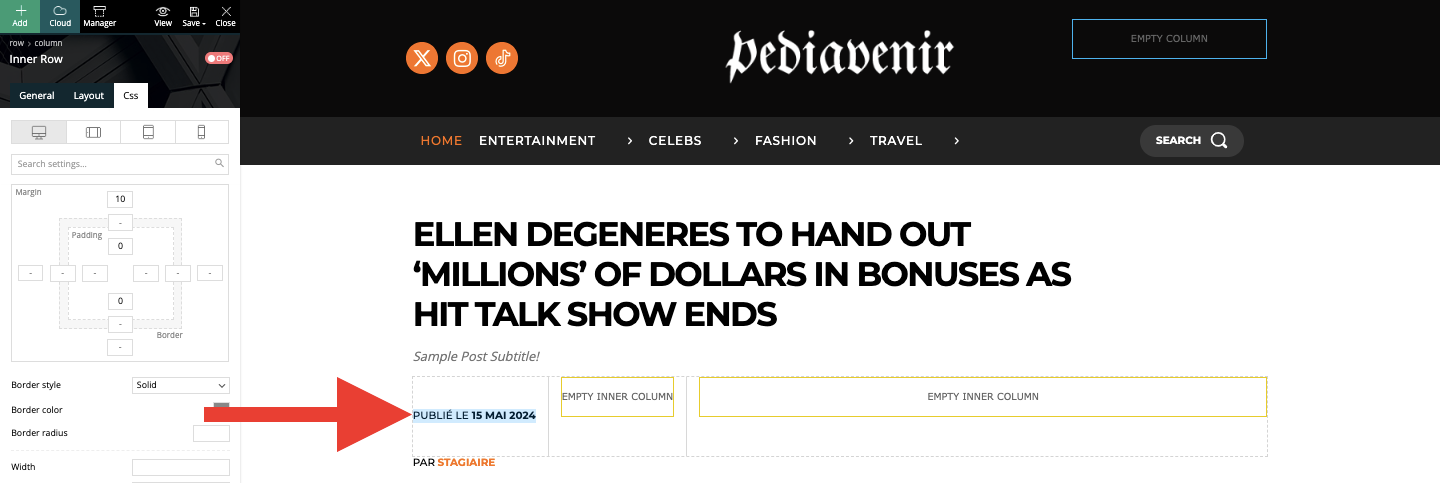
I’m sorry to ask you another question, but I’m spending a lot of time and I can’t find a way to do it. I just want to put the line “published on (date)” above the “author” line, but I can’t figure out how to do this simply. The block doesn’t move simply. Can you please help me?
Hello,
Please delete the backgorund color from the zone -> https://i.imgur.com/3ETBAQc.jpeg and create here the background gradient from here https://i.imgur.com/rCxpwtI.jpeg after you can apply on the row -> https://i.imgur.com/O8VYOOm.jpeg
Thank you!
Hello,
I recommend setting them in the same row and check this setting https://i.imgur.com/a2n7QVX.png on the elements.
Thank you!
Hello Anamaria,
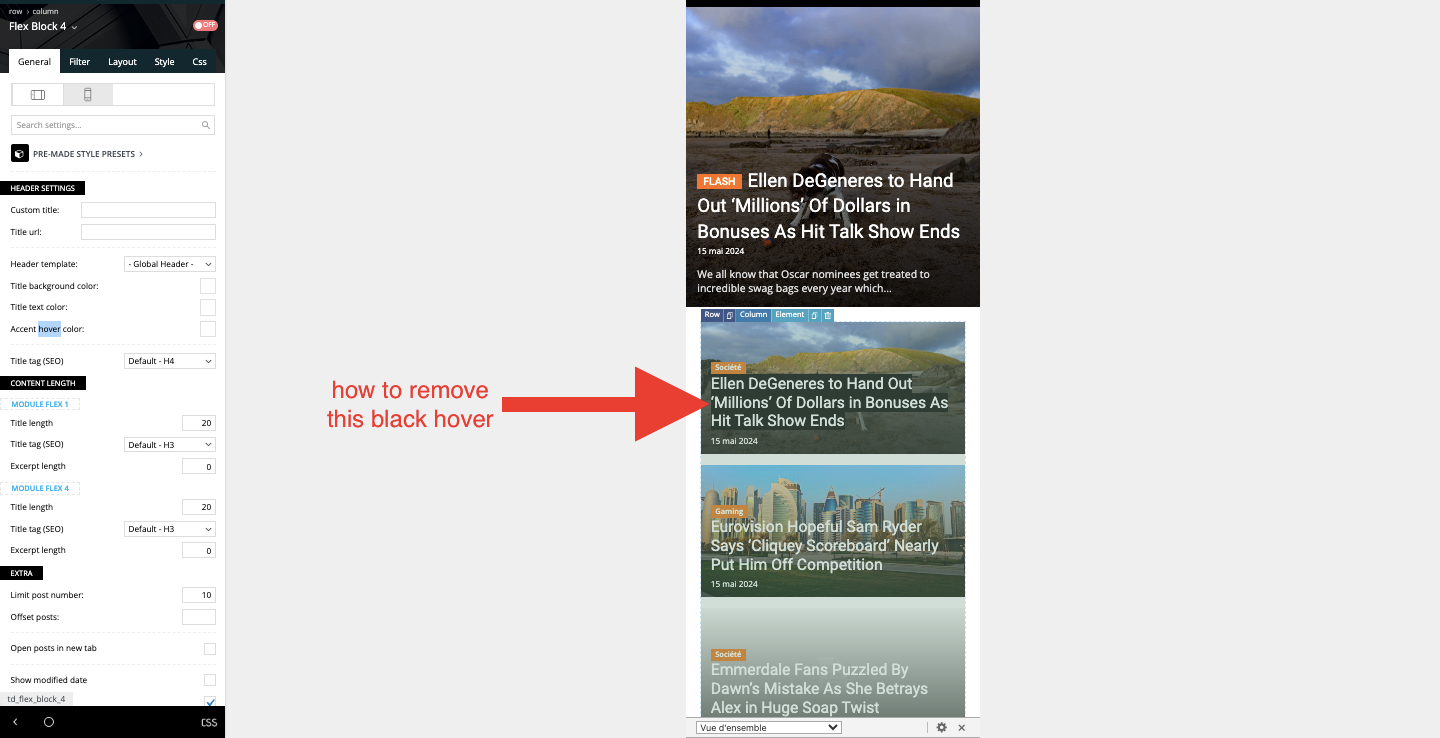
Thank you for your help. I have one more question. Can you tell me how to remove the black background that appears on the mobile template? It appears when clicked on mobile, which is not very aesthetic.
Thanks for your help!
-
This reply was modified 2 years by
random123.
I’ve got it! You had to use a color and make the transparency as transparent as possible. Doing “clear” defaulted to black. 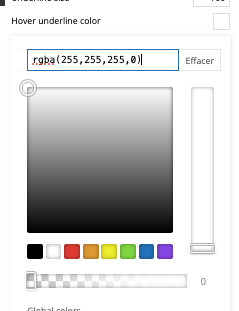
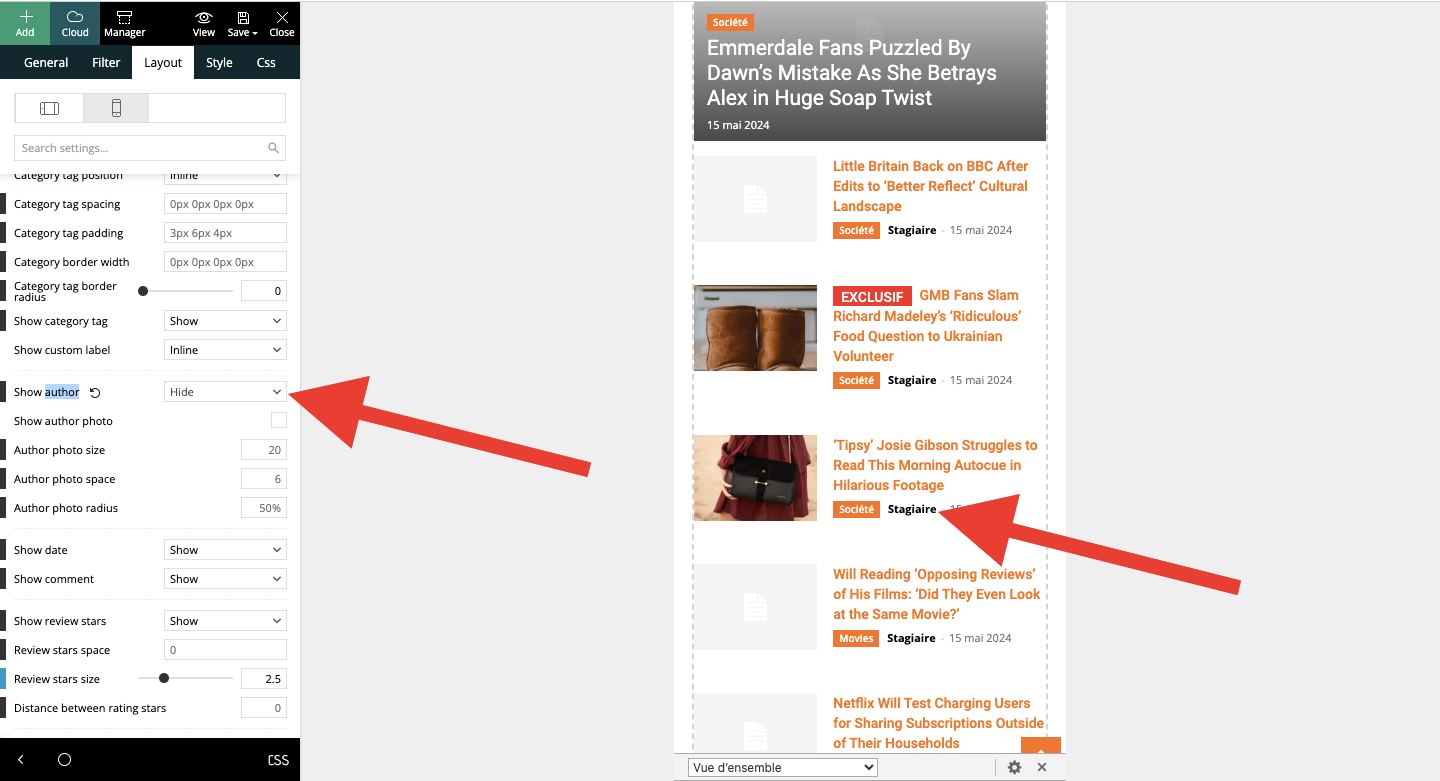
I have another question, please. On mobile, on the article template, I put “hide author’s name” in module 2 of Flex block 4. This doesn’t work. When I activate the “hide name” option, nothing happens. Same thing when I save. What can I do?
Hello,
So, if you delete the hover color you resolve the issue, right?
Also, for the author please make sure that you have hidden for both modules -> https://i.imgur.com/rgOY40A.png -> https://i.imgur.com/kddOrEQ.png
Thank you!
Hello, sorry for the delay.
No matter what I do, the author’s name won’t remove itself. When I activate the “hide” option, the name remains, even if I save.
Can you please do something? Is this a bug?
Here’s a video of the problem:
https://www.awesomescreenshot.com/video/28055611?key=721f908c050529f2fc08305888ac28eb
Hi,
As I said, there are two modules; please scroll until you see the module 2 there -> https://imgur.com/kddOrEQ
Thank you!
Hello,
I would like to take a look. Please contact us via email at contact@tagdiv.com and provide the wp-admin access.
Thank you!



