

I have the following issues on the design for the header in mobile for the Default PRO theme.
1) Header is prompting reader to sign in or join. However login has been removed from the header in desktop and mobile.
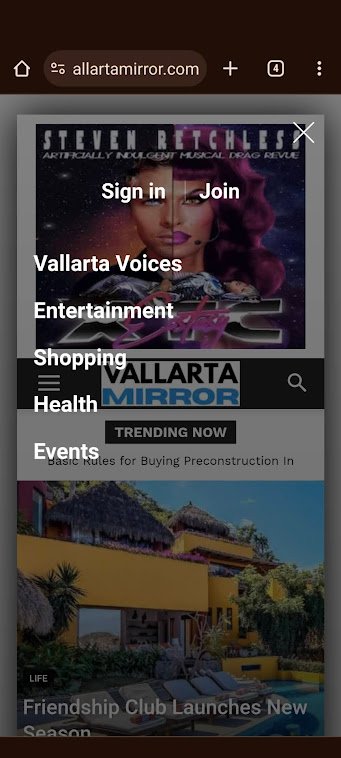
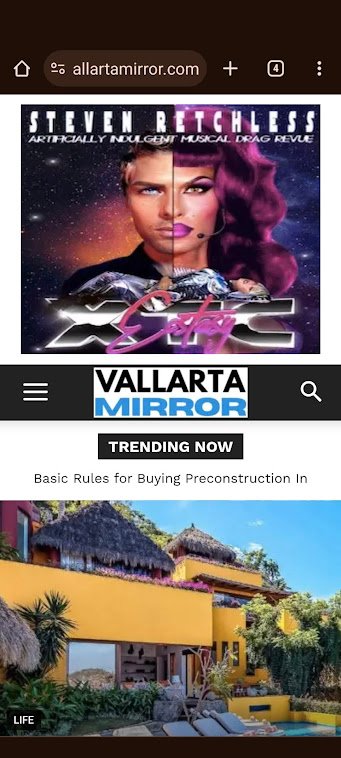
2) No ad is defined in the header on mobile. However an ad is being displayed.

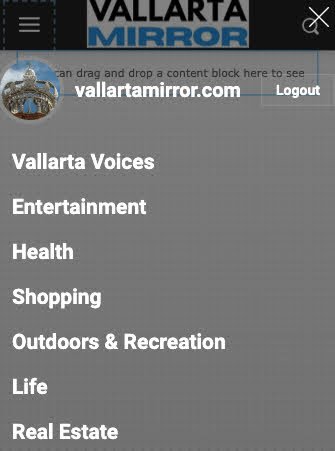
3) Categories are set as “Categories Menu” in admin. This shows correctly in admin (see image below). However, it does not display correctly on mobile (see image in #1)
-
This topic was modified 2 years by
vallartamirror.
-
This topic was modified 2 years by
-
This topic was modified 2 years by

Hello @vallartamirror!
1. Disable it from the theme panel settings: https://prnt.sc/Pj3D2CeWg_Q0
2. Did you add any code in the theme panel settings?
Do you have an extra plugin for ads?
3. Deactivate the menu from the theme panel settings -> Header -> https://prnt.sc/BDUh25yS2e9E or modify it from here: https://prnt.sc/ufzYiPUKyWde
Thank you!
1. This worked. Thanks.
2. It worked. YOU ROCK!
3. Unfortunately, I am not as successful on this one. I need the header categories list, so I can’t turn off the categories, and I don’t see where I can do anything is the modify section to make the “Categories Menu” appear instead of “Primary”. Should I just change the primary categories, and if so, where do I do this? Any additional insight you can offer here?
Hello @vallartamirror!
You should create a menu with the categories you need and choose to display it there.
Thank you!
I’m not quite sure how to do this. I cannot add a menu in the mobile home template.
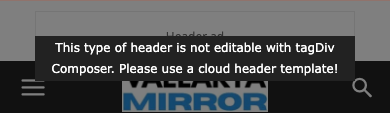
I have the categories menu selected for the desktop design.
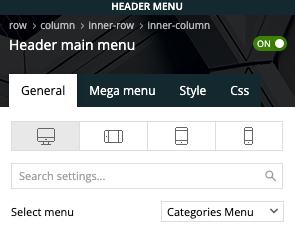
However, the mobile design does not have a selector and displays the categories from primary. Do I need to just edit these… and if so, where?
Hello @vallartamirror!
There is a dropdown from where you can choose a menu: https://prnt.sc/1n9cf7wKotk4
Build the menu first in Dashboard -> Appearance -> Menus.
Thank you!
The menu is built.
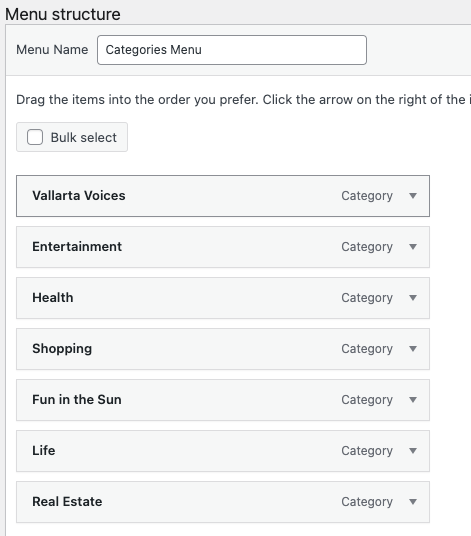
Selected in header.
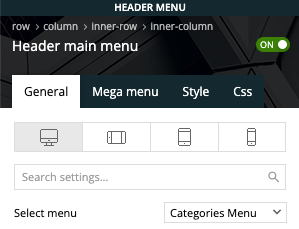
It displays fine on desktop but not mobile
The site is now live at vallartamirror.com if you would like to take a look on mobile and desktop.
Hello @vallartamirror!
The desktop menu is this one: https://prnt.sc/lFKV2zmGfmIg.
I see you deleted the menu from your mobile. Please add the same cloud header and add the mobile menu element from Composer there.
Thank you!
I have made my menus match for “Categories” and “Primary”.
I have set the header to show “Primary”.
I have added the “Header Categories List” back to the mobile design.
Now the menu shows correctly on the mobile home, but it does not display correctly on the mobile categories pages or the mobile individual posts.
Correct:
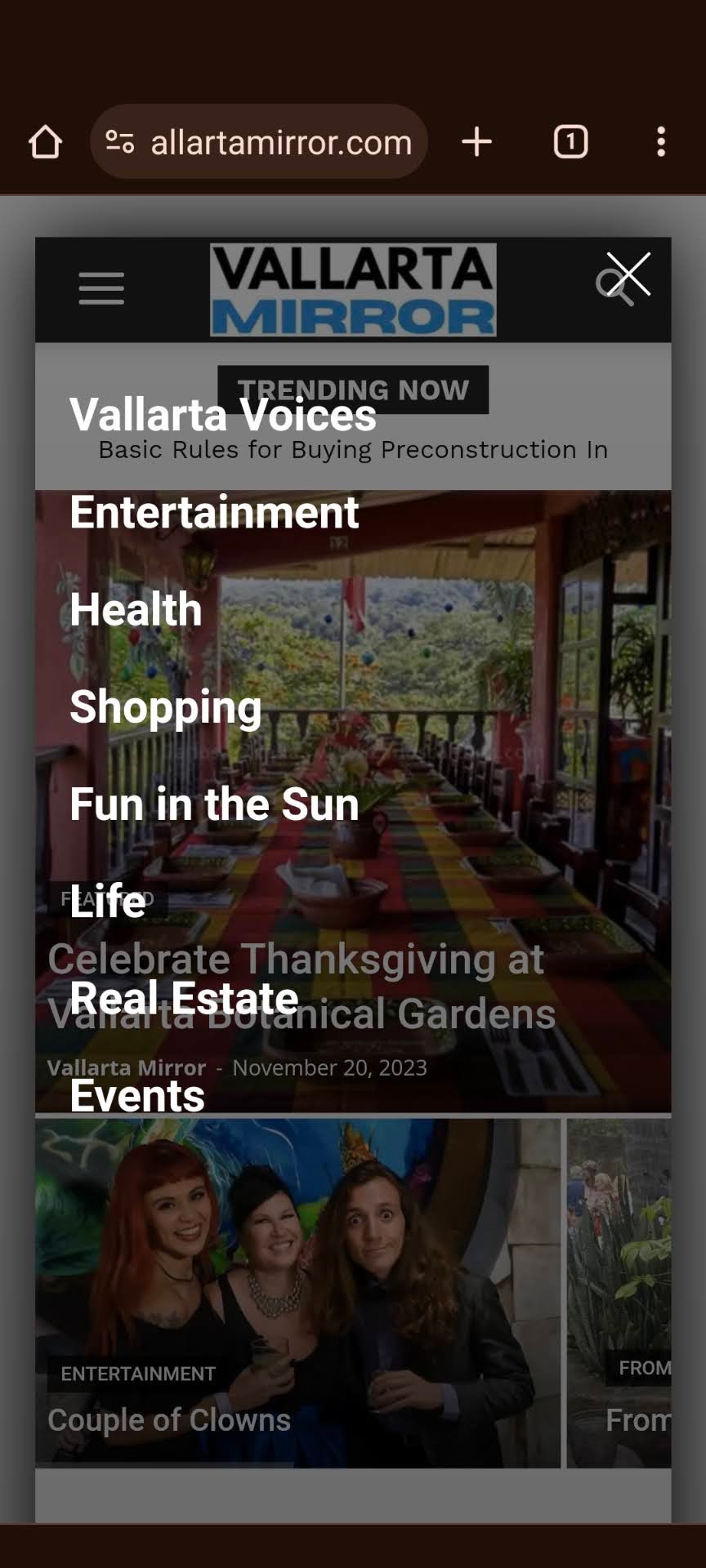
Incorrect:
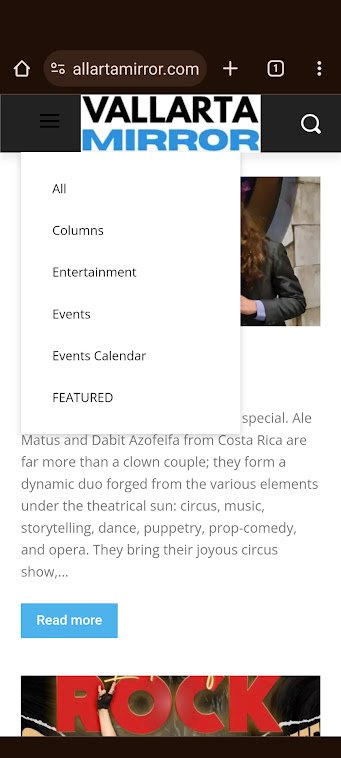
Also… the correct one shows a nice white hamburger menu, and the incorrect hamburger menu is dark.
-
This reply was modified 2 years by
I cannot find any reason why this occurring, as I made not changes since posting the item above. I closed out my browser and opened it again. Now it displays correctly on the category and post pages but not on the home.
Hello @vallartamirror!
Please set the correct menu or create a menu that you like the most and set it there to display.
Thank you!
I switched for the “Header categories list” to “Mobile menu”. This seems to have corrected the problem… at least for now.
