Hello,
How can I hide the main menu on mobile and desktop devices, I already saw an excellent code that does it for the whole site, but I need it to be just for the landpage on mobile and desktop devices
thanks a lot for your help

Hi,
You could do it for specific pages, using the unique page IDs. For example this code will remove the menu on desktop and mobile, just for a specific page
– https://www.screencast.com/t/X7Syqm1juG
– https://www.screencast.com/t/KFeQeTPIf
.page-id-2906 .td-header-menu-wrap-full {

display: none;

}
Thanks
Hi,
It does not work, maybe I’m not putting it where it should go
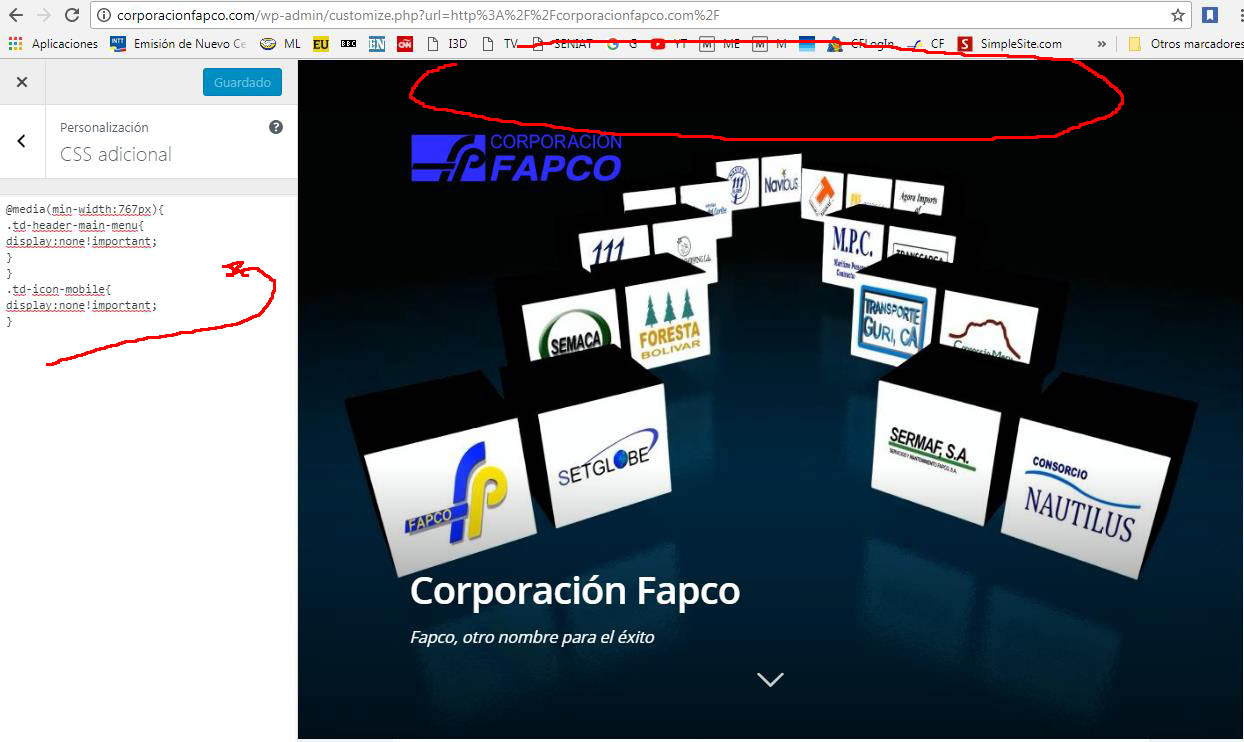
This is another code, but hide the menu on all pages and I just need it to be on the landing page and I’m learning as fast as I can.
thank you very much for your help,
regards
@media(min-width:767px){
.td-header-main-menu{
display:none!important;
}
}
.td-icon-mobile{
display:none!important;
}
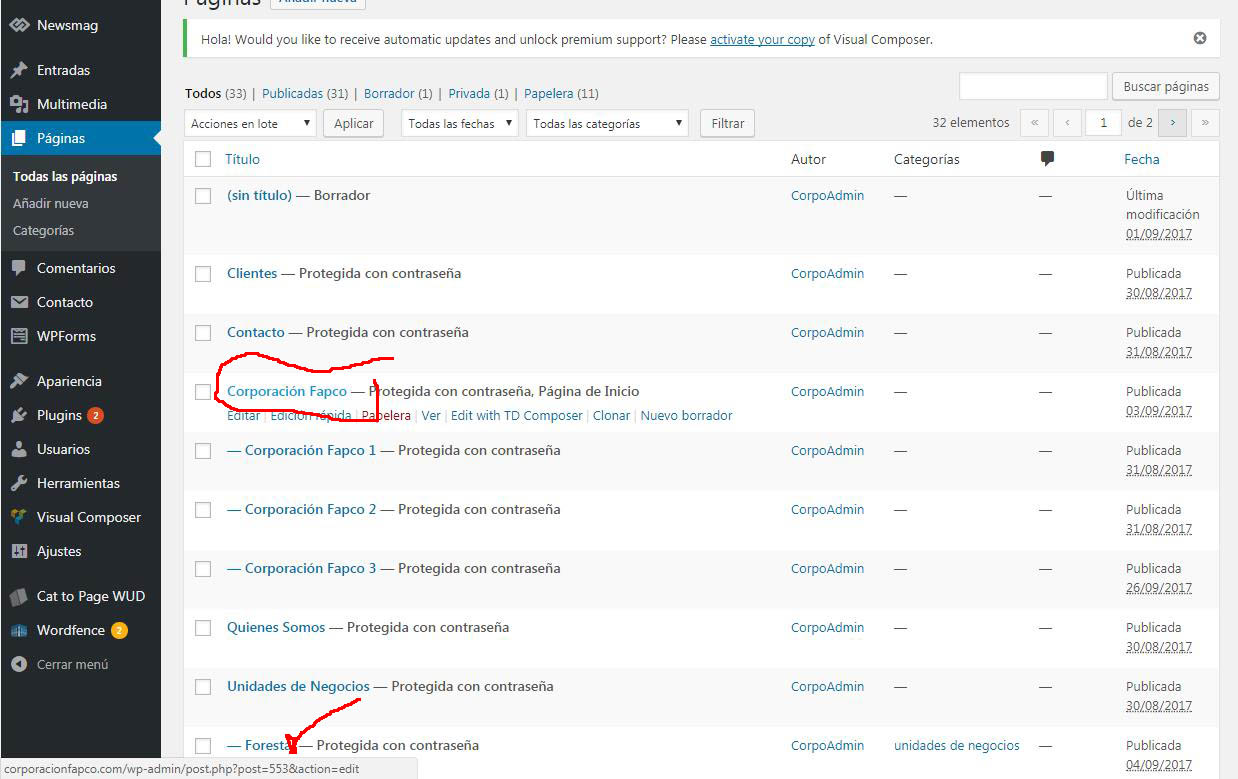
http://corporacionfapco.com/wp-content/uploads/2017/10/Clip0001-1.jpg”
http://corporacionfapco.com/wp-content/uploads/2017/10/Clip0002-1.jpg
http://corporacionfapco.com/wp-content/uploads/2017/10/Clip0003-1.jpg
Hi,
Use the code as provided, replace only the page ID and it should work properly regardless of header style used. Enter the code in Theme panel->Custom CSS section
– https://www.screencast.com/t/XNm2oSNTe
Or use the Live CSS editor when editing the page
– https://www.screencast.com/t/Yp5Ru45nZ
Then check the results.
Thanks
Hello,
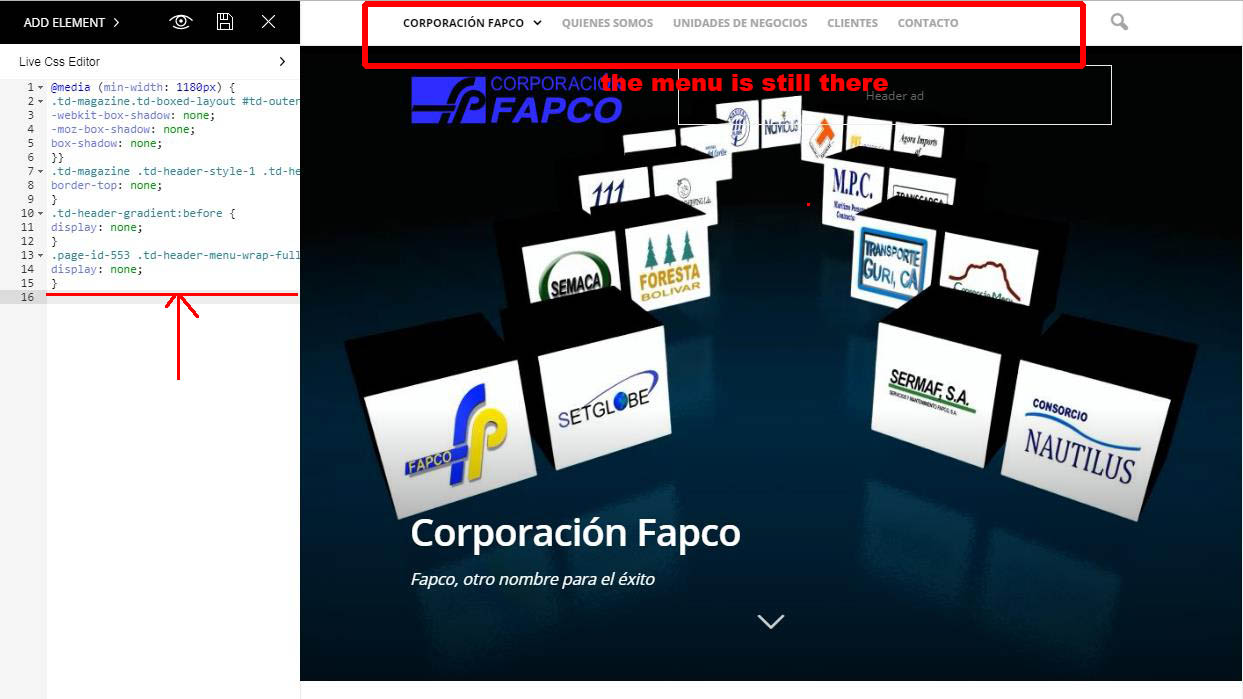
I include the code, but it does not work, I have noticed that I have a code already included before,
if I put it in the end it does not work either.
This is the code that already appears in the css:
@media (min-width: 1180px) {
.td-magazine.td-boxed-layout #td-outer-wrap {
-webkit-box-shadow: none;
-moz-box-shadow: none;
box-shadow: none;
}}
.td-magazine .td-header-style-1 .td-header-top-menu-full {
border-top: none;
}
.td-header-gradient:before {
display: none;
}
.page-id-553 .td-header-menu-wrap-full {
display: none;
}
http://corporacionfapco.com/wp-content/uploads/2017/10/Clip0004-1.jpg
although I put the new code alone does not work either,
thanks for your help
regards
Hi,
Sorry, I did not realize you are using the Newsmag theme. This is the solution for that
– https://www.screencast.com/t/IS6ypx5hZf
.page-id-553 .td-header-menu-wrap {

display: none;

}
There are differences between the Newspaper and Newsmag themes, to avoid confusion please create topics according to theme used
– https://forum.tagdiv.com/forum/newspaper/
– https://forum.tagdiv.com/forum/newsmag/
Thanks