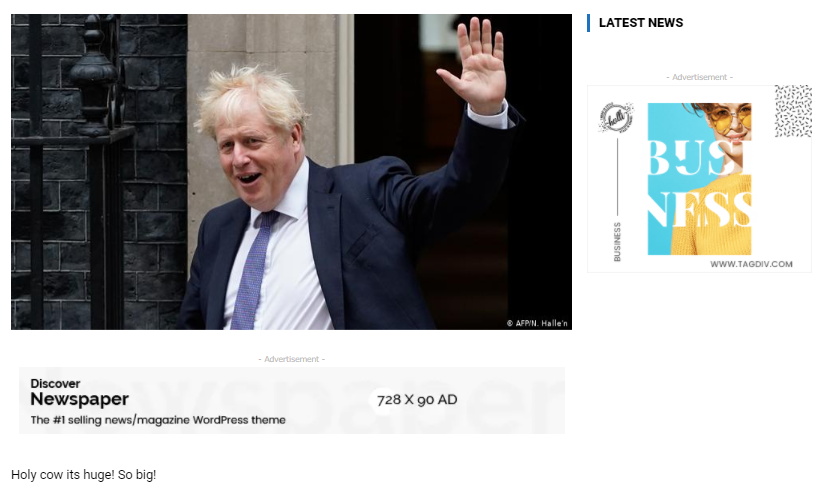
I’ve just installed the London News Pro Demo, but there’s adverts everywhere. I want them all gone. I’ve disabled them all in the theme panel but they’re all still there, especially on posts!
https://i.gyazo.com/e8198d7e2509ac95f4518151f33df65a.png
See on on the sidebar and one below the featured image but before the text of the post.

Hello!
You should be able to delete them by editing the page/post with TagDiv Composer plugin, click on them and you will see a recycle bin basket there or you can drag & drop into the red area at the bottom of the page.
For more information about this plugin, you can check our tutorial here: https://forum.tagdiv.com/tagdiv-composer-tutorial/
Let me know the results!
Thank you!

Hello!
You need to edit one post to delete the ads, then all posts using that post template will not display the ads automatically.
Please note that another post with a different post template will display the ads and you need to modify that template too.
Thank you!