

My sidebar use Popular Category widget, and I see the following css
/* inline tdc_css att */
.td_uid_24_5c9ac52b7cd4d_rand{
padding-top:60px !important;
}
How can I change the padding-top value from 60px to 80px? Thanks.
-
This topic was modified 7 years by
888civil.

https://www.888civil.com/news/category/share/
This is the link where it appear.
I think I know where it is coming from. Edit the category template with the tagDiv composer, then click on the popular categories element and check if there is a padding set in the CSS tab
– http://prntscr.com/n43z18 it could be coming from there. Let me know.
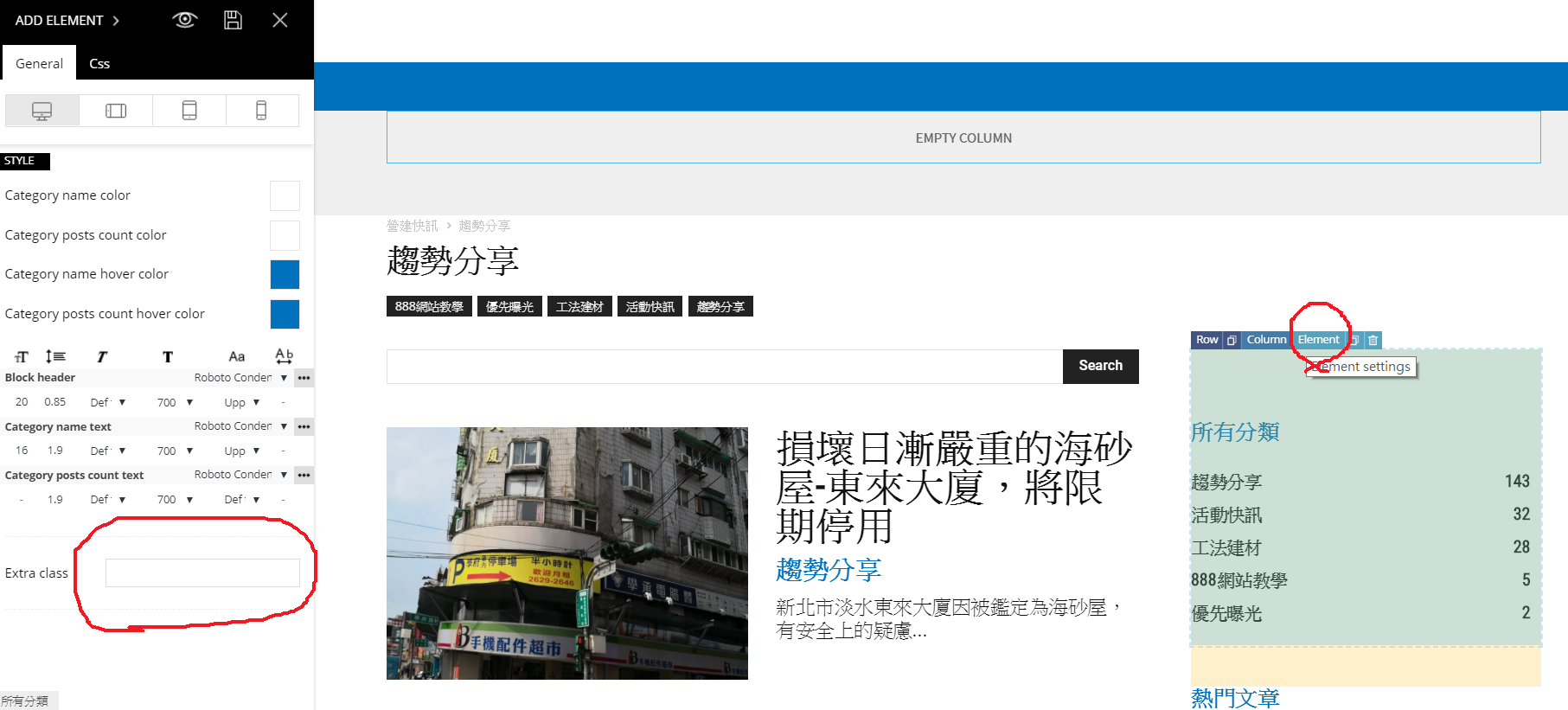
I think I ask a wrong question, my exact question is how to stick my Smart Sidebar in a special location. Cause my web site has a sticky menu in the top of page, so Smart Sidebar’s sticky content is covered by my menu, I want to let Smart Sidebar to be stick bellow my menu. How can I do it?
So you would like to make the column containing the sidebar sticky? That is possible, all columns have a sticky option – http://prntscr.com/n4m928
The general smart sidebar setting has to be active in order for this to work
– http://prntscr.com/n4m9ek
Please correct me if I still misunderstand what you want to do.
I don’t quite follow you, edit the template with the composer – http://prntscr.com/n5w91g then click on the column that contains the sidebar and make it sticky as shown. Let me know.
