

Hi,
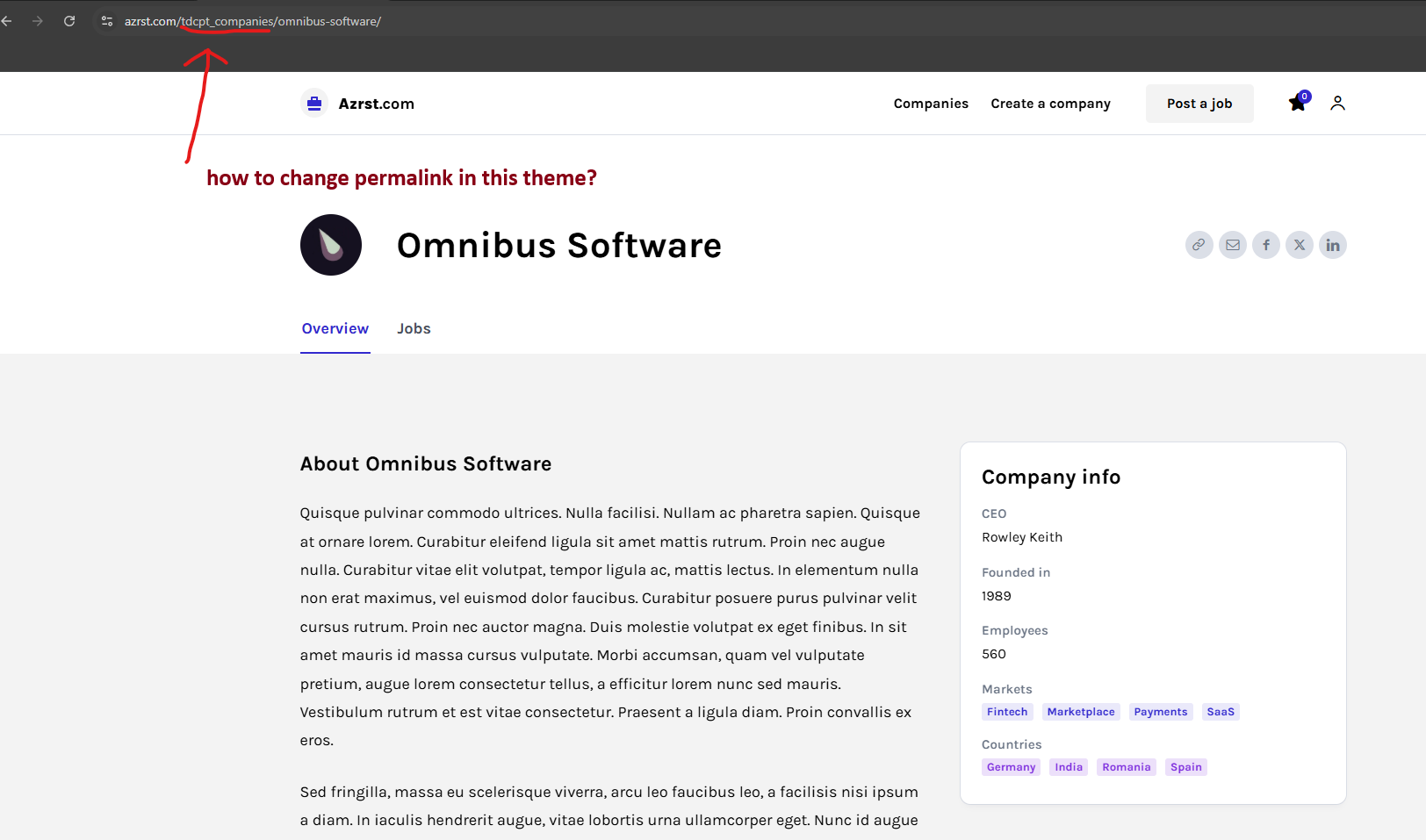
The CPT link https://azrst.com/wp-content/uploads/2026/03/Screenshot-2026-03-14-154535.png can be changed from ACF plugin> Post Types > https://prnt.sc/0Z9Q7r8PGyjn
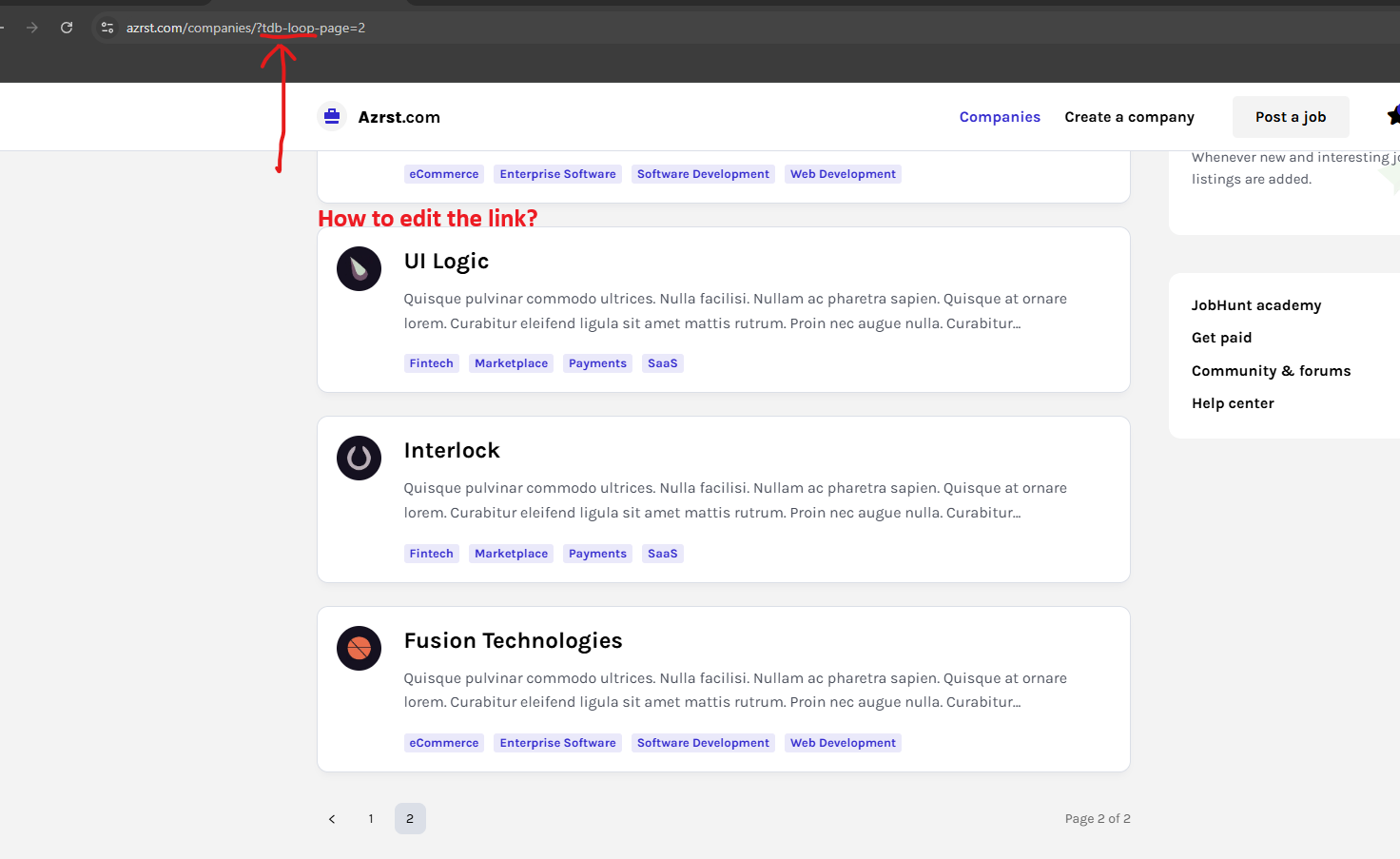
This https://azrst.com/wp-content/uploads/2026/03/Screenshot-2026-03-14-155042.png is the link of pagination created by the flex loop builder, unfortunately, it cna not be changed. The pagination is working with that type of parameter. What can be done is to change the pagination type from numbered to a load more button – https://prnt.sc/tR5HILKHyTdB
Thank you!

If I Delete tdcpt_ to make [c] company post made an Error 404
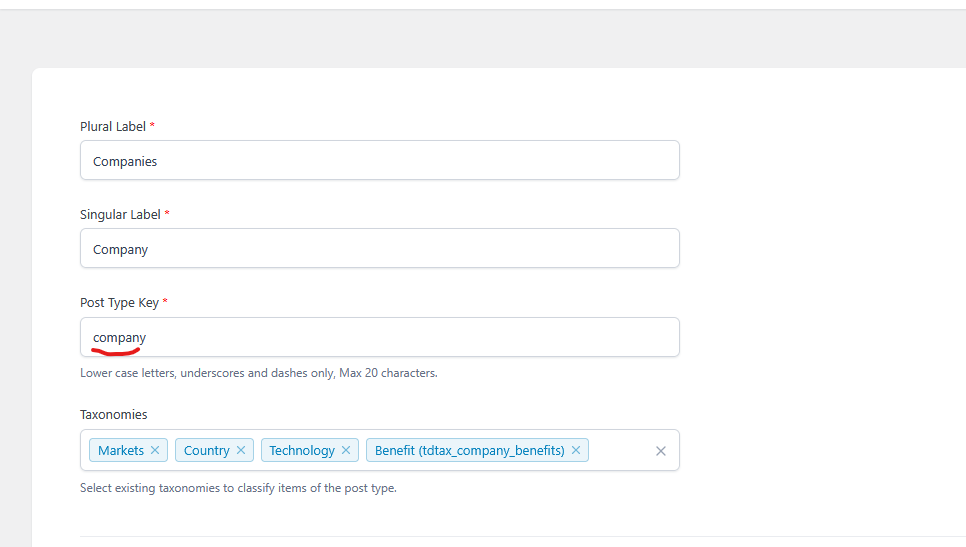
This is what i want to happen [ https://azrst.com/c/nextscope/ ]
Thanks
Hi,
It will work, just make sure that you do it like this https://prnt.sc/NpoWwkExzSGK after that, set an article as a test – https://prnt.sc/UyziQz53_T1f – https://i.imgur.com/Ud7jkBN.png
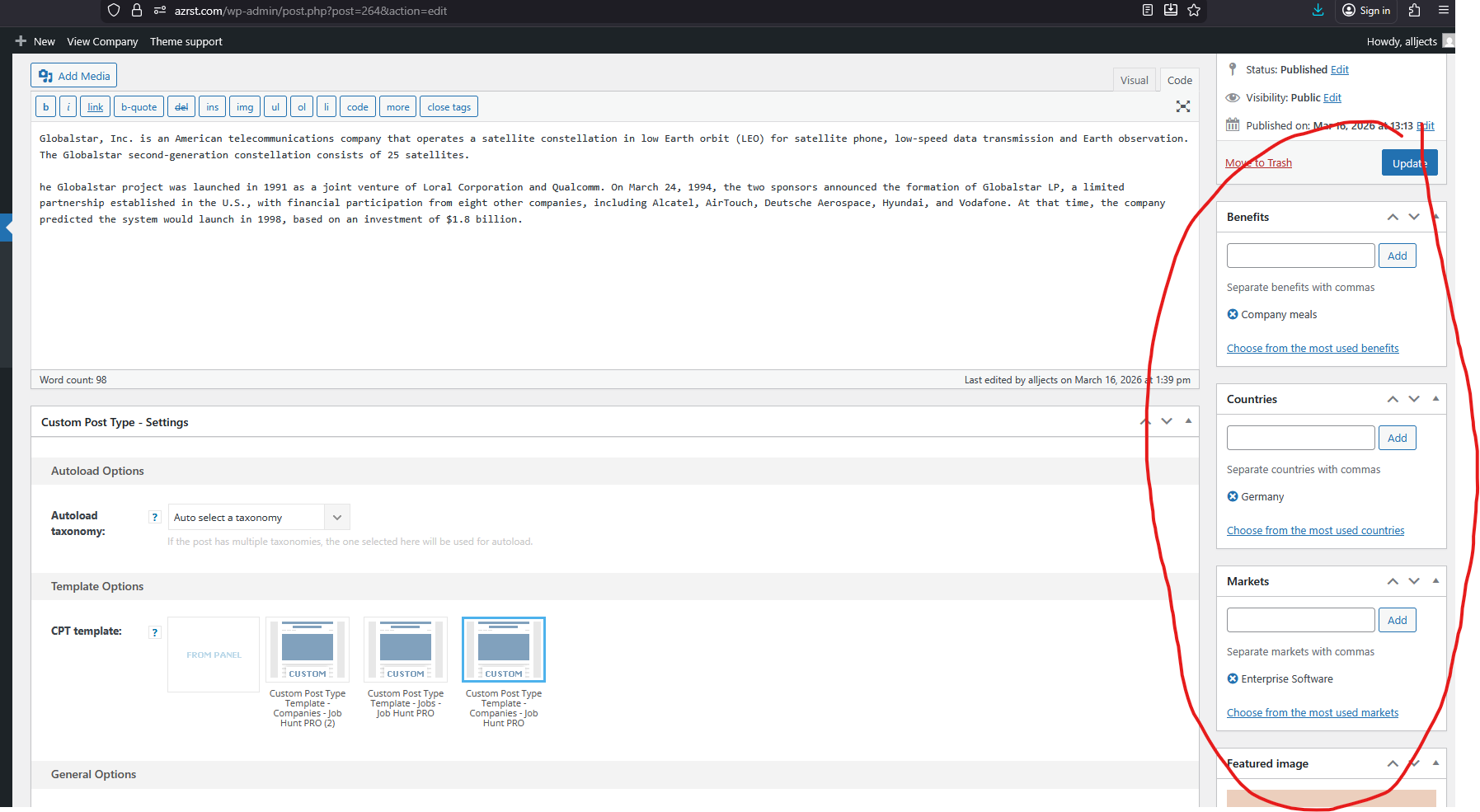

Hi,
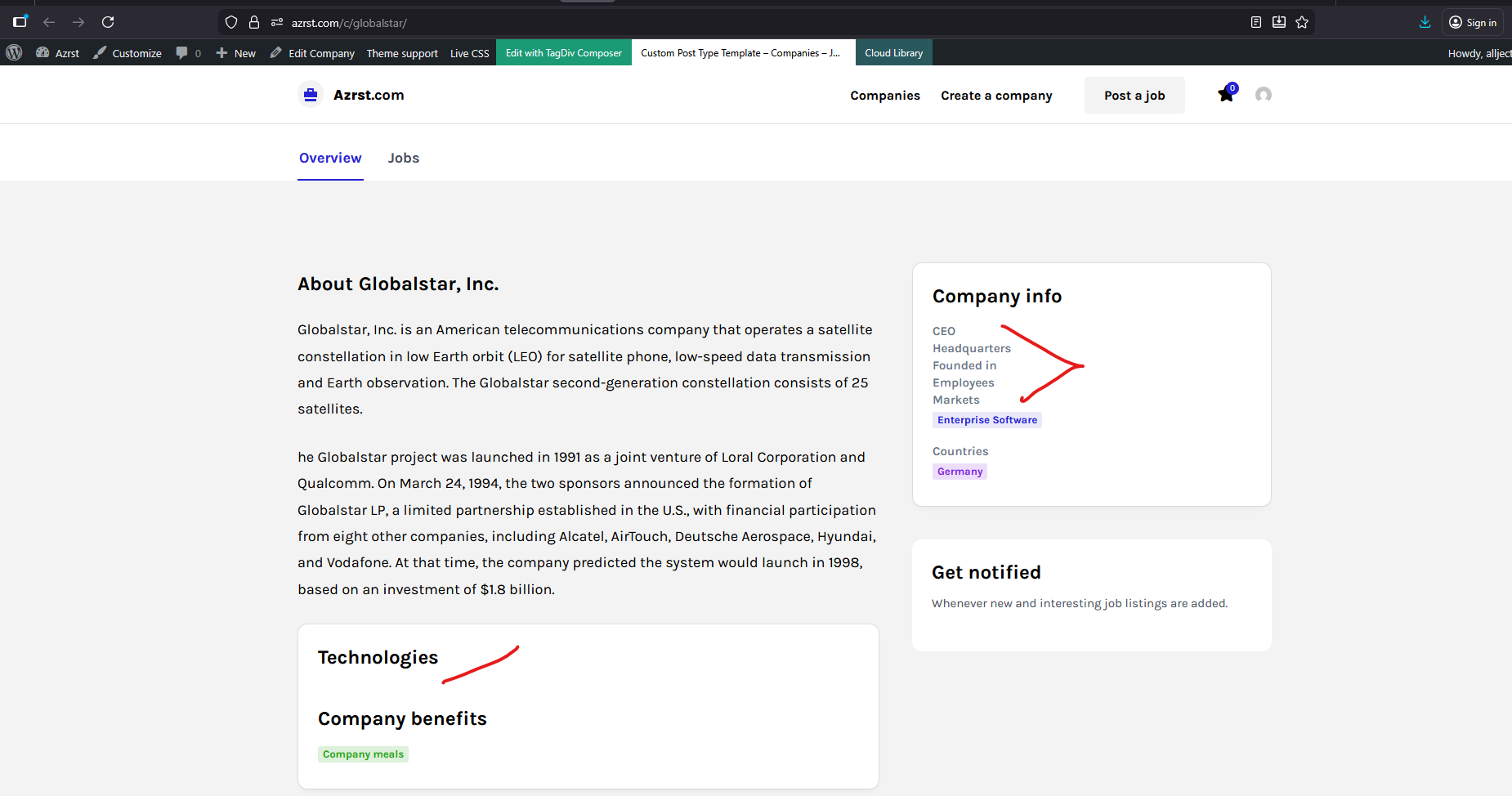
Here’s what happened: after the CPT was changed, you also need to edit teh taxonomies and custom fields so that they point to the new cpt, so you need to go to taxonomies and where you see for example, post type Companies edit it and select the post type again https://prnt.sc/qdi2tSyUisV9 do the same for custom fields – https://prnt.sc/1CDHgN6ziYQY – https://i.imgur.com/9ArGJfc.png


