Hi, I’ve seen the “Featured image placeholder” option inside the Newspaper Theme panel > Post Settings > Featured Images.
I’ve got this option enabled and I have posts without images, but they are not showing any default image.
I did not found out how to make this work looking at:
https://forum.tagdiv.com/featured-image/
How can I make work the “Featured image placeholder” option?
-
This topic was modified 10 years by
aberniz.

Hello,
You have to activate it from the theme panel like so: http://screencast.com/t/yu7suxHQ The if a post does not have a featured image, this will show up: http://screencast.com/t/njShROSKIiK
Thank you!
Hello,
Well it;s a simple image we added. If you keep the image size and name, you can edit in an any photo editor and replace the content with your own image. Lots of users do this. Here are the images for each thumb you will have to edit: http://screencast.com/t/1w6psOZ49o There are different sizes for this image used on dferent blocks and modules so you will have to add your image in all of these sizes. Keep the image size for it to display properly and keep the name of the file intact.
Thank you!
Hi Bogdan, one question:
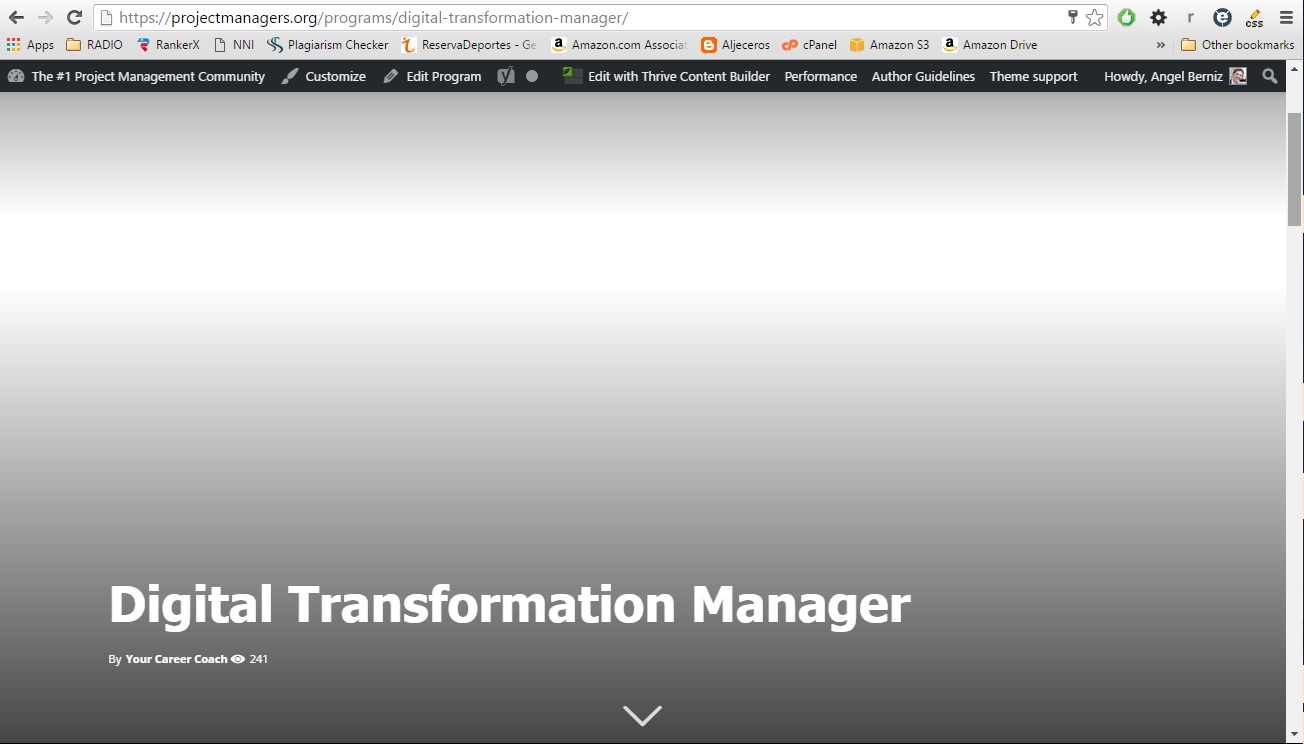
For my courses I am running a custom post type using the TEMPLATE STYLE 7. I am not using a featured image because this was causing me side effects.
I was expecting that with this “Featured image placeholder” I would have a default featured image, but I’ve applied it and I am still not getting a featured image in my TEMPLATE STYLE 7 course posts.
This is what I am getting:
https://s3.amazonaws.com/images.projectmanagers.org/docs/Default-Featured-Image.jpg
Should this “Featured image placeholder” work as a default featured image or it is only for thumbnails?
All the best,
Angel
Hello,
The featured image placeholder is an image that is only used on modules and blocks unfortunately. Not on posts themselves. If you do not use any featured image, we suggest using a post style that does not need the featured image for it;s layout. please do not use styles: 3, 4, 6, 7 or 8
Thank you!