

hello support-team,
unfortunately I have a problem and hope you can help me. Clicking on the photo “Libella – Werbung …” should open a full page, but unfortunately it doesn’t. Strangely, however, all images from a “[folder gallery]” function are displayed enlarged when clicked. Do you have a solution for this?
Kind regards Detlev

hello Anamaria,
Thank you very much for taking care of my problem. The display of images from a gallery will work, but not individually linked images. Can you please click on the picture with the title “Libella Werbung 1961”? This runs through all my posts.
Greetings Detlev
Hello,
I think that you are refering to this image and it works https://i.imgur.com/DTJV7qN.jpeg -> https://i.imgur.com/dN1V1j8.png
Thank you!
Hello Anamarie,
thank you very much for your support. I don’t understand it. On none of my computers, even in different networks, is a photo displayed correctly. I include the photo in the text and it is displayed correctly. However, if I click on the photo to open it in full view, the photo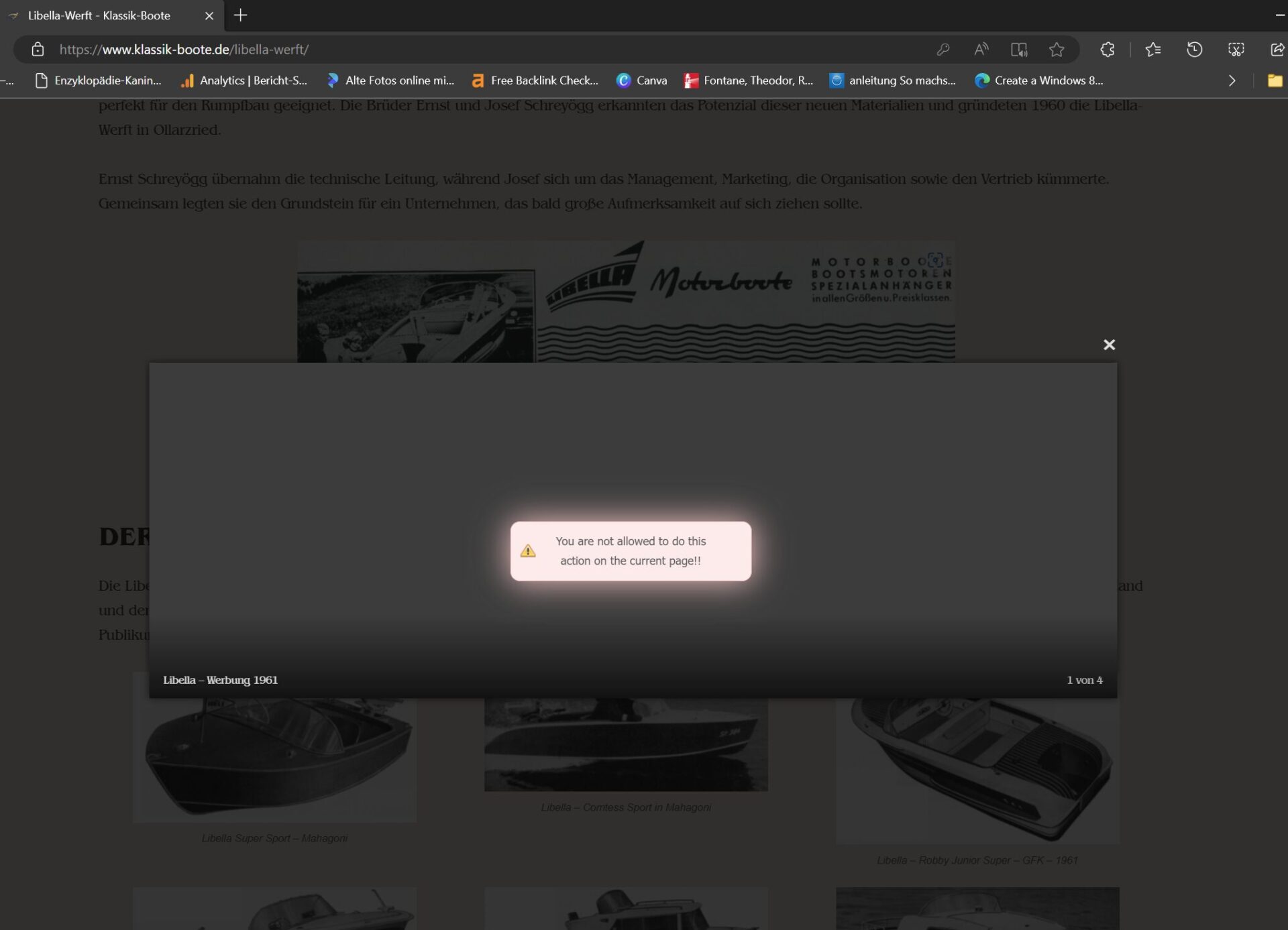 is not provided. As written, this only happens with the photos that are inserted in the text. Where it works properly is the display from a gallery.
Greetings Detlev
Hi,
I have checked on more browsers, and the image is displayed -> https://i.imgur.com/R6qQVYH.jpeg -> https://i.imgur.com/ATmYsKU.jpeg. This is very strange. Can you check on other devices, like phones and tablets?
Thank you!
Hello Anamaria,
hello Calin,
unfortunately, I have to confront you with my problem again and I really hope for your professional help. After some updates, the problem has appeared again that images are not zooming in when clicked. You had solved the problem really well, but somehow it is no longer there. Please look this example page. Would you like to take another look at it? Thank you very much.
Regards, Detlev
-
This reply was modified 1 year by
detlev.

Hi Detlev,
Can you first confirm if the problem persists when you are logged on the website? There were a few situations when the cache plugin was interfering with the modal image, if this is the case you should try to exclude the “lazyload.min.js” from Delay JavaScript execution and Excluded images or iframes:
“td-modal-image
wp-image-”
Thank you!
Hello Calin,
thank you very much for taking care of my problem. I also have the image display issue when I am logged into WP. Perhaps there is a causal connection with the fact that my Linux administrator has activated w3 total cache? Could that be the problem?
Best regards, Detlev
Hi,
That is a possibility and it can be tested, if possible to clear all cache and disable the plugin for a few minutes at least so there will no longer be the cache on website from server. Also check if you have the lazy load option on, if yes, please make a test with it disabled. Another test will be using only tagDiv plugins to see if even so the problem persist when you are logged in.
Thank you!



