

We have a WordPress multisite. All ads are working fine on all sites except the article inline ads in https://frenchly.us articles.
Our end goal it to have the article inline ad show in mobile only. But the article inline ad is not showing in desktop either.
https://frenchly.us/film-review-sophia-antipolis-contemporary-political-neonoir-thriller/
When viewing source for frenchly.us articles it doesn’t seem the ad is making it to the article.
We tried switching the ad tags to ads we know work elsewhere on the site and still not showing.
-
This topic was modified 7 years by
bguthleben.
-
This topic was modified 7 years by

Hi,
I checked your website and I do not see anywhere inline-ads, please prove some more details and some screenshots with the settings you made
Article ads -> https://forum.tagdiv.com/article-ads/
Modification of the AdSense ad code -> https://support.google.com/adsense/answer/1354736?hl=en
Thank you!
Hi,
Please make sure that you set the number for paragraphs -> https://www.screencast.com/t/14RqwWrQHJ
Also please check carefully our documentation for Article Inline Ad: -> https://forum.tagdiv.com/article-ads/
You can make a test and set a banner instead ads, in this way you’ll know if this is working correctly.
Also make sure that you set a number for paragraphs, for example if in most of your post you have over 5 paragraphs will be indicate to set the number 1 or 2 or 3 or 4.
Thank you for your understanding!
Can I edit these posts to remove links or should i just delete post?
Hi Calin,
An update to this..
Nothing we put in the Article inline ad mobile on one site will show.
The ads we are testing will show in all the other sites in the multisite and all other ad sections on sites.
We are using shortcodes from Advanced ads but also just pasting Google Ad code directly into the Article Inline ad.
It seems that the codes are not making it to the article posts. Just the header if we put one.
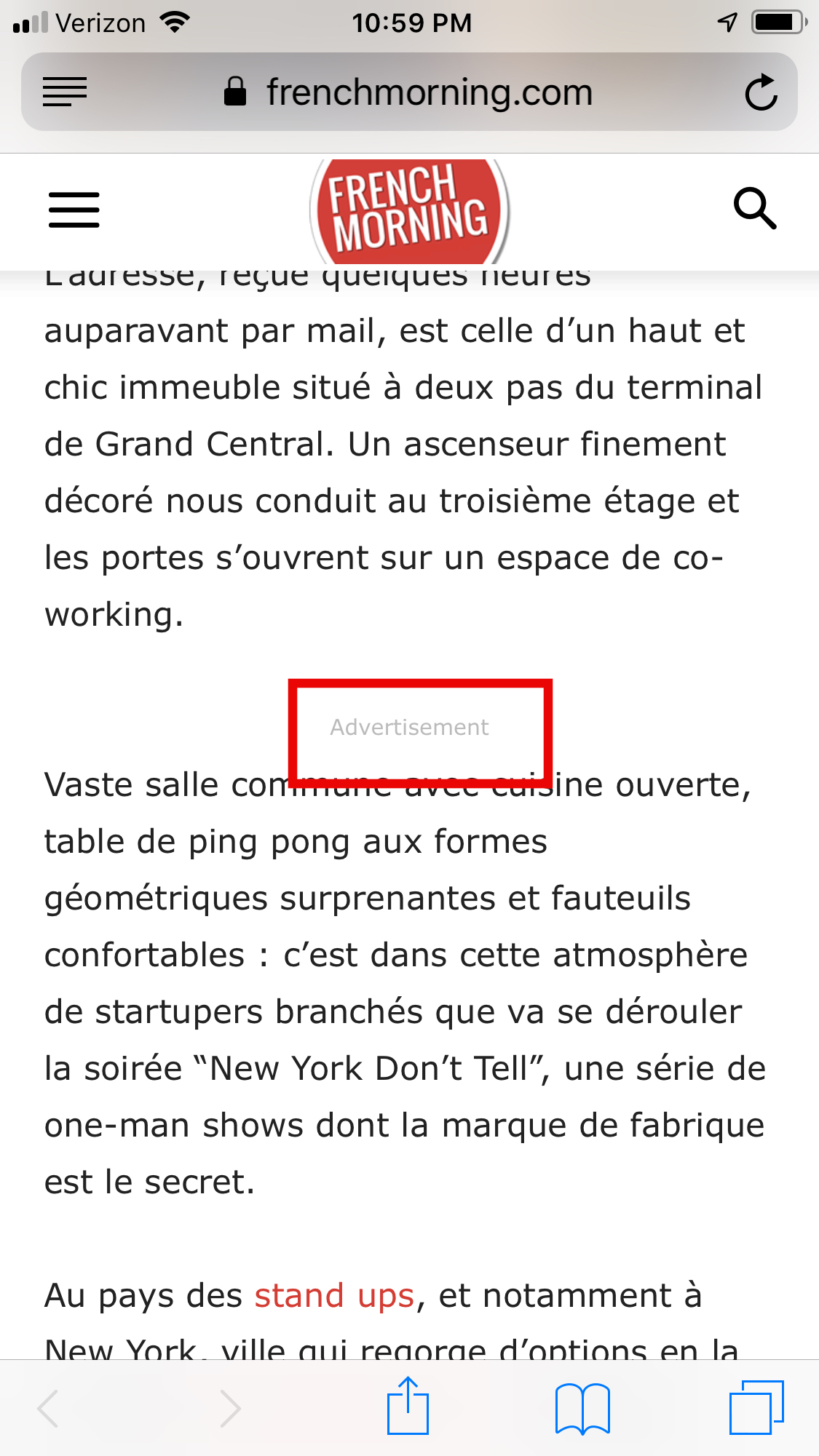
-
This reply was modified 7 years by
-
This reply was modified 7 years by
Hi,
Please send us an email at contact@tagdiv.com and provide admin login, as well as cPanel or FTP if possible. We will take a look. Include a link to this topic in the email.
Thanks

This was solved by putting the right ad code into the header using a Header/Footer plugin.
Thanks for your help on this!
Can you help remove the links to google docs from this post?
Thanks!
