

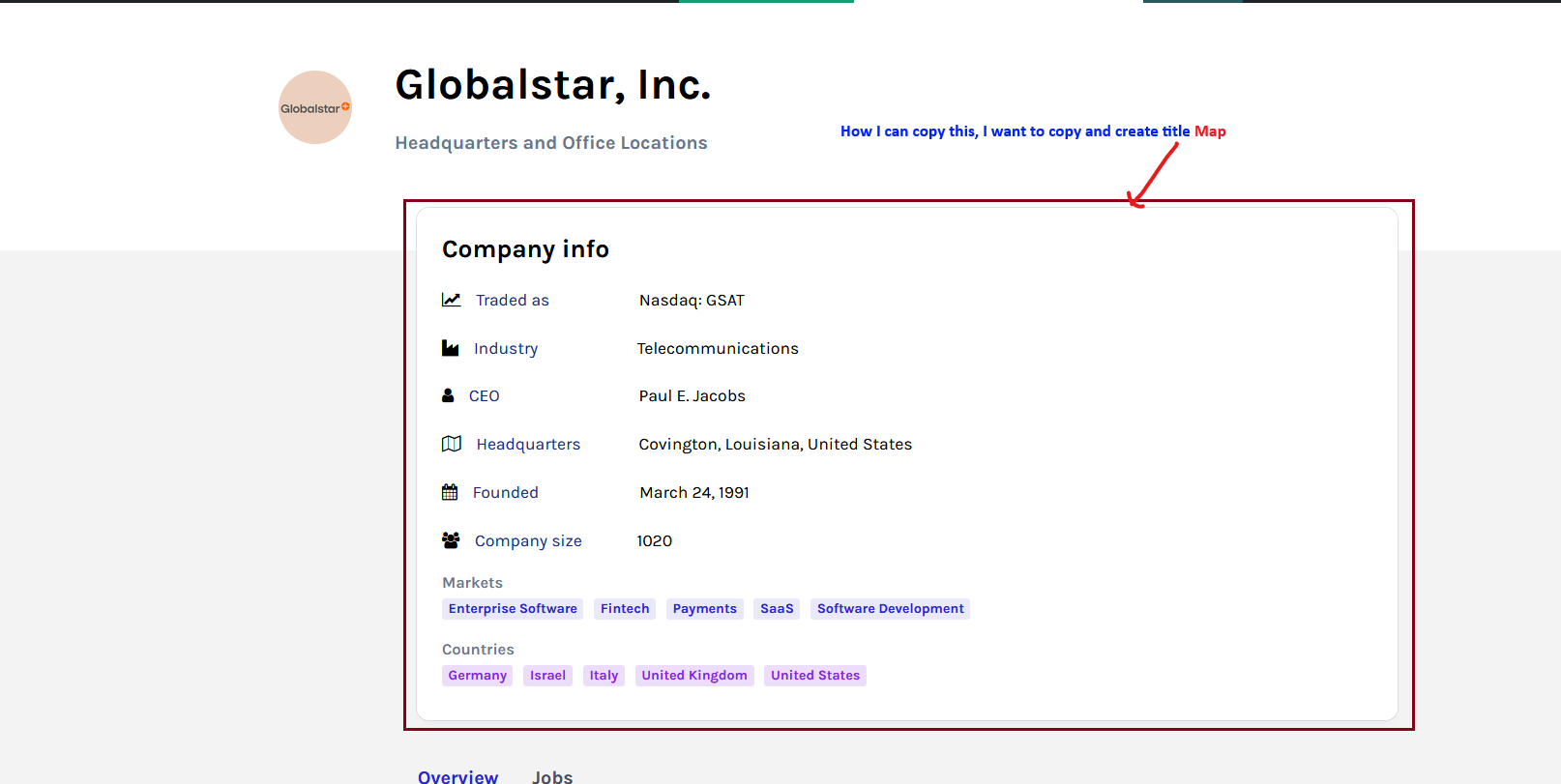

Hi,
I see, you like the layout of that section. This is created on the inner column by setting the border, padding, border color, and background for the element: https://i.imgur.com/iNWZ8dD.png
If you want to reuse that element and add other content inside it, you can duplicate the inner row by right-clicking on it: https://i.imgur.com/U5kpJyM.png
Then, remove the existing elements until the row is empty. It should look like this afterward: https://prnt.sc/8J64vkv0Wdc_
Once the inner row is empty, you can right click and save it as an element in Composer, then reuse it in any row you want: https://prnt.sc/ahOggIX91sI9
I hope this helps!
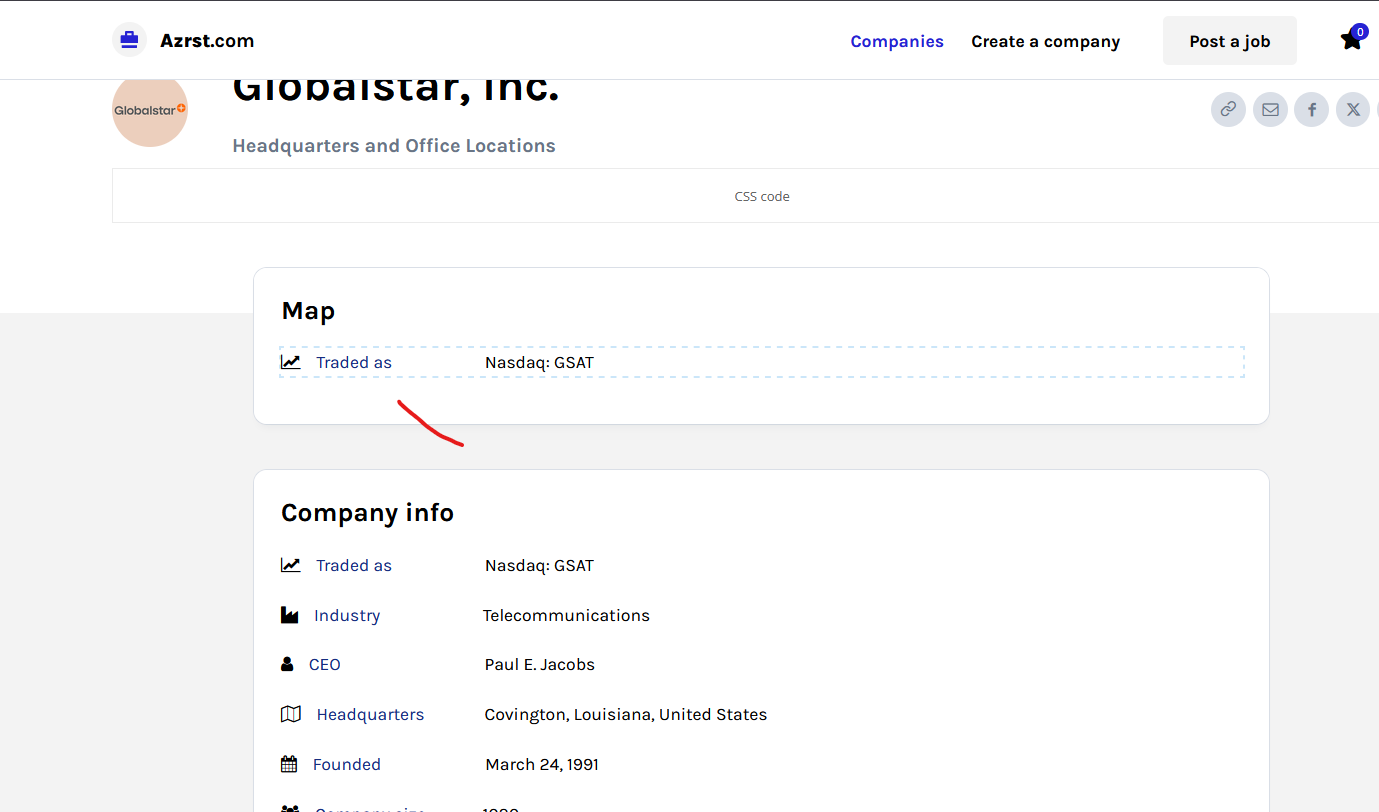

Hi,
The map shortcode can be set in the shortcode element (you can try both elements https://i.imgur.com/BBGalgC.png).
Thank you!
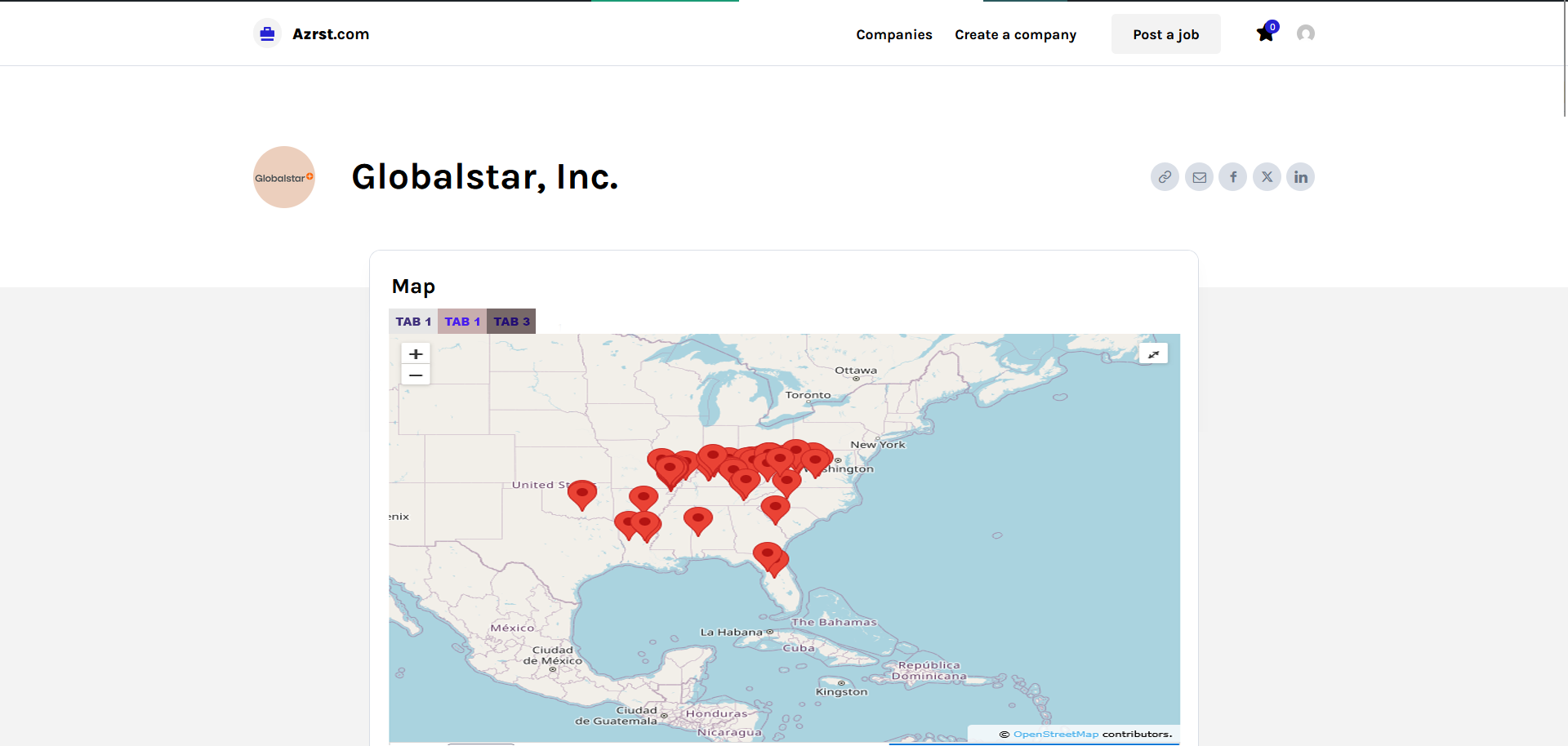
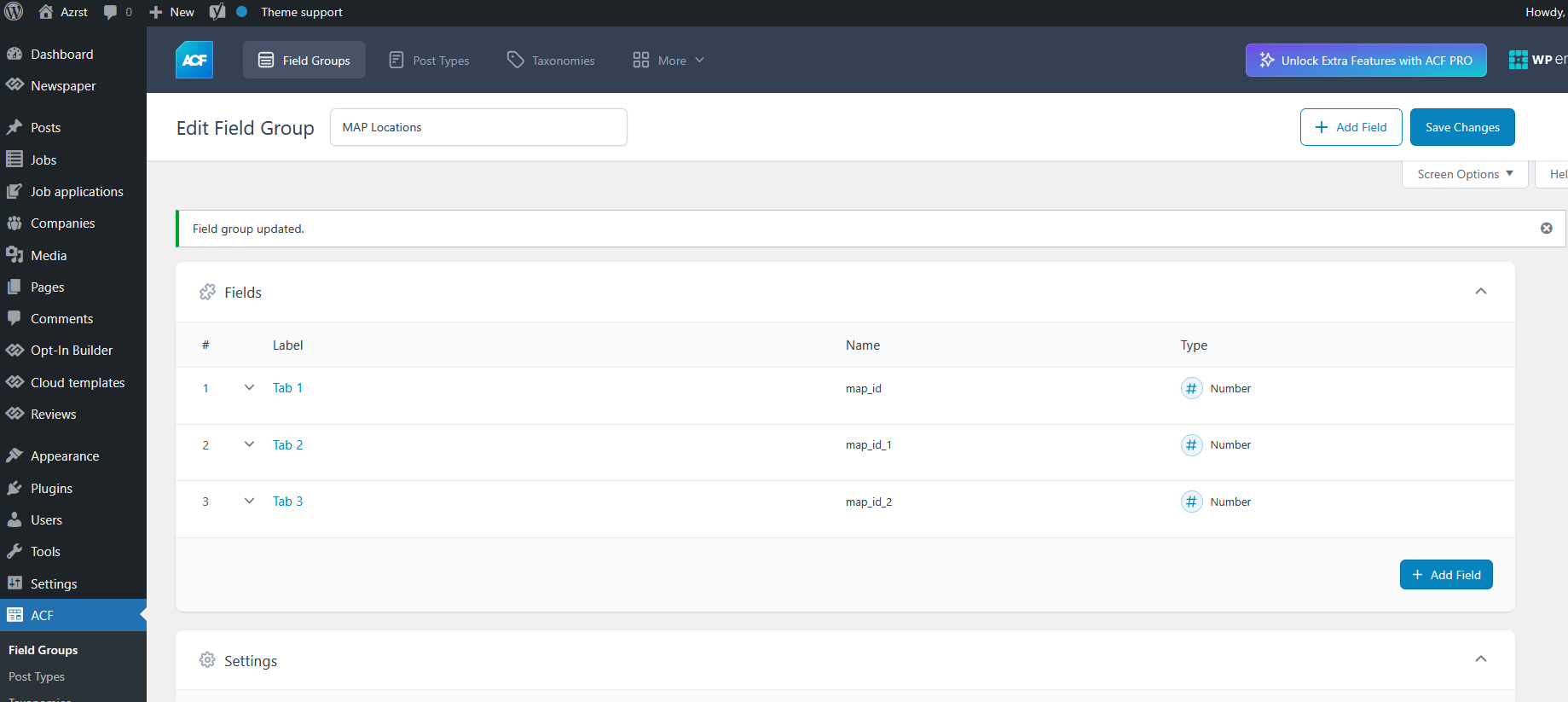
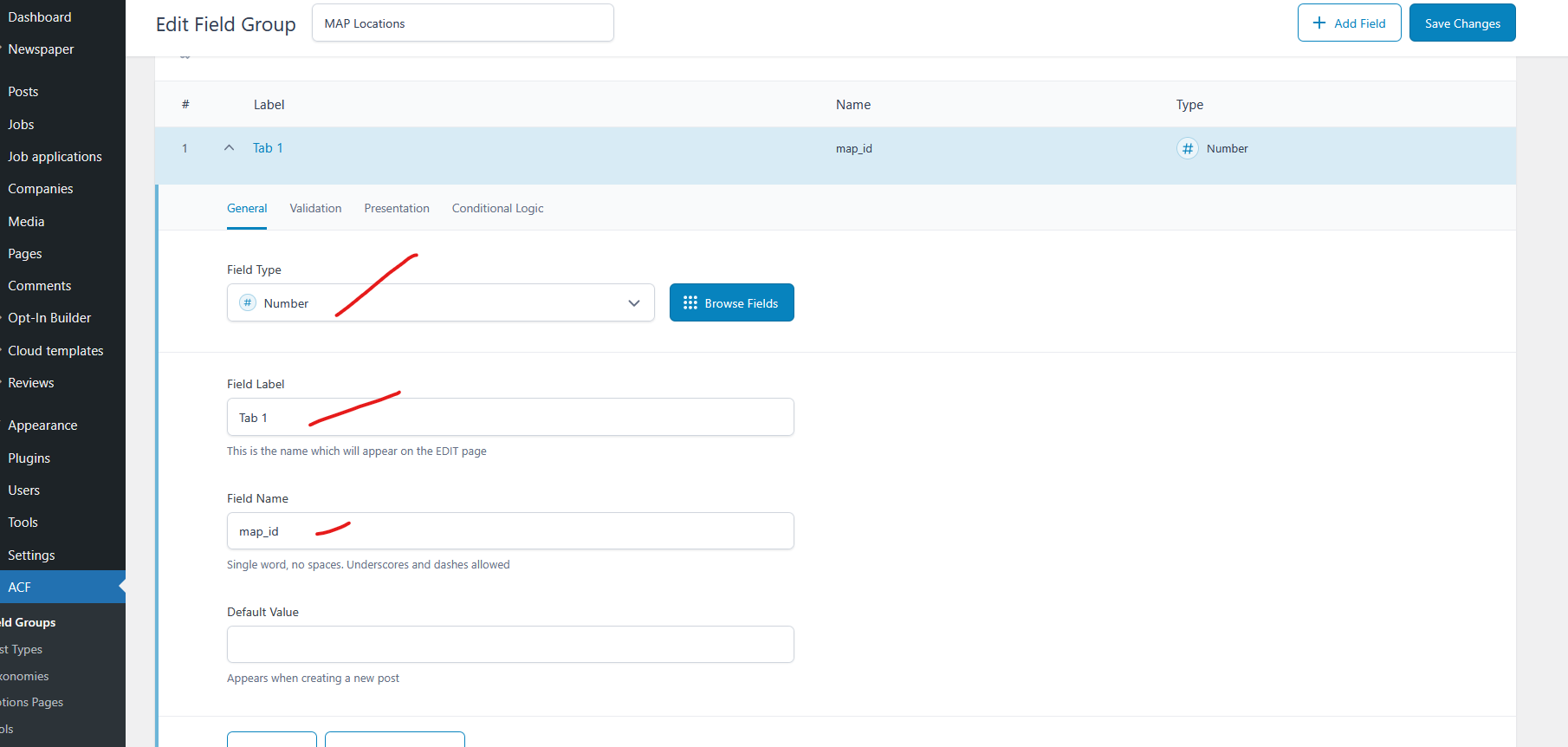
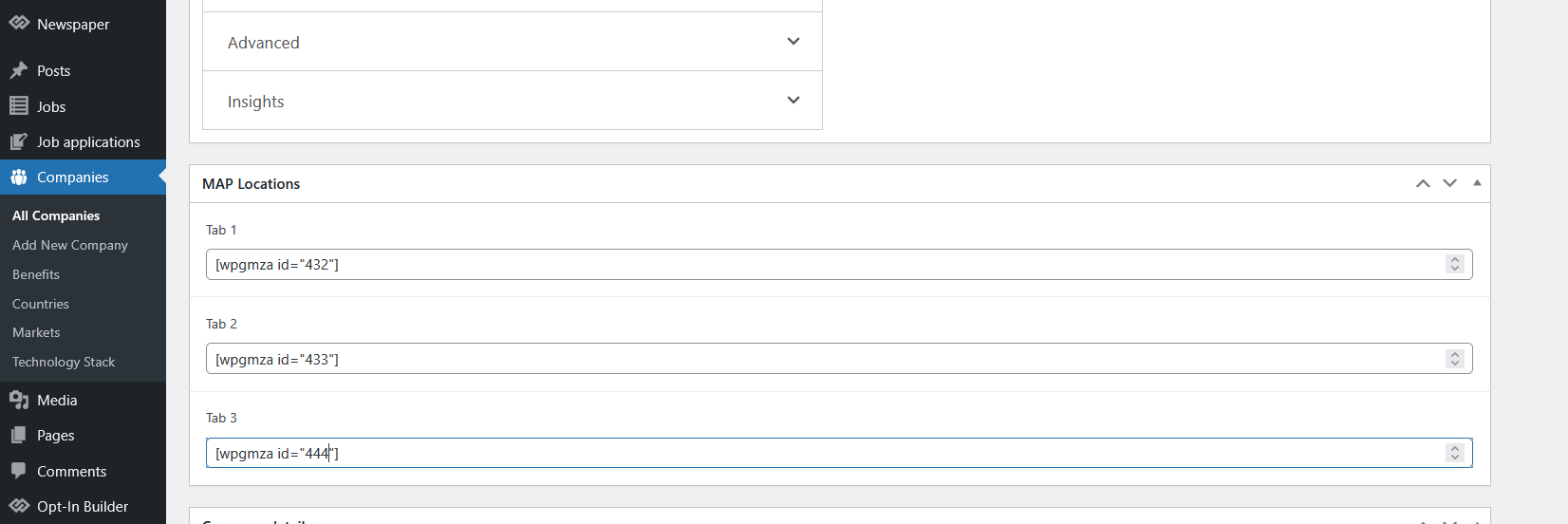
The wpgmaps output is like this [wpgmza id=”432″].
1. What I going to achieve is how put the wpgmaps code on the back-end similar to arrangement of Company info
Yes I can be add direct on the body.
2. I want to achieve it also with tabs and position before the Title Post.
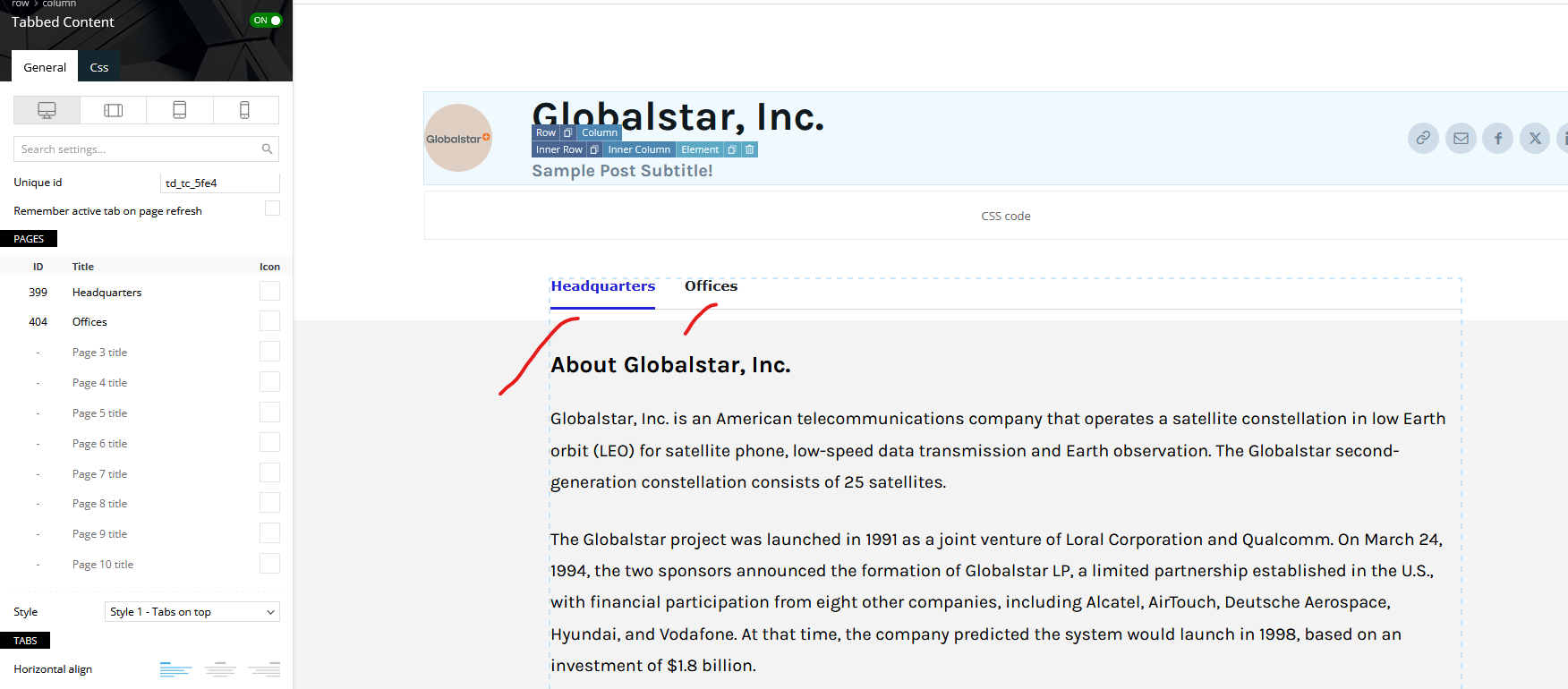
Example [tab 1 I will put only Headquarters [wpgmza id=”432″] and on [tab 2 I will put only offices]
I want my visitor to easy manage the map, because if to many maps on one tab its like crowded see this ATT
Thanks
Hi,
The WP Google Maps (wpgmaps) plugin does not offer functionality similar to custom fields from the ACF plugin, where you can assign and display a specific map per article.
As far as we know, the wpgmaps plugin does not include a tab option. Our theme does provide a tab feature, but we are not certain it can be used effectively in this case:
https://forum.tagdiv.com/use-tabbed-content-shortcode/
Since we are not familiar with how the wpgmaps plugin works, our ability to provide accurate recommendations is limited. Unfortunately, we cannot guarantee a solution that will work in your specific setup.
Thank you!
Hi,
In your sreenshost is indeed used, the tabbed element https://forum.tagdiv.com/use-tabbed-content-shortcode/ . This element uses pages as tabs, so what you should do is to edit the pages with IDs 399 (the content that will be displayed under the Headquarters tab) and page 404, which will be used for the Offices tab.
Thank you!
Hi,
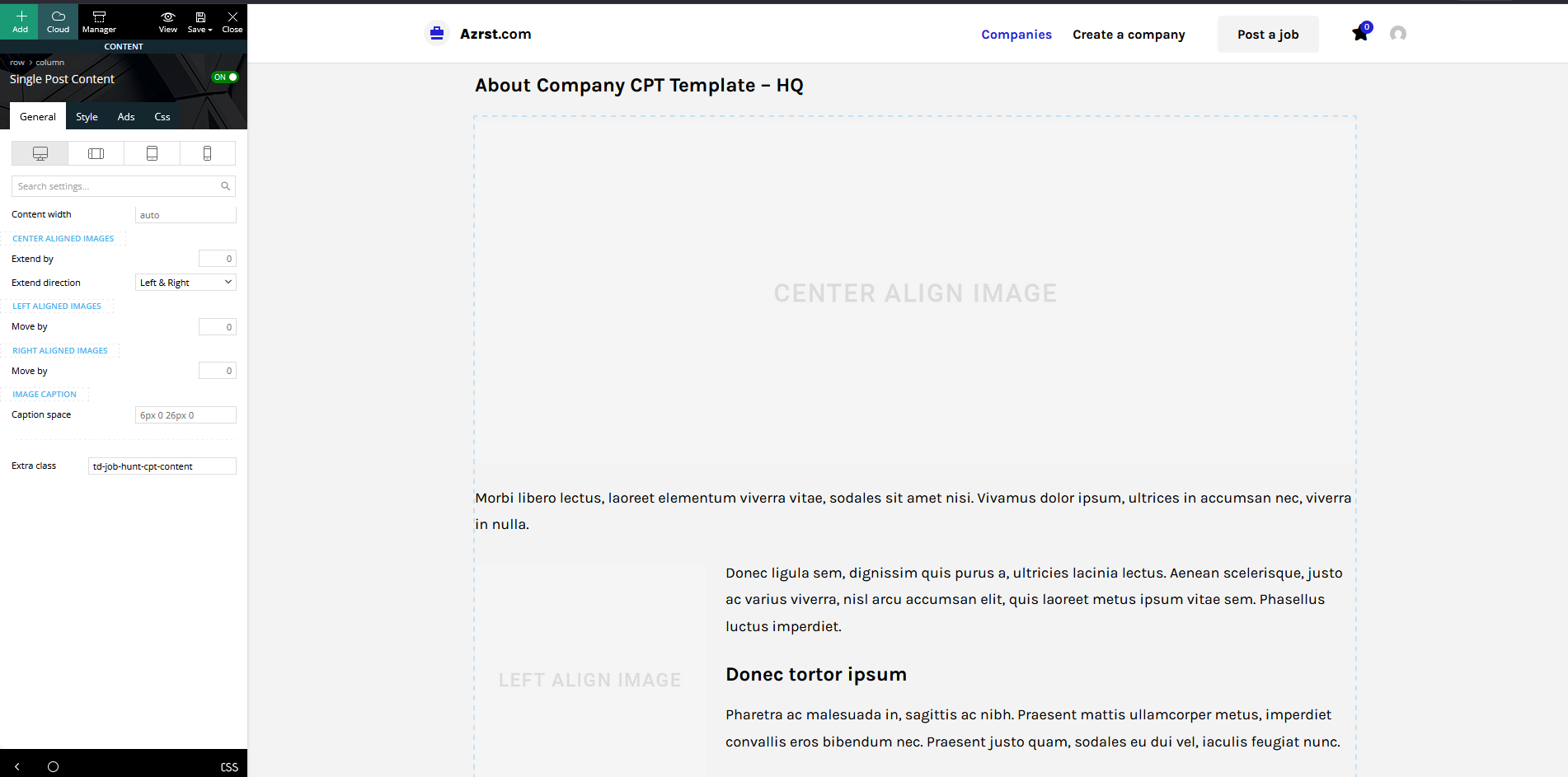
To access pages with IDs 399 and 404, the simplest and safest solution in Composer is to duplicate the page and replace the current ID (https://prnt.sc/wOW8_hGfVCyD) with 399. Make your edits, save the page, and then replace the ID with 404.
If you want to display the map, you need to use the Single External Shortcode element. If that doesn’t provide the desired result, try using the External Shortcode element instead, as these elements render slightly differently.
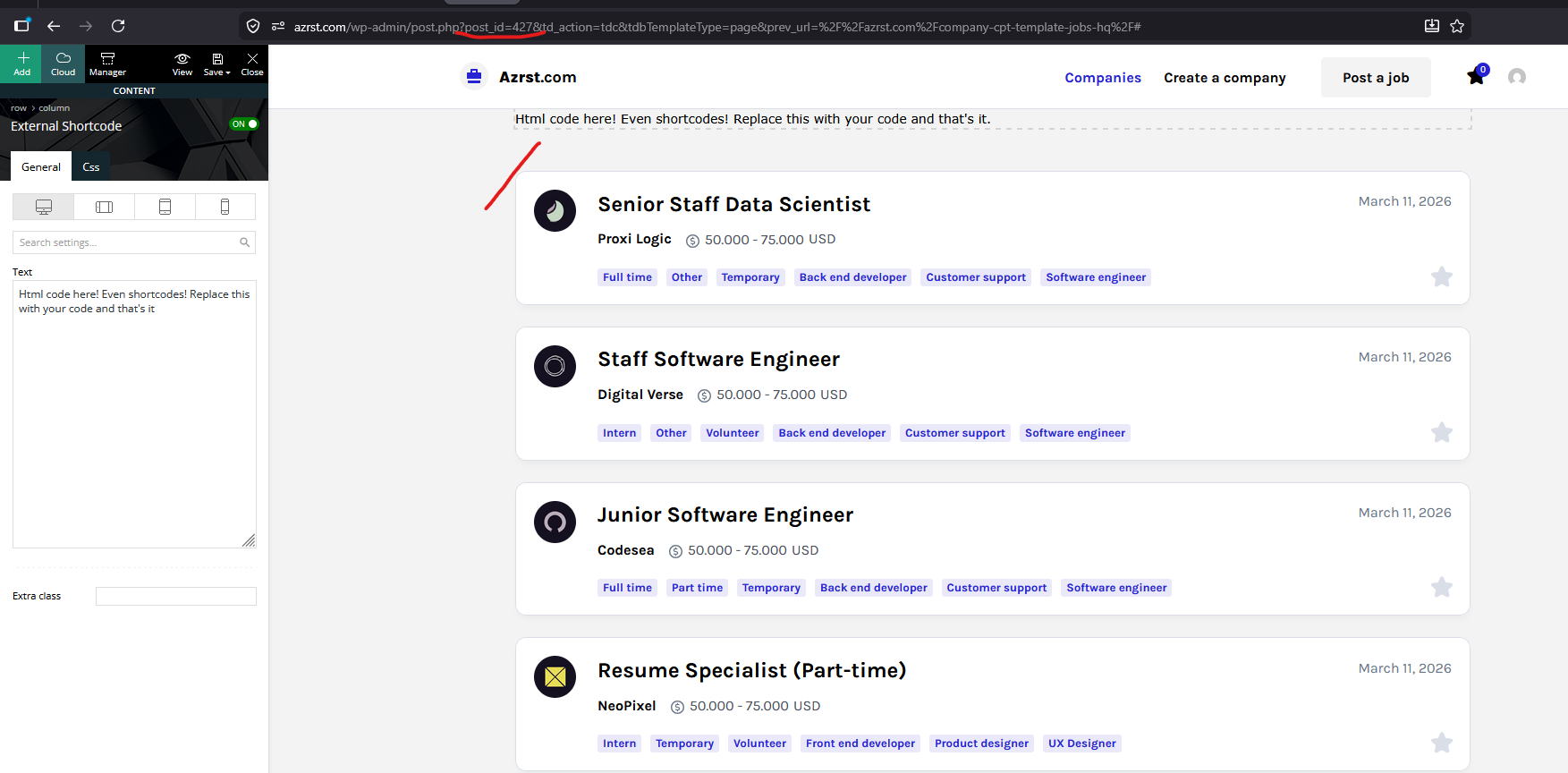
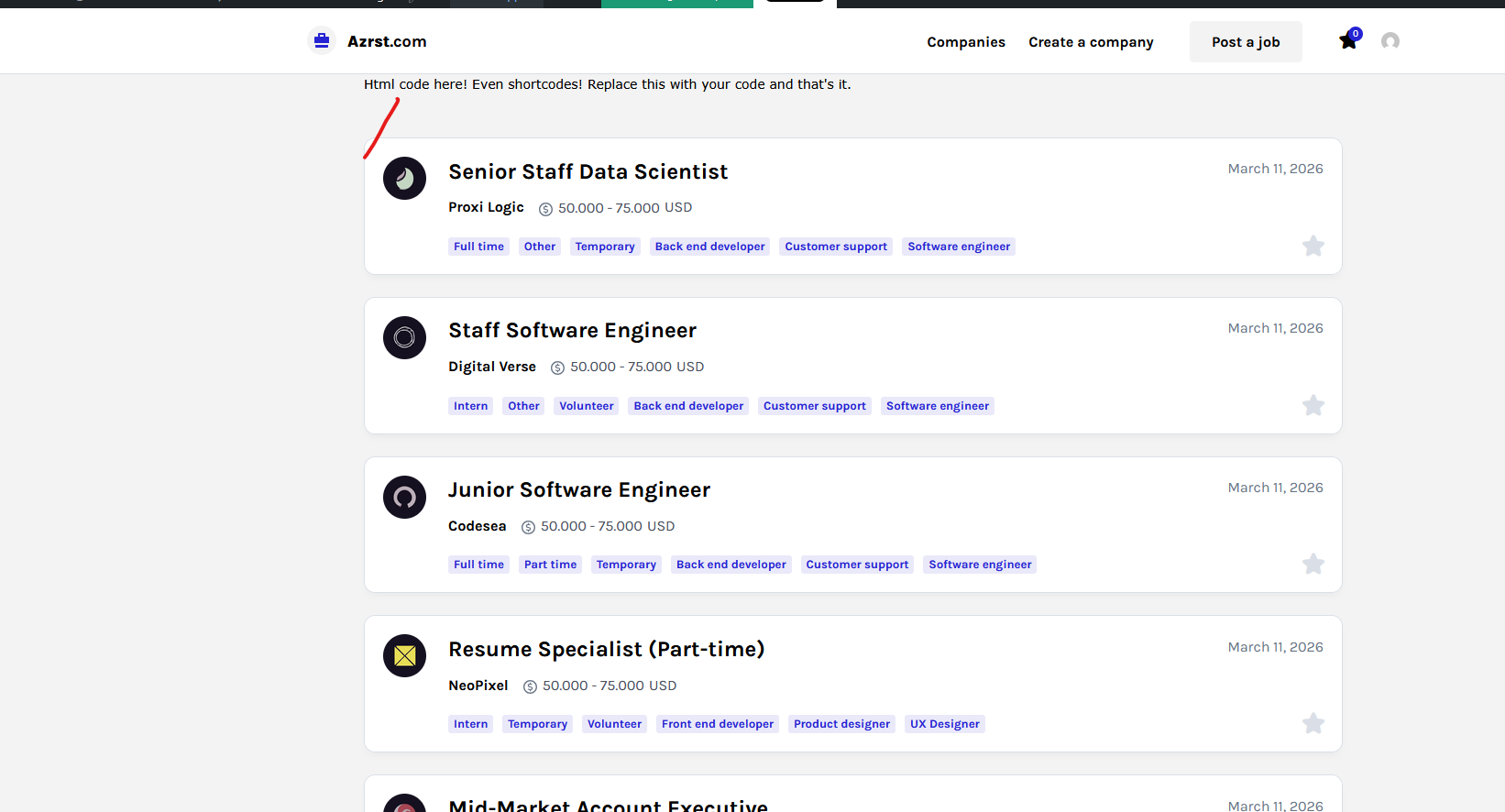
Hi,
Yes, it’s correct, remove the text https://prnt.sc/WOeZ5Sqmo49a and set your shortcode provided by the map plugin there.
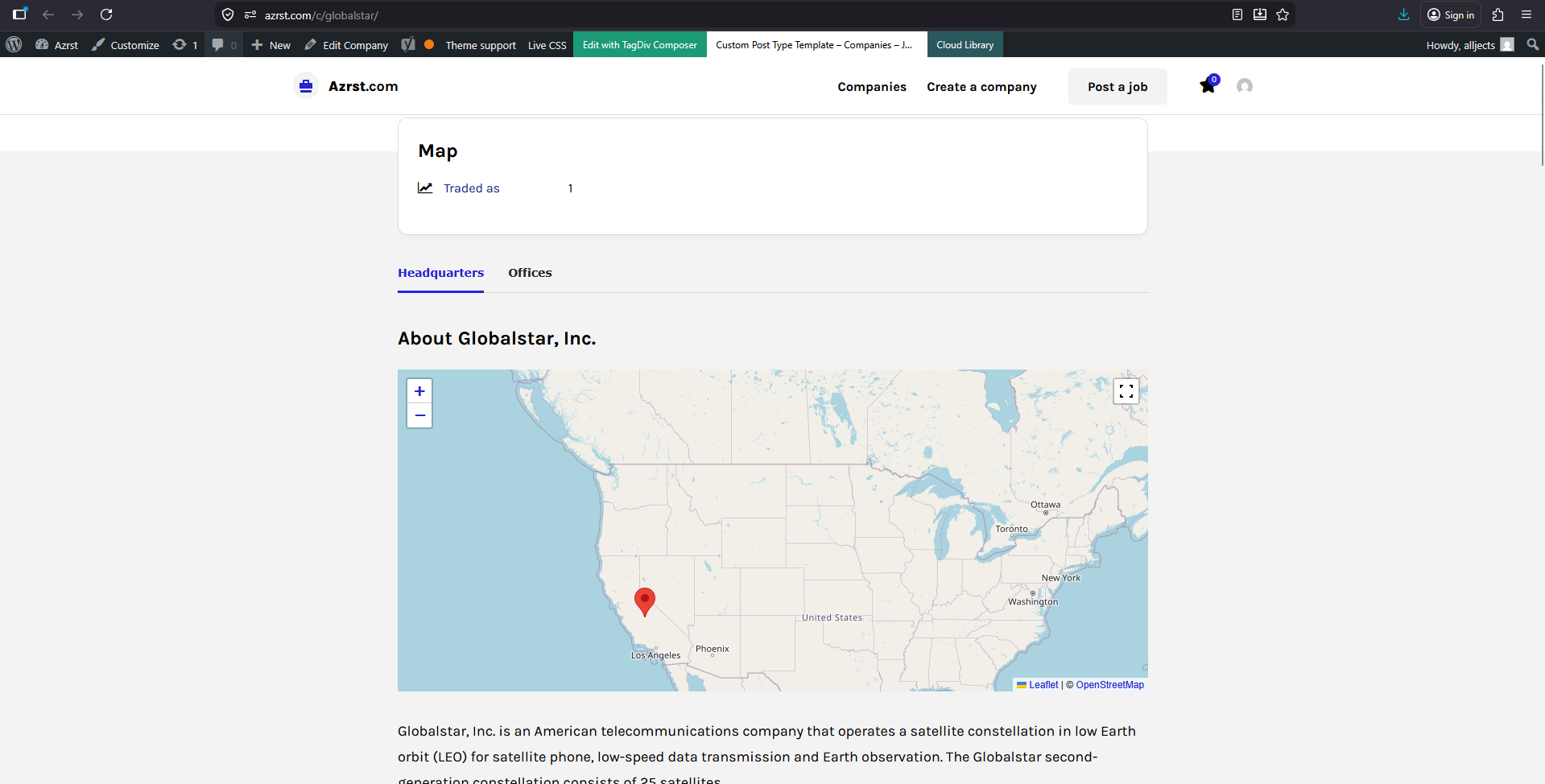
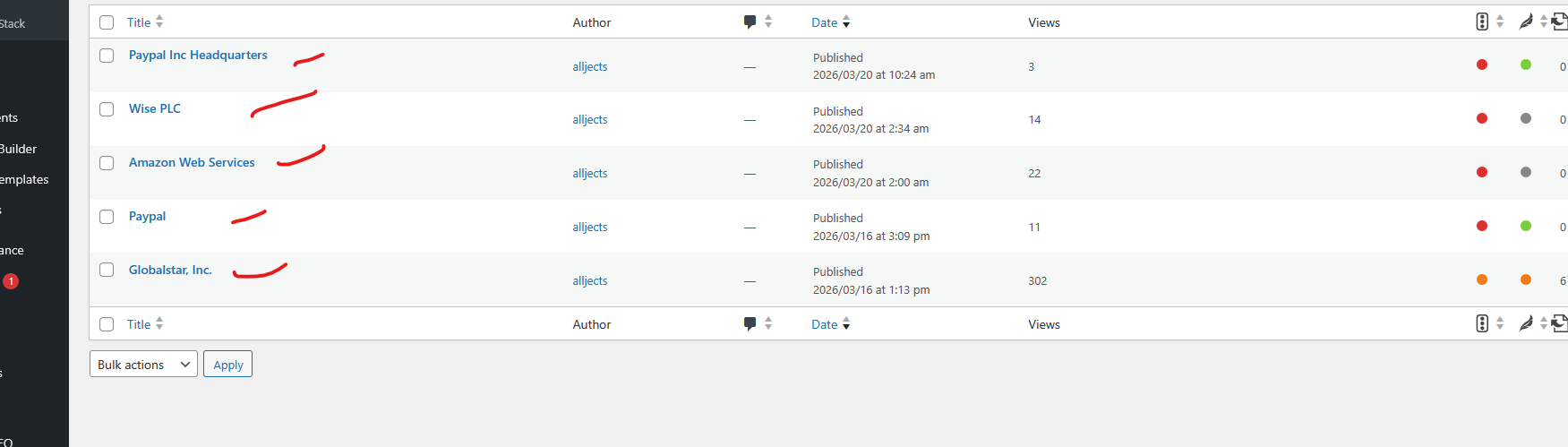
Hi,
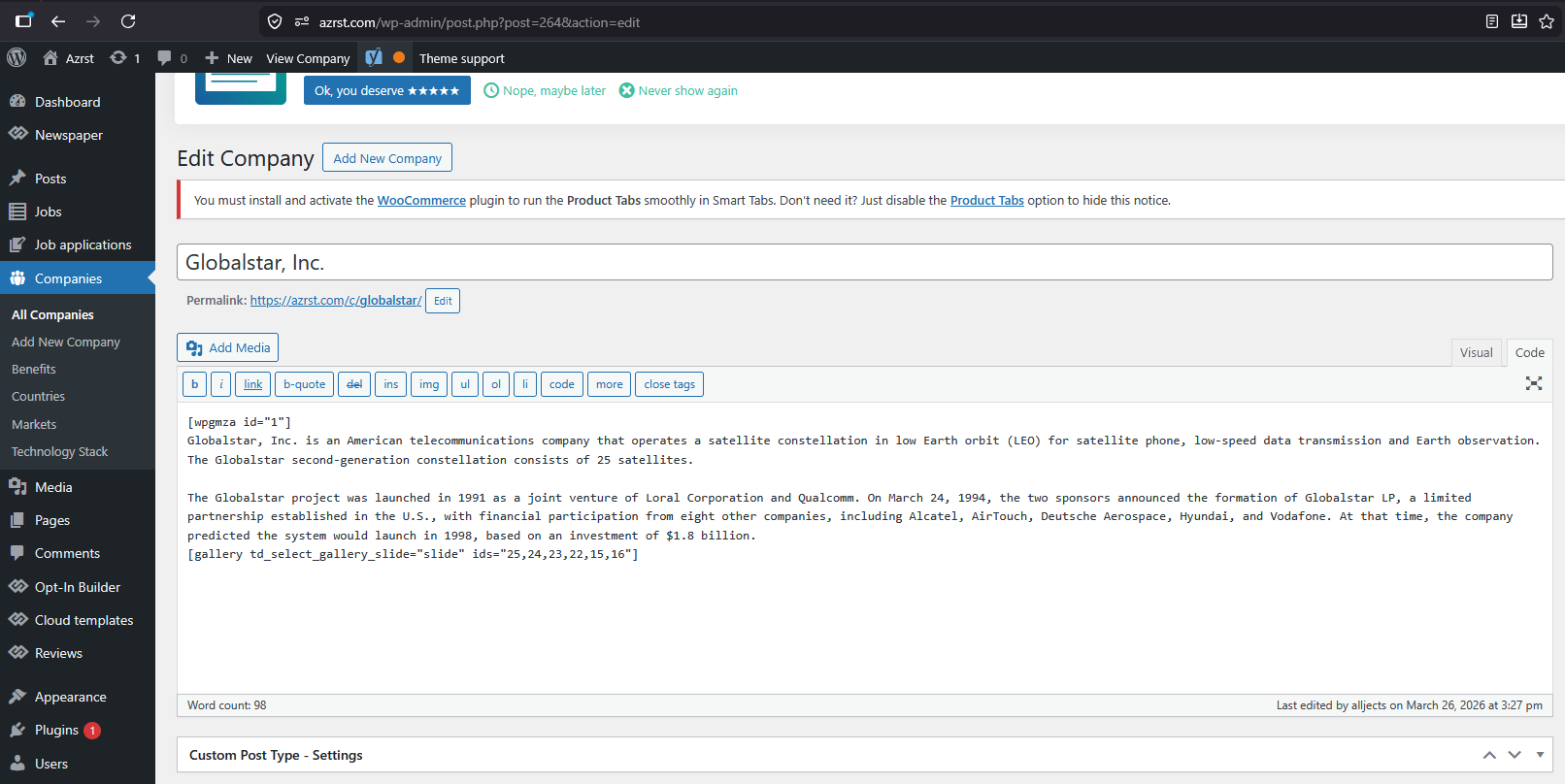
You’ll have different wpgmza for each company, right? Create each map in the company plugin and after that, use the shortcodes in each company in the part (only the id will differ) – https://i.imgur.com/Ukdlm0L.png
Thank you!
My plan is i put 2-5 [ID] of map codes in one company post that’s why i want to create a tabs.
Example.
Tab 1: Amazon Asia [wpgmza id=”1″]
Tab 2: Amazon USA [wpgmza id=”2″]
Tab 3: Amazon Europe [wpgmza id=”3″]
Tab 4: Amazon Data Center [wpgmza id=”4″]
Because many maps locations one id [wpgmza id=”1″] are hard for visitor to navigate.
if you look in this https://headquartersoffice.com/att/ its too slow.
Thanks
Hi,
Ok, so you don’t necessarily need to set the wpgmza shortcode on each category, you just want to make a tabbed section and each section to contain a map, correct?
If so, then do the following, Create 4 new pages, like Tab 1: Amazon Asia, Tab 2: Amazon USA … in each page set the specific shortcode for it [wpgmza id=”1″] (and other content if applicable), then edit with tagDiv Compose the template where you want to show these tabs, there add the tabbed element of the theme and for each tab set the id of the created page.
I hope this helps you



