

Hi,
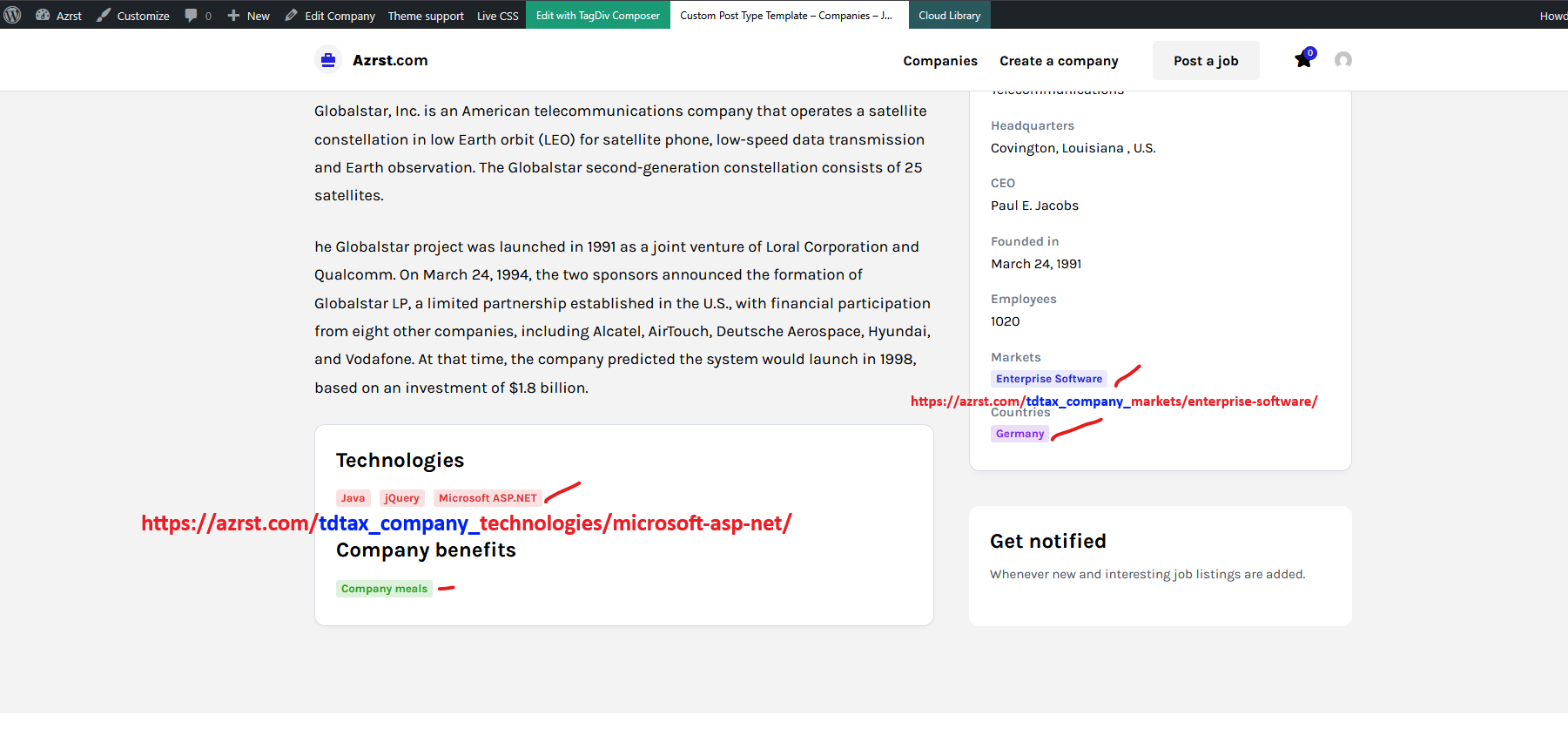
This is the example link https://azrst.com/tdtax_company_technologies/microsoft-asp-net/ I want to delete [tdtax_company_]
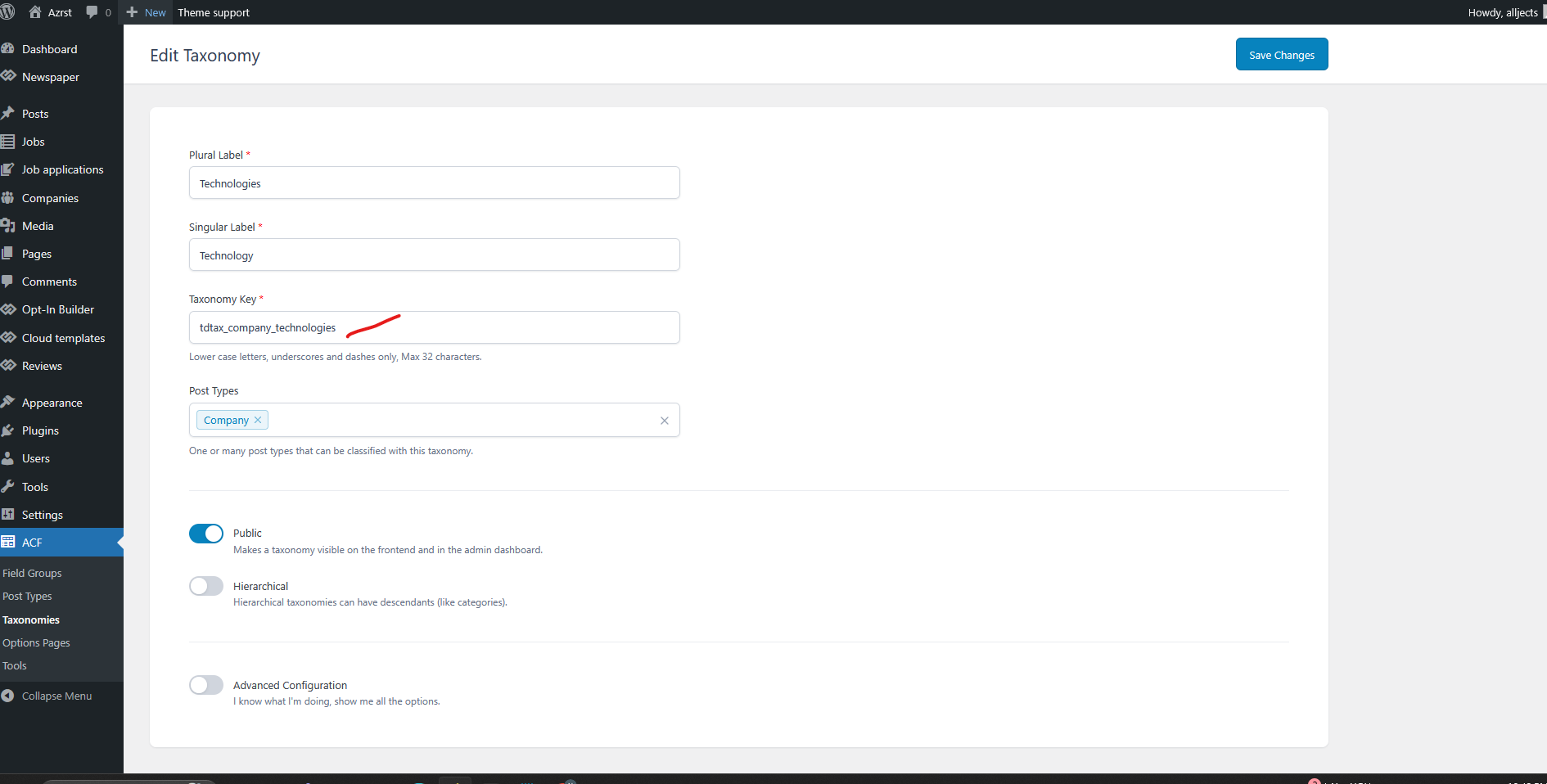
When I change it in the Taxonomies it did not work.
Thank you.

Hi,
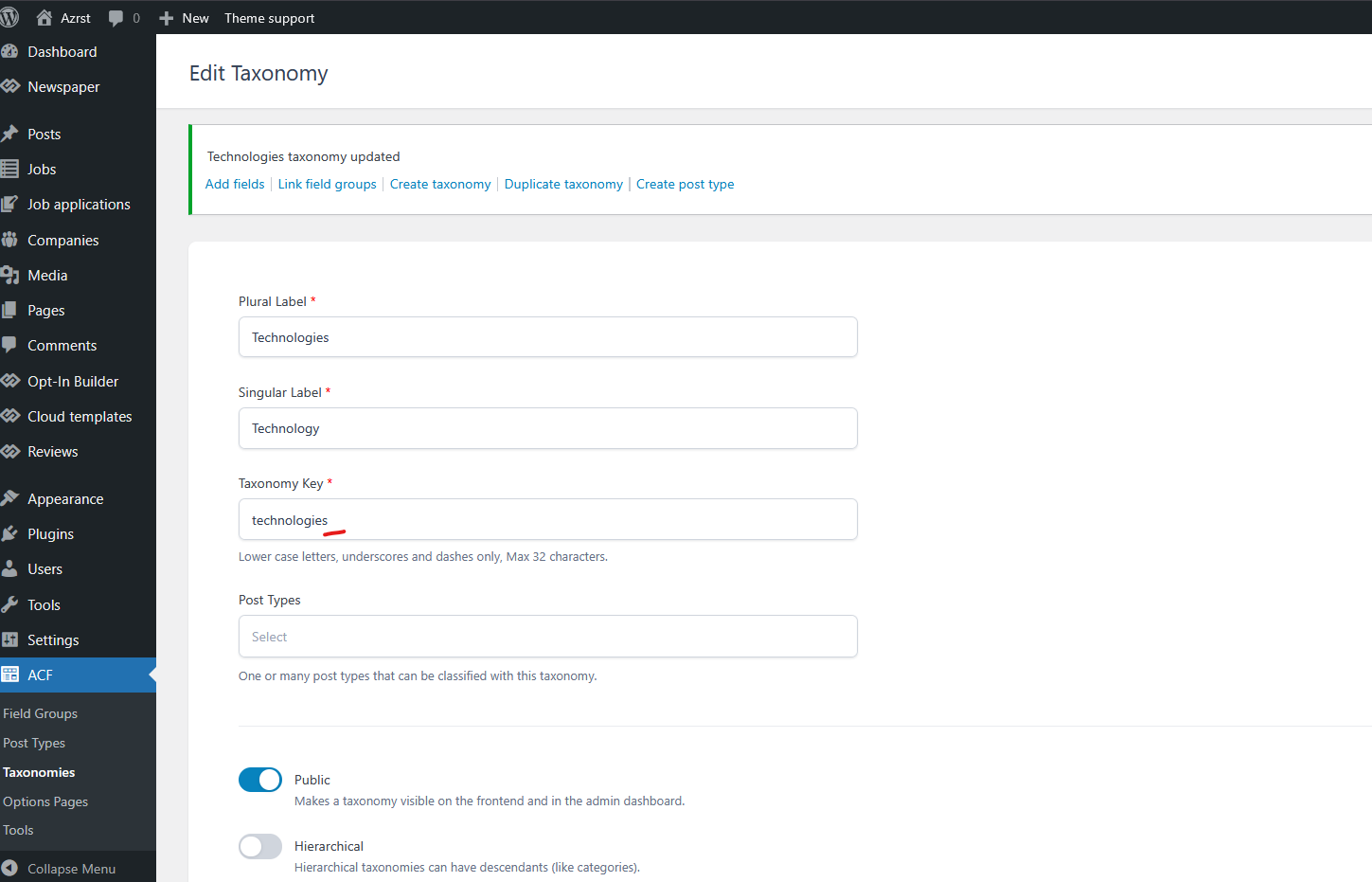
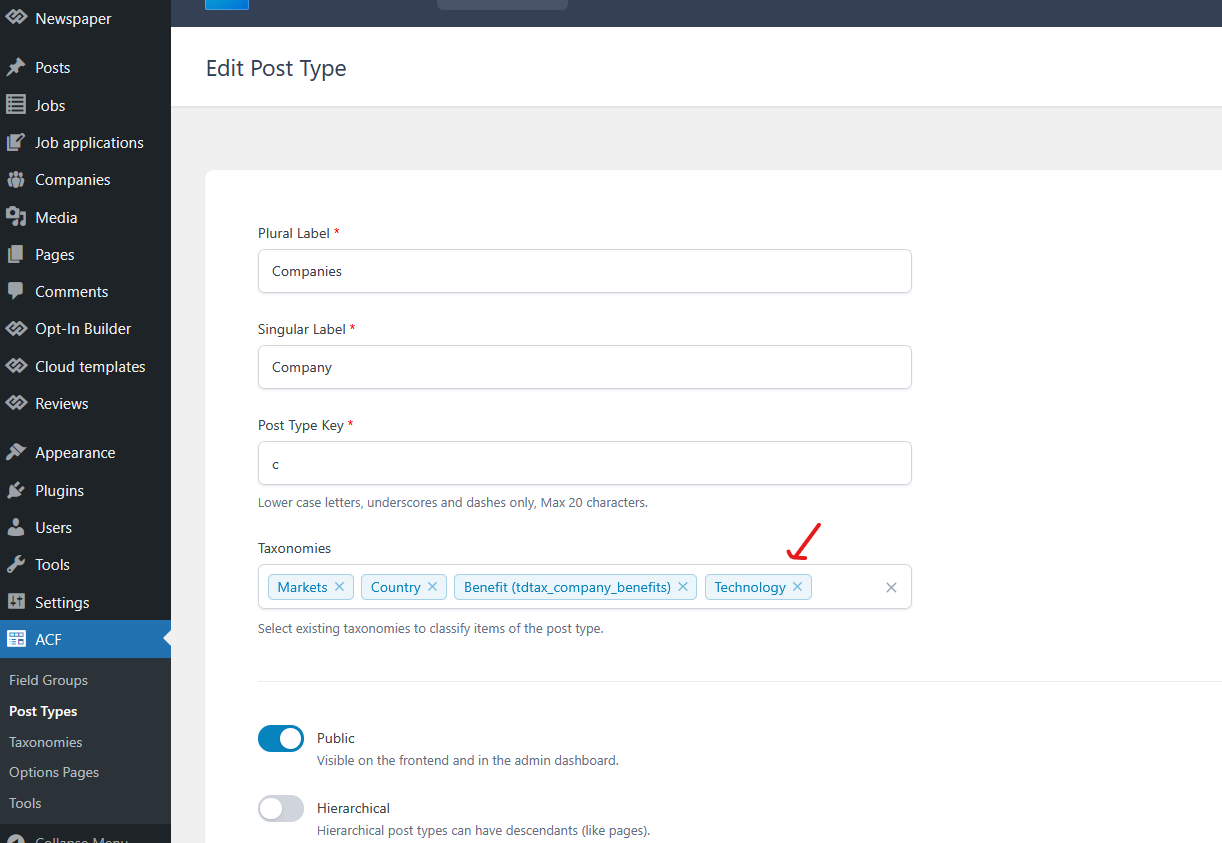
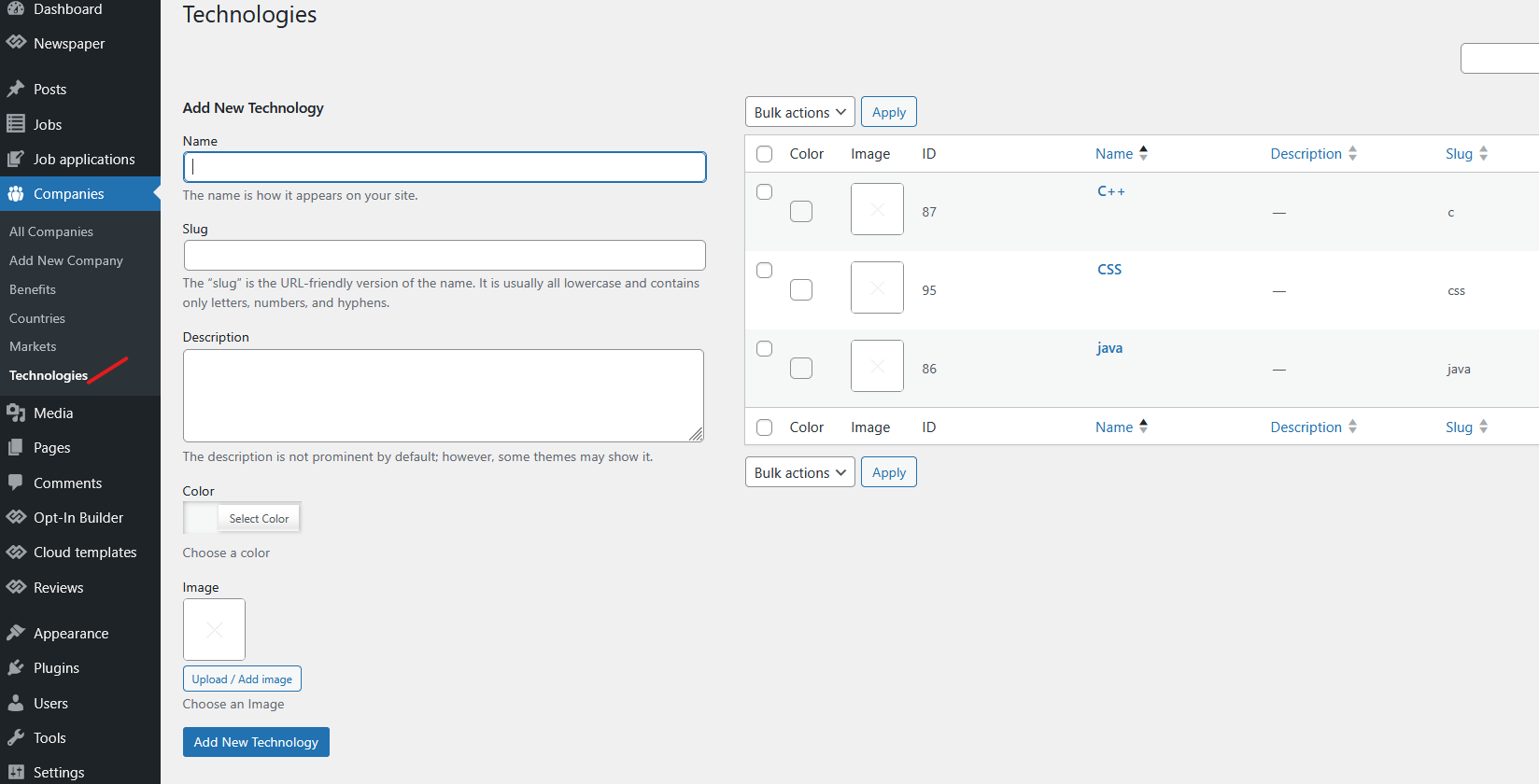
After you change the taxonomy key – https://i.imgur.com/nNMUEYt.png , make sure you add it back to the CPT, as it becomes a different taxonomy than the one previously assigned – https://i.imgur.com/u64PxEa.png
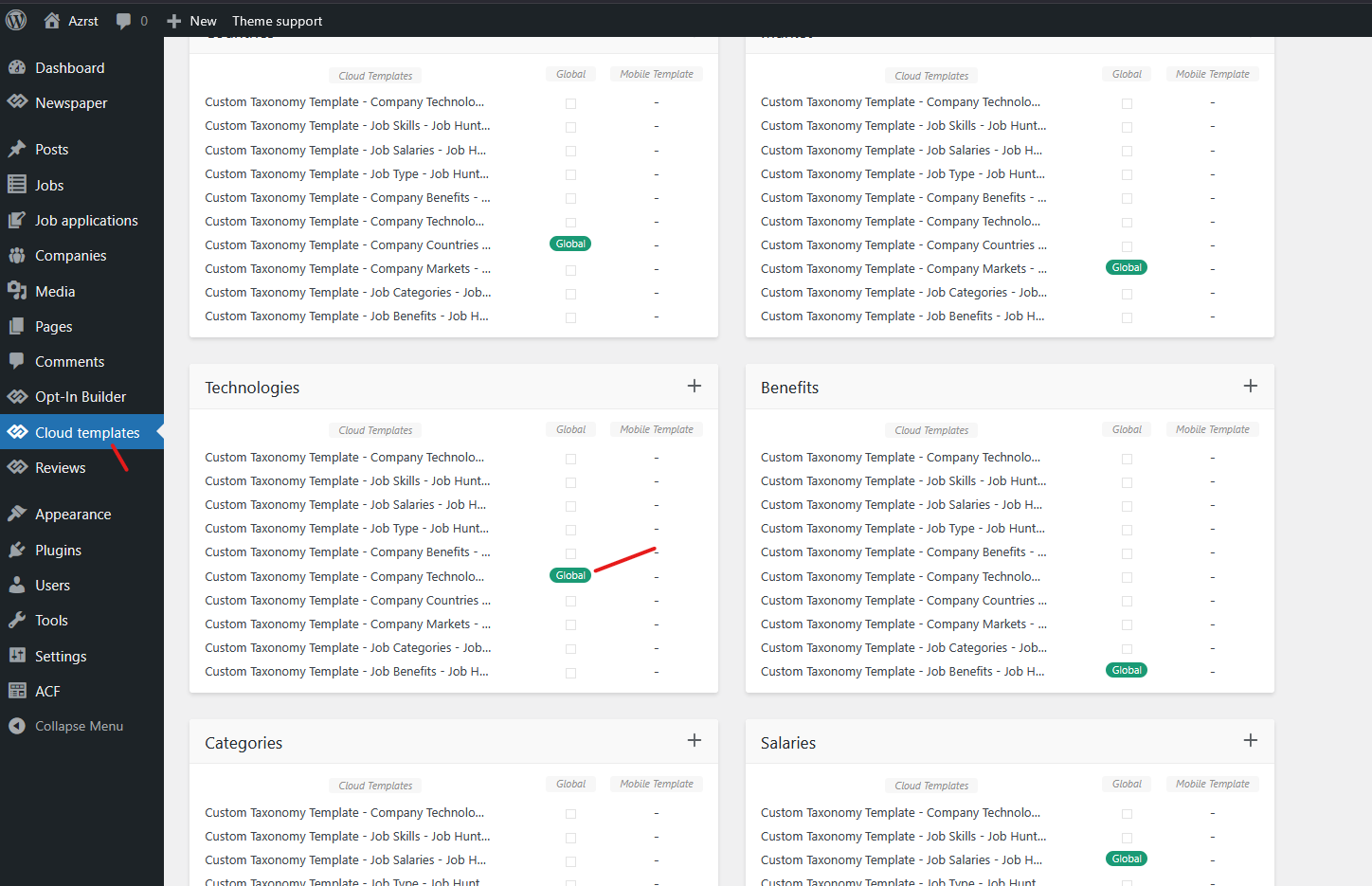
Then, add some entries to it – https://i.imgur.com/ZqmV9nF.png , and finally, assign the template to the new taxonomy – https://i.imgur.com/zyPJaRm.png – https://i.imgur.com/koWkyAv.png

Hi,
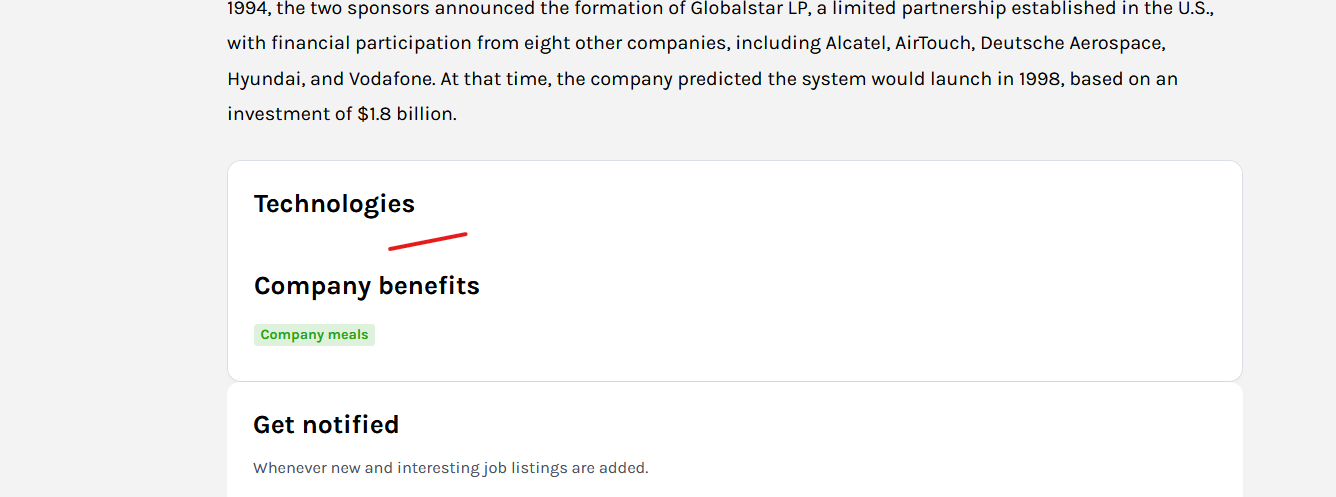
Ok, everything up to here is correct. You edited the taxonomy, added the new taxonomy to the CPT, and you set the cloud template to teh taxonomy. Now, you can add it to your CPT – https://i.imgur.com/zMS06AN.png. You can add a new taxonomy directly in the field.
Hi,
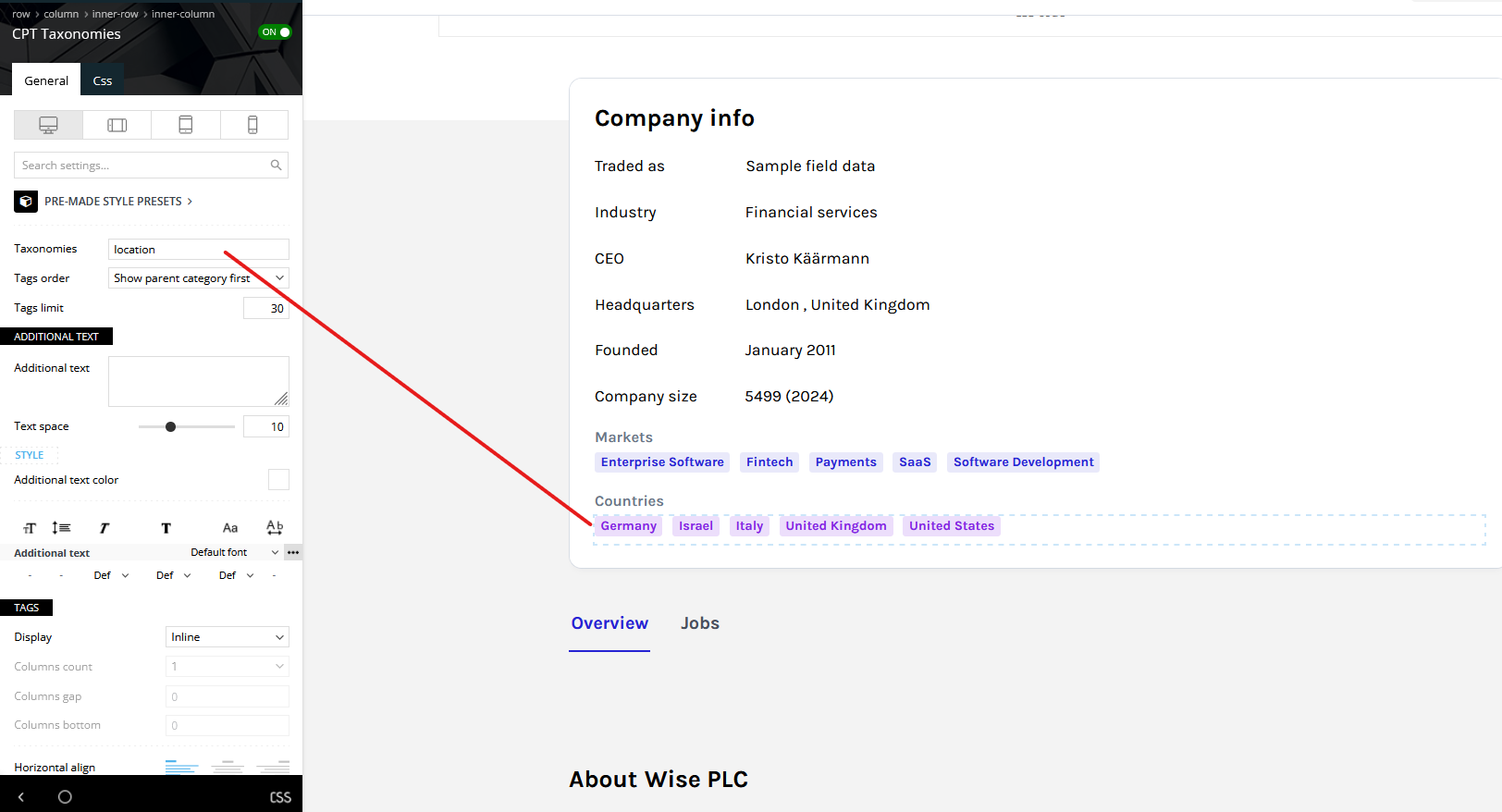
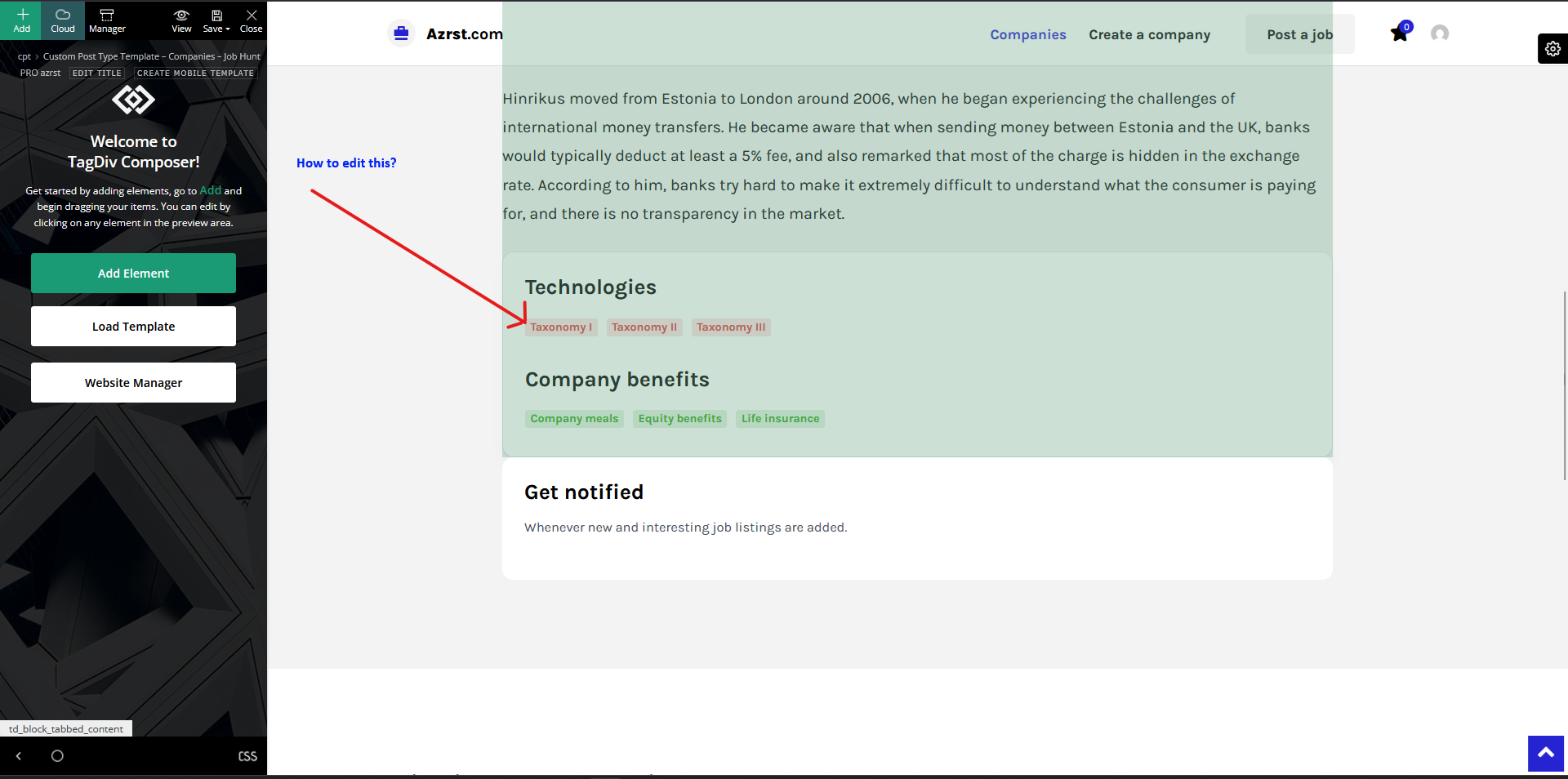
Ok, for this you need to edit the page that is assigned to that tab (that tab has 2 pages assigned; if you click on it, you’ll see the 2 pages with an ID for each and the name of the tab – https://i.imgur.com/dj5puSu.png ). Now you need to open the page that contains the ID for Overview with tagDiv Composer (I believe the name of the page from the demo is “Company CPT Template – Overview”), and on that page you can make the edits for the technology taxonomy: https://i.imgur.com/jZBIsbY.png
Thank you!



