

All the websites that have Header Style 7 (at least 20), had this problem after the theme update. Even changed the logo to 272×90, to follow the same proportions and it.. still appeared wider than it’s original size. Try it on your end, with 2-3 menu items only to see what I mean, for the version 10.4 (some size: 211×80 pixels or a 383×90 pixels logo)
Please let me know if it is so, here’s one of the websites with the problematic logo https://freedomfalcon.com/ and this one https://constitutionsoldier.com/ (that uses a 272×90 logo, still wider than the original), and if you are about to launch a fix.
-
This topic was modified 5 years by
pavel@earnware.com.
There’s more.. on mobile it loads a very weird version of the logo: 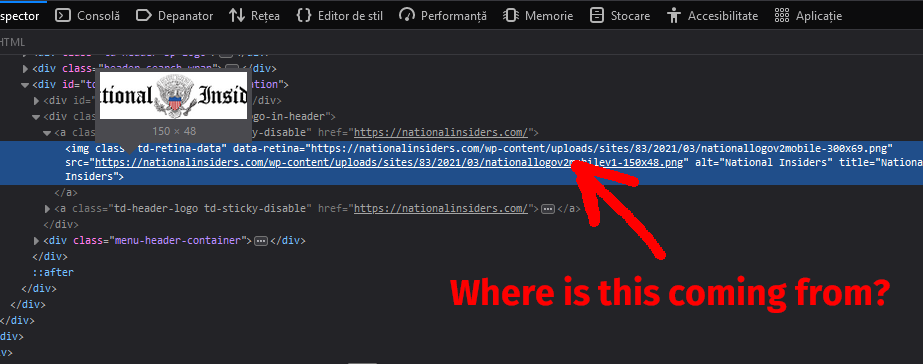 that cuts the logo..
-
This reply was modified 5 years by
-
This reply was modified 5 years by
-
This reply was modified 5 years by

Hello!
First of all upload the images in full size.
Please make sure that you have activated the proper thumbs.
This can be found in here: https://www.screencast.com/t/N18dR3qZrh
After activating the thumbnail sizes you need to regenerate your thumbnails using a plugin. Check this: https://forum.tagdiv.com/using-the-theme-with-existing-content/
Thank you!
This happened after the update, and what do logos have to do with thumbnail sizes?
The header 7 is broken, can you fix it and let us know when you will release the fix?
You can see a live test here of what it does: https://dev.earnware.com/
.td-header-style-7 .td-header-sp-logo img {
width: auto;
}
This could be a fix

