

Not sure what went wrong, however before the 11.5* update these were showing up OK. We are having issues with both category and single post templates.
We are using dedicated mobile templates before this, now, it seems whenever I use tagdiv composer to edit a page (desktop mode) I see two more options for mobile views
Example below: (censored some content)
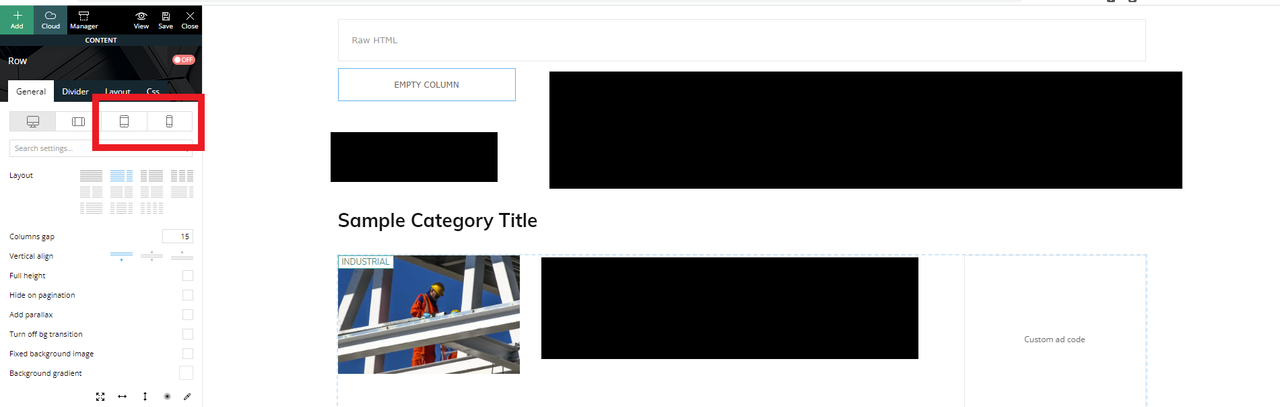
I am editing a Category template (desktop view) – everything looks OK.
However, I see two new options in the panel for tablet/mobile views (which were not in the previous version)
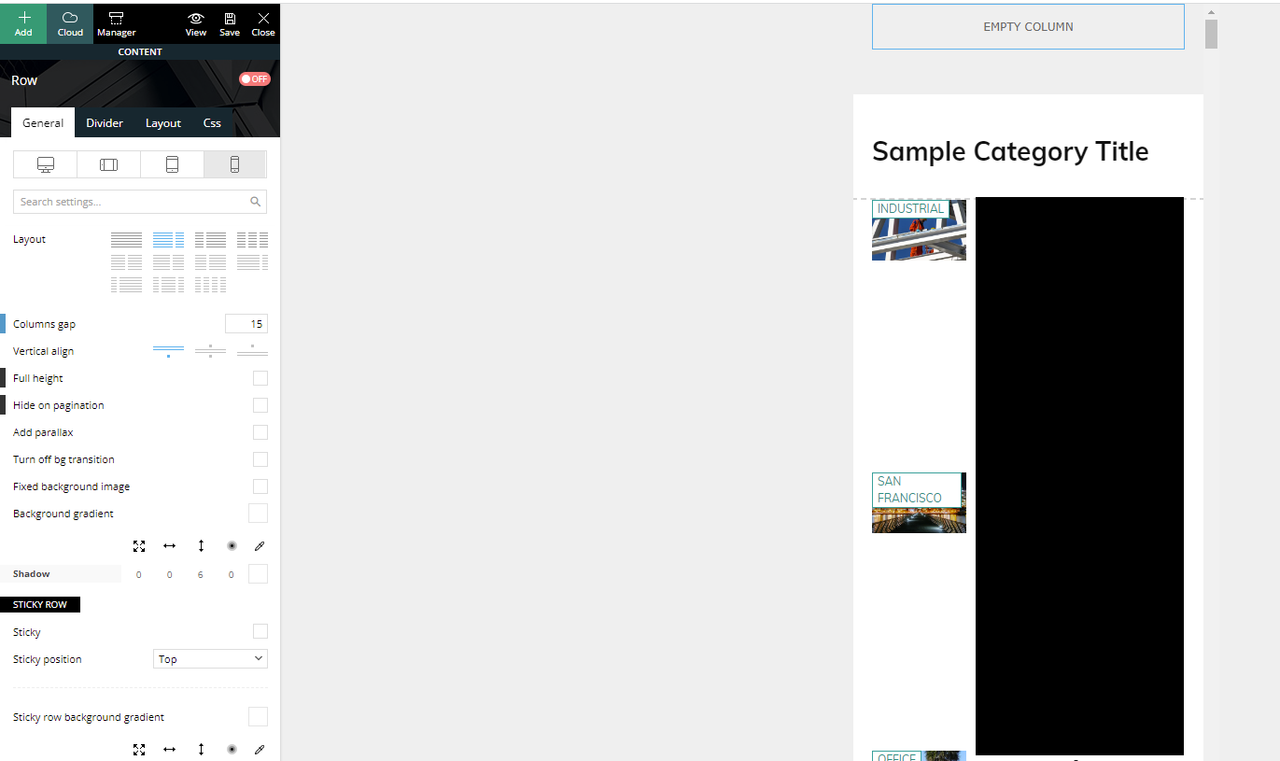
If I click the mobile view, this is what I see and what is actually being displayed if you browse the website in mobile mode.
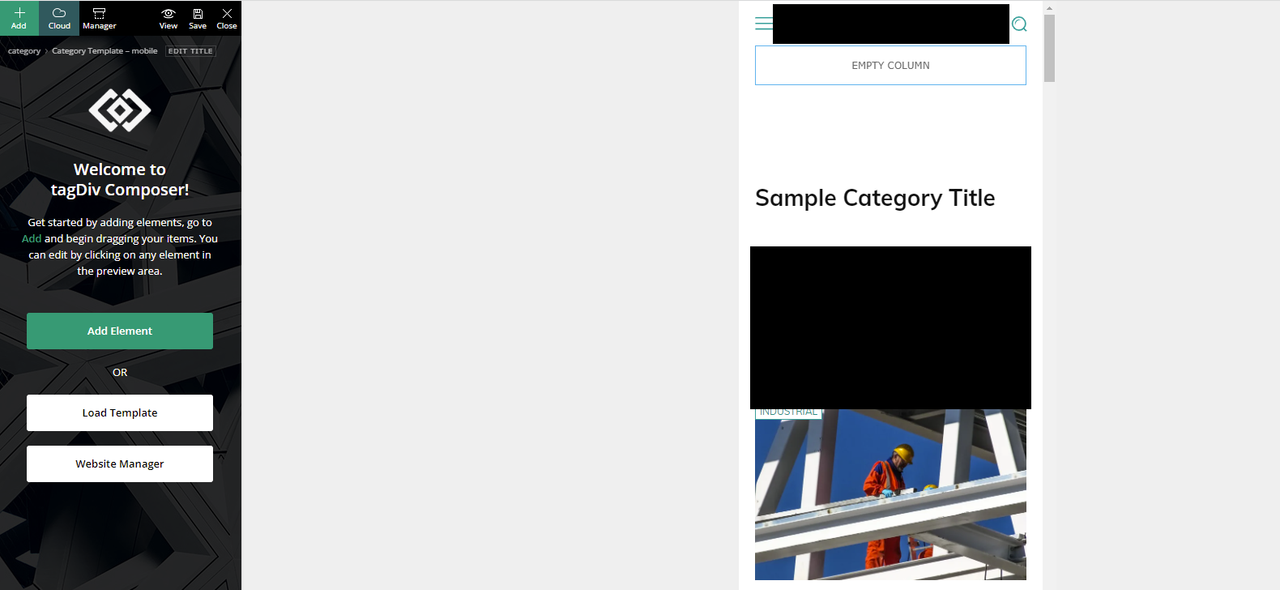
We have another mobile only template that was created and was working (being displayed) before the update.
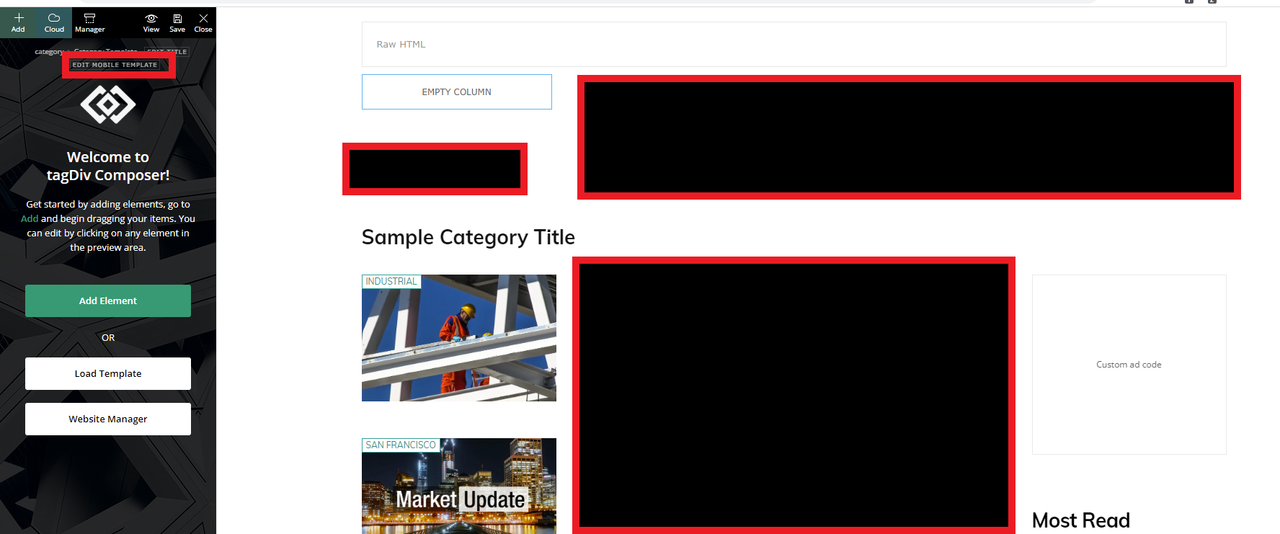
If I click on the “Edit the mobile template” from the desktop view takes us to the right mobile template that should have been displayed.
How can we fix this?
Thank you
-
This topic was modified 4 years by
comms.




Hi comms,
Please contact us via email at contact@tagdiv.com and we’ll set the fix manually in the theme files, in this way you’ll no longer need to with until the update is done.
Please include in email the problem you have, the link of this topic to can identify you and wp-admin access.
Thank you!
