

Hi there, I created some pages, but they all use the H4 header, and I want to change it to H1 for SEO purposes. How can I do this? I do not see any options in the Element options area to change it to H1 for SEO.


Hi,
You can use tagDiv Composer, please note that not all elements have the h option, this can be find on flex block on title element -> https://i.imgur.com/yvpzz6c.png also you can remove it from logo -> https://i.imgur.com/cQxMEya.png
Thank you!
How can I manually add the H option? I can see that the theme is setting the heading as H4 when I inspect the code for the word “tech reviews” shown in my image above. But I want to change it from H4 to H1 for the word “tech reviews” for SEO. Is there a way to do this with CSS? My page URL is: https://demcrumbliesreviews.com/tech-reviews/
Thanks.
Hi,
That element can be edited with tagDiv Composer -> https://i.imgur.com/UKo62wN.jpg replace that element with a title element -> https://i.imgur.com/PlG0kSR.jpg this is the easiest way to do it.
Thank you!
Hi Calin,
I looked, but I did not see that option because I used the “Text with title” block. What should I use instead of that block, or is there another way to edit it?
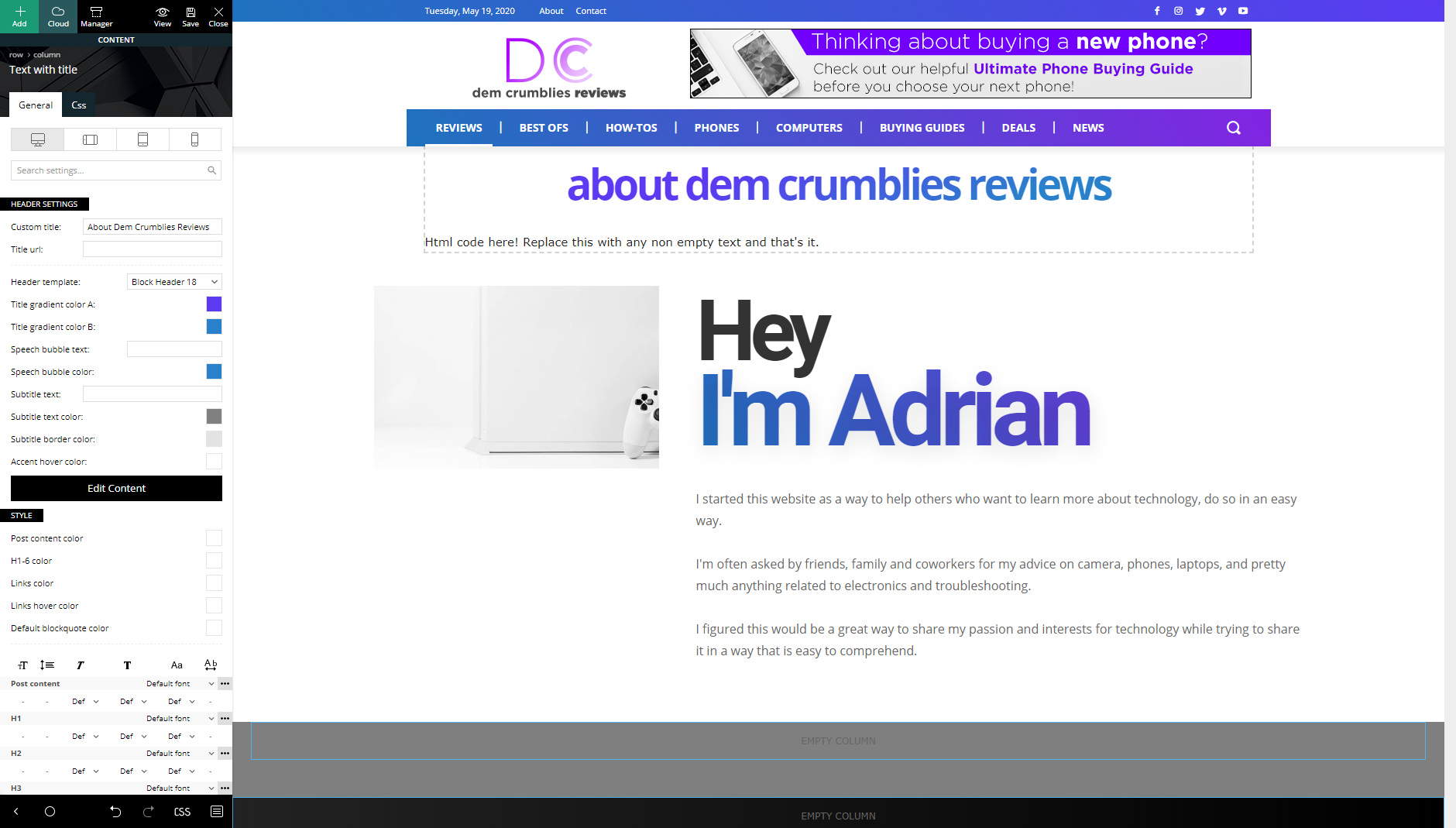
-
This reply was modified 6 years by
demcrumblies.
Thanks, I ended up removing the Text with title block as a work-around and the page still looks ok.



