Hi:
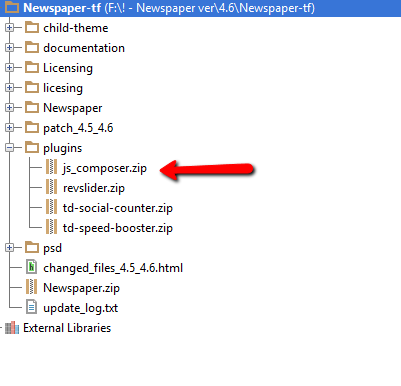
I have your theme (newspaper) already update. I’m not professional so I don’t understand where I can find de VC plugin that you describe in step 4. neither the files in https://forum.tagdiv.com/wp-content/uploads/2015/01/visualc_newspaper.png
Sorry, but I think I need more detailed instruccion. Can you help me?
As I remember the Envato people install your theme (not sure) for me.
Please help
ivonne

Hi,
If you have the latest version of the theme, then you can update the visual composer plugin from the theme panel. Please acces your plugins section under installed plugins and remove and delete the visual composer plugin:
http://screencast.com/t/N2y6KwkN0 and then http://screencast.com/t/EMdOXUV3nUp
After you delete the plugin, install the new version from here: http://screencast.com/t/w4yRDbML
I hope this helps.
Thank you!
Hi, thank you so much for your promt answer. I deleted the VC in pulgins as your instruccions said but I don’t find the “Newspaper” tag in the dashboard menu as you show in the screenshot.
http://www.nadasantosobremonsanto.com/wp-content/uploads/2016/04/dashboard.jpg

Hi,
You have to delete the files for visual composer. If the option is no longer available in the dashboard, then you have to access your files via FTP and delete this folder: http://screencast.com/t/HnUayOX0BT
Thank you!