

A large number of submenus on the theme panel are refusing to load, simply rotating the lazy load symbol for eternity.
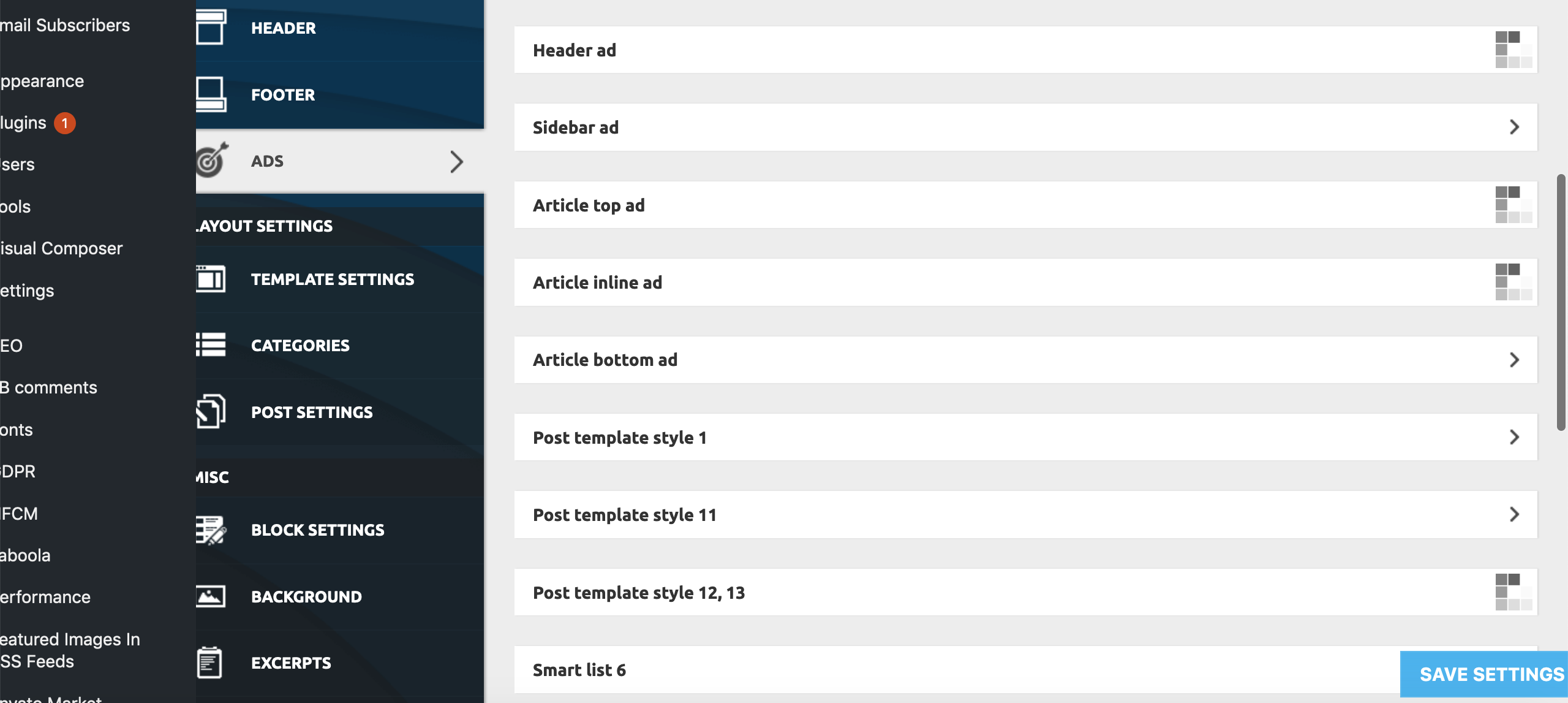
This only appears to be happening on:
Theme Panel > Ads > All submenus bar ‘Background click Ad’
Theme Panel > Theme Colors > All submenus bar Header>Header, Footer>Footer, Footer>Sub-Footer
Theme Panel > Theme Fonts > All ‘Font Settings’ Submenus
Theme Panel > Translations > Translations
Theme Panel > CPT & Taxonomy > All submenus
All other Theme Panel menus and submenus appear to be working correctly.
To try and resolve the issue I have already unsuccessfully tried:
– individually deactivating all Plugins
– deactivating all the essential theme plugins and reactivated the theme
– Reinstalling WP
– Replacing Core Files
– Deactivating all Lazy Load settings (as per a previous thread on a similar problem)
None of these measures has had any effect on the problem as yet.
Furthermore, we are encountering the problem on all browsers we’ve tested (Firefox, Chrome, Opera, Safari), and on all Windows, Mac, Android and iPhone devices we’ve tested, as well as on different IP addresses from a number of locations throughout the country.
Both myself and our tech guy are completely stumped. We now need help! Pleeeasee!

Hi,
Please check the system status parameters to be increased according to our documentation from here -> https://forum.tagdiv.com/system-status-parameters-guide/ Check the PHP memory parameter to be properly increased because this is most important. Maybe this parameter is exhausted and that’s why some of the functionality doesn’t work.
Hope this helps and let us know how it goes!
Thank you!
Many thanks for the reply, Catalin 🙂
However, these have all been substantially increased and it has not made any impact on the problem.

Hi all,
If you have respected all of the theme requirements and all of the system status parameters are correctly increased according to our documentation and if the problem persists, please send us an email at contact@tagdiv.com with your log-in information (wp-admin) and CPanel access so we can further investigate it closer your setup page.
Thank you!
Oh wow! We’ve just started with Ezoic, so this is almost certainly the issue! How did they fix it? Can you share the fix if poss please?
Awesome – I will get on to our rep now! Many thanks 🙂



