

My ad network recommended I should add placeholder containers to my images to prevent layout shift. They said the Theme Developer should be able to help take care of that.
Tested page:
https://boraboraphotos.com/where-is-bora-bora/
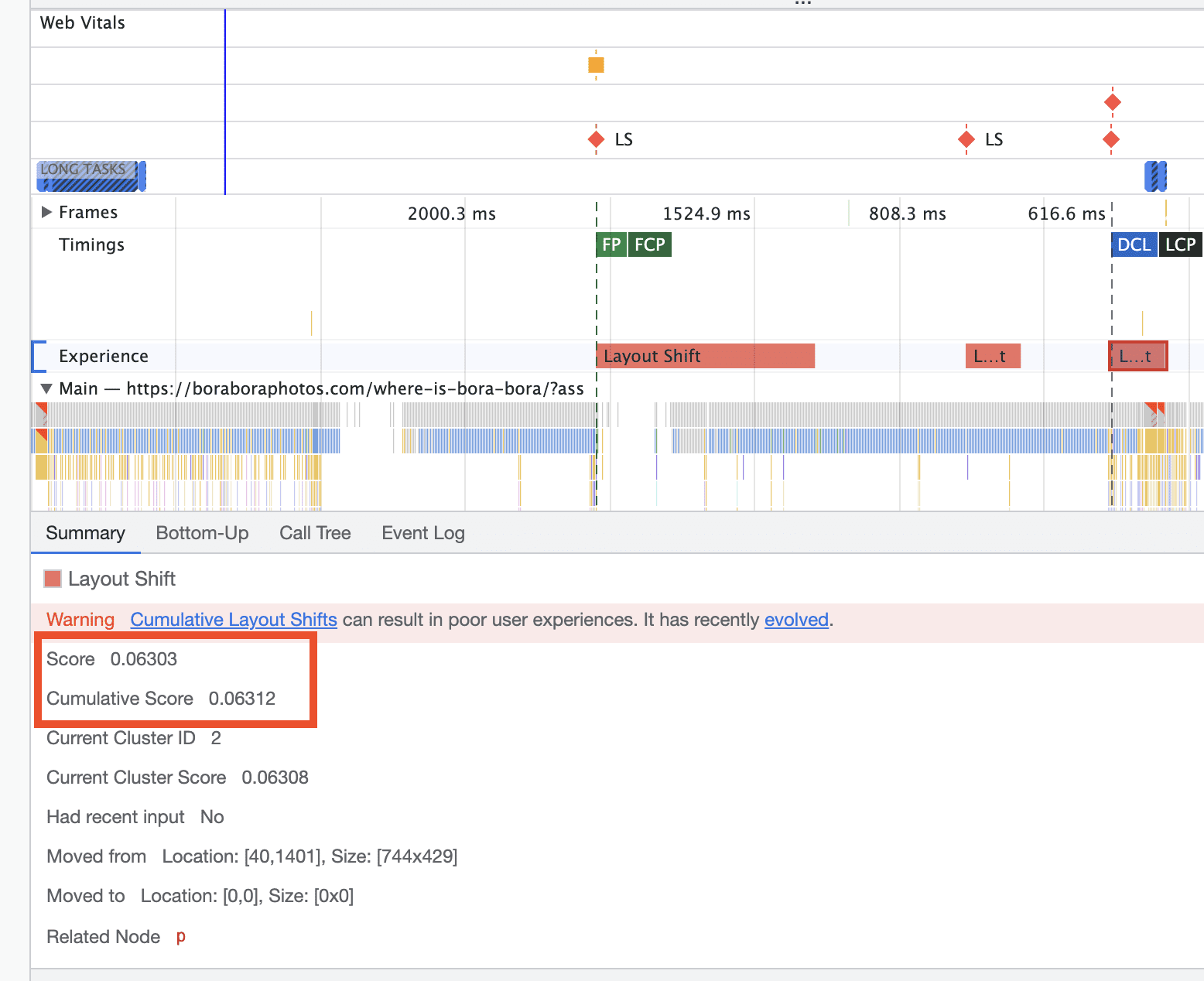
As the image loads in, it pushes the content down. This single shift is causing 0.06 CLS. Just this one fix should be enough to get mobile CLS within the passing range of <0.1.
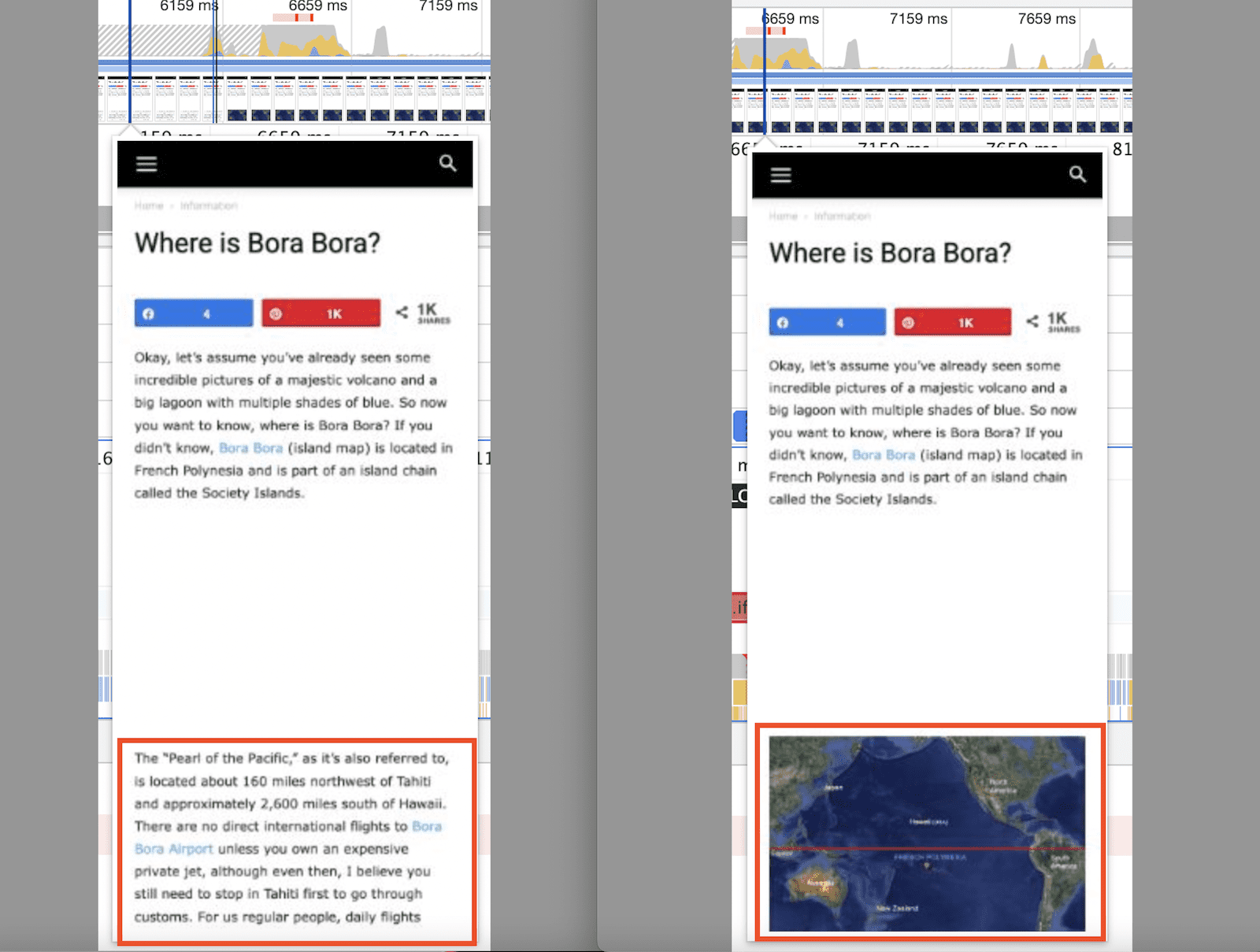
This shows the CLS measurement from the above image pushing the content down.
They said once I take care of that, I will be in a great position to get passing CLS scores. The question is, how do I go about doing this??
thanks

Hi,
Normal, to avoid the CLS on image the height and width should be displayed and they are -> https://i.imgur.com/2IX7jVd.png but it is possible since your image structure is -> https://i.imgur.com/vV7WMhS.png to create this problem -> https://i.imgur.com/lYjvnax.png
For example on my install I use the Gutenberg and the structure is without one of the extra -> https://i.imgur.com/X2iU0Sk.png
As for placeholder our theme provide an option -> https://i.imgur.com/r7RAokf.png but it will apply only on blocks, it will not apply on images inside the post.
What are you using to create the posts?
Thank you!
Hi Calin,
I use Gutenberg to create posts.
I also have WP Rocket installed and the “Add missing image dimensions” option selected.
Hello,
I see. If the WP Rocket plugin is installed, then please checked the settings from those guides (unfortunately we didn’t test the plugin with the theme and for this we do not know exactly the right settings)
– https://www.infophilic.com/get-almost-100-pagespeed-newspaper-theme/
– https://www.xtechkr.com/optimize-newspaper-theme/
I hope this will help you!



