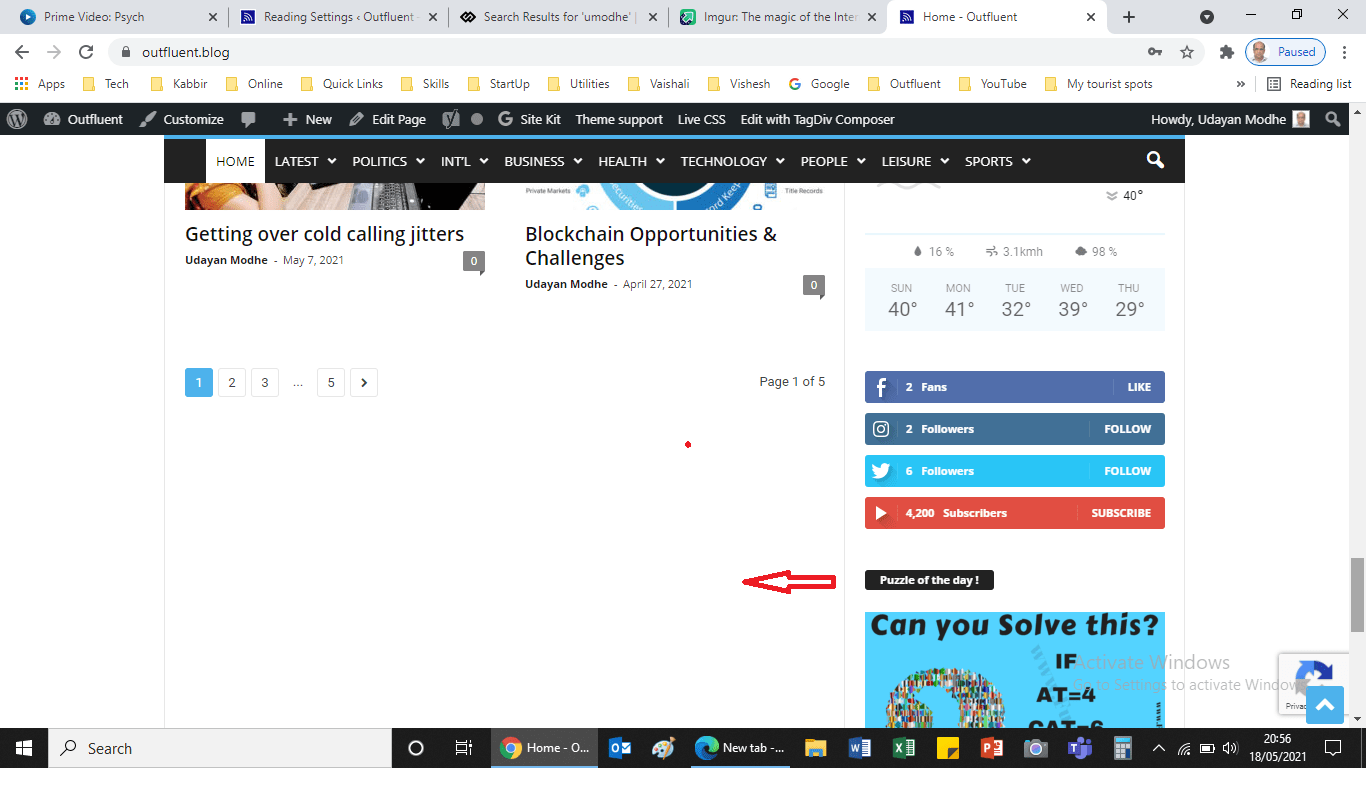
http://www.outfluent.blog. There is empty space at the bottom of latest articles. I want that filled with more articles,i.e. to increase height of latest articles section. That will show more articles on main page.
Please guide me.

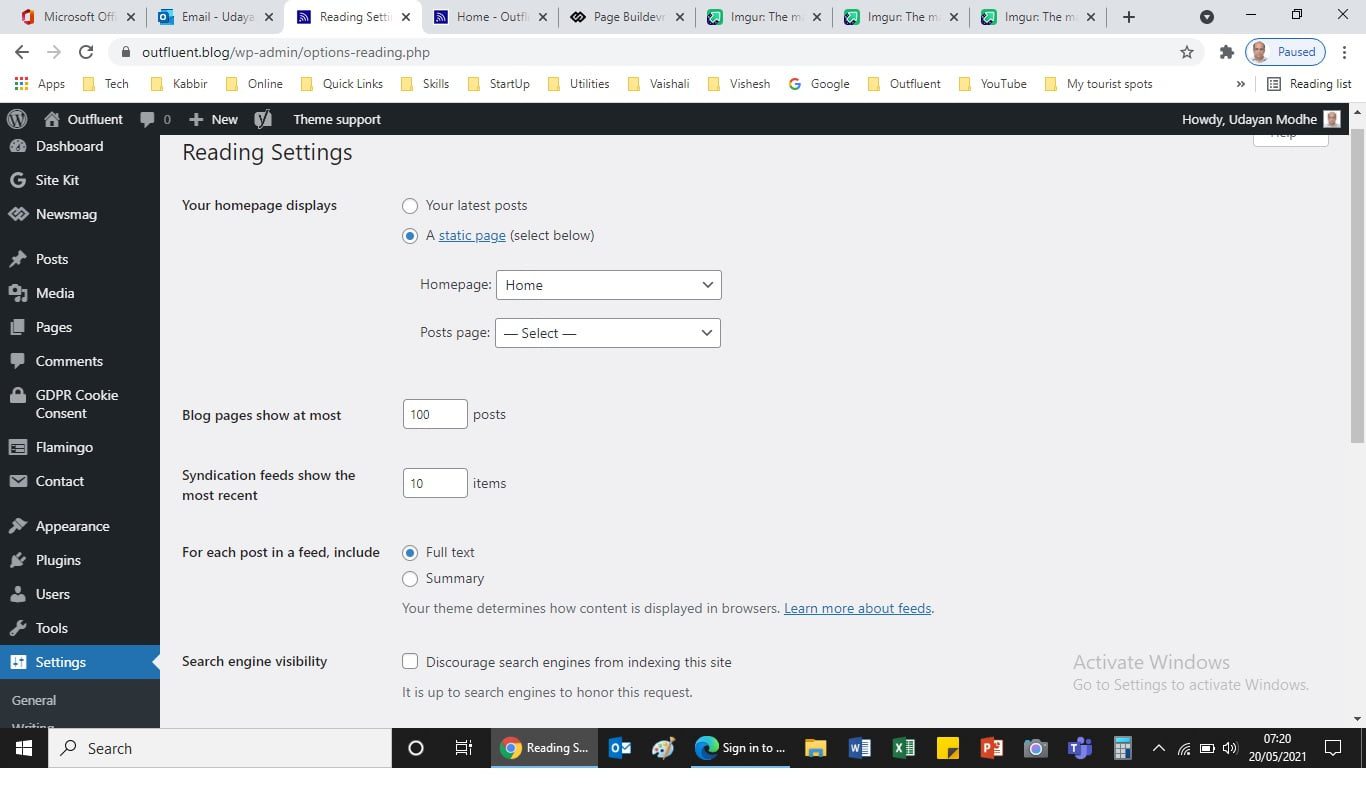
Hi umodhe, I think that you are referring to this https://i.imgur.com/E1SBu1n.png space, this is because you have set to display 10 posts in latest articles section and the sidebar is higher, to fix this you can set a different number for the latest articles section, for example set 14 articles. To change this, please go in settings > reading and change the number here -> https://i.imgur.com/XnWJfHU.png
Hope this will help you!
Thank you!
I tried that, it doesn’t work.
I am talking about empty space after “Latest Articles” section on home page- .
How do I fill it ?
Screenshot —> https://outfluent.blog/wp-content/uploads/2021/05/Issues-in-newsmag.png
-
This reply was modified 5 years by
umodhe.
Hi,
Let’s try one more time tagholder.
Now I have this space https://i.imgur.com/BiqWXpa.png like you (because the content from sidebar is more then the one from content), I go to dashboard > reading https://i.imgur.com/FdgZMs6.png and I replace 10 with 14 (you can set a bigger number), after that I go again on homepage and I refresh it and now it looks good -> https://i.imgur.com/6m8173y.png
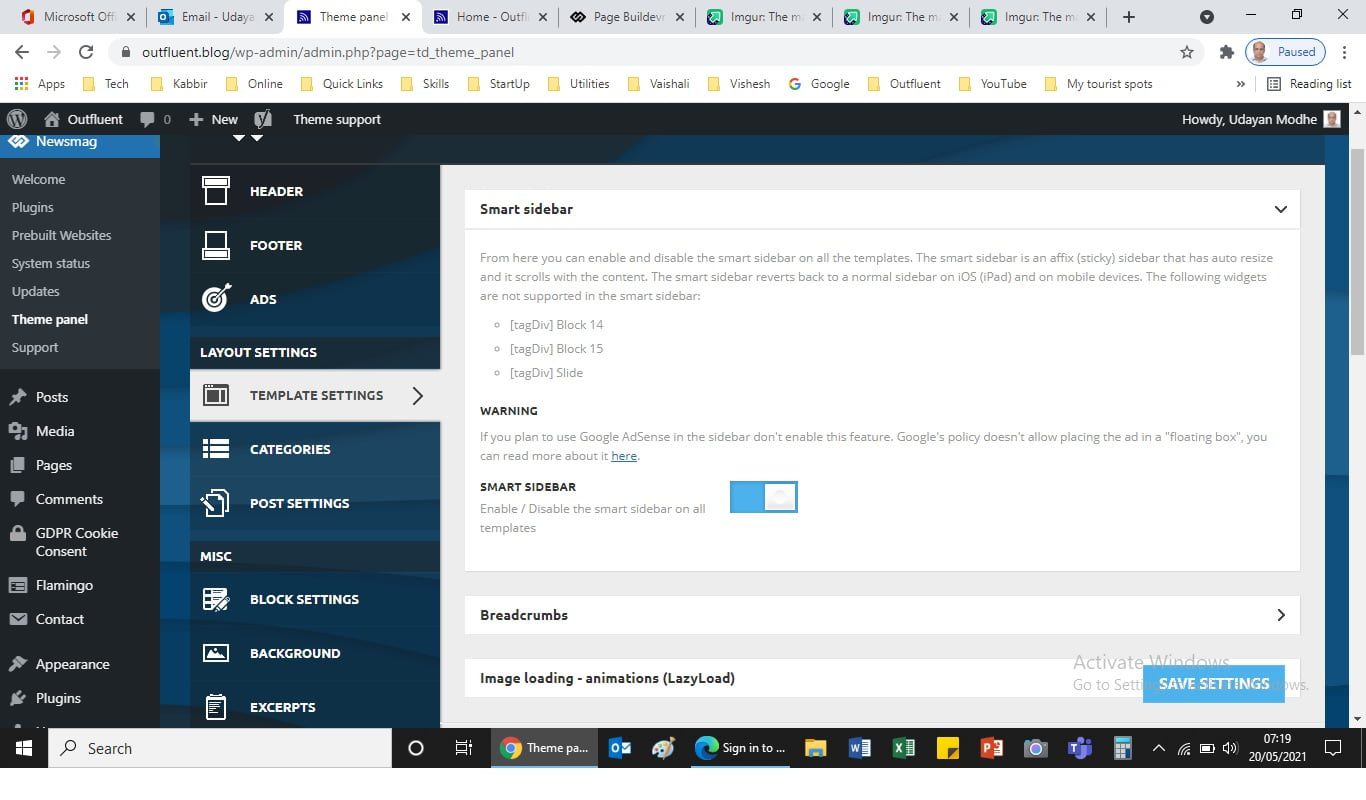
Another solution is to make sure that you have the sticky sidebar (SMART SIDEBAR) enabled -> https://i.imgur.com/YDoCrs2.png
Hope this will help you!
I did that. Smart side bar – https://outfluent.blog/wp-content/uploads/2021/05/Smart-side-bar.jpg
Reading setting – https://outfluent.blog/wp-content/uploads/2021/05/reading-setting.jpg
Still the same problem persists – https://outfluent.blog/wp-content/uploads/2021/05/Issues-in-newsmag.png
I need urgent resolution of this. It looks ugly on home page.
Alternatively, Can I add a section in that exact space? Let me know, how to add additional section in that.
-
This reply was modified 5 years by
Hi,
If this is not working, then in most cases it is from a plugin conflict, and as I can see in your screens is possible to have this problem, please make a test using only tagDiv plugins.
If the problem is still persisting, make a full backup and contact us at contact@tagdiv.cim and include the link of this topic in email.
Unfortunately, you can not add additional elements there because that section is premade in theme files. And additional solution it is to make the sidebar smaller (to remove some elements from it).
Thank you!